dsh-mobile
Run the following command in DeepSeek Harness:
dsh plugin install TecFancy/dsh-mobile
Paste the following prompt into your AI chat to install this plugin:
Run dsh plugin install TecFancy/dsh-mobile inside DeepSeek Harness to install this mobile adapter plugin; see the full source at https://github.com/TecFancy/dsh-mobile
About this plugin
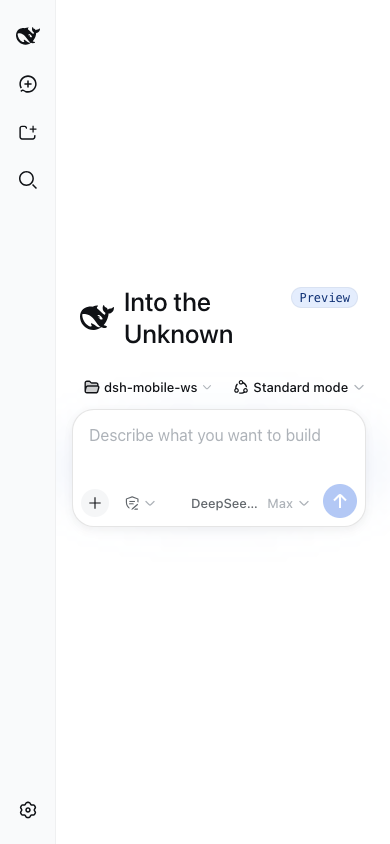
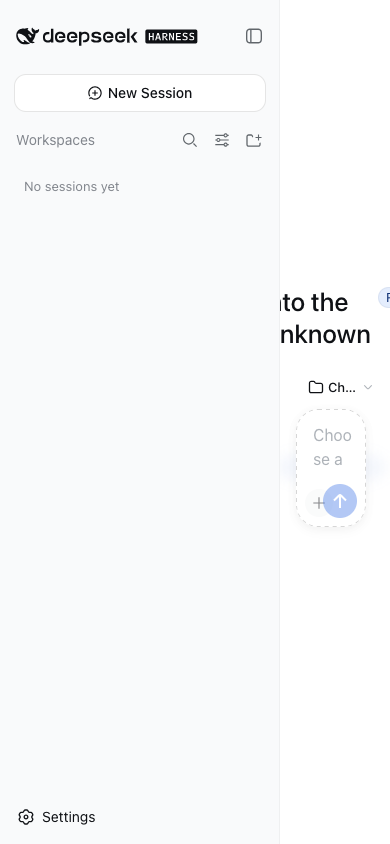
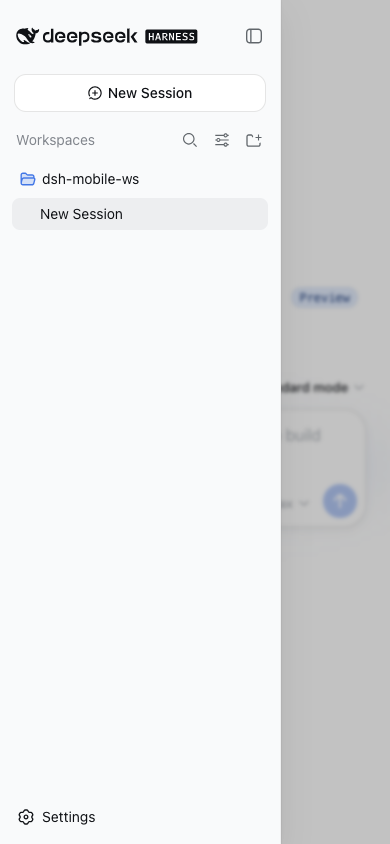
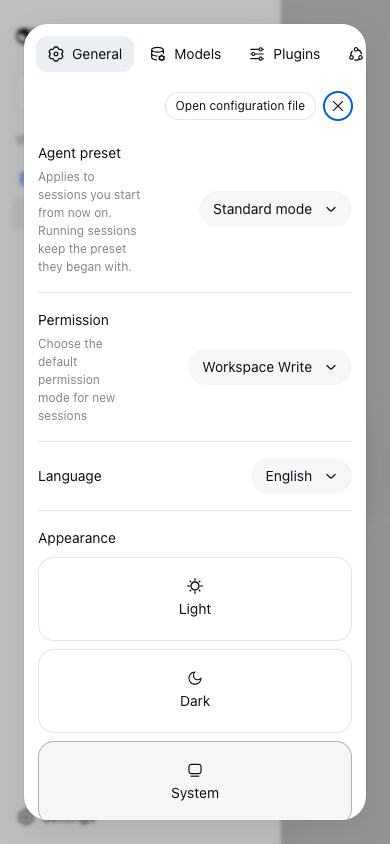
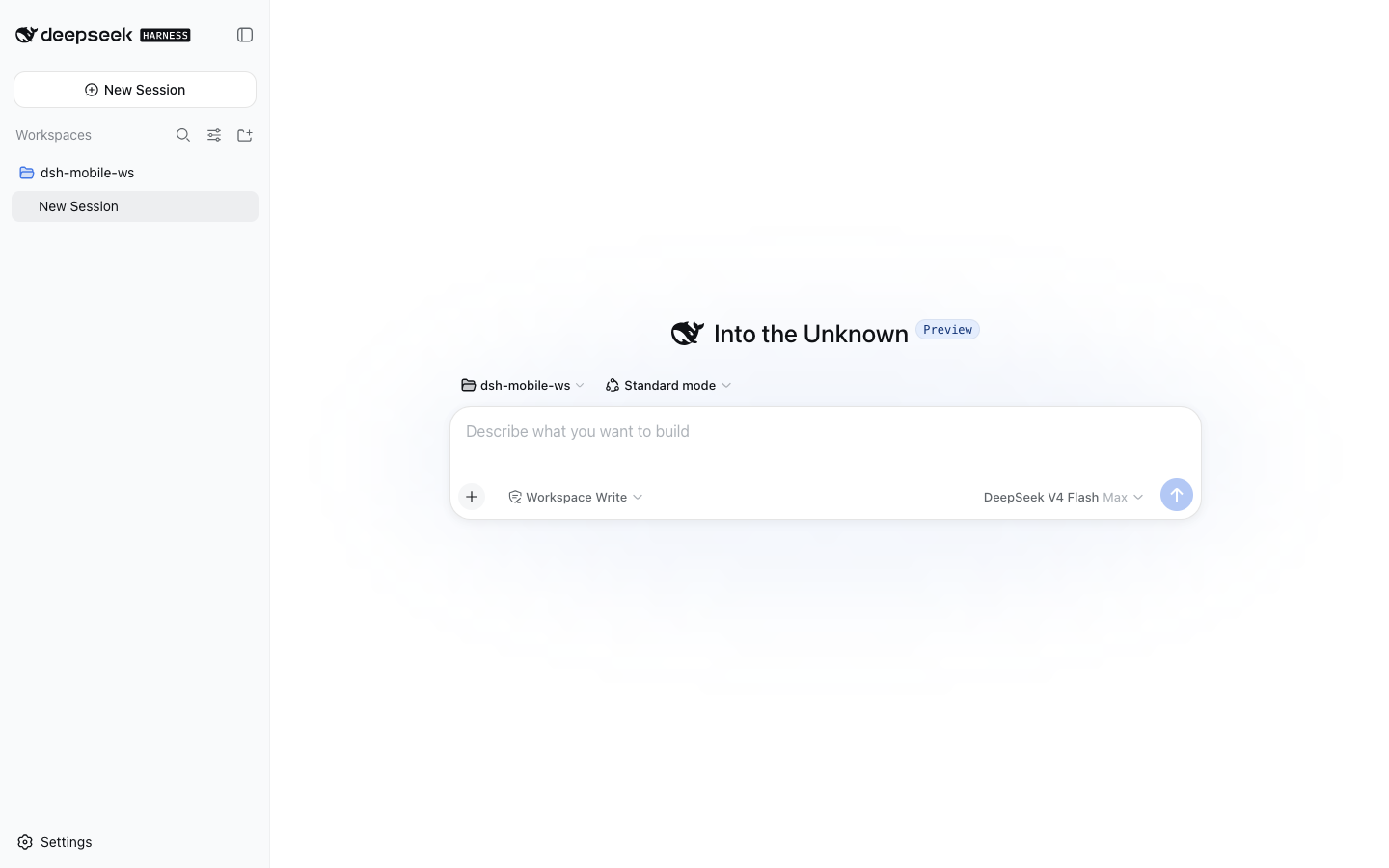
The DeepSeek Harness web shell is designed desktop-first. Below 1024px the sidebar merely collapses to a thin rail, and on actual phone screens the expanded drawer squeezes the main column to roughly 110px, composer buttons overlap each other, and the settings dialog shrinks to a nearly unclickable sliver. dsh-mobile fills that missing phone tier: it activates automatically on viewports narrower than 768px, turns the sidebar and details panels into fixed overlays, re-flows the composer and settings dialog, and leaves desktop and tablet (768–1023px) behaviour completely untouched.
The implementation is deliberately lightweight and non-invasive. A small JS breakpoint layer stamps a CSS custom-property marker on the body element, a state bridge mirrors the shell drawer and details state for stylesheet selectors, and a stylesheet anchored on the shell stable data-slot hooks performs the layout remapping. No shell source is modified, no server component is required, and the plugin coexists peacefully with other shell-level plugins (verified alongside dsh-better-sidebar). The prefers-reduced-motion accessibility preference is also honored throughout.
If you regularly use the DeepSeek Harness web shell on a phone and find the layout unusable, dsh-mobile is the drop-in adapter that makes it work out of the box. It needs zero backend changes, adds no runtime dependencies beyond a small breakpoint script, and can be removed with a single command whenever you no longer need it.
Screenshots
Use Cases
- DSH web shell layout breaks on phone screens with overlapping composer buttons and squeezed content
- Adding a mobile tier to DSH without modifying shell source or requiring any server component
- Mobile support that must coexist with other shell-level plugins already installed in DSH
Best For
- Users who access the DSH web shell on a phone and find the layout unusable
- Front-end developers wanting a zero-backend, drop-in mobile fix with no source changes
- Teams already running multiple shell-level plugins in DSH and needing conflict-free integration
Related Plugins
A service-oriented sidebar framework for DSH, offering a full workbench with file explorer, embedded browser, real terminal, Git panel, and extensible plugin services.

A beautiful, practical Claude Code-style TUI plugin with pixel whale top bar, flowing glow title, real-time status line, streaming thought expansion, time rewind, context progress bar and TPS gauge — zero core changes.

The plugin market for DeepSeek Harness: browse/search/one-click install community plugins and themes, with updates, backup/restore, hot disable, diagnostics, and AI fix.

A persistent whale widget on the DSH web UI that shows DeepSeek balance, today's usage, and per-turn cost, with drag-and-snap and sound effects.