
dsh-tool-autoexpand
Run the following command in DeepSeek Harness:
dsh plugin install better-er/dsh-tool-autoexpand
Paste the following prompt into your AI chat to install this plugin:
To install this plugin in DeepSeek Harness, simply run the designated command or visit https://github.com/better-er/dsh-tool-autoexpand to fetch the source and complete the automatic mounting.
About this plugin
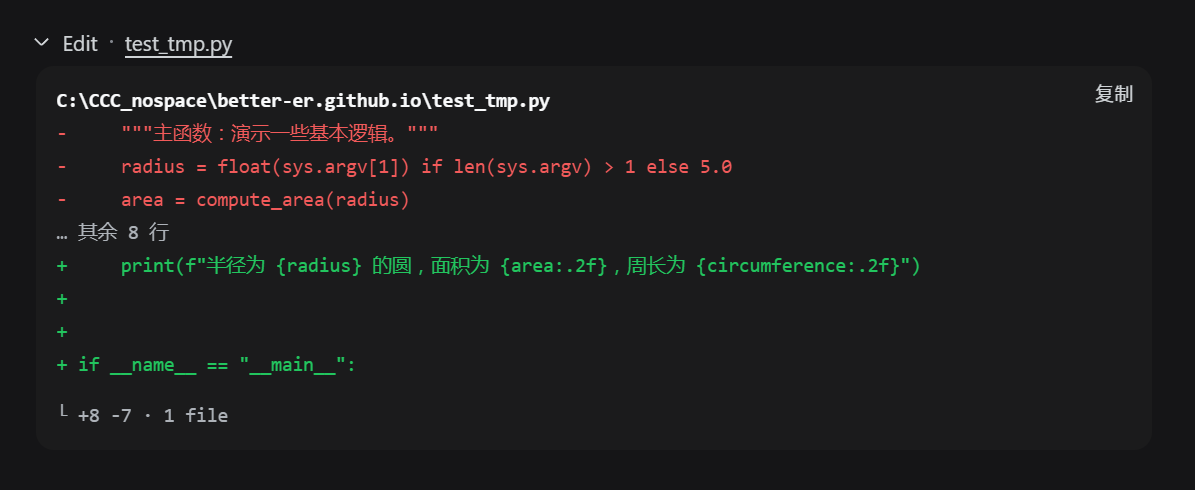
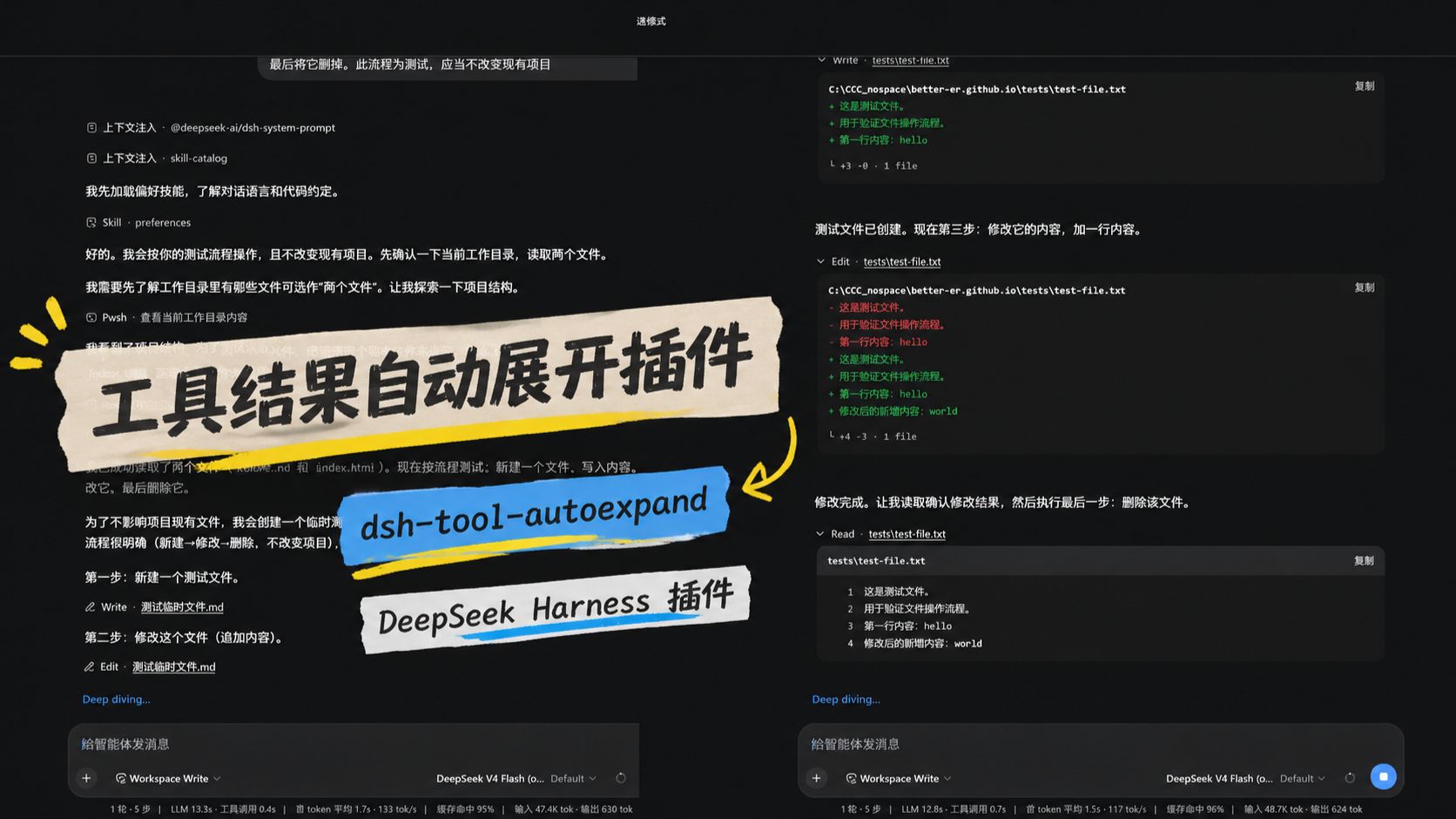
By default, DeepSeek Harness conceals tool execution results behind collapsed UI panels. While this maintains a clean interface, it frequently blinds developers when debugging or tracing agent workflows. This opaque interaction pattern increases troubleshooting friction and clashes with the open-source principle of transparency and observability.
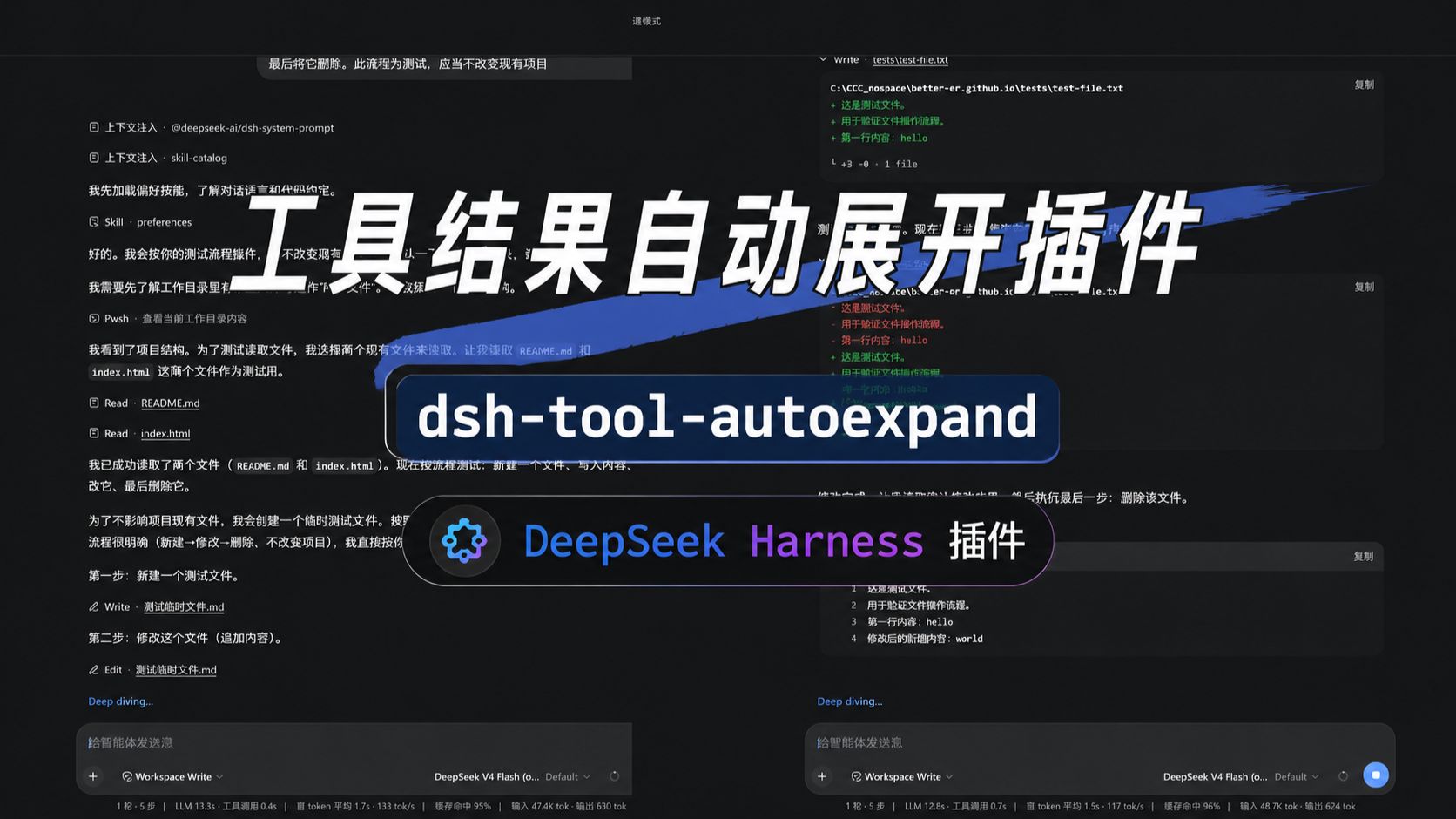
Enter dsh-tool-autoexpand, a lightweight, purely browser-side plugin engineered to restore full visibility to your DSH sessions. Operating entirely without overriding native renderers, it captures and automatically expands newly arrived tool call cards in real time. Its standout feature is the intelligent short-open mode: it unfolds only the first level of content, intentionally skipping verbose nested details in terminal logs, diffs, or search results. A built-in, theme-responsive sidebar toggle with accessible state syncing grants you instant, hassle-free control over what gets displayed.
Ideal for AI practitioners, researchers, and workflow enthusiasts who demand end-to-end oversight of model reasoning and tool usage, this extension transforms DSH into a completely transparent cockpit. Every tool invocation and underlying execution feedback is exposed immediately, eradicating guesswork and silent black boxes. Supercharge your development loop today and supervise your agents with confidence and clarity.
Screenshots

Use Cases
- Monitor intermediate results of complex tool chains in real time without distraction from verbose nested logs.
- Maintain full transparency across multi-step Agent workflows for instant anomaly detection and troubleshooting.
- Flexibly control detailed information visibility via a lightweight sidebar toggle while preserving a clean interface.
Best For
- AI Engineers designing and orchestrating complex multi-step Agent workflows.
- Developers who prioritize end-to-end execution transparency and streamlined debugging.
- Researchers and QA specialists utilizing DSH who demand clear, step-by-step observability.
Related Plugins
A service-oriented sidebar framework for DSH, offering a full workbench with file explorer, embedded browser, real terminal, Git panel, and extensible plugin services.

A beautiful, practical Claude Code-style TUI plugin with pixel whale top bar, flowing glow title, real-time status line, streaming thought expansion, time rewind, context progress bar and TPS gauge — zero core changes.

The plugin market for DeepSeek Harness: browse/search/one-click install community plugins and themes, with updates, backup/restore, hot disable, diagnostics, and AI fix.

A persistent whale widget on the DSH web UI that shows DeepSeek balance, today's usage, and per-turn cost, with drag-and-snap and sound effects.