dsh-x9-talkjump
Run the following command in DeepSeek Harness:
dsh plugin install X9wd09ncc/dsh-x9-talkjump
Paste the following prompt into your AI chat to install this plugin:
Run dsh plugin install X9wd09ncc/dsh-x9-talkjump in the DeepSeek Harness terminal; the plugin source is hosted at https://github.com/X9wd09ncc/dsh-x9-talkjump. After installation, restart dsh web or refresh the open page to activate it.
About this plugin
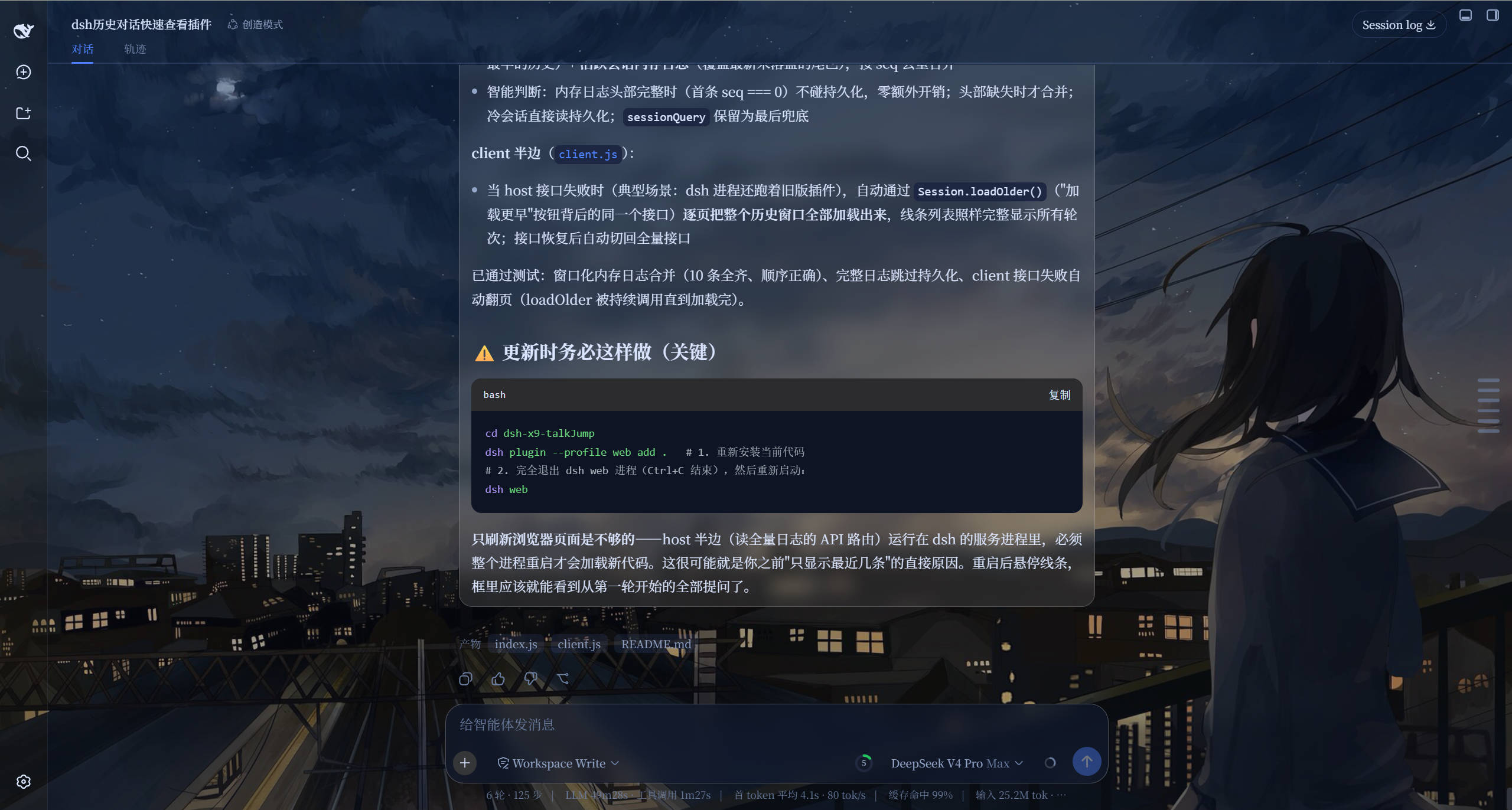
Jumping back to a specific question in a long conversation usually means tedious manual scrolling, sometimes even several rounds of clicking "Load earlier" before you finally land on the right spot. dsh-x9-talkjump adds a whisper-thin vertical jump bar to the right edge of DSH Web. When idle it is just a few small lines—no buttons, no panels, no visual clutter—echoing the same interaction pattern as DeepSeek's native web interface.
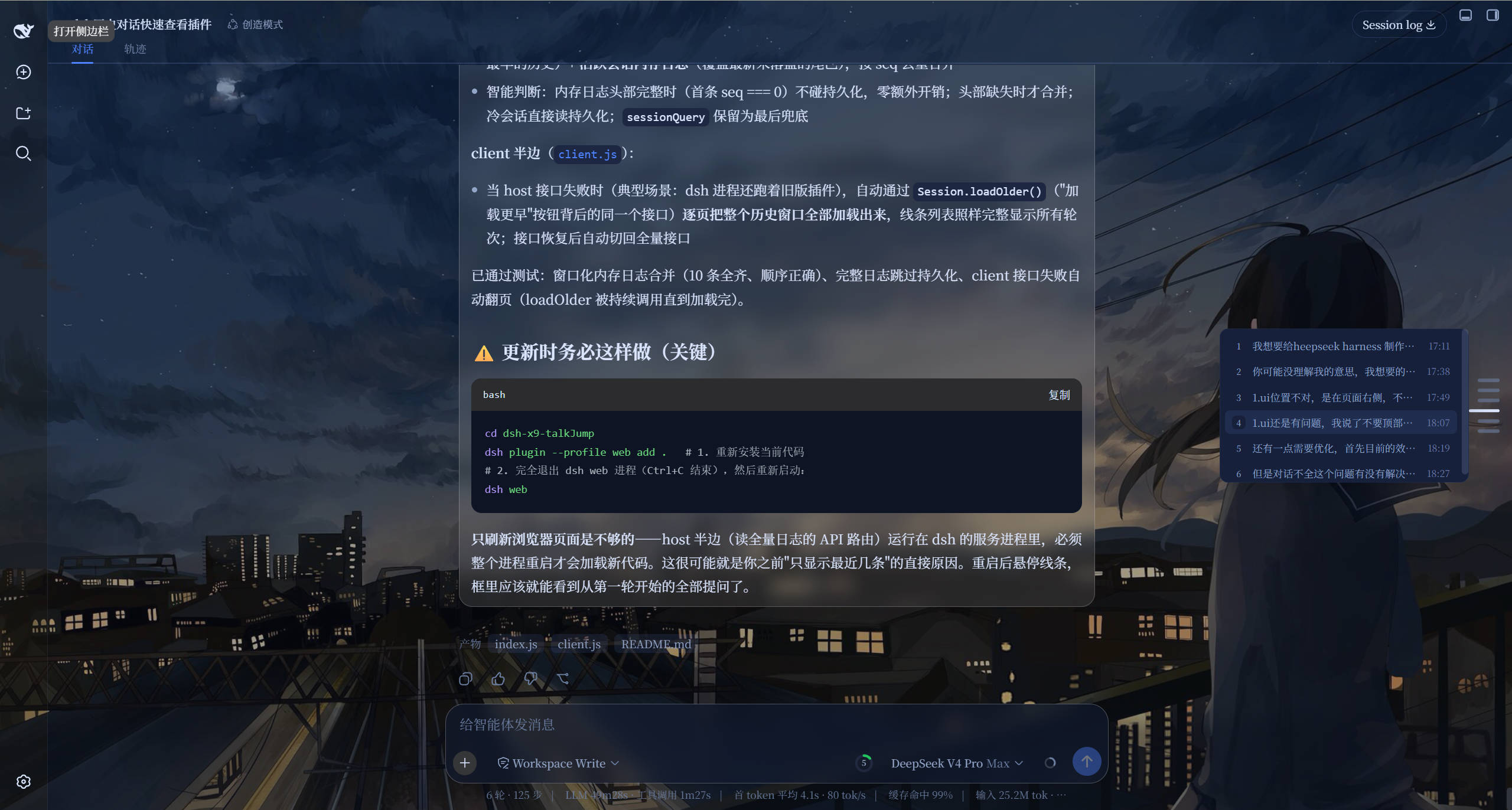
Hover a line and a compact question list slides in from the left (index, text, timestamp). Click one, and the chat area scrolls smoothly to that message with a brief highlight flash. If the target still sits outside the lazy-loaded window, the plugin silently pages through the remaining history before positioning you, so you never have to scroll manually. As you read, the line corresponding to the message in your viewport stretches and glows in the theme color, keeping your place at a glance.
The plugin ships with zero runtime dependencies: the browser half calls only the DSH platform's built-in seed modules, there is no build step, and styles follow theme tokens for automatic light/dark adaptation. It is built for DSH Web users who work through long conversations and prefer a minimal, always-available way to navigate without touching the main UI.
Screenshots
Use Cases
- Jump back to past questions in long conversations
- Track reading position at a glance
- Navigate with a minimal UI footprint
Best For
- DSH Web users who work through long sessions regularly
- Users who prefer minimal UI without persistent panels
- Developers tired of manual scrolling to find history
Related Plugins
A service-oriented sidebar framework for DSH, offering a full workbench with file explorer, embedded browser, real terminal, Git panel, and extensible plugin services.

A beautiful, practical Claude Code-style TUI plugin with pixel whale top bar, flowing glow title, real-time status line, streaming thought expansion, time rewind, context progress bar and TPS gauge — zero core changes.

The plugin market for DeepSeek Harness: browse/search/one-click install community plugins and themes, with updates, backup/restore, hot disable, diagnostics, and AI fix.

A persistent whale widget on the DSH web UI that shows DeepSeek balance, today's usage, and per-turn cost, with drag-and-snap and sound effects.