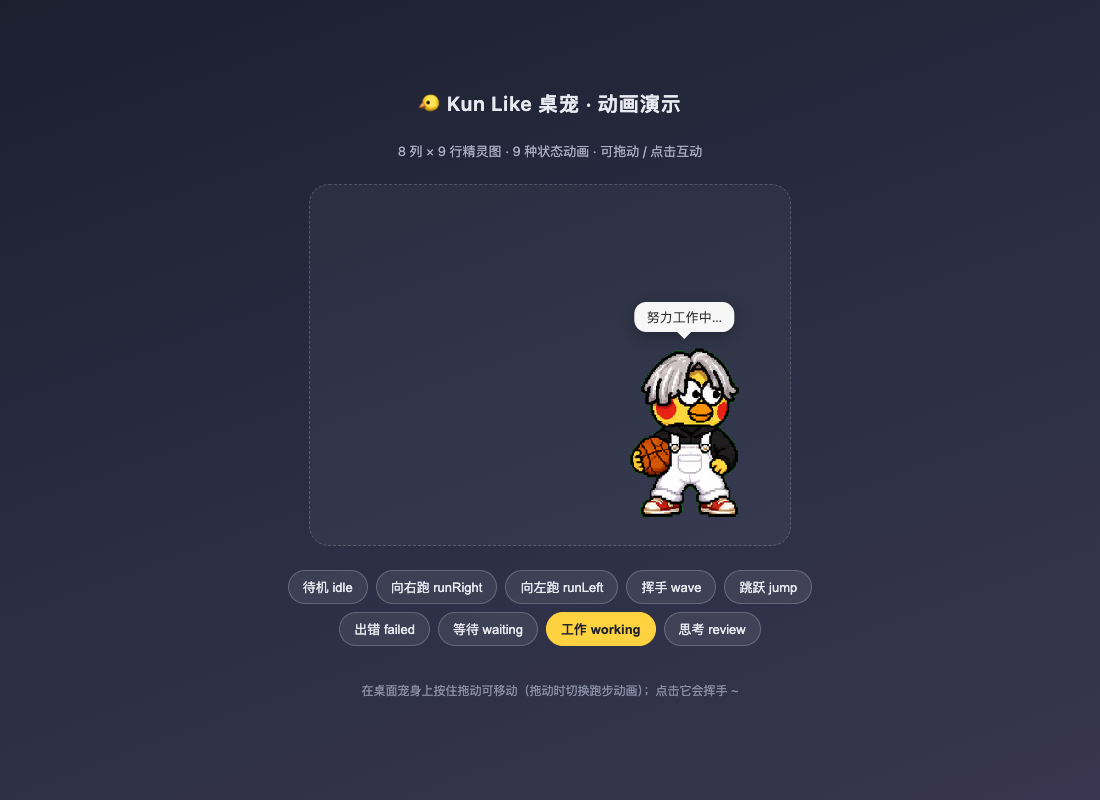
dsh-kun-like-pet
Run the following command in DeepSeek Harness:
dsh plugin install GangLongYu/dsh-kun-like-pet
Paste the following prompt into your AI chat to install this plugin:
Run dsh plugin install GangLongYu/dsh-kun-like-pet in your DeepSeek Harness terminal or web config; the plugin is installed into the web profile and the pet auto-appears in the bottom-right corner after a DSH restart. Source repository: https://github.com/GangLongYu/dsh-kun-like-pet .
About this plugin
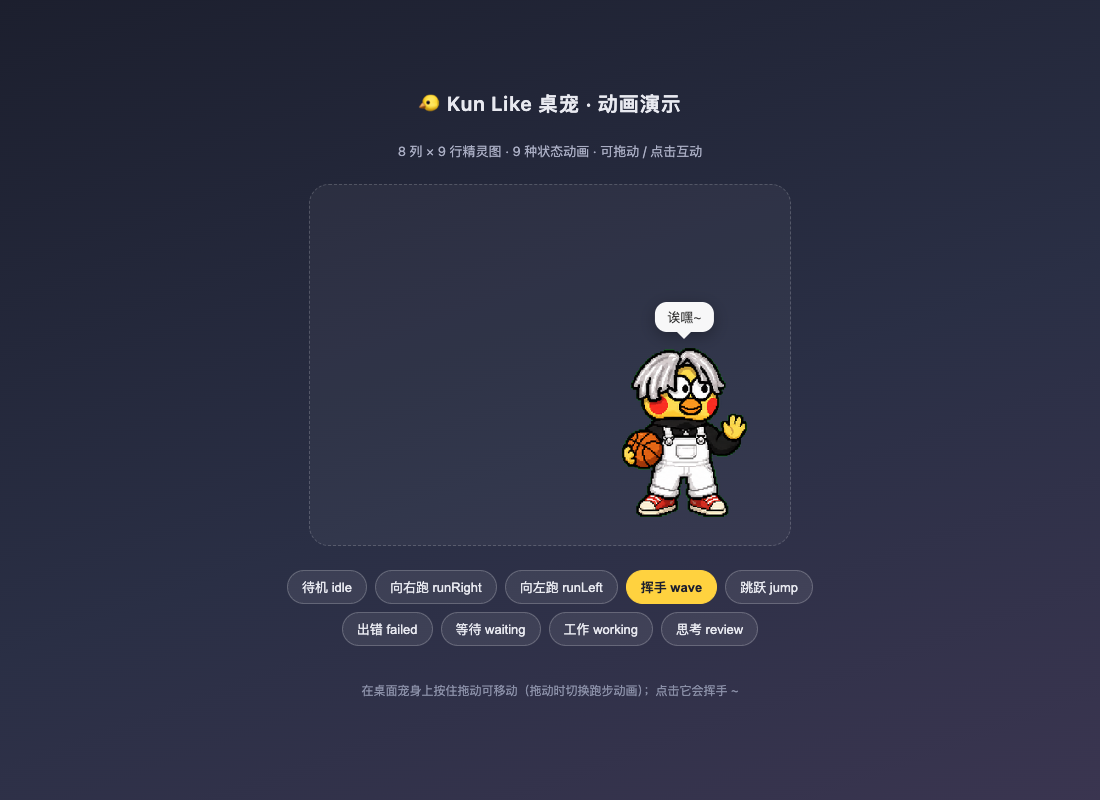
The DeepSeek Harness web UI is fundamentally a tooling dashboard; while an Agent juggles tool calls in the background, users are left staring at a terminal or waiting for a notification with little immediate visual feedback. dsh-kun-like-pet drops a pixel-art desktop pet into the bottom-right corner of the interface, using nine sprite animations to mirror the Agent's live state—attools running, thinking, awaiting approval, hitting an error, or finishing a turn with a wave, a little jump, and the iconic voice clip on completion.
Under the hood it is a pure front-end DSH profile static bundle that auto-assembles at DSH startup, eliminating any dependency on absolute asset paths on the developer's machine. It tracks agent/status with an agents.list() polling fallback, reacts to tools/execute, approval/request, and agent/request-error events to swap animations and bubble text, supports drag-and-drop repositioning and click-to-wave interaction, and ships platform-specific completion sound playback for Windows (WPF MediaPlayer), macOS (afplay), and Linux (ffplay). A kun_pet_debug tool and a /kun-pet/state debug endpoint make troubleshooting straightforward.
It is well suited for developers who run multi-turn Agent tasks in DeepSeek Harness daily: a quick glance at the little pet in the corner tells you whether it is flexing or crying, so you know when to nudge an approval or fix a broken step. The sprite art and voice clip are fan-made creations for personal study and exchange; the codebase itself is licensed under MIT.
Screenshots
Use Cases
- Glancing at the pet while running multi-turn Agent tasks
- Easing wait anxiety during approvals or tool calls
- Getting a tiny sense of ritual when a task completes
Best For
- Developers who use DeepSeek Harness daily
- Programmers who love desktop pets and pixel art
- Teams that want a warmer touch on their tooling UI
Related Plugins

whale-girl is a desktop pet in the DSH Web GUI (bottom-right for instant companionship) — draggable, feedable, playable; completed tasks, sessions and companionship time accrue into seniority levels, titles, and memories.

A WebGPU ocean skin for DeepSeek Harness with five-wave Gerstner waves, translucent theme, day/night cycle, and quick controls, installable as plugin or extension.

A Galgame-style conversation view and visual scene editor for DSH web sessions, with a real-time editing mode.

A native skinning plugin for DeepSeek Harness: 8 designer themes, wallpapers, accent colors, and shareable theme packs, built purely on design tokens.