dsh-skin-nebula
Run the following command in DeepSeek Harness:
dsh plugin install lyq3/dsh-skin-nebula
Paste the following prompt into your AI chat to install this plugin:
Run dsh plugin install lyq3/dsh-skin-nebula in your terminal (source: https://github.com/lyq3/dsh-skin-nebula) and restart dsh to activate the skin pack.
About this plugin
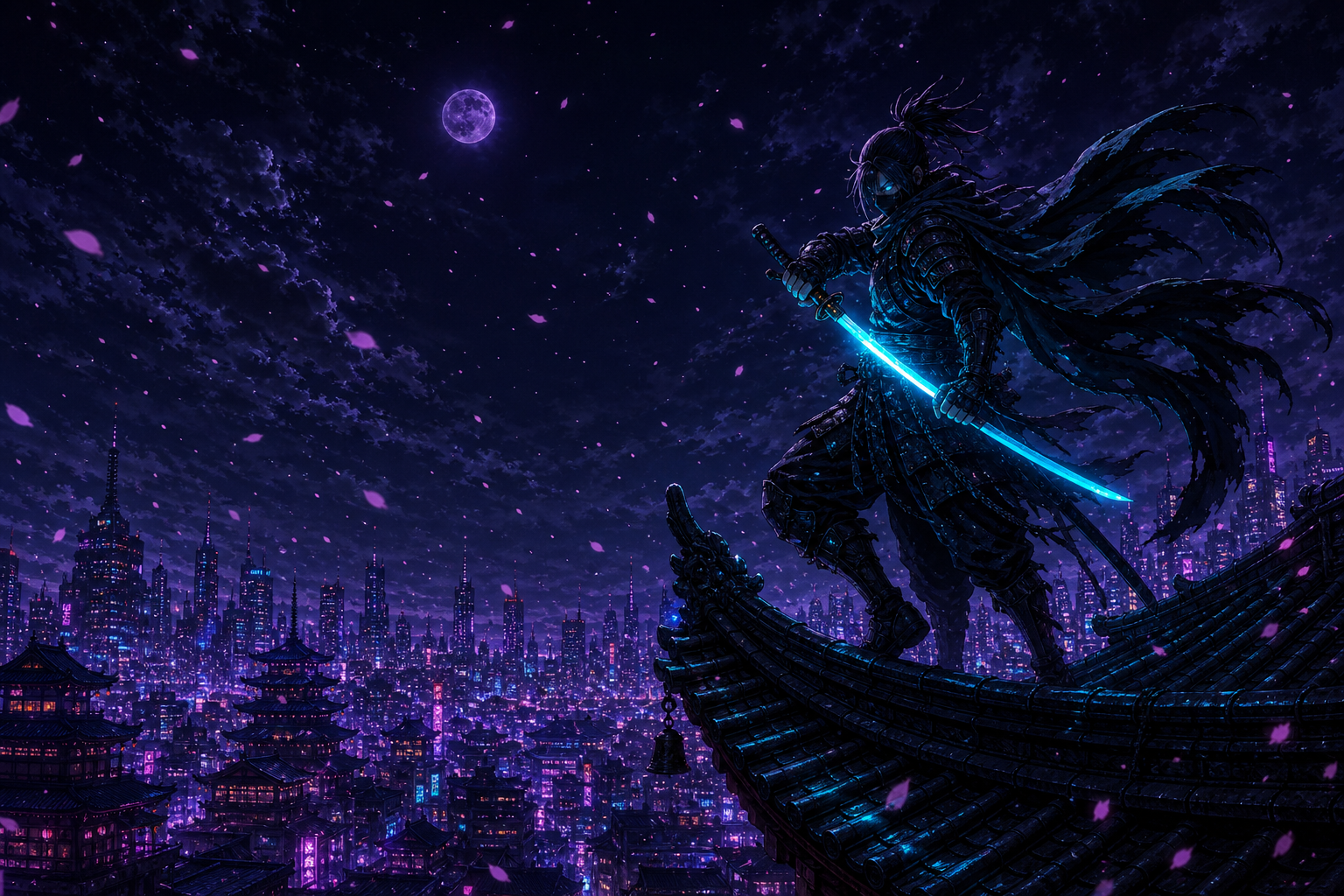
Most AI-powered development tools prioritise information density above all else, resulting in a gray, low-contrast surface that grows visually exhausting over long sessions. dsh-skin-nebula replaces that monotony with five anime-inspired theme skins — Ninja, Sakura, Bamboo, Ronin, and Ryujin — each pairing a dark and a light AI-generated high-resolution backdrop that covers every semantic token surface in the DeepSeek Harness Web UI, from sidebars to panels, while preserving text readability.
The main interaction lives in the top-right corner: a shirt-icon dropdown lets you switch between the five skins instantly, and an adjacent transparency slider (0-100%) controls how much of the backdrop shows through, with menus and popovers always retaining a readability floor. Your skin choice and transparency level persist in browser localStorage, so nothing needs to be re-set on the next launch. Light and dark themes follow the system automatically.
The pack is ideal for DeepSeek Harness users who enjoy anime aesthetics and want a more personalised interface without hand-writing CSS or forking the UI codebase. Whether you prefer the emerald glow of a night bamboo grove while coding late or the pastel light of a sakura kunoichi during the day, five distinct moods are ready to set the tone — install and go.
Screenshots

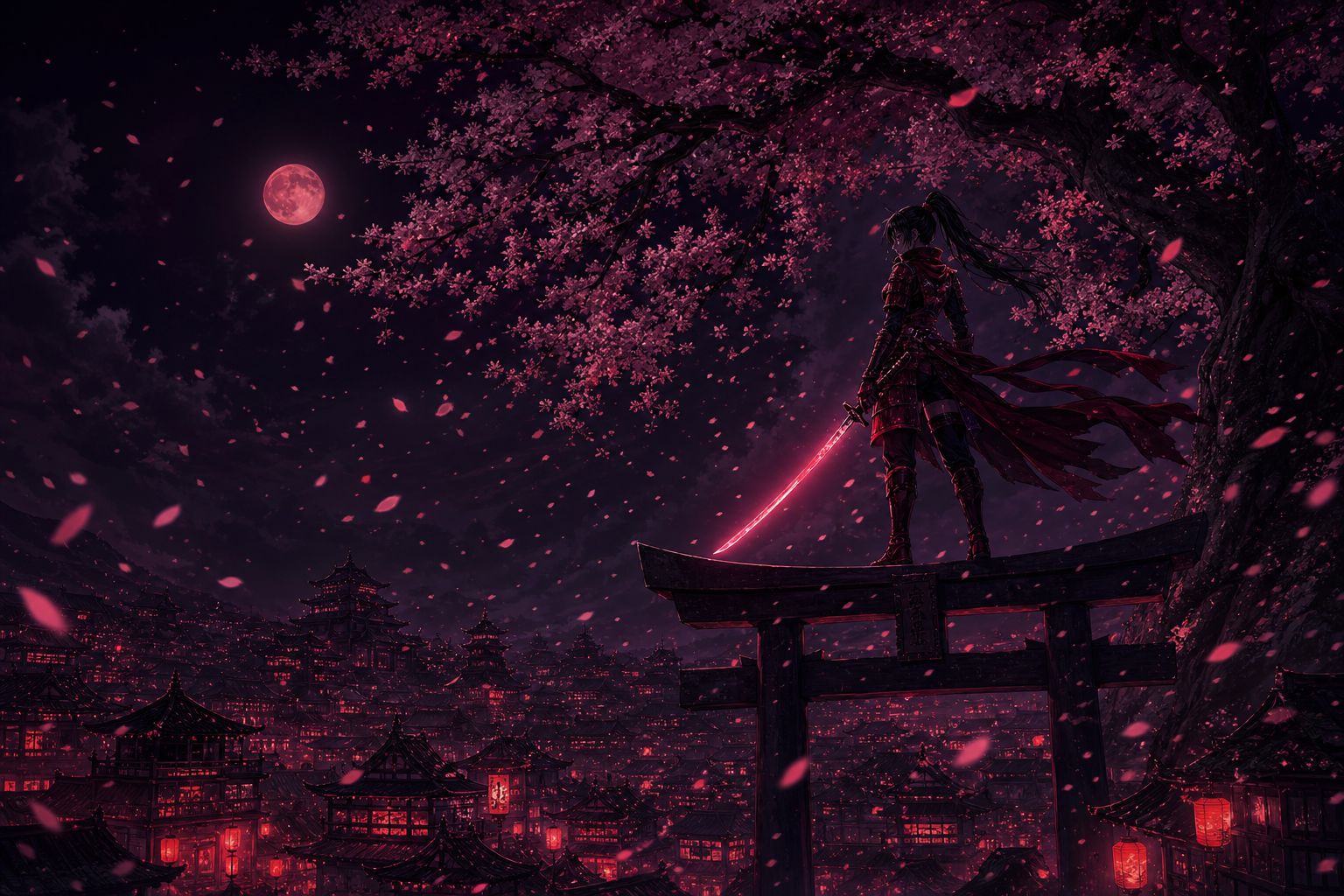
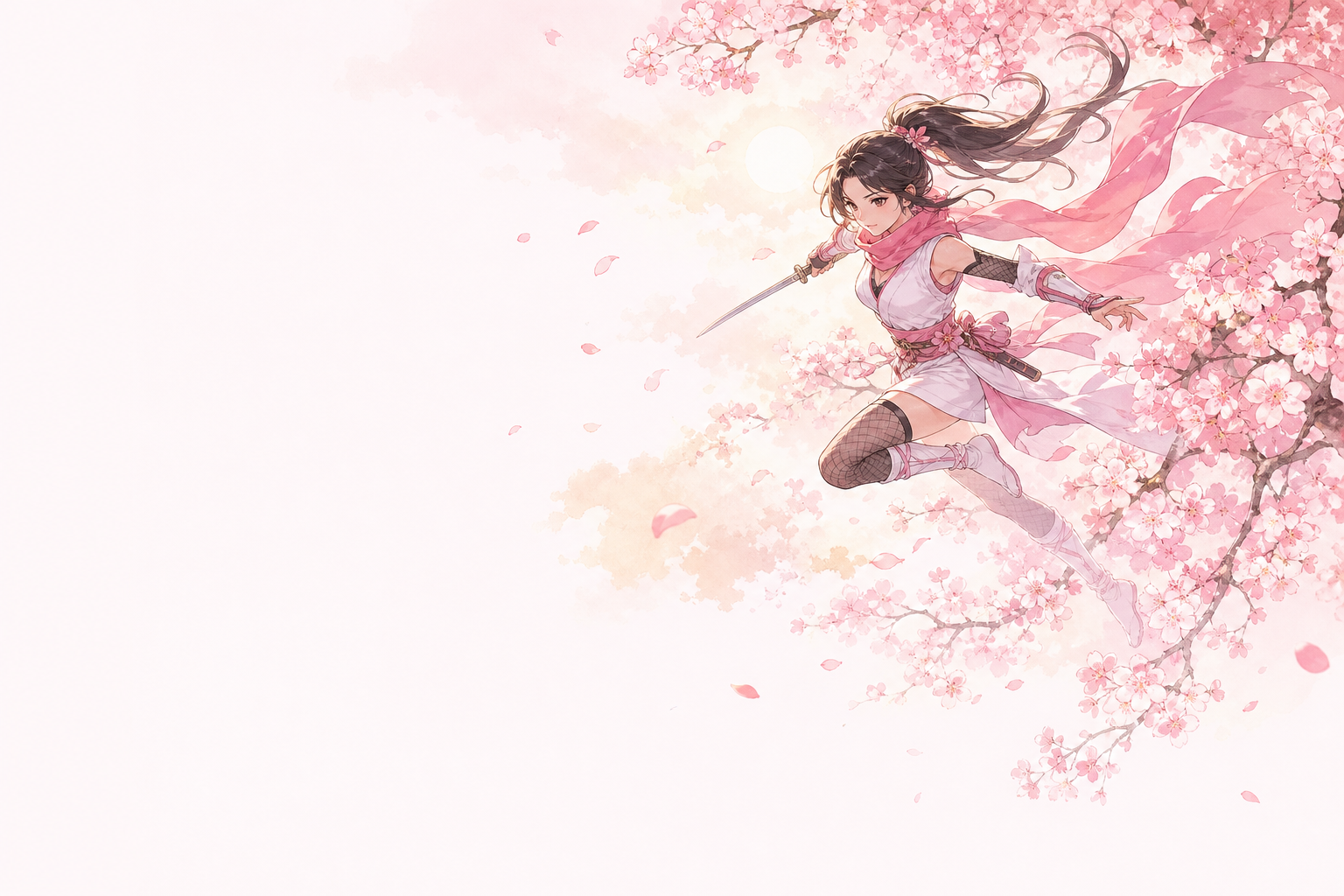
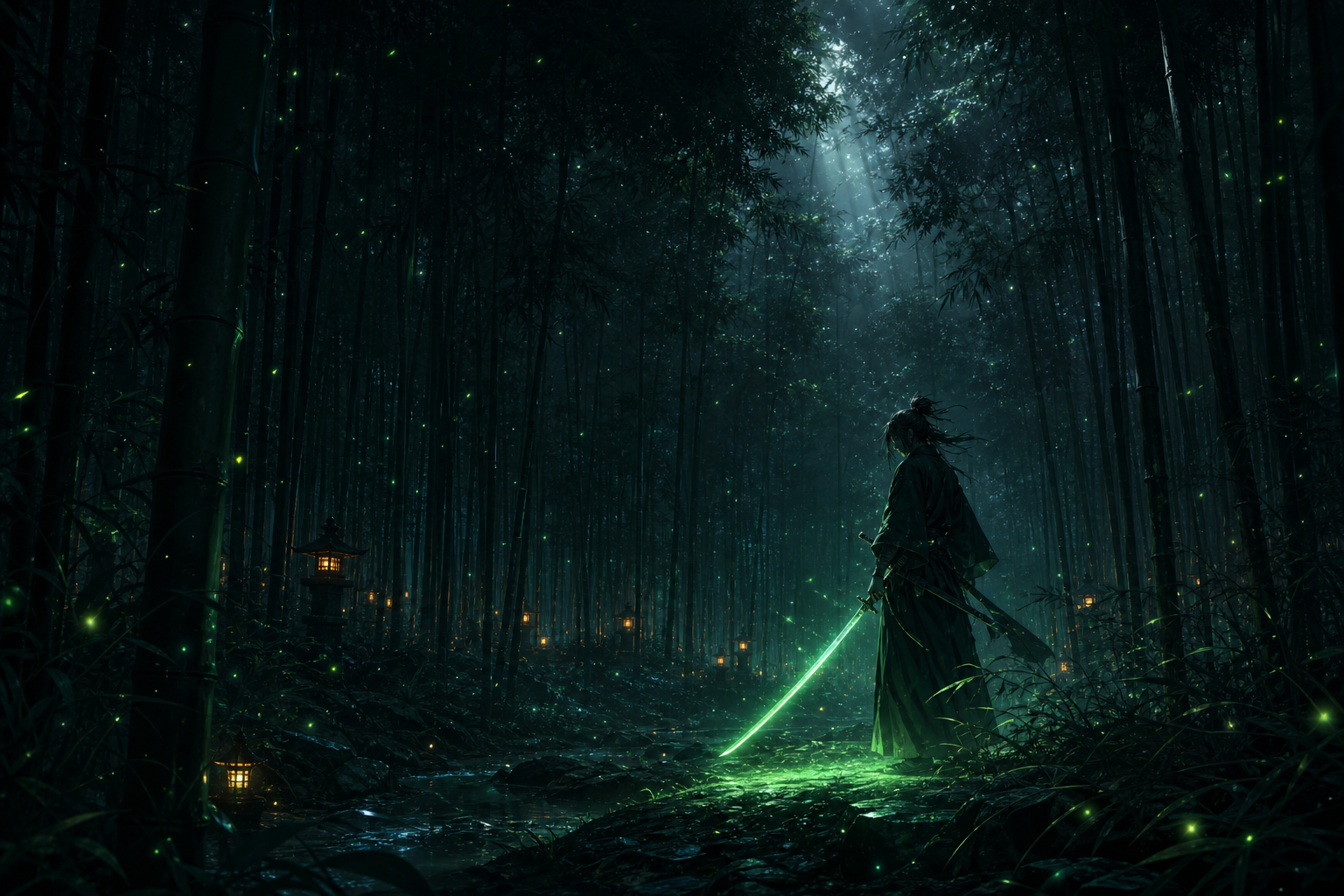

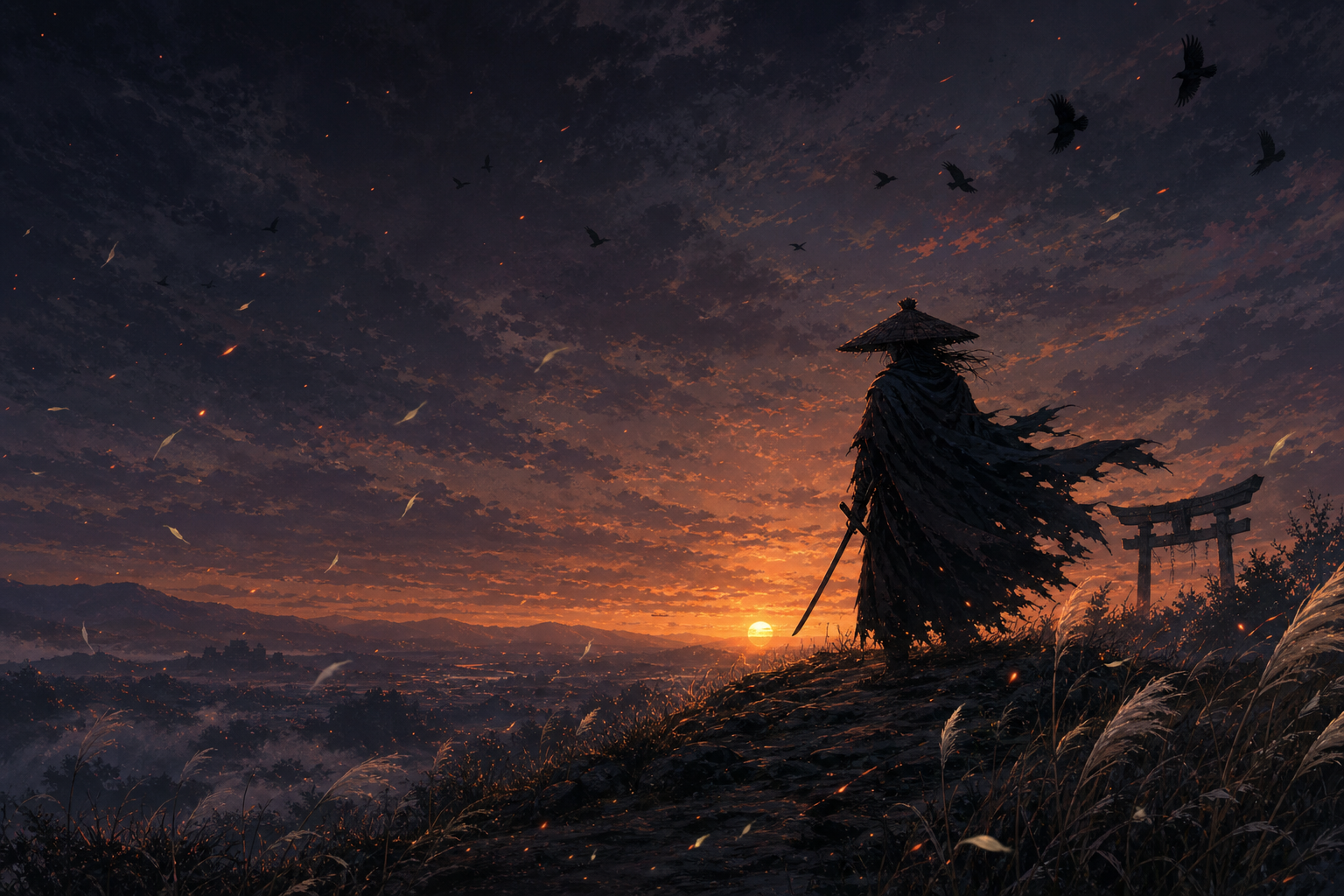

Use Cases
- Replace the default gray UI of DeepSeek Harness with an anime-themed backdrop to ease long coding sessions
- Fine-tune how much artwork shows through with the transparency slider, balancing immersion and readability
- Let dark and light backdrops switch automatically with the system theme, with zero manual configuration
Best For
- Developers on DeepSeek Harness who want a more personal look without touching the codebase
- Users who love East-Asian anime aesthetics and wish to see bamboo groves or cherry blossoms in their dev tools
- Tinkerers who prefer a zero-config, install-and-go approach to UI personalisation
Related Plugins

whale-girl is a desktop pet in the DSH Web GUI (bottom-right for instant companionship) — draggable, feedable, playable; completed tasks, sessions and companionship time accrue into seniority levels, titles, and memories.

A WebGPU ocean skin for DeepSeek Harness with five-wave Gerstner waves, translucent theme, day/night cycle, and quick controls, installable as plugin or extension.

A Galgame-style conversation view and visual scene editor for DSH web sessions, with a real-time editing mode.

A native skinning plugin for DeepSeek Harness: 8 designer themes, wallpapers, accent colors, and shareable theme packs, built purely on design tokens.