deepseek-harness-angelina-themes
Run the following command in DeepSeek Harness:
dsh plugin install bilbillm/deepseek-harness-angelina-themes
Paste the following prompt into your AI chat to install this plugin:
Please run the installation command directly in your terminal, or visit the full repository address (https://github.com/bilbillm/deepseek-harness-angelina-themes) to fetch the source code and complete the setup.
About this plugin
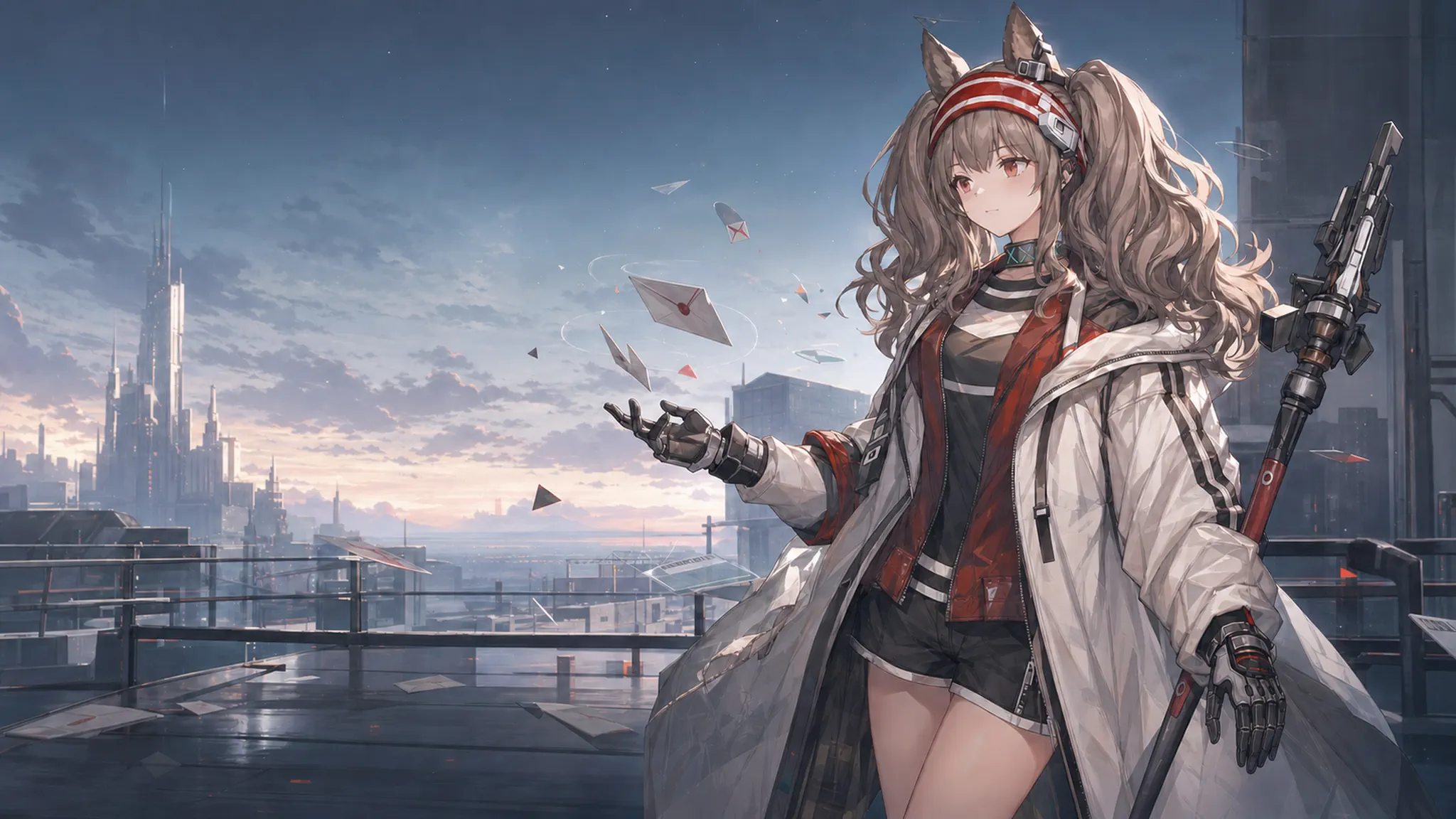
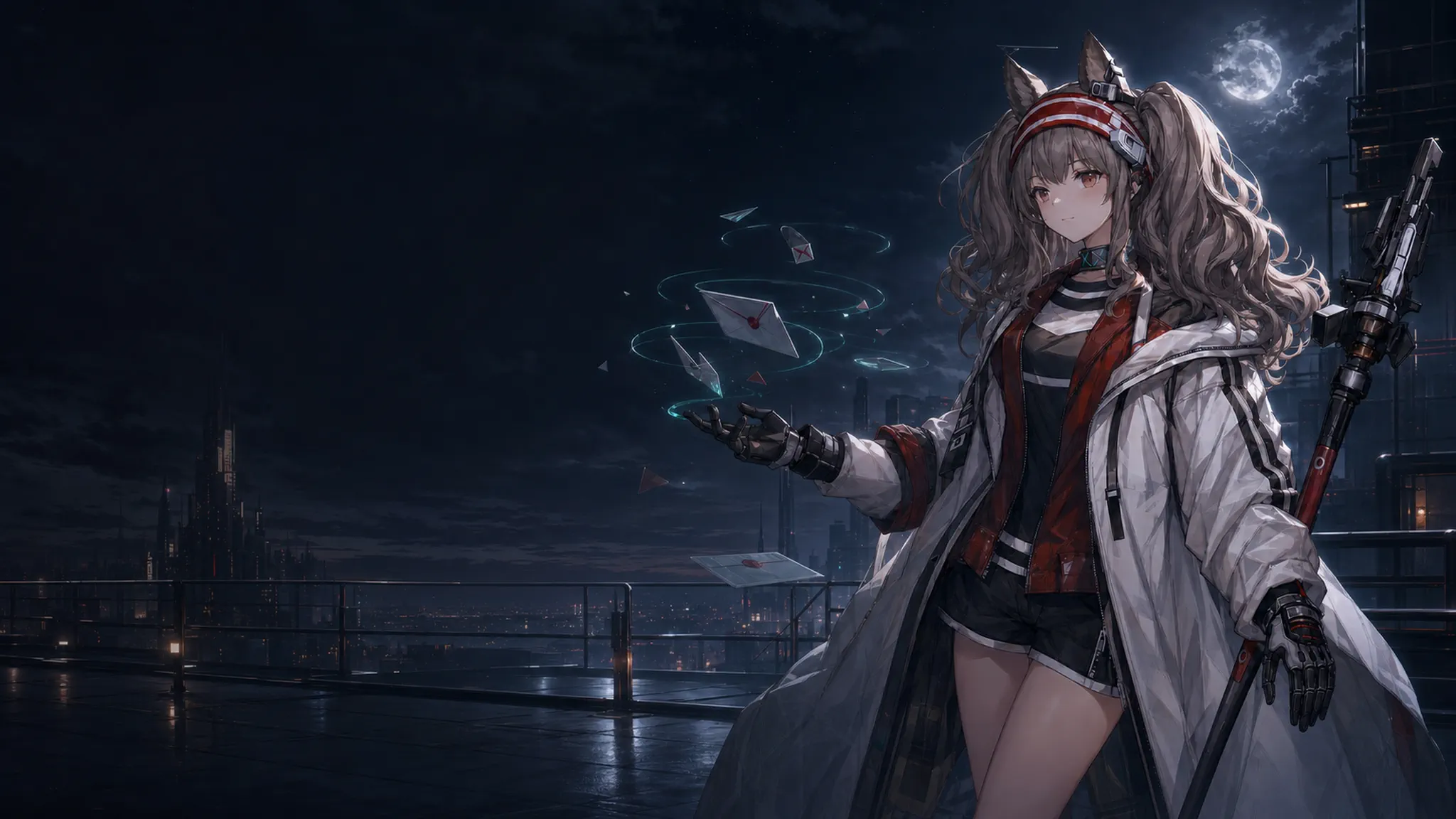
Are you looking to refresh the look of your DeepSeek Harness workspace without compromising its reliable conversation layout or interactive controls? This plugin brings the highly sought-after Angelina light and dark themes from Codex directly into Harness, solving the common dilemma of choosing between aesthetics and functionality. Whether you need a warm, sunlit atmosphere for daytime productivity or a calm, low-glare environment for late-night sessions, this theme delivers an immersive yet familiar experience.
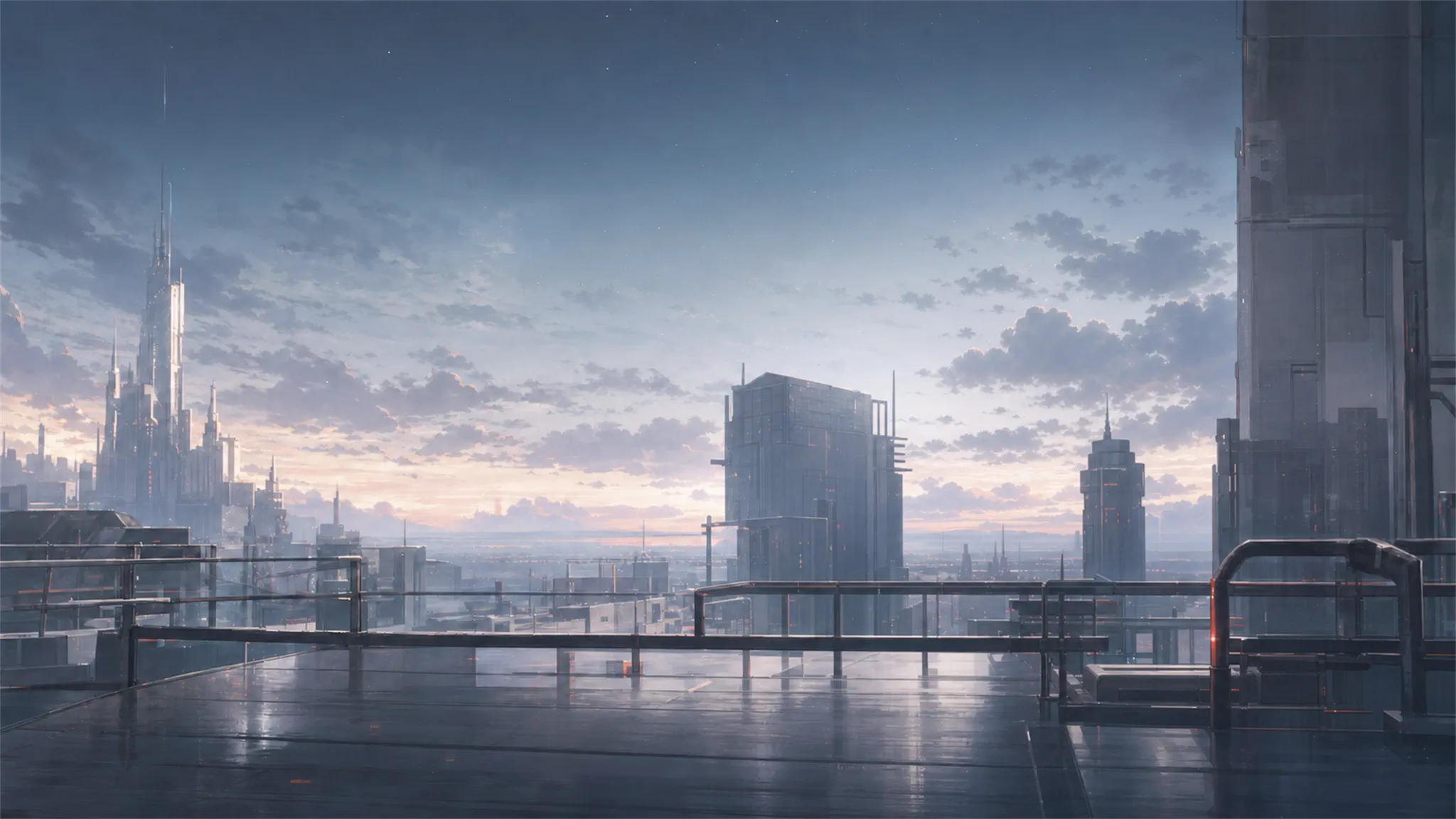
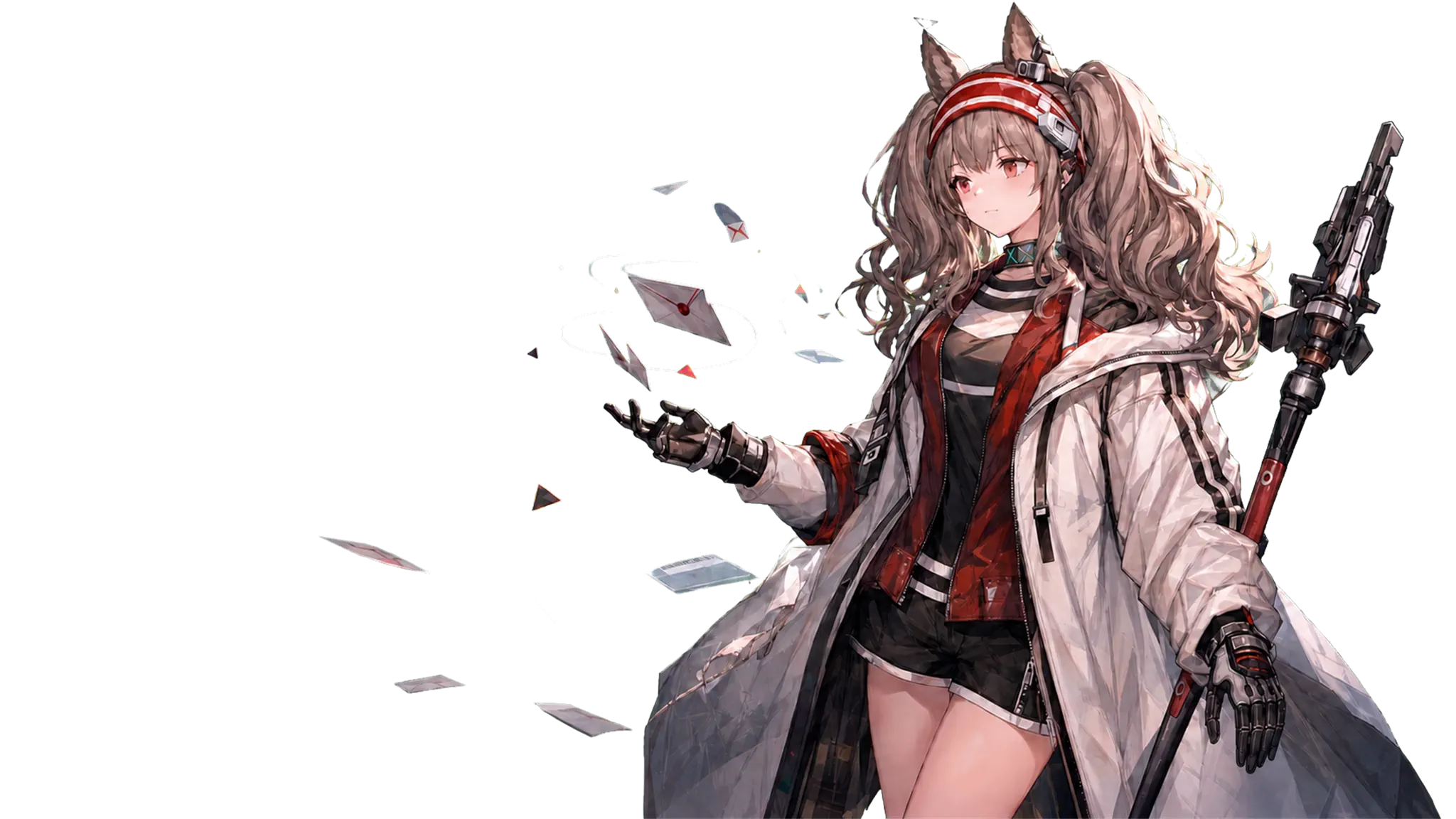
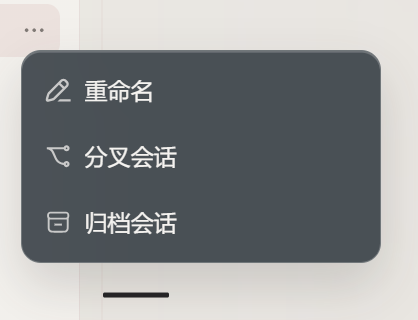
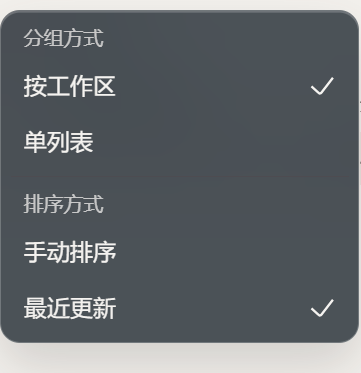
The heart of this plugin lies in its meticulous balance between visual flair and performance. It features a layered parallax system where background cityscapes and foreground elements gently respond to mouse movement, while critical UI components like the input field and message bubbles remain strictly stationary to prevent reading fatigue. The frosted glass effect is intelligently applied only to leaf-node menus and cards using reusable CSS variables, ensuring consistent transparency without disrupting fixed layouts or scroll containers. Additionally, the plugin automatically degrades gracefully on touch devices, narrow screens, or when system settings prefer reduced motion, guaranteeing smooth responsiveness and battery efficiency.
Designed for fans of the Angelina aesthetic, customization enthusiasts, and professionals who demand both style and stability in their daily workflow, this theme integrates seamlessly into your existing setup. It respects the native Harness architecture by syncing theme states cleanly, playing well with companion plugins, and leaving no traces behind upon uninstallation. Simply switch between light and dark modes to transform your interface while keeping all your favorite tools exactly where they should be.
Screenshots
Use Cases
- Use the low-glare dark theme during late-night coding sessions to significantly reduce eye strain.
- Keep multiple work windows open while enjoying frosted glass menus that never obscure underlying content.
- Navigate comfortably on mobile or low-performance devices where the plugin automatically disables parallax for stable touch input.
Best For
- DeepSeek Harness users who want a highly personalized interface without altering native control behaviors.
- Arknights art enthusiasts and fan creators looking to integrate the Angelina aesthetic into their daily workspace.
- Professionals who frequently toggle between warm daytime modes and glare-free nighttime settings for sustained productivity.
Related Plugins

whale-girl is a desktop pet in the DSH Web GUI (bottom-right for instant companionship) — draggable, feedable, playable; completed tasks, sessions and companionship time accrue into seniority levels, titles, and memories.

Renders your local Wallpaper Engine wallpapers as the DSH web background, supporting video, web, and scene wallpapers with a liquid-glass effect and rich customization.

A WebGPU ocean skin for DeepSeek Harness with five-wave Gerstner waves, translucent theme, day/night cycle, and quick controls, installable as plugin or extension.

A Galgame-style conversation view and visual scene editor for DSH web sessions, with a real-time editing mode.