dsh-mobile-layout
Run the following command in DeepSeek Harness:
dsh plugin install crwsr124/dsh-mobile-layout
Paste the following prompt into your AI chat to install this plugin:
Run dsh plugin install crwsr124/dsh-mobile-layout inside DeepSeek Harness; the source lives at https://github.com/crwsr124/dsh-mobile-layout. After installation, restart the dsh web process once to enable the mobile layout.
About this plugin
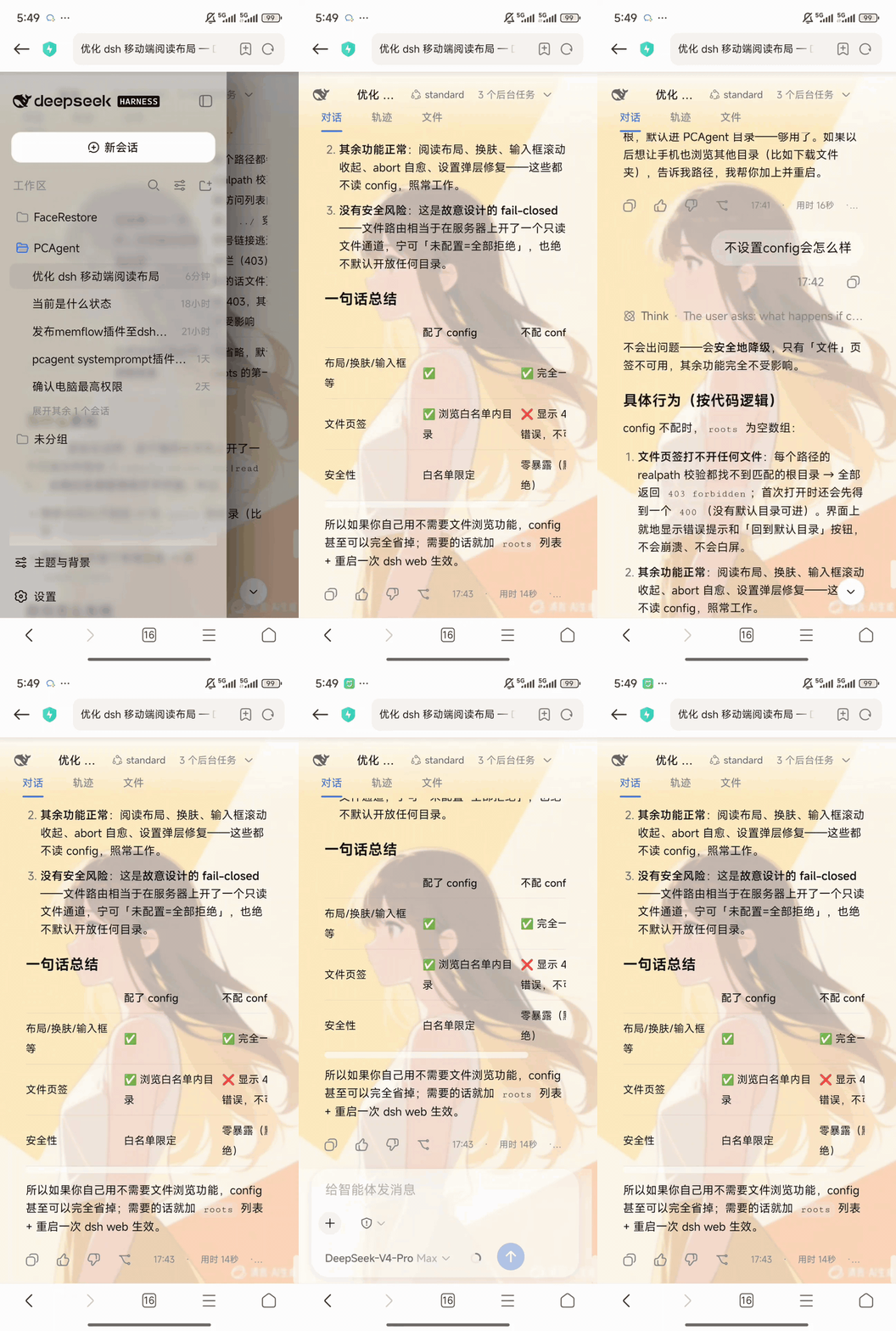
The DeepSeek Harness Web UI works well on a desktop monitor but falls apart on a phone: layouts overflow, the input area silently collapses, there is no convenient way to drop files into a workspace, and history loads occasionally stall. dsh-mobile-layout is a zero-dependency mobile experience patch — install it and it works immediately; turn off the theme or uninstall it and the stock appearance is fully restored with zero residue.
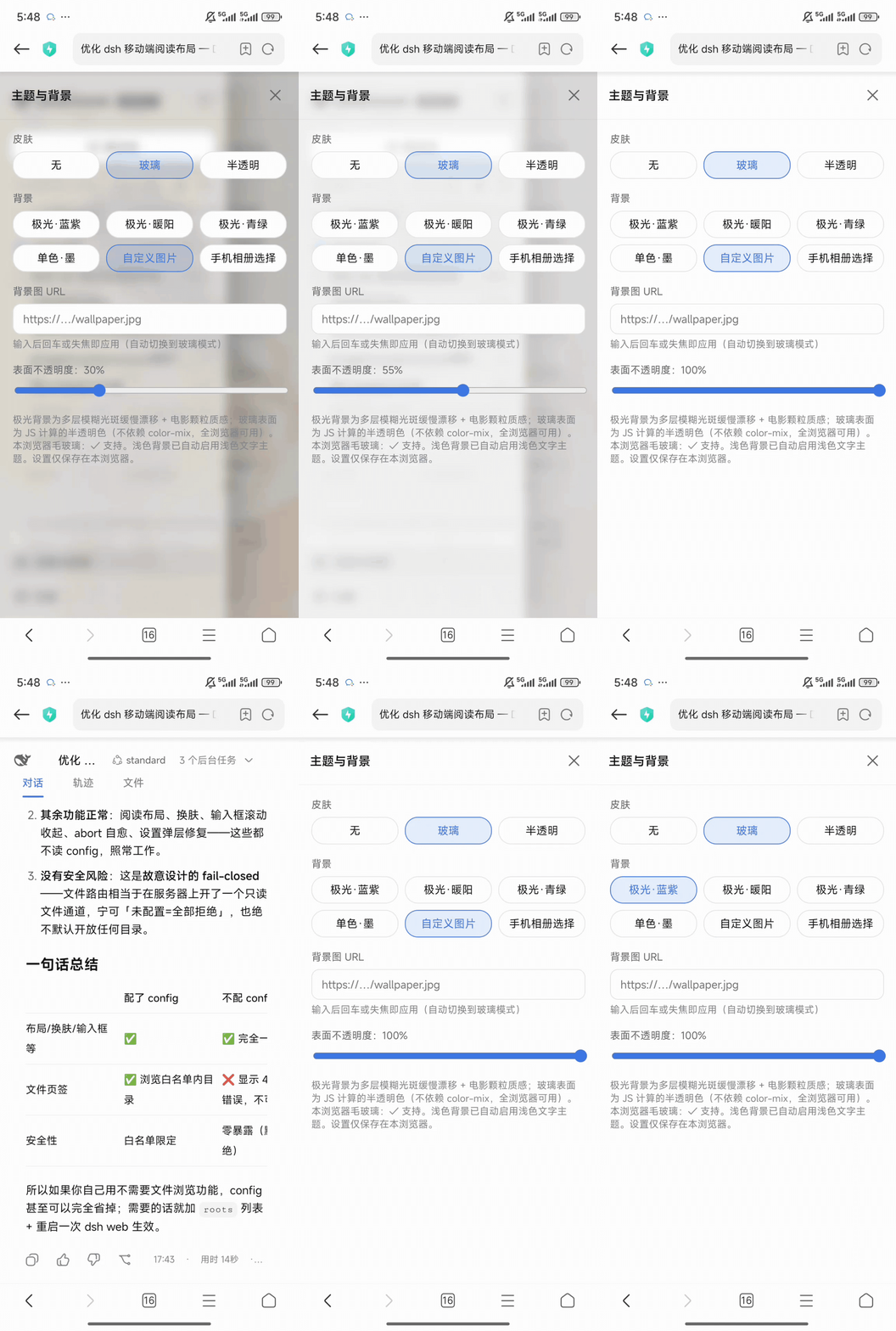
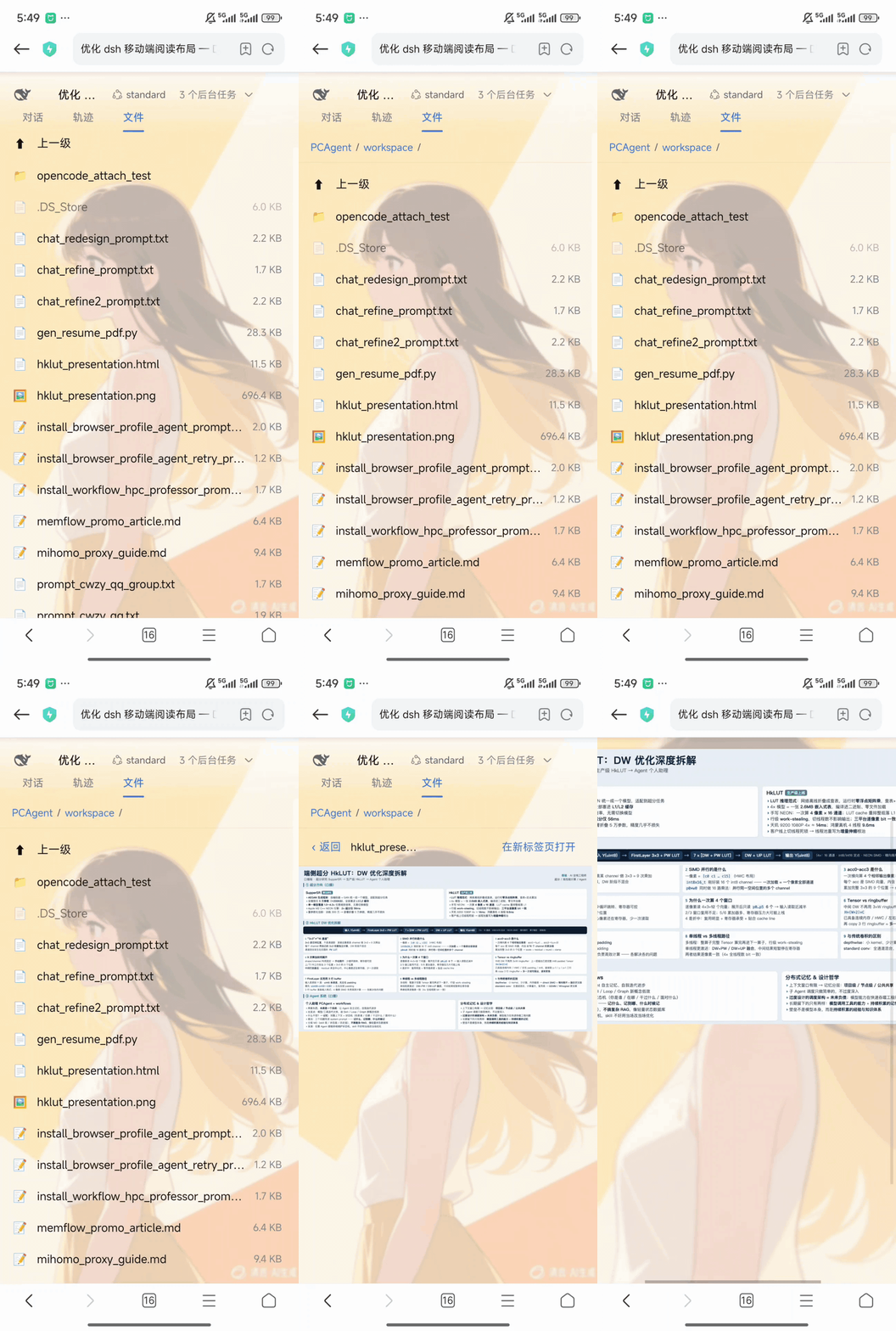
Core capabilities split into two tiers. Mobile-only features (media-query gated) include a purpose-built reading layout for small screens, input-area scroll-to-collapse, a trimmed session log, and an adapted settings panel. Cross-device features (intentionally shared) include a global theme switch, a file browse-and-upload tab at the /upload route (enforced single-segment filenames, automatic name deduplication, cleanup of partial uploads on failure), and automatic retry-healing for aborted history loads. The upload size cap is configurable via uploadMaxBytes (default 500 MB); no extra directory setup is needed — the root is resolved automatically from the current session's registered workspace.
It is built for developers who review dsh sessions on the go or in bed, and for teams that expose dsh web behind a reverse proxy (e.g. nginx) and want the mobile experience to stop being a dealbreaker. Known limitations: the conversation trajectory (details) column cannot be opened on phones due to an app-shell framework constraint; the upload route has no built-in authentication, so public deployments must add external protections such as basic auth.
Screenshots
Use Cases
- Reviewing dsh sessions on the go during a commute
- Uploading files into a workspace from a phone
- Switching UI themes across devices with one toggle, fully reversible
Best For
- Developers who regularly use dsh web on mobile devices
- Teams exposing dsh web publicly and needing a usable mobile experience
- Users who prefer zero-config, install-and-go plugins
Related Plugins
A service-oriented sidebar framework for DSH, offering a full workbench with file explorer, embedded browser, real terminal, Git panel, and extensible plugin services.

A beautiful, practical Claude Code-style TUI plugin with pixel whale top bar, flowing glow title, real-time status line, streaming thought expansion, time rewind, context progress bar and TPS gauge — zero core changes.

The plugin market for DeepSeek Harness: browse/search/one-click install community plugins and themes, with updates, backup/restore, hot disable, diagnostics, and AI fix.

A persistent whale widget on the DSH web UI that shows DeepSeek balance, today's usage, and per-turn cost, with drag-and-snap and sound effects.