dsh-plugin-smooth-stream
Run the following command in DeepSeek Harness:
dsh plugin install SpookySandwich/dsh-plugin-smooth-stream
Paste the following prompt into your AI chat to install this plugin:
Open the plugin management interface in DeepSeek Harness settings and enter the full source code URL https://github.com/SpookySandwich/dsh-plugin-smooth-stream to complete the installation.
About this plugin
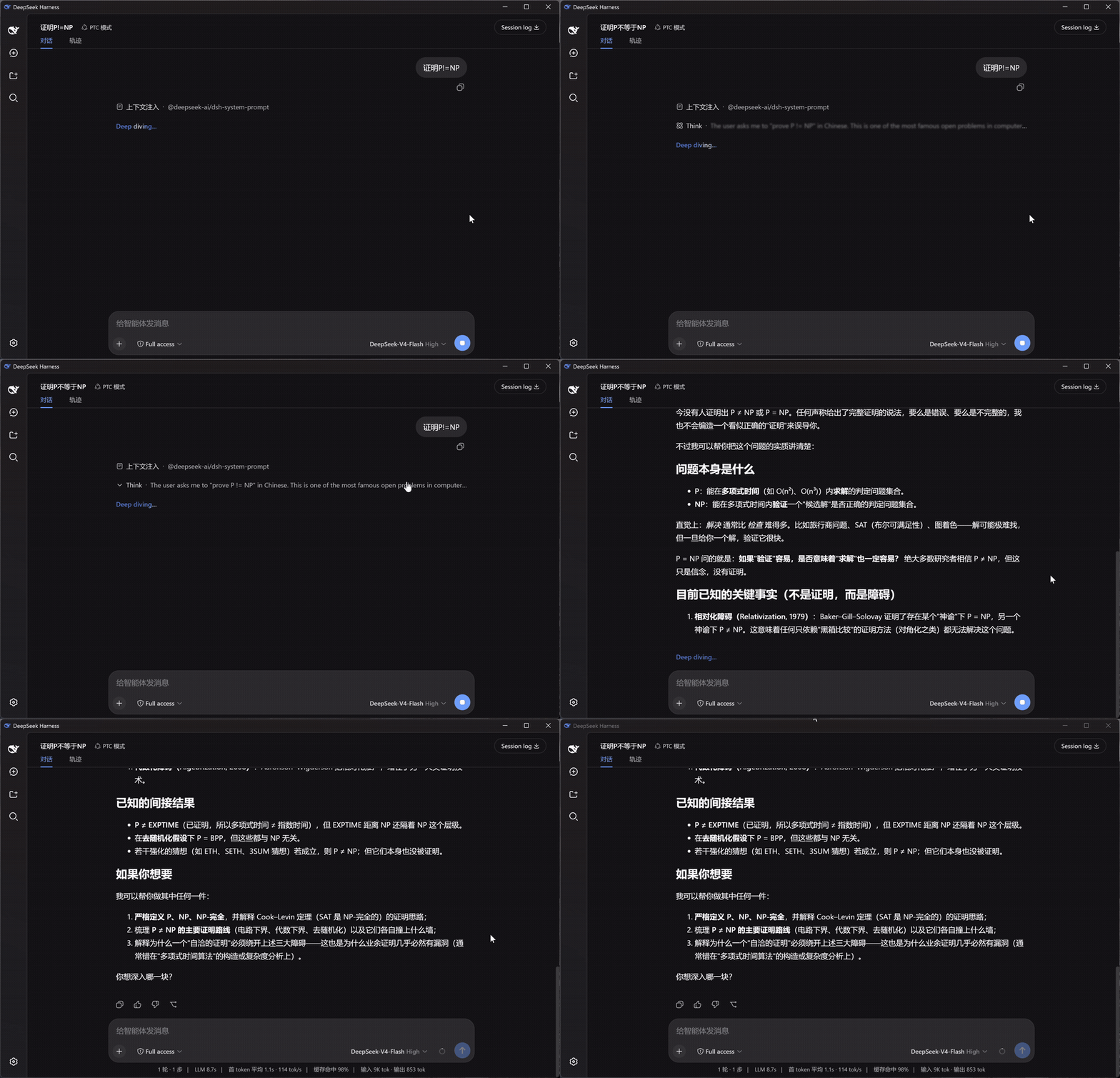
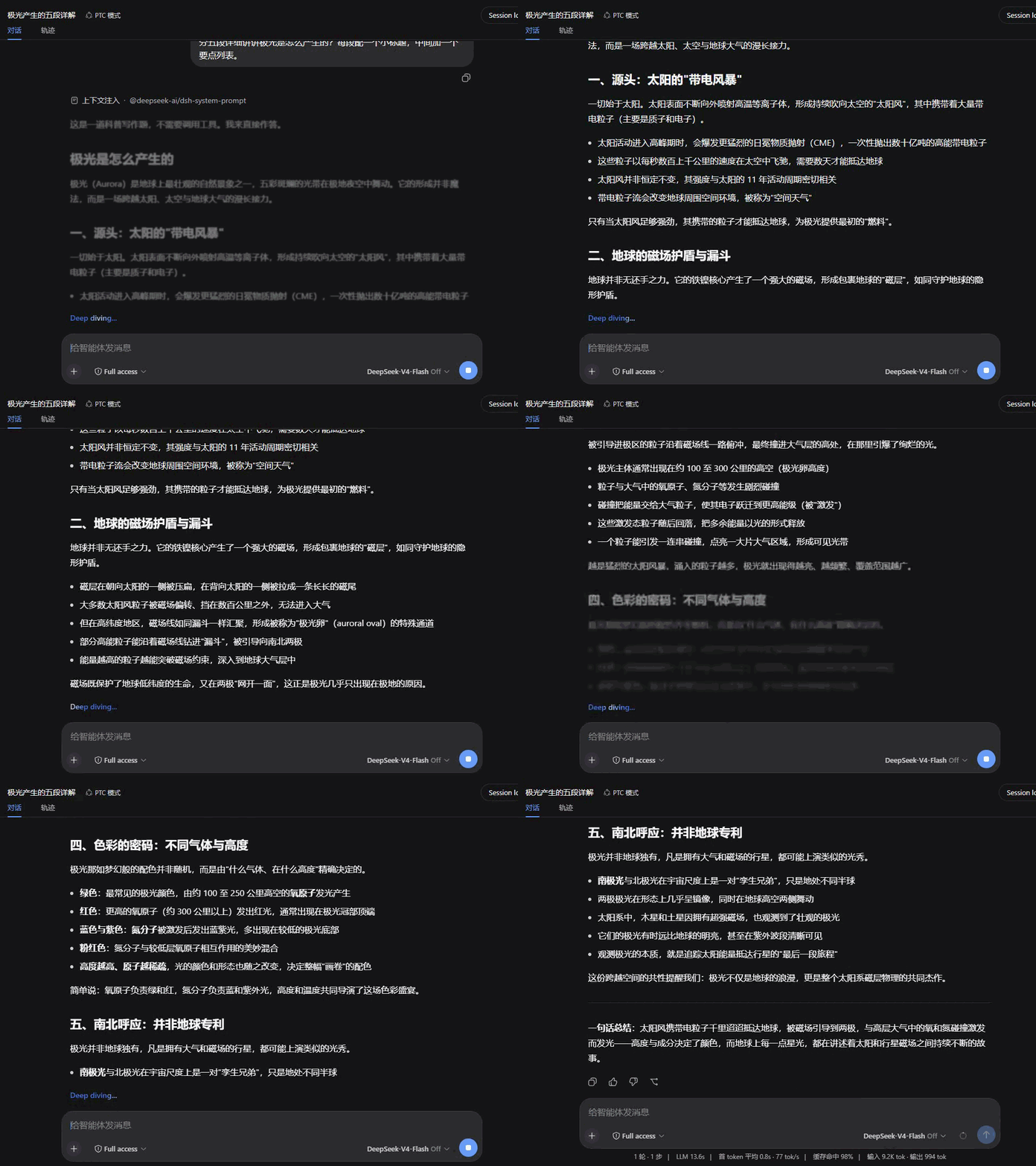
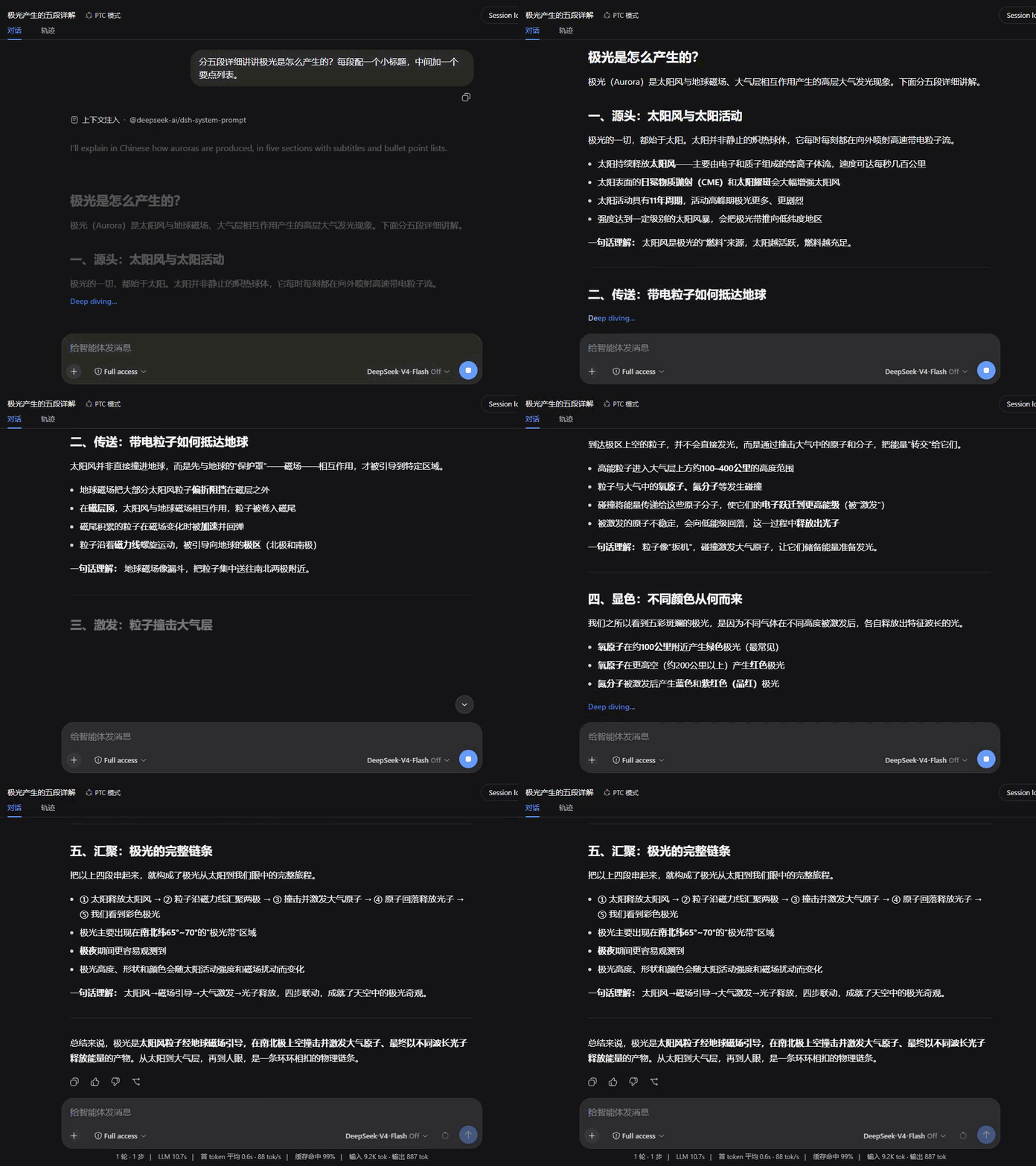
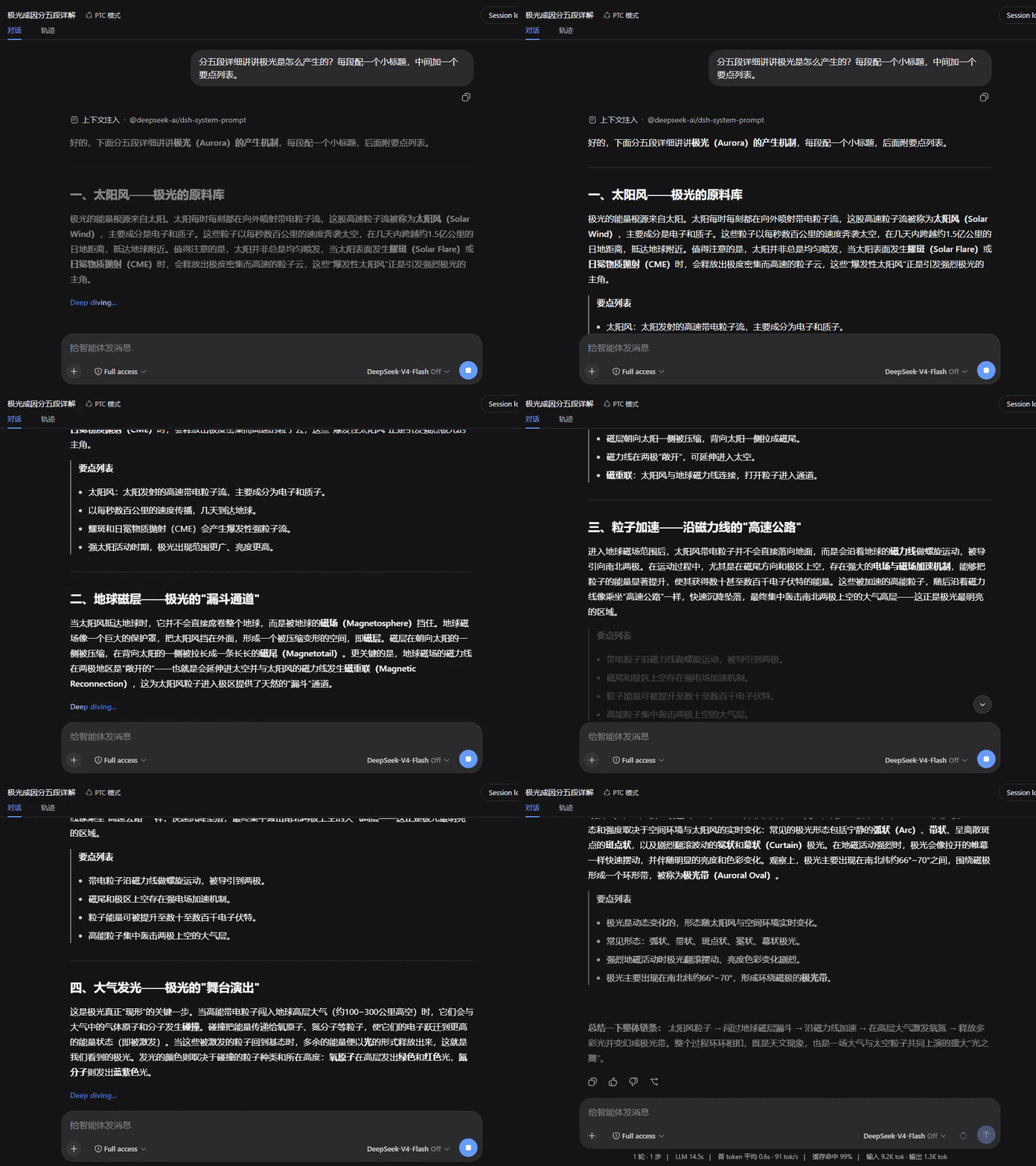
Tired of jarring, character-by-character streaming that breaks your reading flow and causes sudden page jumps? When generating lengthy explanations, code, or tables, traditional renderers often leave Markdown half-drawn and disrupt visual continuity. Smooth Stream completely reimagines this process by bundling fragmented tokens into cohesive paragraphs and revealing them with elegant fade-in animations. Crucially, it intelligently detects structural boundaries for code blocks and tables, ensuring zero mid-render glitches so every response feels polished and deliberate.
Beyond aesthetics, the plugin introduces thoughtful interaction mechanics. Long-form scrolling is handled smoothly: it gently follows as you read, instantly yielding control when you manually scroll up, and seamlessly resuming once you return to the bottom. During the model’s thinking phase, a live single-line summary continuously updates in the collapsed section, complete with subtle gradient transitions and a gentle completion indicator. Every aspect—from animation style and speed to batch size and auto-scroll toggles—is fully customizable with live previews directly in your settings.
Ideal for researchers parsing complex answers, developers who appreciate refined UI dynamics, or users sensitive to rapid screen motion, Smooth Stream adapts to your pace. It respects system-wide reduced-motion preferences, gracefully degrades on errors to keep chats stable, and requires no configuration to start improving your reading comfort. Give your conversations the quiet, professional presentation they deserve.
Screenshots
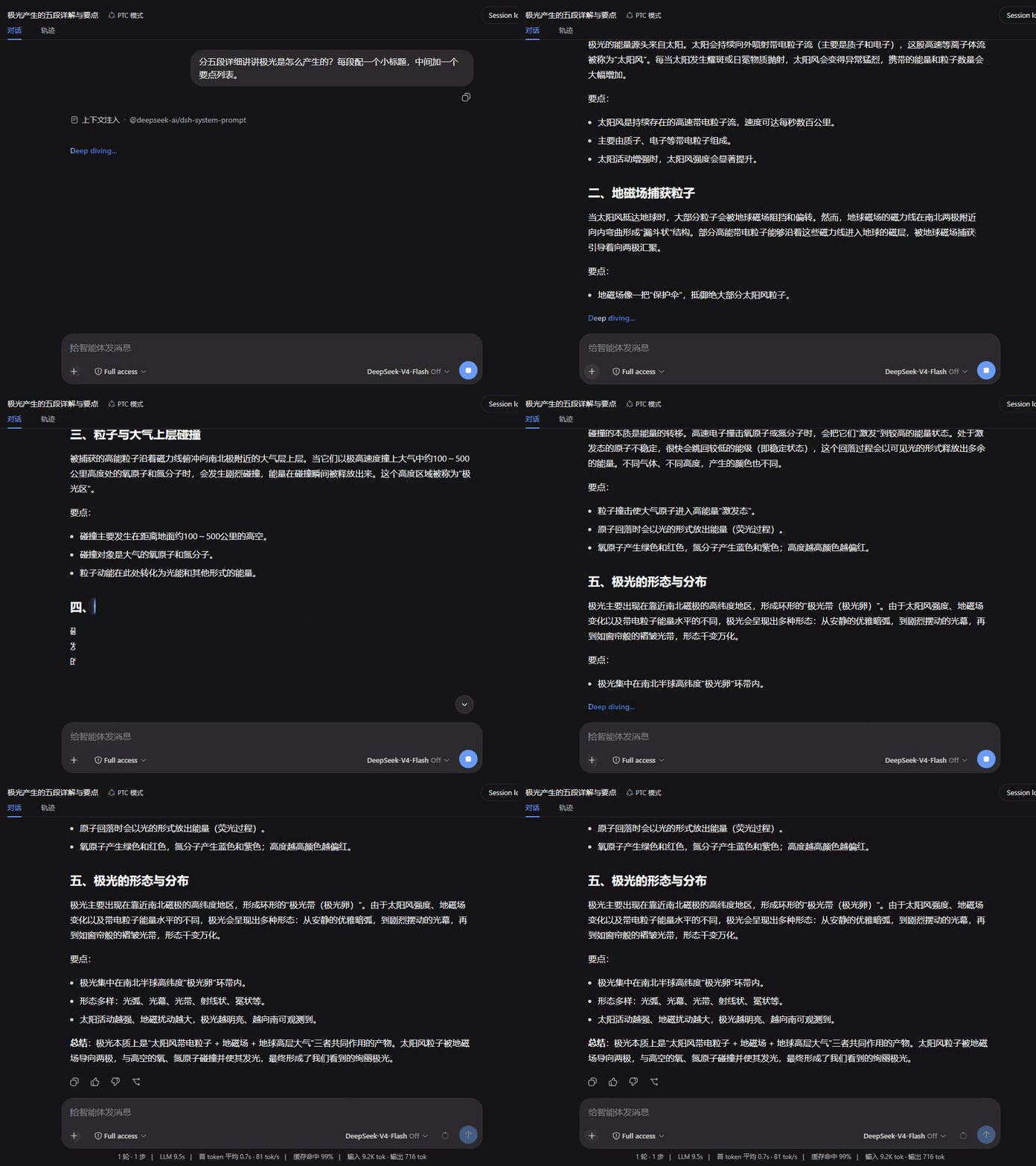
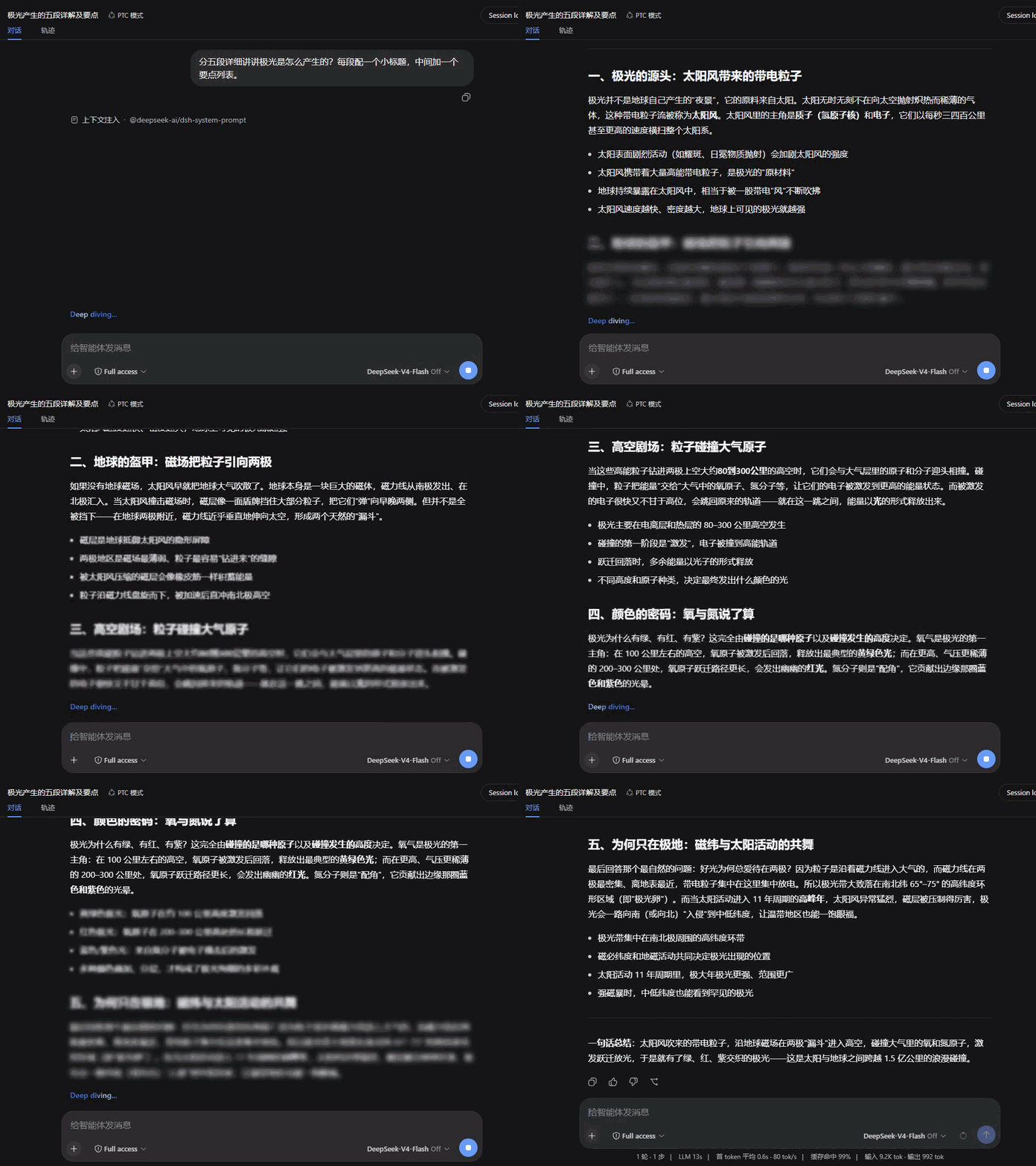
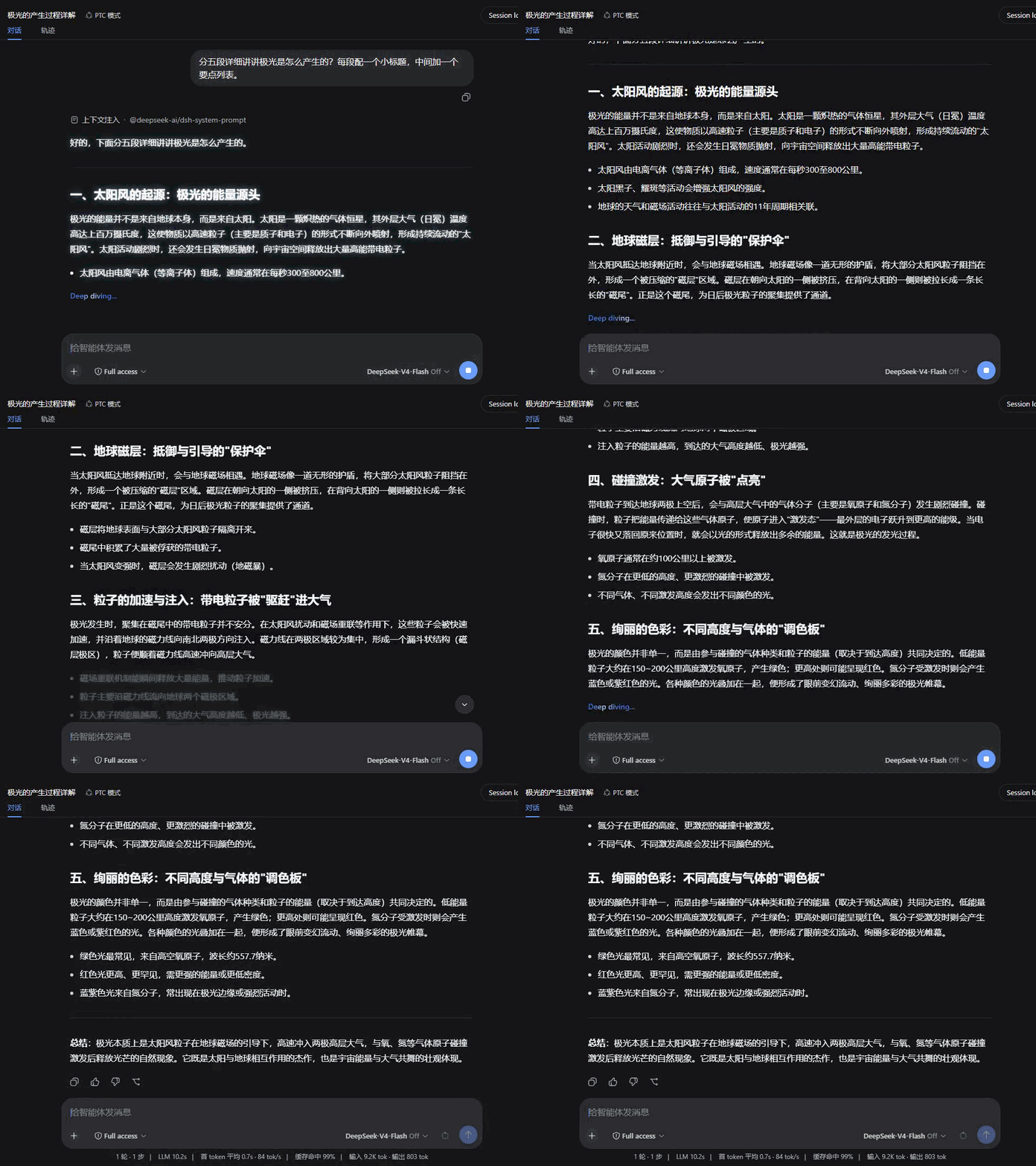
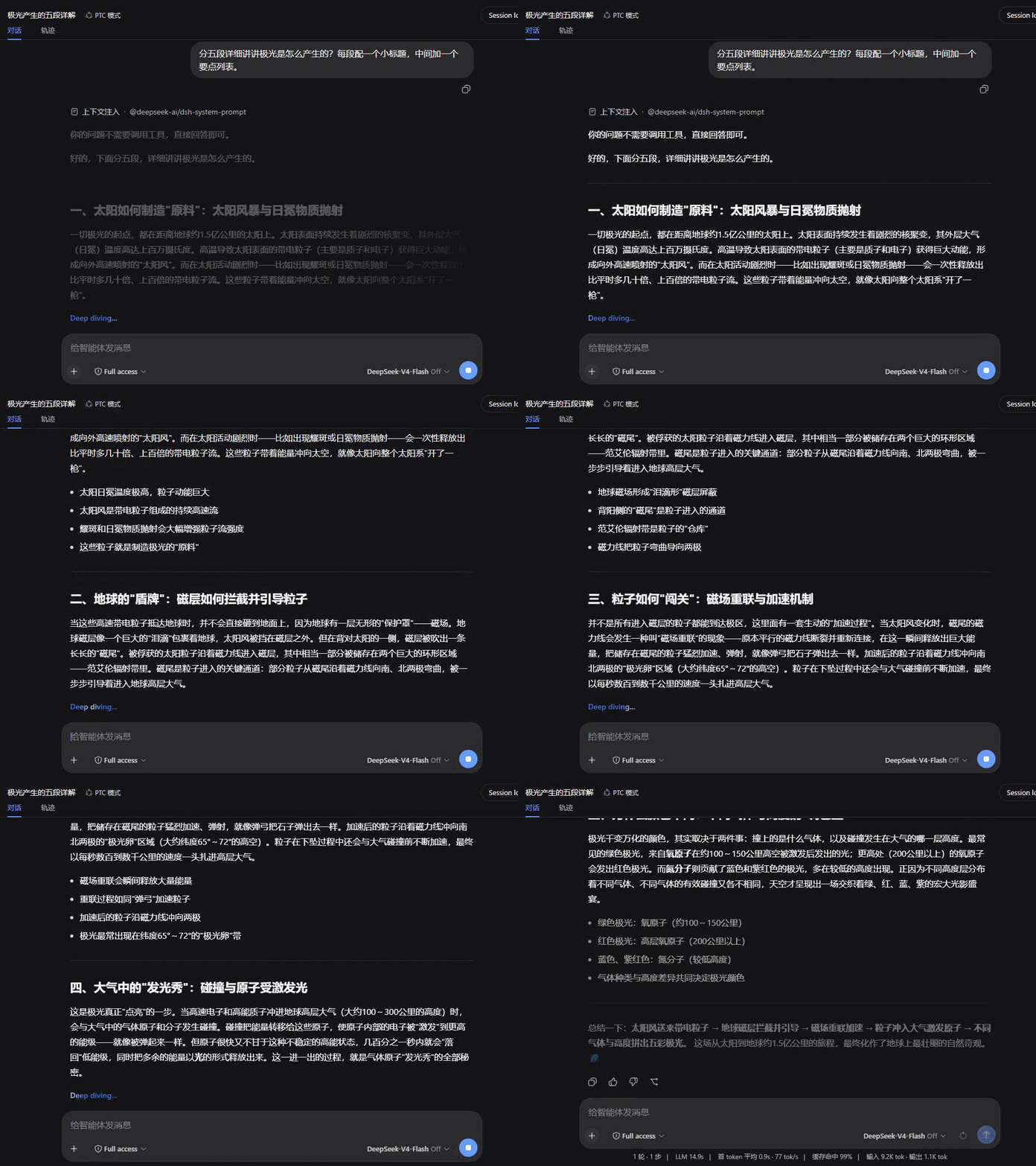
Use Cases
- Prevent layout glitches when generating code or complex tables by avoiding mid-stream Markdown breaks.
- Eliminate page jumping while reading in-depth long answers, maintaining immersive visual flow.
- Track progress via real-time collapsed summaries during model thinking, without needing to expand details.
Best For
- Users sensitive to rapid screen motion who prioritize uninterrupted reading.
- Researchers and developers who frequently parse long-form explanations or logical derivations.
- Advanced users who prefer fine-tuning animation pacing based on their device or OS preferences.
Related Plugins
A service-oriented sidebar framework for DSH, offering a full workbench with file explorer, embedded browser, real terminal, Git panel, and extensible plugin services.

A beautiful, practical Claude Code-style TUI plugin with pixel whale top bar, flowing glow title, real-time status line, streaming thought expansion, time rewind, context progress bar and TPS gauge — zero core changes.

The plugin market for DeepSeek Harness: browse/search/one-click install community plugins and themes, with updates, backup/restore, hot disable, diagnostics, and AI fix.

A persistent whale widget on the DSH web UI that shows DeepSeek balance, today's usage, and per-turn cost, with drag-and-snap and sound effects.