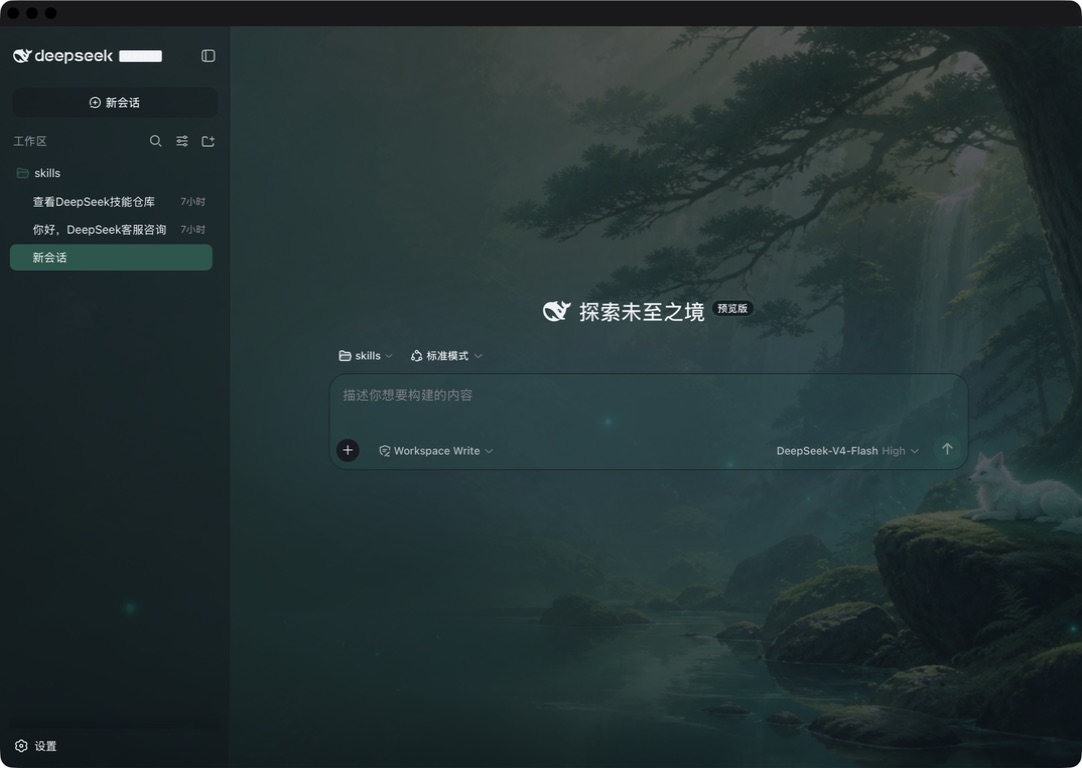
dsh-client-ui-skins
Run the following command in DeepSeek Harness:
dsh plugin install caoyiwei850/dsh-client-ui-skins
Paste the following prompt into your AI chat to install this plugin:
Run the designated installation command in the DeepSeek Harness terminal to deploy the plugin instantly, and visit the complete source address https://github.com/caoyiwei850/dsh-client-ui-skins for reference.
About this plugin
The default DeepSeek Harness web interface delivers robust functionality, but it often lacks the visual personality needed for a truly personalized workspace. dsh-client-ui-skins addresses this by providing a lightweight, purely client-side theming extension that transforms your DSH environment without modifying any underlying source code.
Featuring four built-in themes and full support for custom images (PNG, JPG, WebP) alongside dynamic wallpapers (MP4, WebM), the plugin centers around an intelligent color-adaptation engine. Import any background, and the UI’s base palette, accent colors, and interactive highlights will automatically sync with its dominant hues. You also gain independent sliders to adjust the transparency of both the chat background and input window, ensuring crisp readability regardless of visual complexity. All assets remain strictly local via browser storage—nothing is ever uploaded.
This extension is crafted for aesthetic-focused users, developers seeking a comfortable long-session environment, and hobbyists who love UI customization without technical risk. It is entirely non-destructive; removing the plugin instantly reverts everything to the stock DSH appearance. Whether you prefer minimalist calm or cinematic motion, it offers a safe, effortless way to tailor your digital workspace.
Screenshots
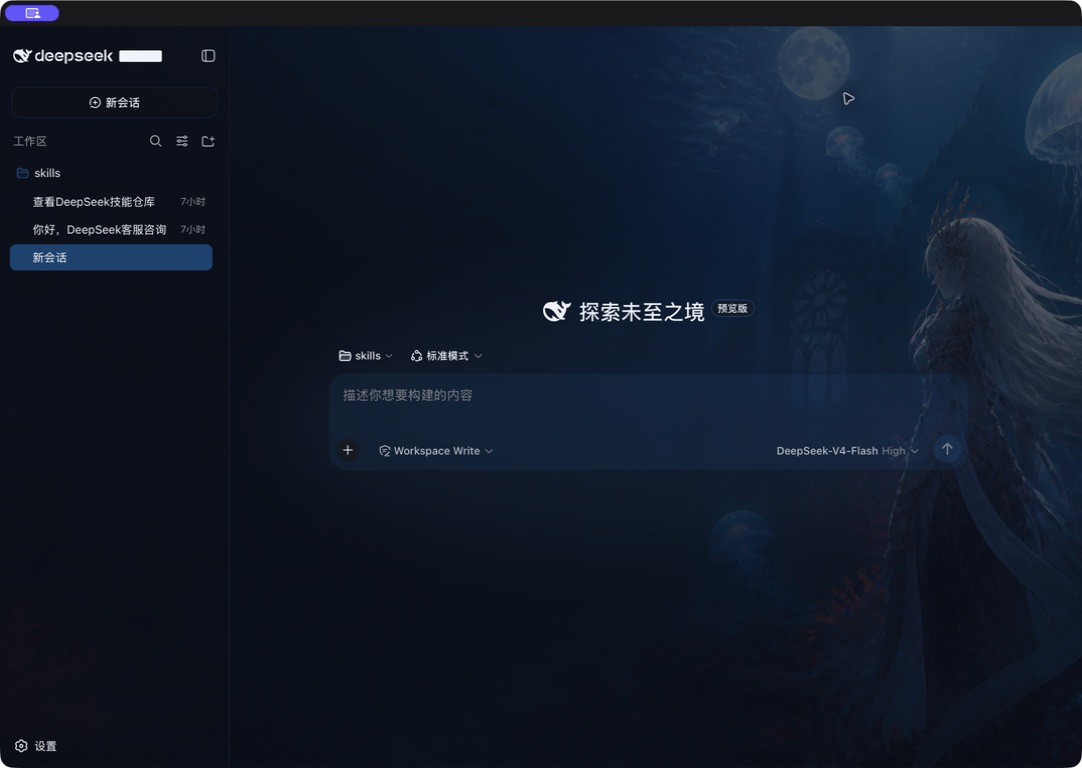
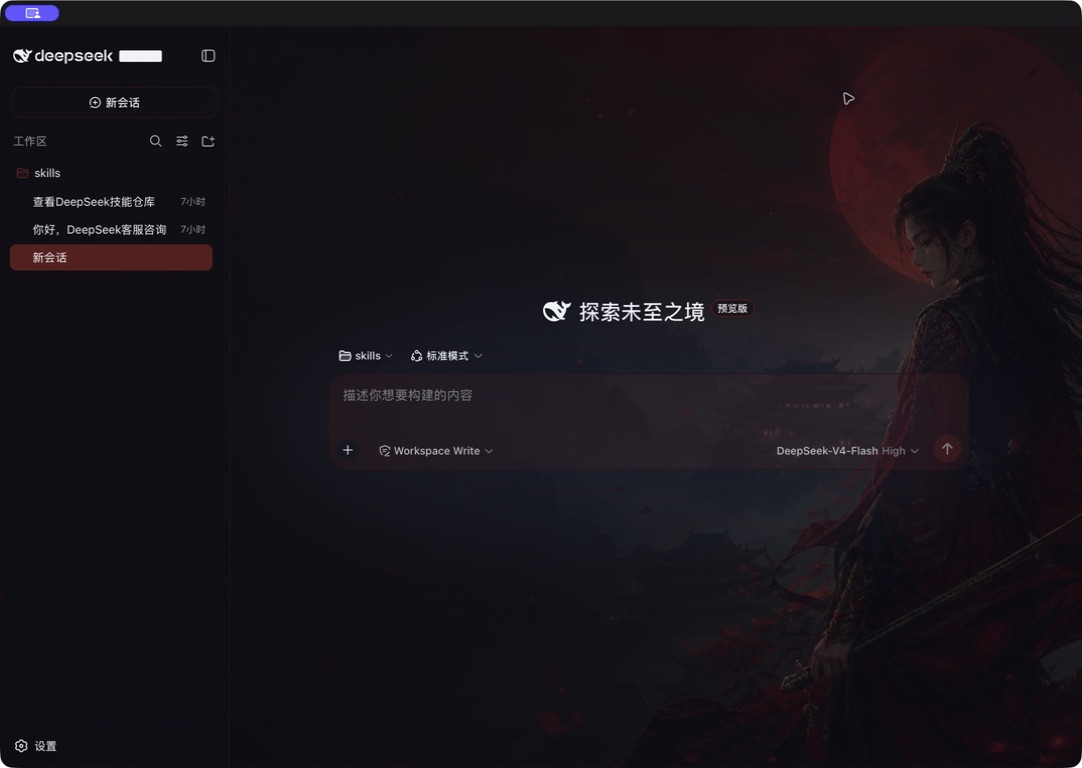
Use Cases
- Refresh your chat interface to match personal aesthetics
- Set dynamic or static backgrounds for an immersive work vibe
- Safely test new color schemes and instantly revert to defaults
Best For
- DSH users looking to personalize their web environment
- Developers who prioritize visual comfort during long sessions
- Users wanting safe, non-destructive UI customization without frontend skills
Related Plugins

whale-girl is a desktop pet in the DSH Web GUI (bottom-right for instant companionship) — draggable, feedable, playable; completed tasks, sessions and companionship time accrue into seniority levels, titles, and memories.

Renders your local Wallpaper Engine wallpapers as the DSH web background, supporting video, web, and scene wallpapers with a liquid-glass effect and rich customization.

A WebGPU ocean skin for DeepSeek Harness with five-wave Gerstner waves, translucent theme, day/night cycle, and quick controls, installable as plugin or extension.

A Galgame-style conversation view and visual scene editor for DSH web sessions, with a real-time editing mode.