Cyberpunk-theme-for-dsh
Run the following command in DeepSeek Harness:
dsh plugin install GGbao-114/Cyberpunk-theme-for-dsh
Paste the following prompt into your AI chat to install this plugin:
Run dsh plugin install GGbao-114/Cyberpunk-theme-for-dsh in your DeepSeek Harness terminal to install the Night City Cyberpunk theme plugin from https://github.com/GGbao-114/Cyberpunk-theme-for-dsh
About this plugin
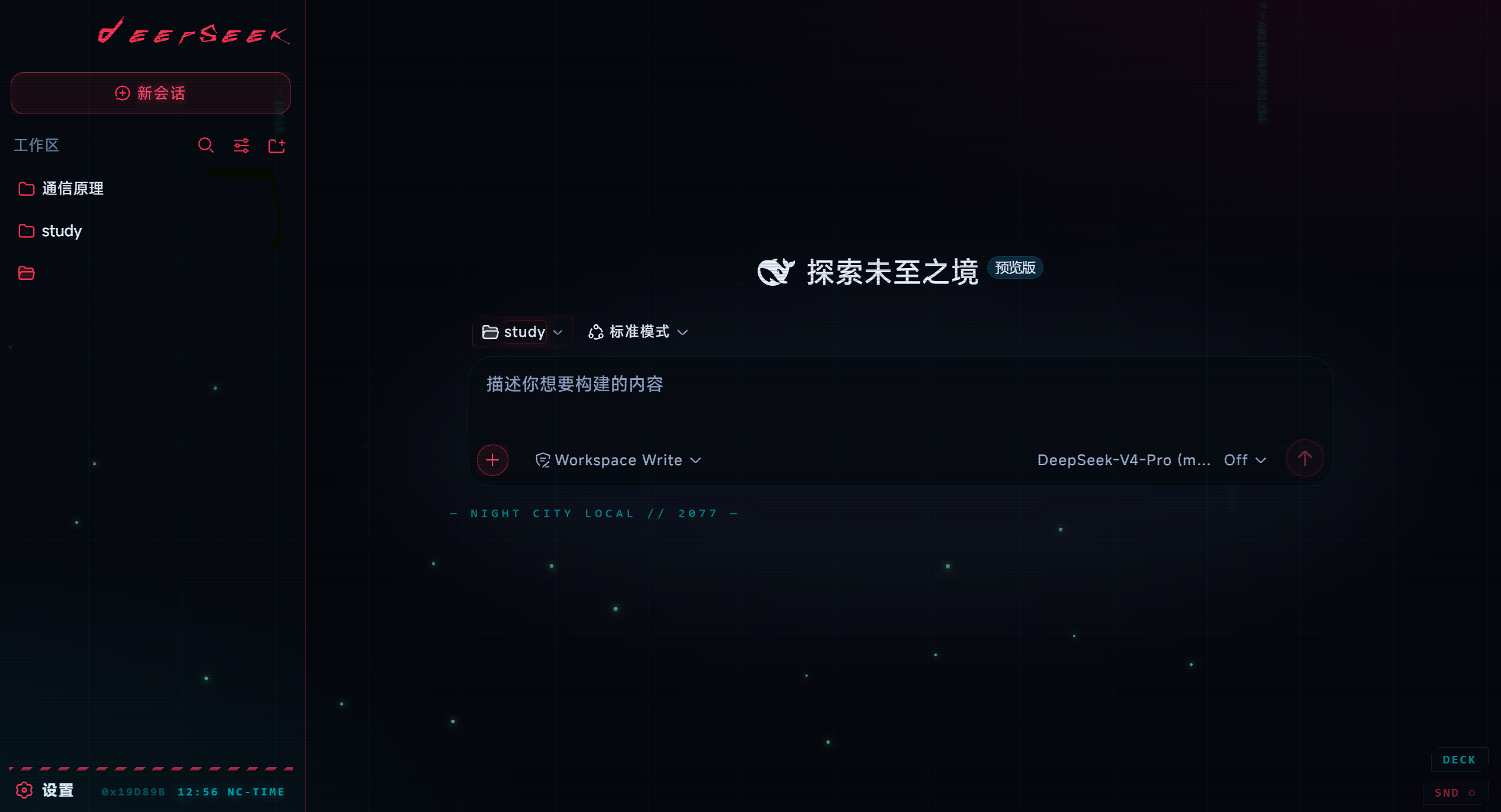
The default DeepSeek Harness Web UI favours clarity and visual neutrality, which can feel flat for users who grow up in the neon-soaked world of Cyberpunk 2077. Cyberpunk-theme-for-dsl ports Night City aesthetics into the Web UI, turning every new chat session into a step through a chrome-lit clinic door.
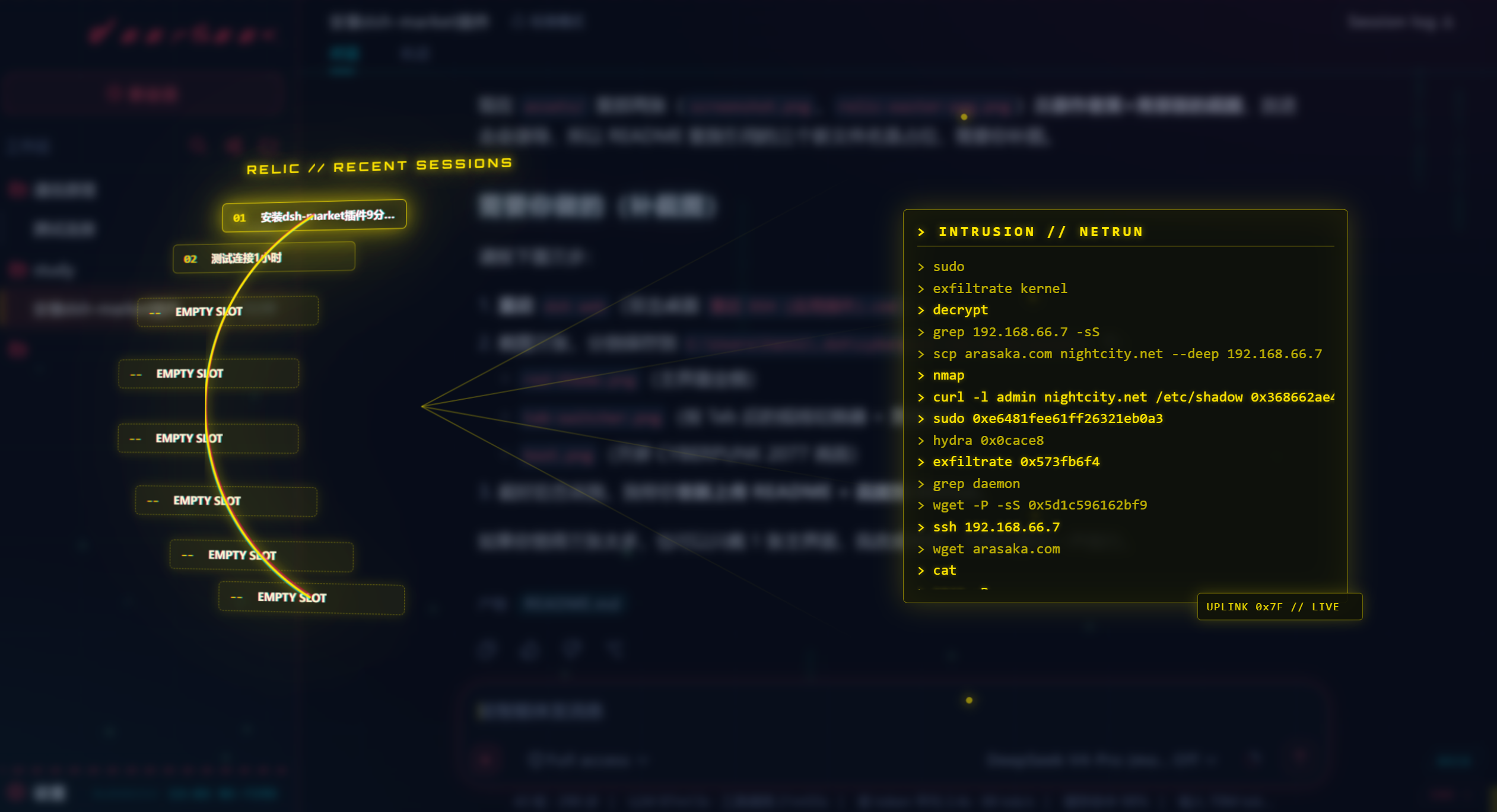
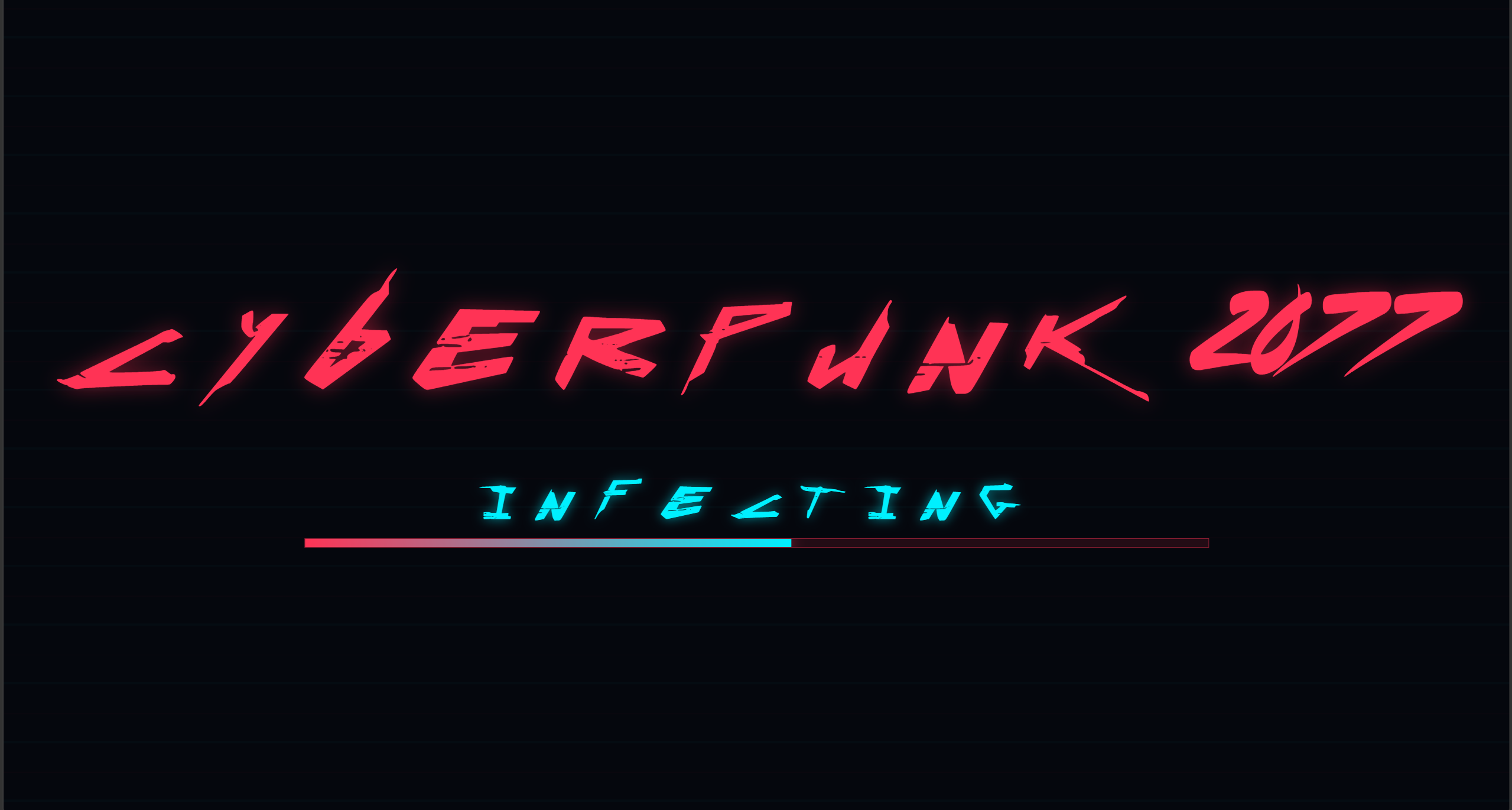
The plugin works on two layers. Visually, it layers a red-cyan-green neon palette over a dark navy base with a green code-rain particle background for an electronic-code atmosphere. Three typefaces-Ryzes, Cyberpunk, and Orbitron-are embedded as base64 so no network request is needed. The boot sequence replays the CYBERPUNK 2077 title card, an INFECTING progress bar, and a CRT scan-line transition. Interactively, pressing Tab slides in a 120-degree arc session switcher on the left with recent chats pinned, mouse-wheel navigation, and mid/right-click to spawn a hacker terminal. Typing relic or johnny triggers a full-screen hidden Easter egg.
It is a fit for DeepSeek Harness users who love Cyberpunk 2077 art direction and want a Night City vibe in their daily tool, and for developers who want to evaluate a zero-config, fully offline theme plugin before committing to a look.
Screenshots
Use Cases
- Switching to a Night City neon vibe during everyday DeepSeek Harness Web UI sessions
- Enjoying a full Cyberpunk theme offline with zero font network requests
- Demoing a fun dress-up customization approach to teammates
Best For
- Cyberpunk 2077 fans and neon-aesthetic enthusiasts
- DeepSeek Harness users who want a personalized visual layer on their dev tools
- Developers who prefer zero-config, fully offline theme plugins
Related Plugins

whale-girl is a desktop pet in the DSH Web GUI (bottom-right for instant companionship) — draggable, feedable, playable; completed tasks, sessions and companionship time accrue into seniority levels, titles, and memories.

A WebGPU ocean skin for DeepSeek Harness with five-wave Gerstner waves, translucent theme, day/night cycle, and quick controls, installable as plugin or extension.

A Galgame-style conversation view and visual scene editor for DSH web sessions, with a real-time editing mode.

A native skinning plugin for DeepSeek Harness: 8 designer themes, wallpapers, accent colors, and shareable theme packs, built purely on design tokens.