
dsh-session-plus
Run the following command in DeepSeek Harness:
dsh plugin install SZMY-haruhi/dsh-session-plus
Paste the following prompt into your AI chat to install this plugin:
Run dsh plugin install SZMY-haruhi/dsh-session-plus in your terminal to install; the source repo is at https://github.com/SZMY-haruhi/dsh-session-plus
About this plugin
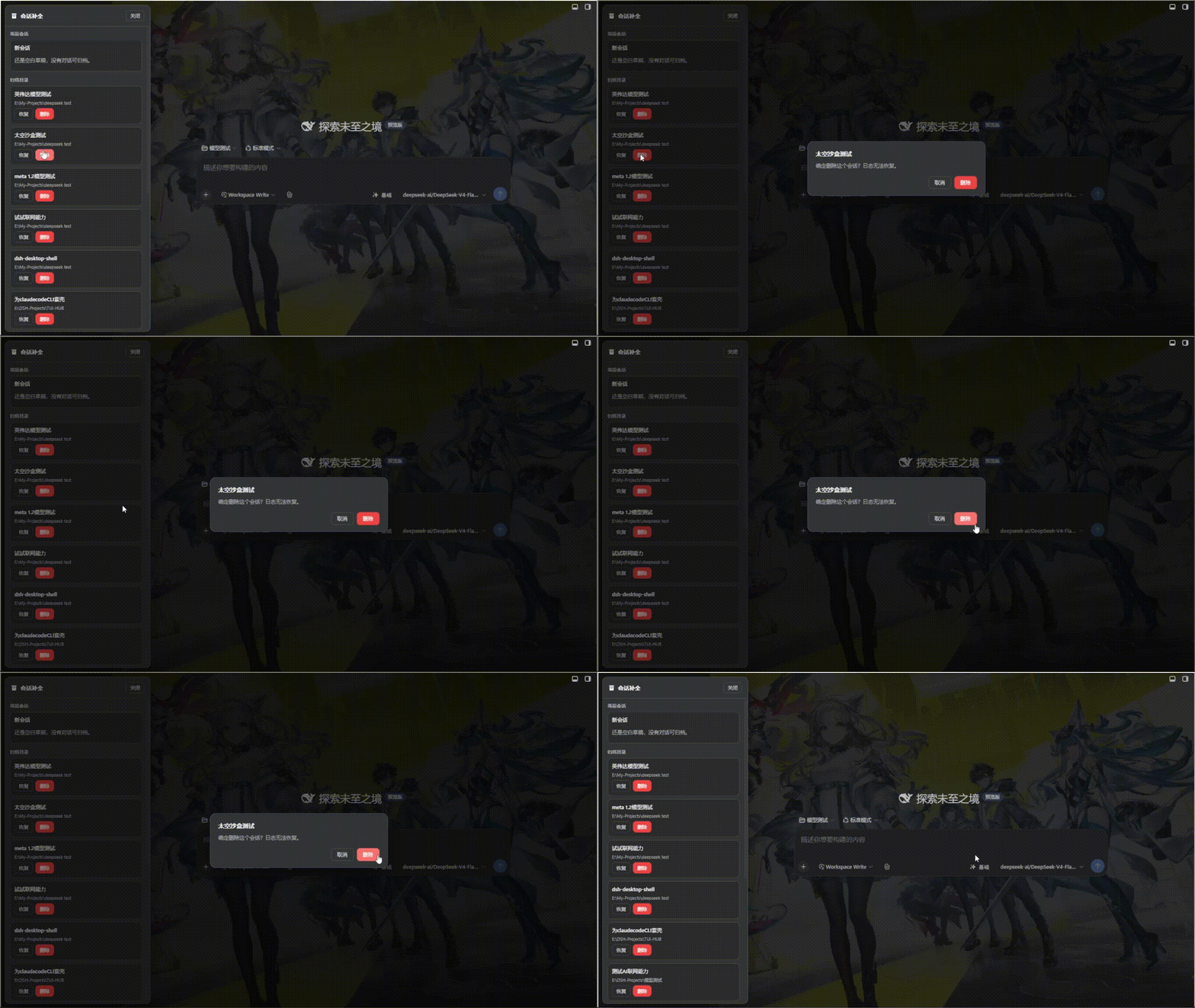
DeepSeek Harness can archive sessions, but once archived there is no built-in way to browse, restore, or delete them. Over time a backlog of stale conversations piles up with no clean way to tidy the sidebar. dsh-session-plus fills exactly that gap: a single Archive button at the bottom of the sidebar opens a list of every archived session, where you can restore one back to its original workspace slot or permanently delete it (including local log files) with a clear confirmation.
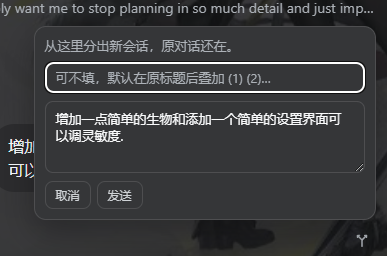
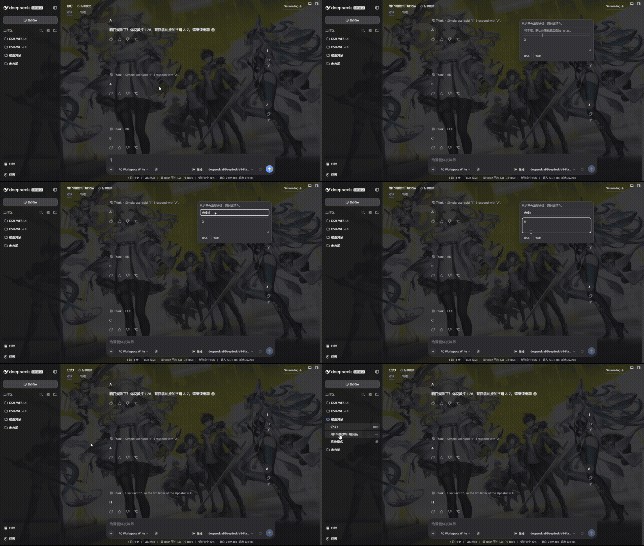
Beyond archive management, the plugin adds a Fork & Edit action on every user message: an inline popup lets you rewrite the prompt, optionally set a new title, and fork a brand-new conversation while the original stays untouched. Everything runs through DeepSeek Harness' public workspace APIs only-no patches to official packages, no extra DOM injected into the view-options menu-so upgrades remain painless.
If you routinely juggle multiple sessions, need to prune archived history, and love branching off from a specific reply to explore a different direction, this plugin is the missing piece.
Screenshots

Use Cases
- Prune archived sessions by restoring or deleting them in one click
- Fork a new conversation from any user message while the original stays intact
- Tidy up a cluttered sidebar full of historical conversations
Best For
- DeepSeek Harness users who manage multiple concurrent sessions
- Users who need to periodically organize archives and clean up history
- Users who like branching from a specific reply to explore different directions
Related Plugins
A service-oriented sidebar framework for DSH, offering a full workbench with file explorer, embedded browser, real terminal, Git panel, and extensible plugin services.

A beautiful, practical Claude Code-style TUI plugin with pixel whale top bar, flowing glow title, real-time status line, streaming thought expansion, time rewind, context progress bar and TPS gauge — zero core changes.

The plugin market for DeepSeek Harness: browse/search/one-click install community plugins and themes, with updates, backup/restore, hot disable, diagnostics, and AI fix.

A persistent whale widget on the DSH web UI that shows DeepSeek balance, today's usage, and per-turn cost, with drag-and-snap and sound effects.