dsh-themes
Run the following command in DeepSeek Harness:
dsh plugin install naniwet/dsh-themes
Paste the following prompt into your AI chat to install this plugin:
Run the following command in your DeepSeek Harness terminal to install this plugin (source at https://github.com/naniwet/dsh-themes): dsh plugin install naniwet/dsh-themes
About this plugin
The DeepSeek Harness web UI ships with one fixed palette and the system font stack. Wanting a different vibe meant forking the source, hunting CSS rules, and keeping up with upstream releases. dsh-themes collapses all of that into a single YAML block: colours, display font, wallpaper, sidebar character art, favicon, composer ornamentation—every visual slot is a config key, so a new skin is a config swap, not a code change. Unload the plugin and the stock UI is restored pixel-for-pixel.
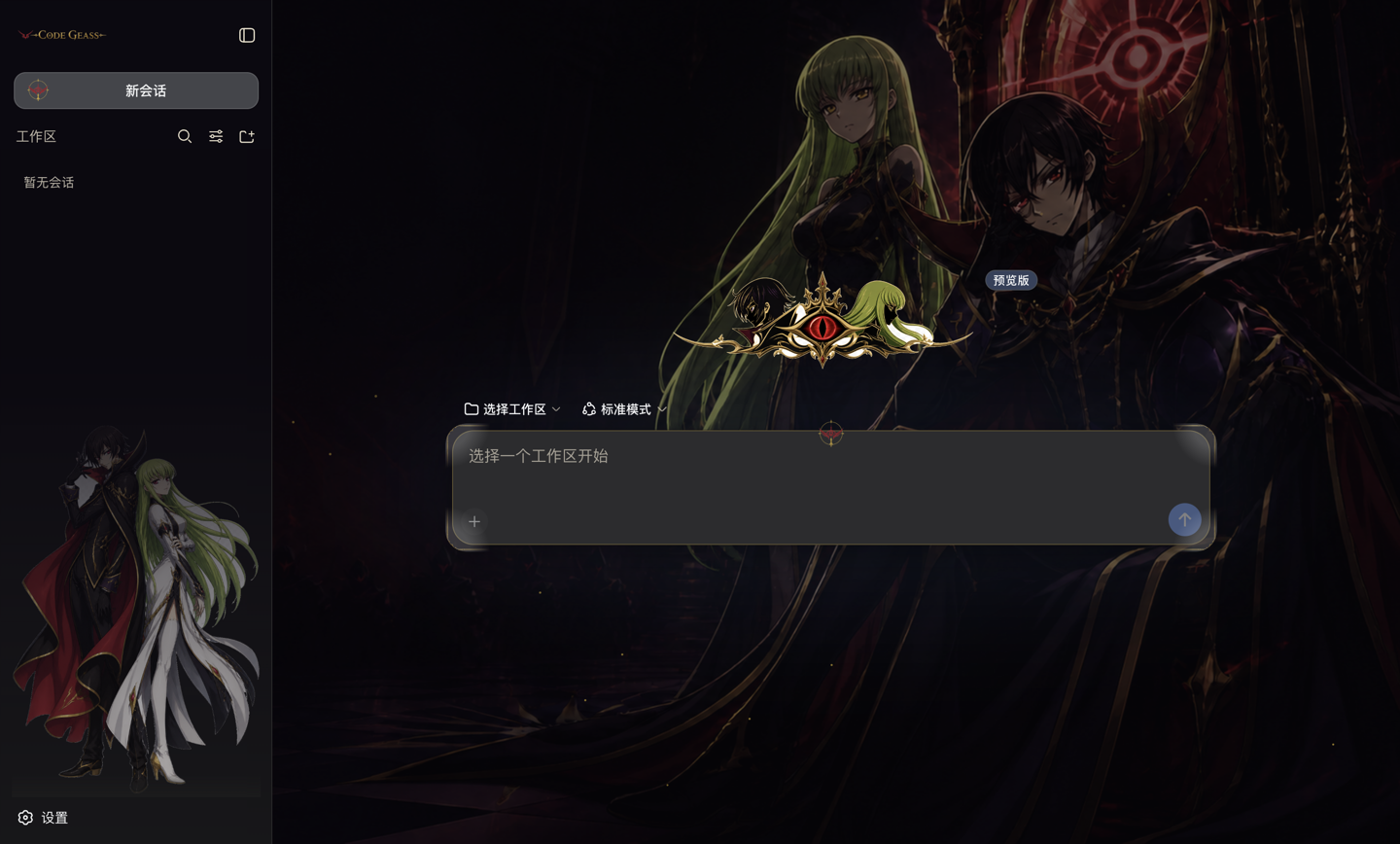
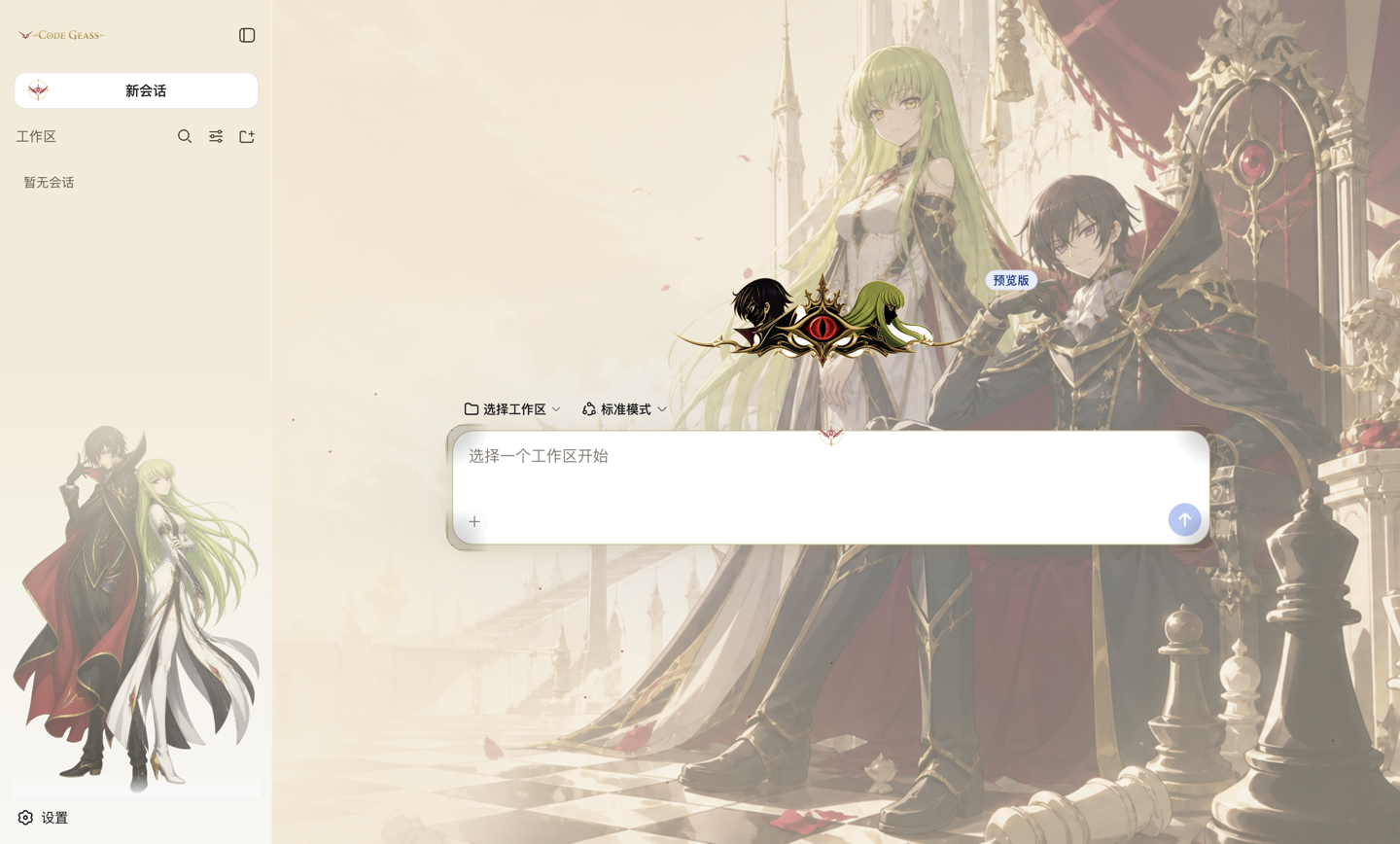
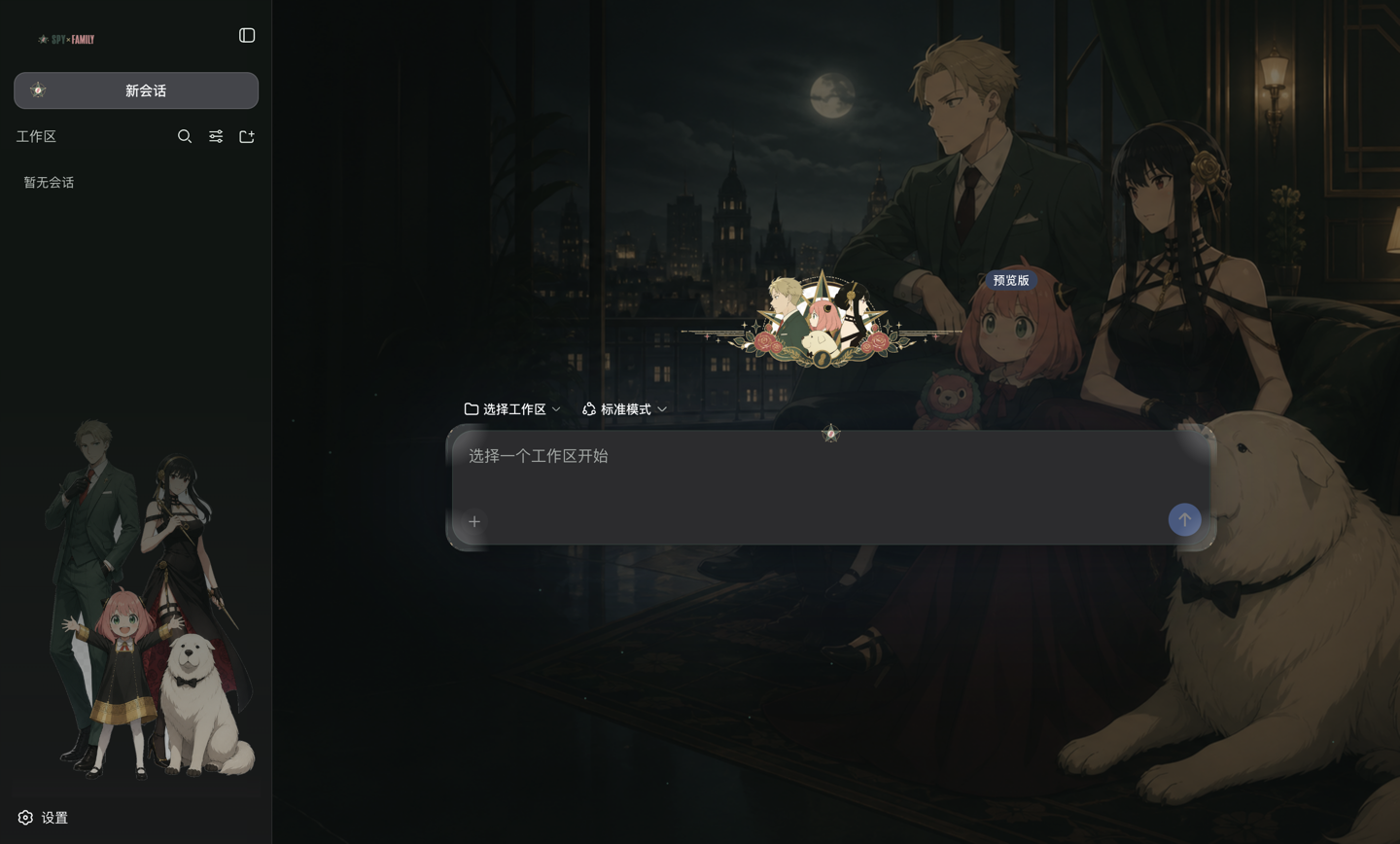
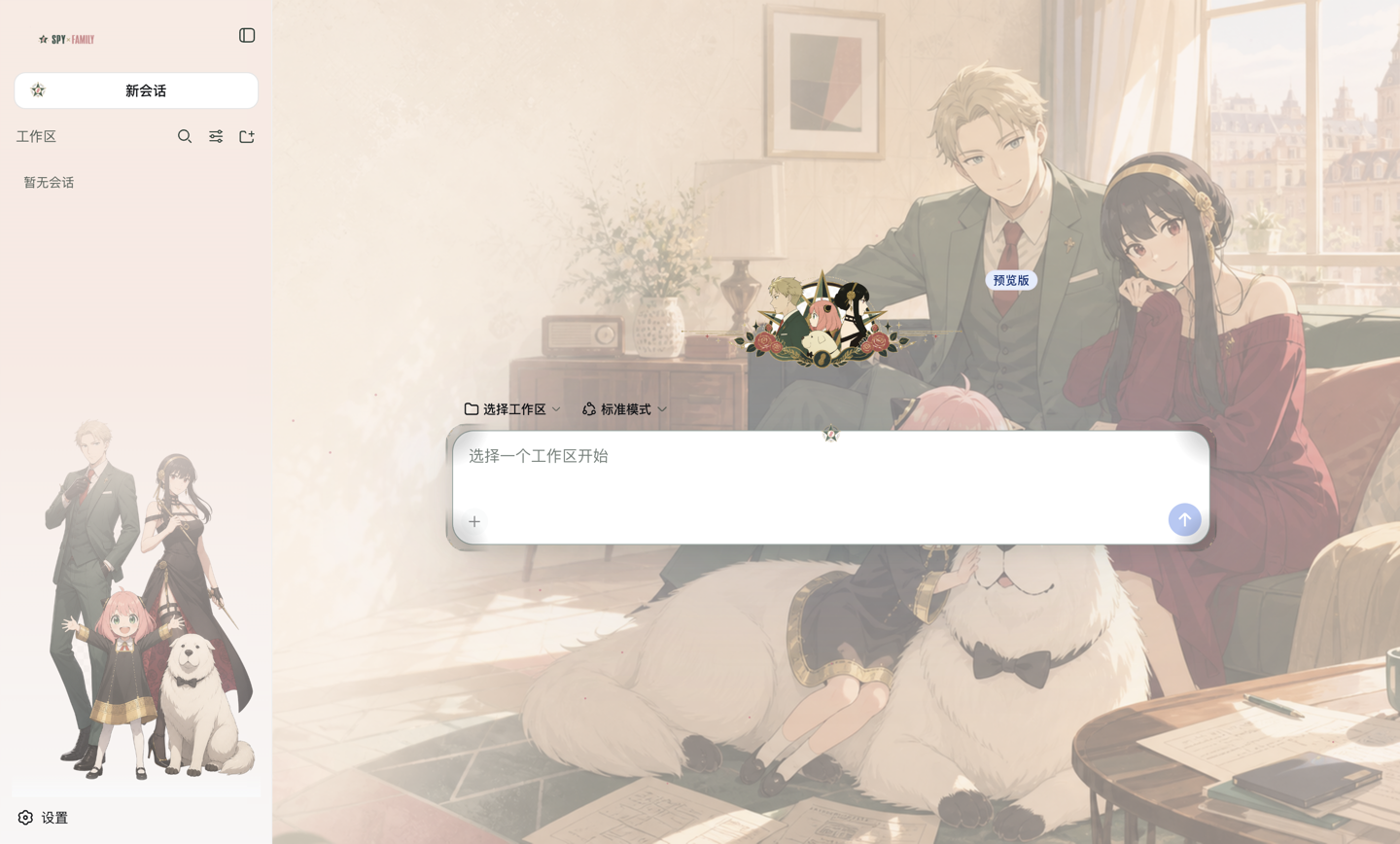
Two complete presets are bundled: a gold-and-crimson Code Geass theme set in Songti serif, and a forest-green-and-rose SPY×FAMILY theme in a rounded sans. Each is tuned independently for light and dark schemes—pale grounds need denser accents and darker secondary text, not a simple invert. The reading column offers three backing modes (glyph halo, blurred panel, or none) so you can decide how much wallpaper you want to trade for text contrast.
Adding a new theme requires zero code changes: one YAML file under presets/ plus an assets folder, seven palette values and a font name. It suits developers who want their terminal to carry a visual identity without maintaining a fork, and anyone who finds the default grey a little too quiet and would like a character standing in the sidebar.
Screenshots
Use Cases
- Giving your DeepSeek Harness session a personal look without forking or patching CSS
- Shipping a repeatable visual theme to a team and swapping it with one YAML block
- Putting a favourite character in the sidebar instead of a blank grey panel
- Tuning light and dark schemes independently so pale backgrounds keep readable contrast
Best For
- DeepSeek users who care about terminal aesthetics but do not want to write front-end code
- Contributors who want to add a new theme by dropping one config block and a few images into a folder
- Anime- and game-fans who want terminal UIs to carry the same visual identity as their other tools
Related Plugins

whale-girl is a desktop pet in the DSH Web GUI (bottom-right for instant companionship) — draggable, feedable, playable; completed tasks, sessions and companionship time accrue into seniority levels, titles, and memories.

A WebGPU ocean skin for DeepSeek Harness with five-wave Gerstner waves, translucent theme, day/night cycle, and quick controls, installable as plugin or extension.

A Galgame-style conversation view and visual scene editor for DSH web sessions, with a real-time editing mode.

A native skinning plugin for DeepSeek Harness: 8 designer themes, wallpapers, accent colors, and shareable theme packs, built purely on design tokens.