dsh-pixel-liangzu
Run the following command in DeepSeek Harness:
dsh plugin install mobius/dsh-pixel-liangzu
Paste the following prompt into your AI chat to install this plugin:
Run dsh plugin install mobius/dsh-pixel-liangzu (source at https://github.com/mobius/dsh-pixel-liangzu ) in your terminal, then restart dsh web - the pixel pet will appear in the bottom-right corner of Harness.
About this plugin
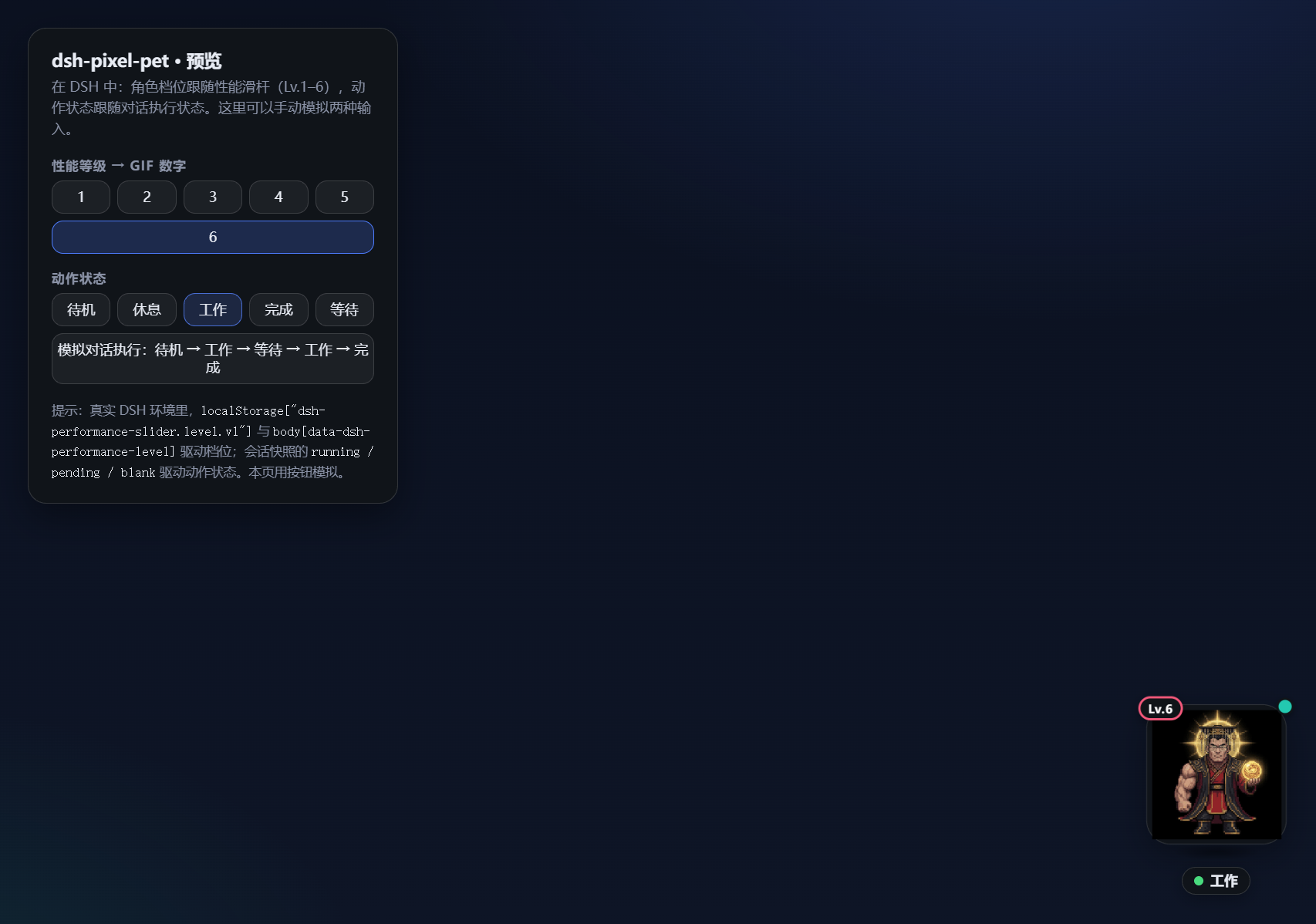
When chatting with an AI inside DeepSeek Harness, the interface stays the same calm, functional layout throughout a session. dsh-pixel-liangzu drops a pixel-art desktop pet into the bottom-right corner so you can literally watch conversation progress: it hunches over its work while a task runs, tilts its head waiting for your approval, gives a little clap when everything finishes, and rests quietly in between.
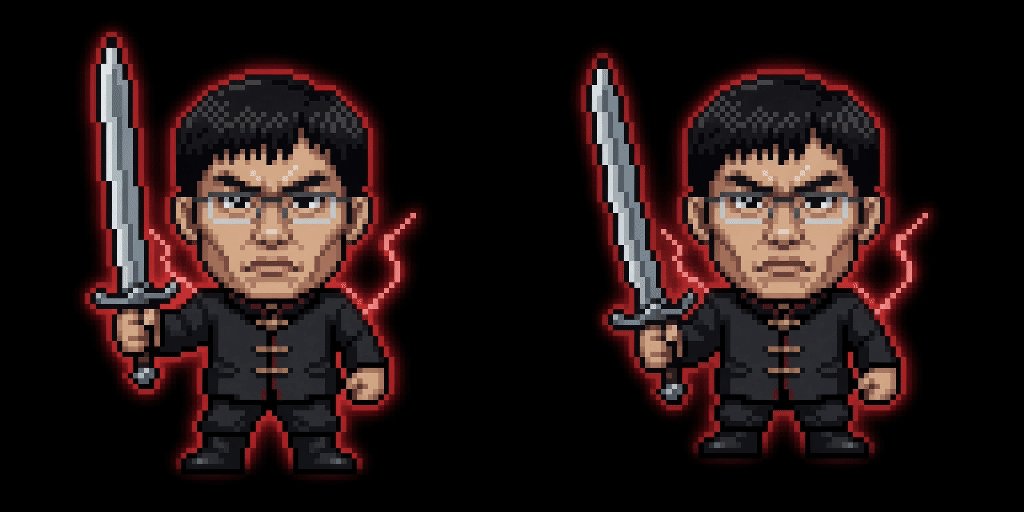
The pet character is driven by the six-level performance slider (dsh-performance-slider) - six distinct pixel GIFs ranging from a slim office worker at Lv.1 to a crowned emperor at Lv.6, switching the moment you drag the slider. Its animation state subscribes to the ConversationSnapshot of the current session, covering five states - idle, rest, work, wait, and done - with speech bubbles and a red error border surfacing key events right in your line of sight. You can grab and drag the pet anywhere on screen; its position is remembered across sessions and automatically clamped back into view on window resize.
It fits two audiences well: developers running long tasks in dsh web or dsh-desktop who want the process to be visible at a glance, and anyone who thinks a little pixel head working alongside you is more engaging than a progress bar. No separate slider plugin is required - it reads the shared state out of the box.
Screenshots





Use Cases
- Glance at the pet to know if a long AI task is running, waiting, or done
- Drag the performance slider to swap characters and liven up a static chat UI
- Pet flashes a red border on errors so you spot issues without scrolling logs
Best For
- Developers running long tasks in dsh web or dsh-desktop who want at-a-glance status feedback
- Desktop-pet and pixel-art fans who want a playful companion in their tooling
- Anyone who finds a progress bar dry and would rather watch a little head working alongside them
Related Plugins

whale-girl is a desktop pet in the DSH Web GUI (bottom-right for instant companionship) — draggable, feedable, playable; completed tasks, sessions and companionship time accrue into seniority levels, titles, and memories.

A WebGPU ocean skin for DeepSeek Harness with five-wave Gerstner waves, translucent theme, day/night cycle, and quick controls, installable as plugin or extension.

A Galgame-style conversation view and visual scene editor for DSH web sessions, with a real-time editing mode.

A native skinning plugin for DeepSeek Harness: 8 designer themes, wallpapers, accent colors, and shareable theme packs, built purely on design tokens.