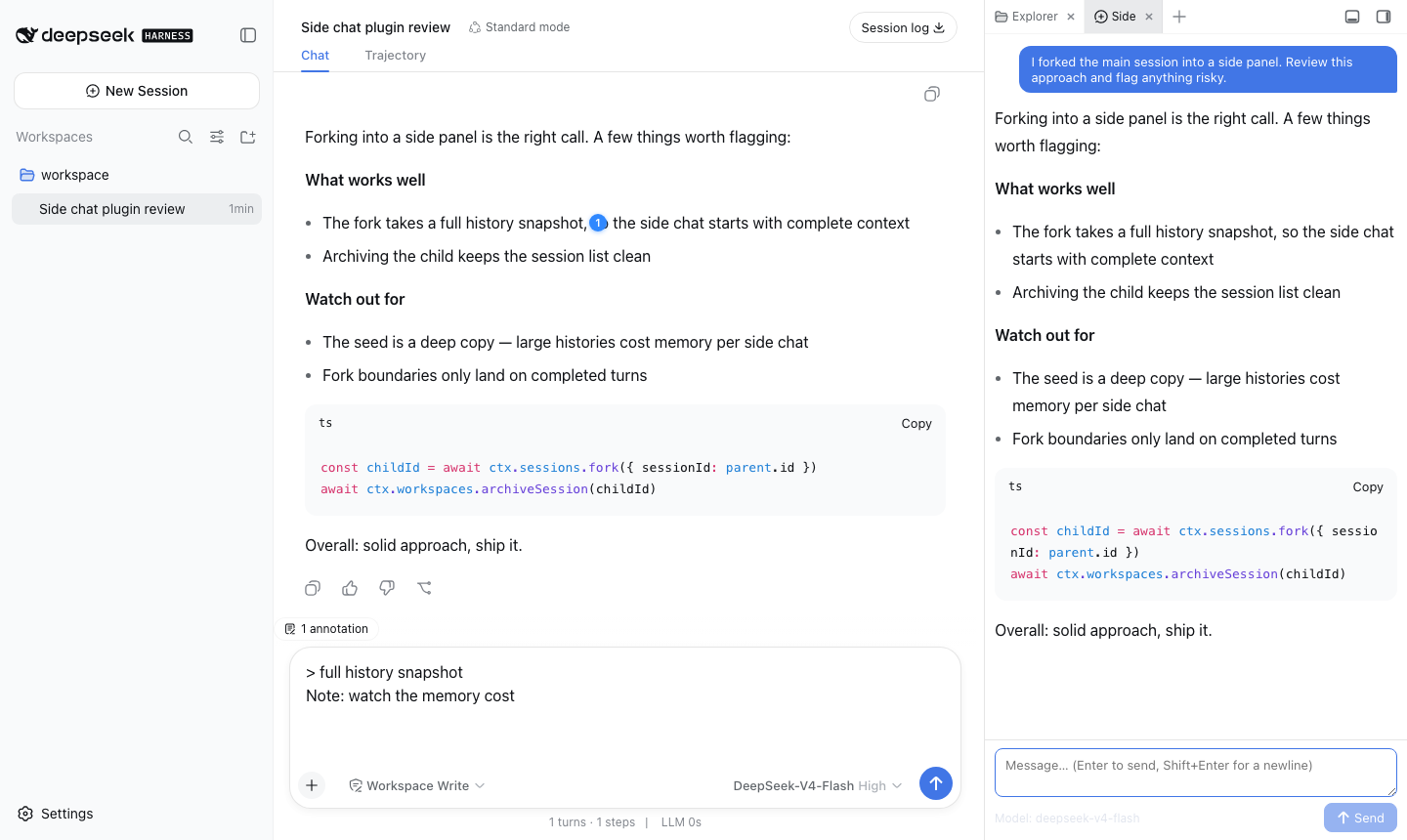
dsh-sidechat
Run the following command in DeepSeek Harness:
dsh plugin install g-yixuan/dsh-sidechat
Paste the following prompt into your AI chat to install this plugin:
Install it in your DeepSeek Harness terminal by running dsh plugin install g-yixuan/dsh-sidechat; the source code is available at https://github.com/g-yixuan/dsh-sidechat .
About this plugin
Deep conversations with a model often hit a fork in the road: your main thread is in full swing, and a side question suddenly pops up. Dashing it into the main session muddies the context; opening a fresh session throws away every token of history. dsh-sidechat resolves the tension with a true fork — a full-history snapshot spun off into an independent sidebar conversation that evolves on its own, while you can run multiple sidebar instances in parallel.
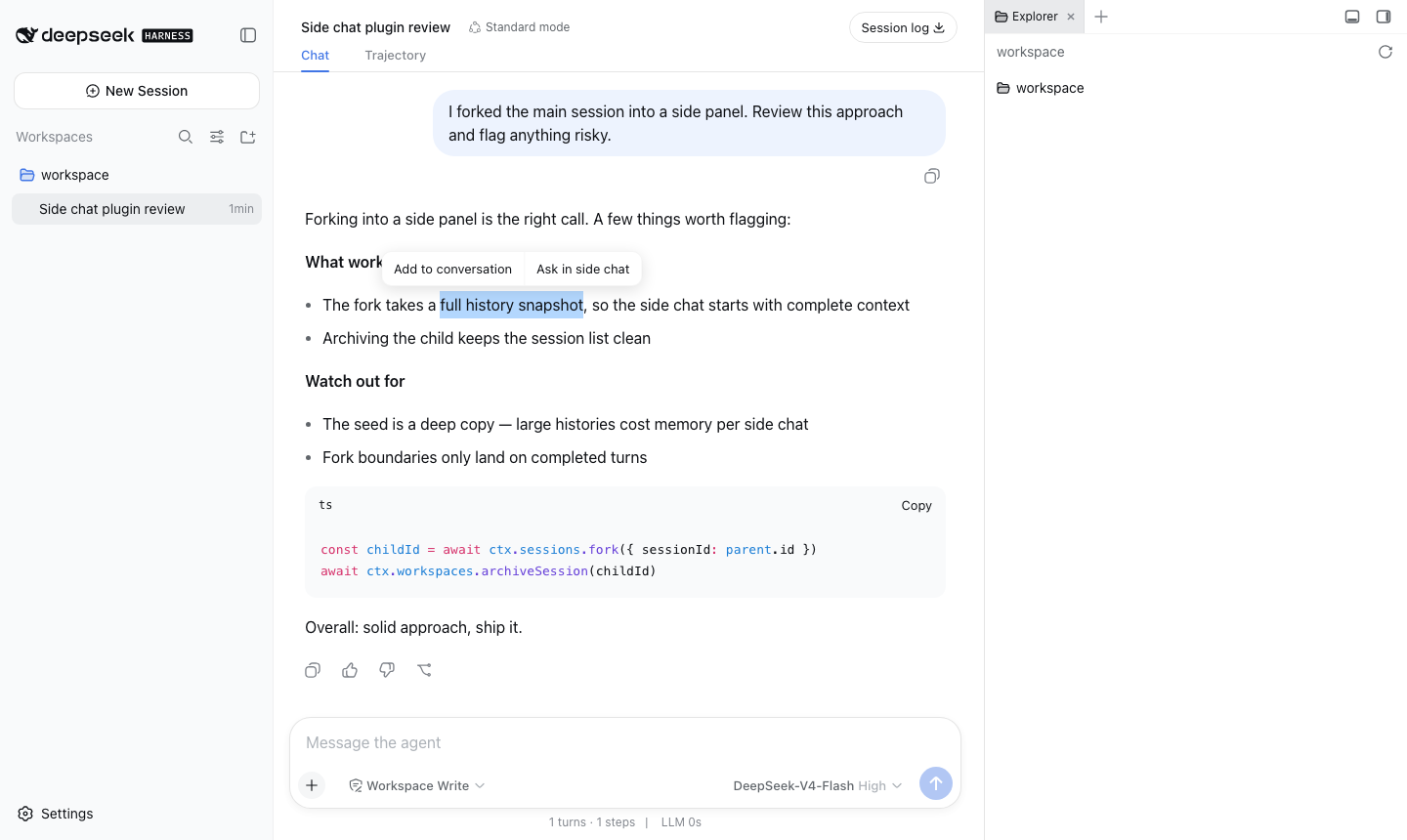
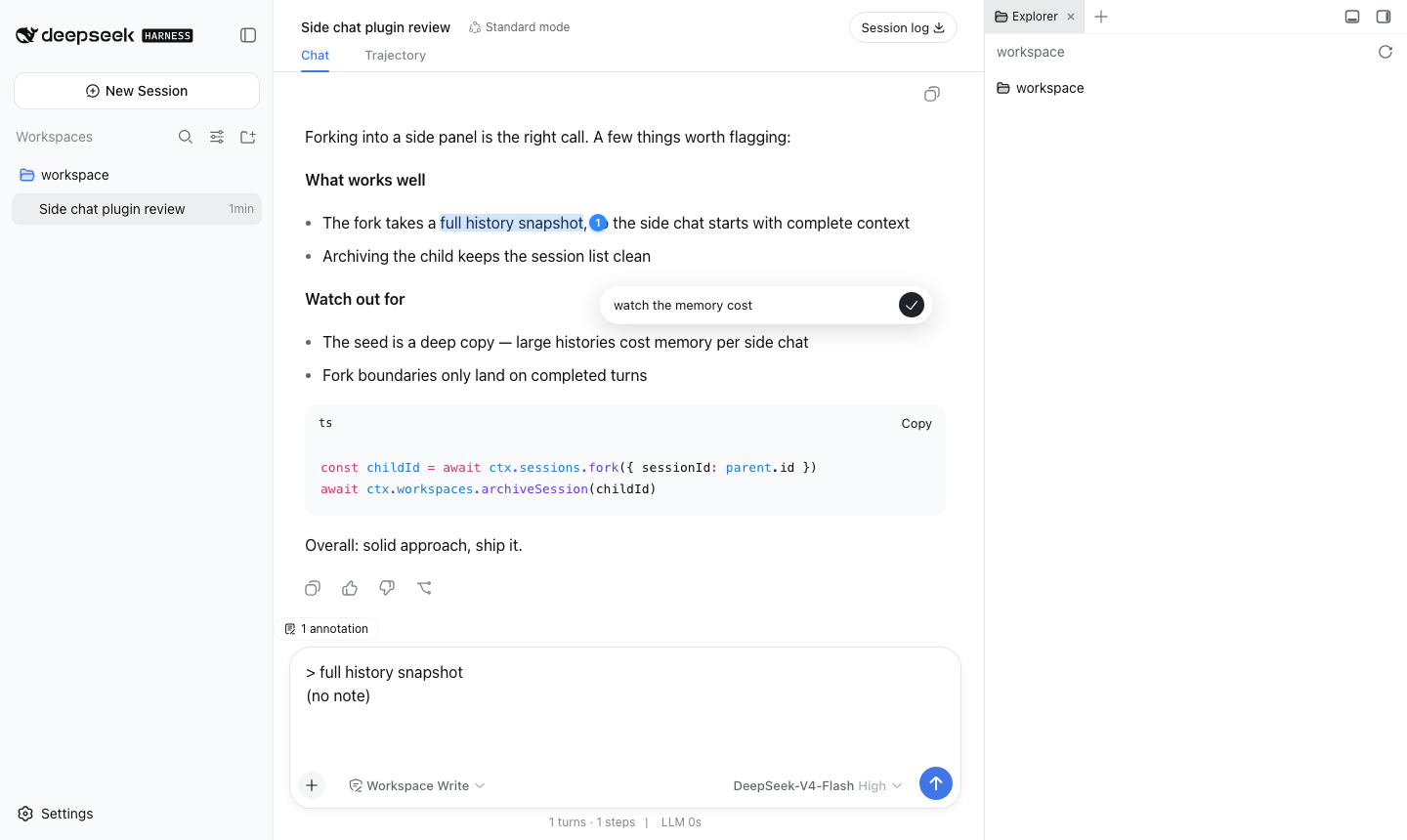
Text annotation is the other pillar. Select any span in an assistant message, attach a note or leave it blank, and the accumulated citations ride along with your next message — or land directly in a sidebar chat for a focused follow-up. Badges follow creation order, are editable and deletable, making it a natural workflow for margin-balling a long reply and then firing a batch question. The sidebar session is a real DSH session with full tool-calling, drill-down, and re-fork capability, not a compressed one-shot Q&A.
Built for researchers, engineers, and writers who live in DSH web for long-horizon work: the ones who need to spin off exploratory branches without derailing the main line, and who want to turn their annotations into prompt-ready context instead of copy-pasting between windows.
Screenshots
Use Cases
- Fork a sidebar session mid-conversation to chase a side question without disturbing the main thread
- Select multiple spans in a long assistant reply, accumulate annotations, then fire them as one batch prompt
- Keep several independent sidebar instances open, each exploring a different direction
Best For
- Engineers running long-horizon research or debugging in DSH web
- Writers who want to margin-bally annotate model replies before asking follow-ups
- Researchers who want annotations to become ready-made prompt context instead of copy-paste across windows
Related Plugins
A service-oriented sidebar framework for DSH, offering a full workbench with file explorer, embedded browser, real terminal, Git panel, and extensible plugin services.

A beautiful, practical Claude Code-style TUI plugin with pixel whale top bar, flowing glow title, real-time status line, streaming thought expansion, time rewind, context progress bar and TPS gauge — zero core changes.

The plugin market for DeepSeek Harness: browse/search/one-click install community plugins and themes, with updates, backup/restore, hot disable, diagnostics, and AI fix.

A persistent whale widget on the DSH web UI that shows DeepSeek balance, today's usage, and per-turn cost, with drag-and-snap and sound effects.