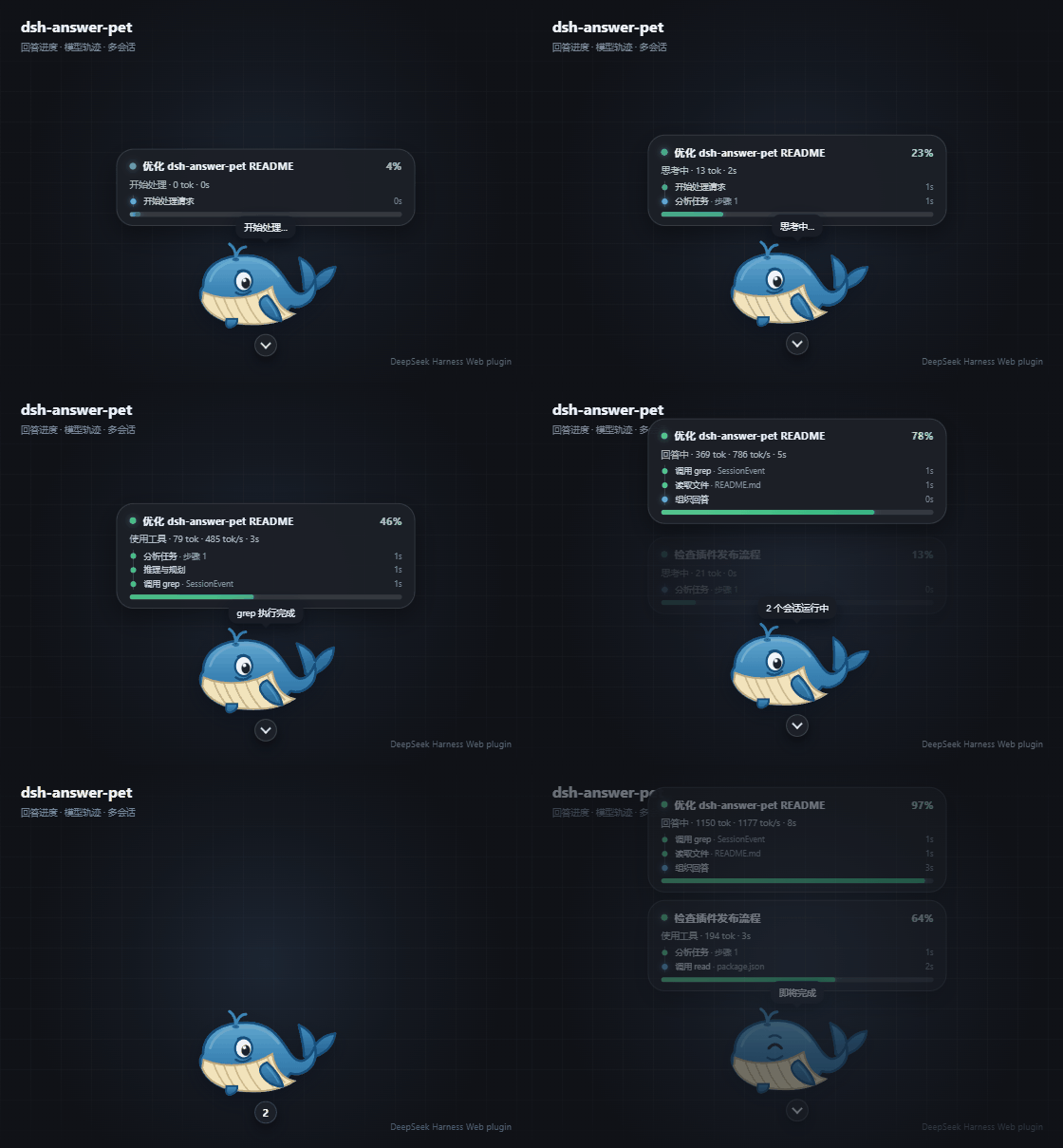
dsh-answer-pet
Run the following command in DeepSeek Harness:
dsh plugin install Nanki-nn/dsh-answer-pet
Paste the following prompt into your AI chat to install this plugin:
To install this plugin in DeepSeek Harness, run `dsh plugin install Nanki-nn/dsh-answer-pet`; the full open-source repository URL is https://github.com/Nanki-nn/dsh-answer-pet .
About this plugin
When handling complex tasks or concurrent sessions in DeepSeek Harness Web, traditional loading animations often fail to reflect the model's underlying reasoning and execution processes. dsh-answer-pet was created to eliminate this "black box" experience, transforming idle waiting time into an engaging and highly informative visual interface that keeps you updated on every AI action.
The core strength of this plugin lies in its extensible pet theme framework and comprehensive status tracking. Beyond animating themes like the blue whale or orange cat to indicate response stages, it generates independent progress cards for each active session. These cards display real-time metrics such as token usage and generation speed, alongside a detailed, privacy-safe timeline of the model's execution traces, including reasoning steps and tool call outcomes.
Whether you are a DSH Web user who loves customizing client UIs, or a power user and developer who needs to closely monitor multi-task progress and Agent tool-calling logic, this plugin delivers a perfect blend of playful interaction and professional depth.
Screenshots
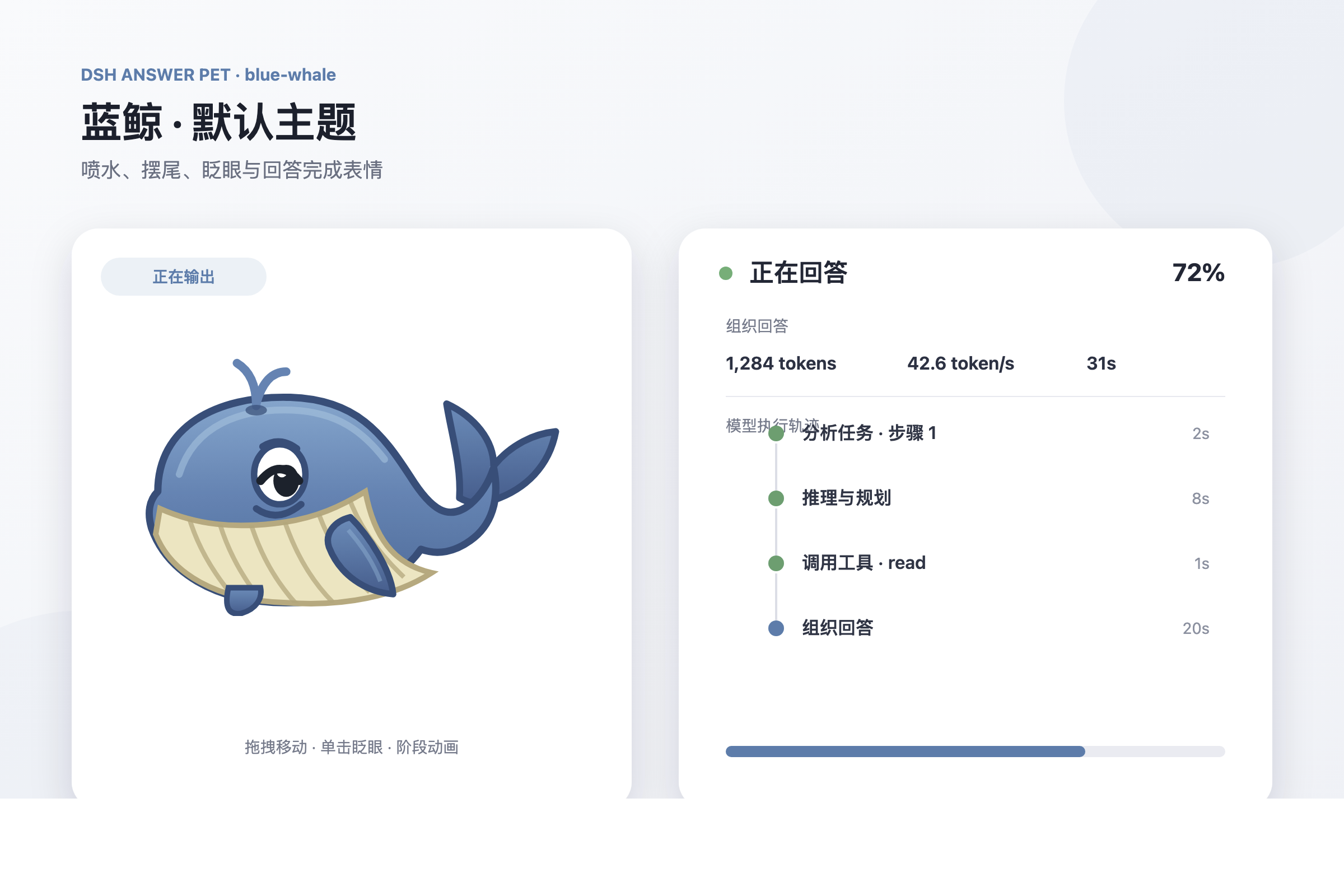
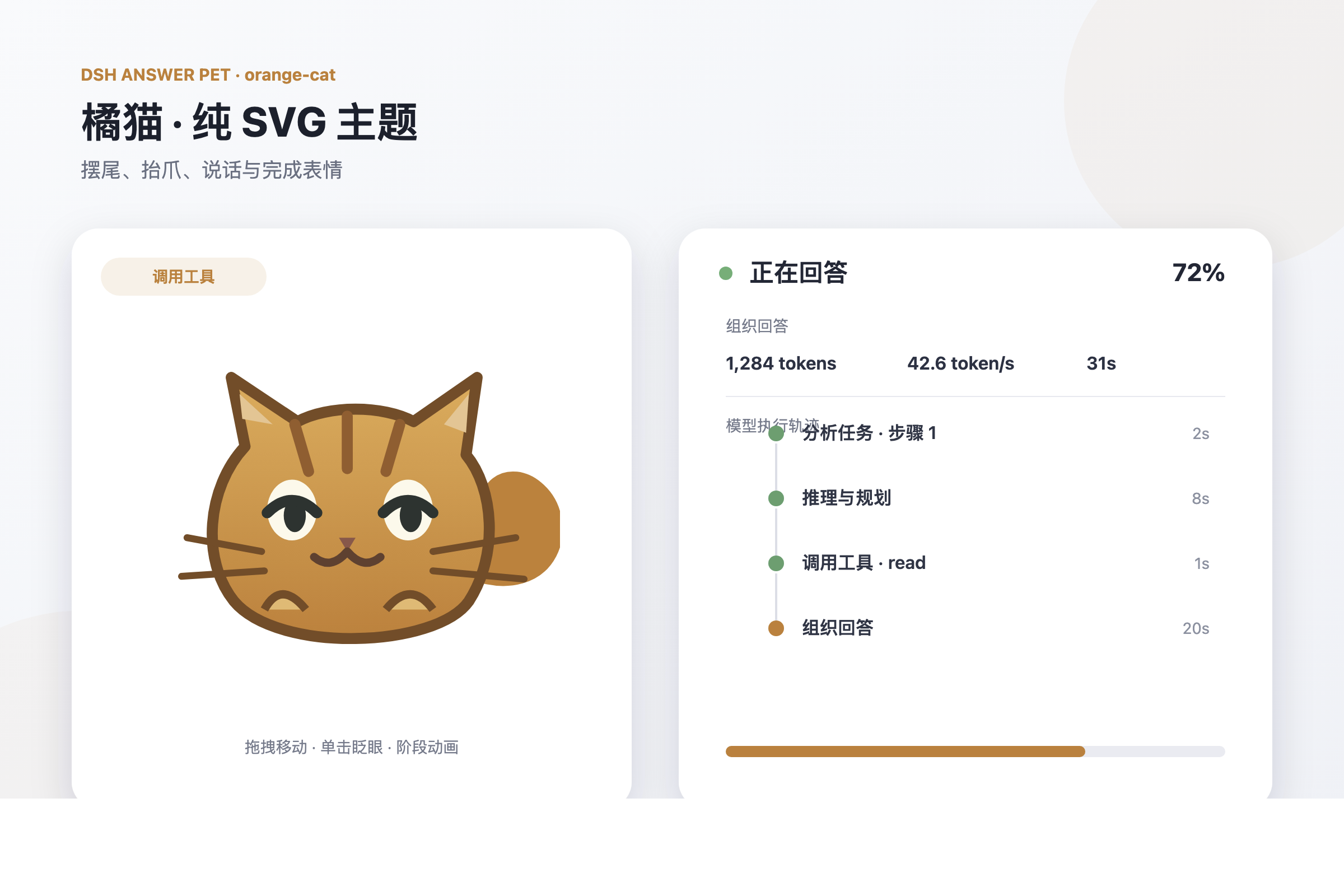
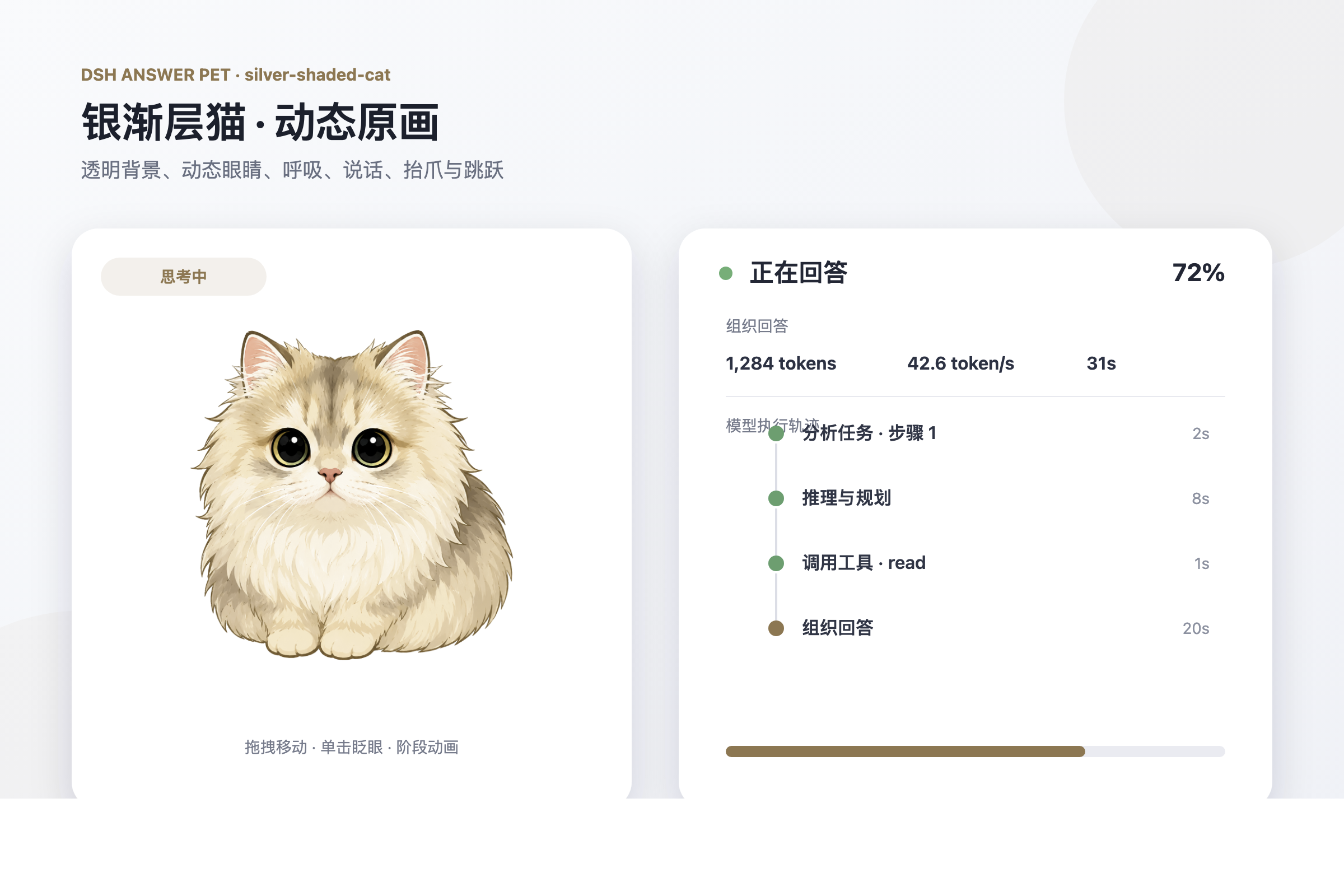
Use Cases
- Monitoring progress across multiple concurrent long-running sessions.
- Observing the AI model's reasoning process and tool-calling status.
- Adding a fun desktop pet to make waiting for responses more engaging.
Best For
- DSH Web users who enjoy customizing their client interface.
- Developers who need to monitor Agent execution logic and tool calls.
- Power users who frequently run multiple complex tasks concurrently.
Related Plugins
A service-oriented sidebar framework for DSH, offering a full workbench with file explorer, embedded browser, real terminal, Git panel, and extensible plugin services.

A beautiful, practical Claude Code-style TUI plugin with pixel whale top bar, flowing glow title, real-time status line, streaming thought expansion, time rewind, context progress bar and TPS gauge — zero core changes.

The plugin market for DeepSeek Harness: browse/search/one-click install community plugins and themes, with updates, backup/restore, hot disable, diagnostics, and AI fix.

A persistent whale widget on the DSH web UI that shows DeepSeek balance, today's usage, and per-turn cost, with drag-and-snap and sound effects.