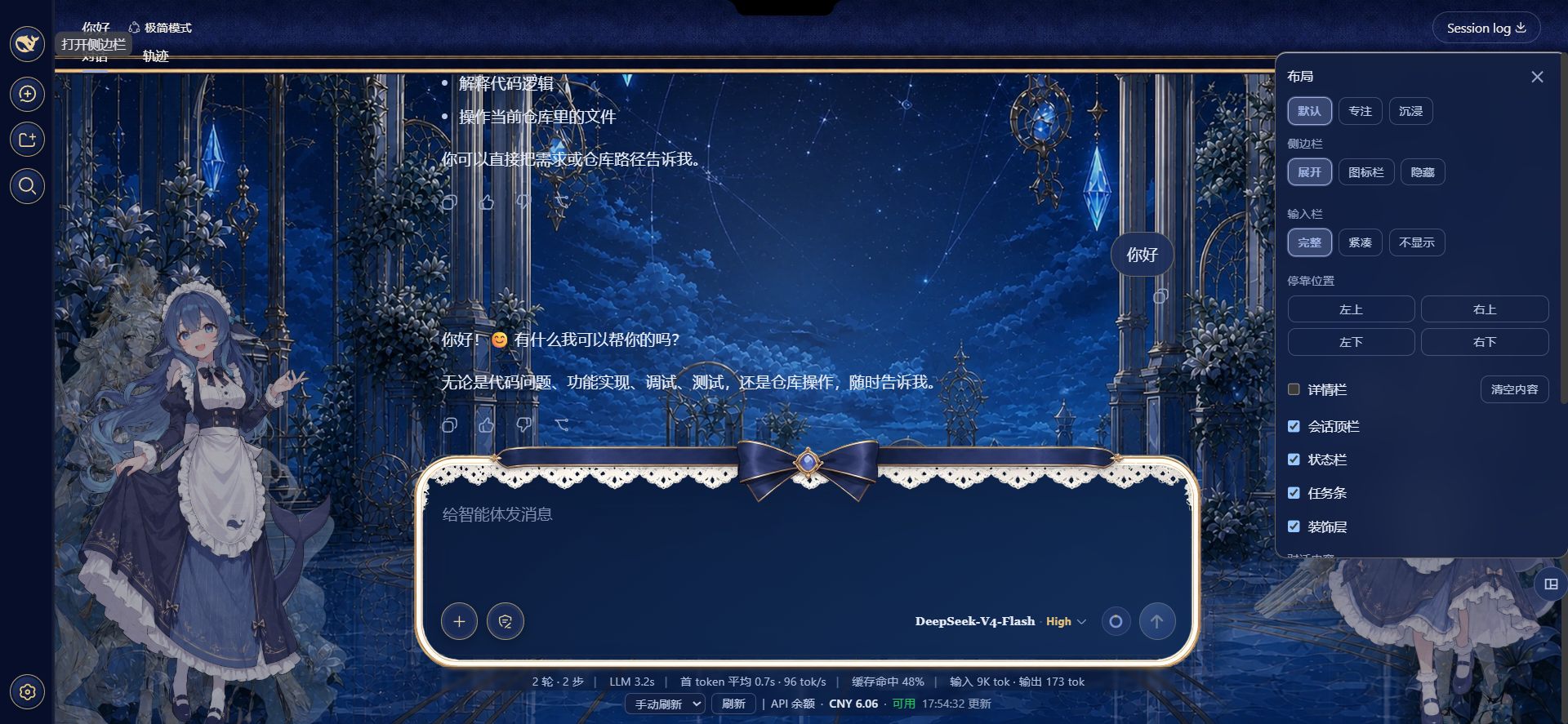
dsh-layout-control
Run the following command in DeepSeek Harness:
dsh plugin install LzqSuShi/dsh-layout-control
Paste the following prompt into your AI chat to install this plugin:
Run dsh plugin install LzqSuShi/dsh-layout-control in your terminal; the full source is at https://github.com/LzqSuShi/dsh-layout-control. After installing, restart dsh web and press Ctrl+F5 to hard-refresh your browser.
About this plugin
DeepSeek Harness ships a full-featured Web UI, but the layout is fixed: the composer always stretches across the bottom, and the session header, task bar, and status strip stack on top of the conversation. There is no built-in way to trim the chrome, dock the input to a corner, or isolate a single stream of transcript nodes without touching the source. dsh-layout-control fills that gap as a pure client-side overlay that modifies nothing inside DSH.
The entry point is a draggable circular button in the lower-right corner; it tucks halfway into the screen edge and expands on hover. Inside the panel you can switch between three presets (Default, Focus, Immersive), choose sidebar density (expanded, icon rail, or hidden), and control the composer in three modes (full, compact, hidden) docked to any of four screen corners. When docked, the conversation column keeps scrolling in the centre while the input card and its todo list hug the chosen corner, and a collapsible session-summary card fills the vacated space on the same side. An 8px inner drag handle lets you resize the docked panel between 280 and 560px in real time. You can also toggle individual chrome elements (top bar, status bar, task strip, and other overlays) and filter the transcript stream to show only AI outputs, user messages, thinking blocks, tool calls, task lists, or reply bodies.
Every interaction rides on public services (ctx.layout, ctx.slots) and stable DOM attributes such as data-slot, never on CSS-Module hash names, so DSH upgrades are unlikely to break the plugin. If you are a DSH Web user who values an immersive reading experience, frequently toggles between focus and collaboration modes, or simply wants to dial the interface density to a personal sweet spot, this plugin is a low-risk, high-impact addition.
Screenshots
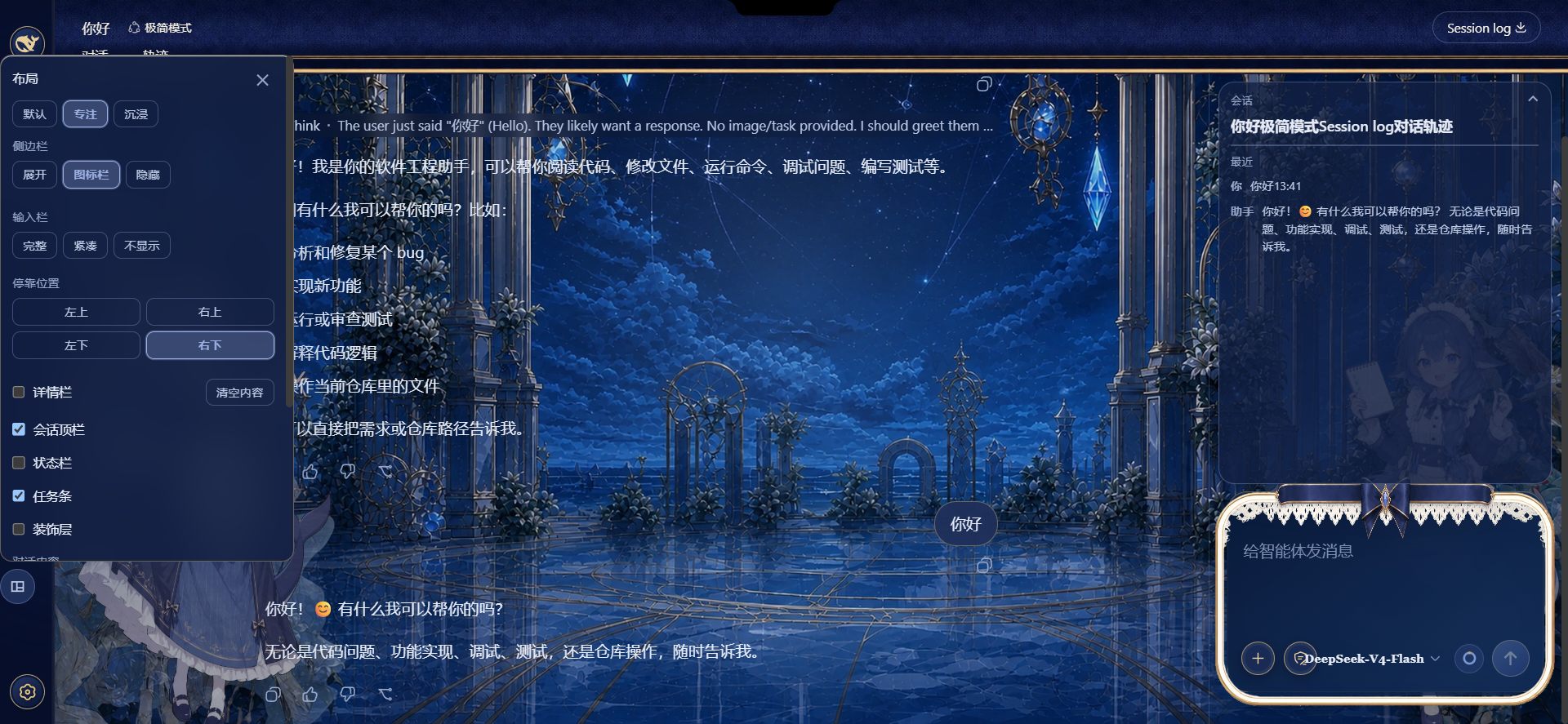
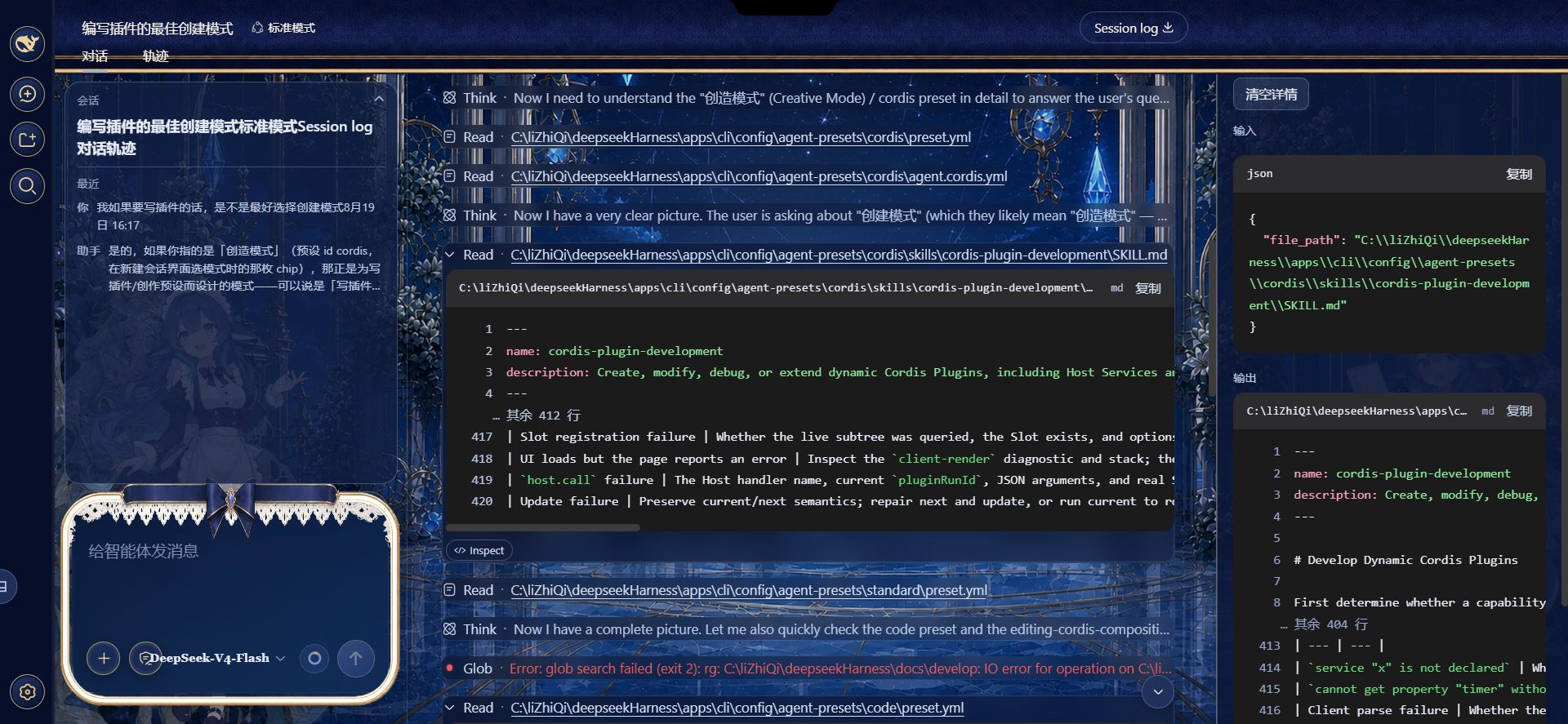
Use Cases
- Hide top bar, task strip, and status bar in one tap to focus on long AI outputs
- Dock the composer into any screen corner to give the conversation column full scroll space
- Filter out thinking blocks and tool calls to see only final replies or user messages
Best For
- DSH Web users who prefer immersive reading and want fewer visual distractions
- Developers and researchers who toggle between focus and collaboration modes often
- Plugin users who want to customize the experience using only public APIs without forking DSH
Related Plugins
A service-oriented sidebar framework for DSH, offering a full workbench with file explorer, embedded browser, real terminal, Git panel, and extensible plugin services.

A beautiful, practical Claude Code-style TUI plugin with pixel whale top bar, flowing glow title, real-time status line, streaming thought expansion, time rewind, context progress bar and TPS gauge — zero core changes.

The plugin market for DeepSeek Harness: browse/search/one-click install community plugins and themes, with updates, backup/restore, hot disable, diagnostics, and AI fix.

A persistent whale widget on the DSH web UI that shows DeepSeek balance, today's usage, and per-turn cost, with drag-and-snap and sound effects.