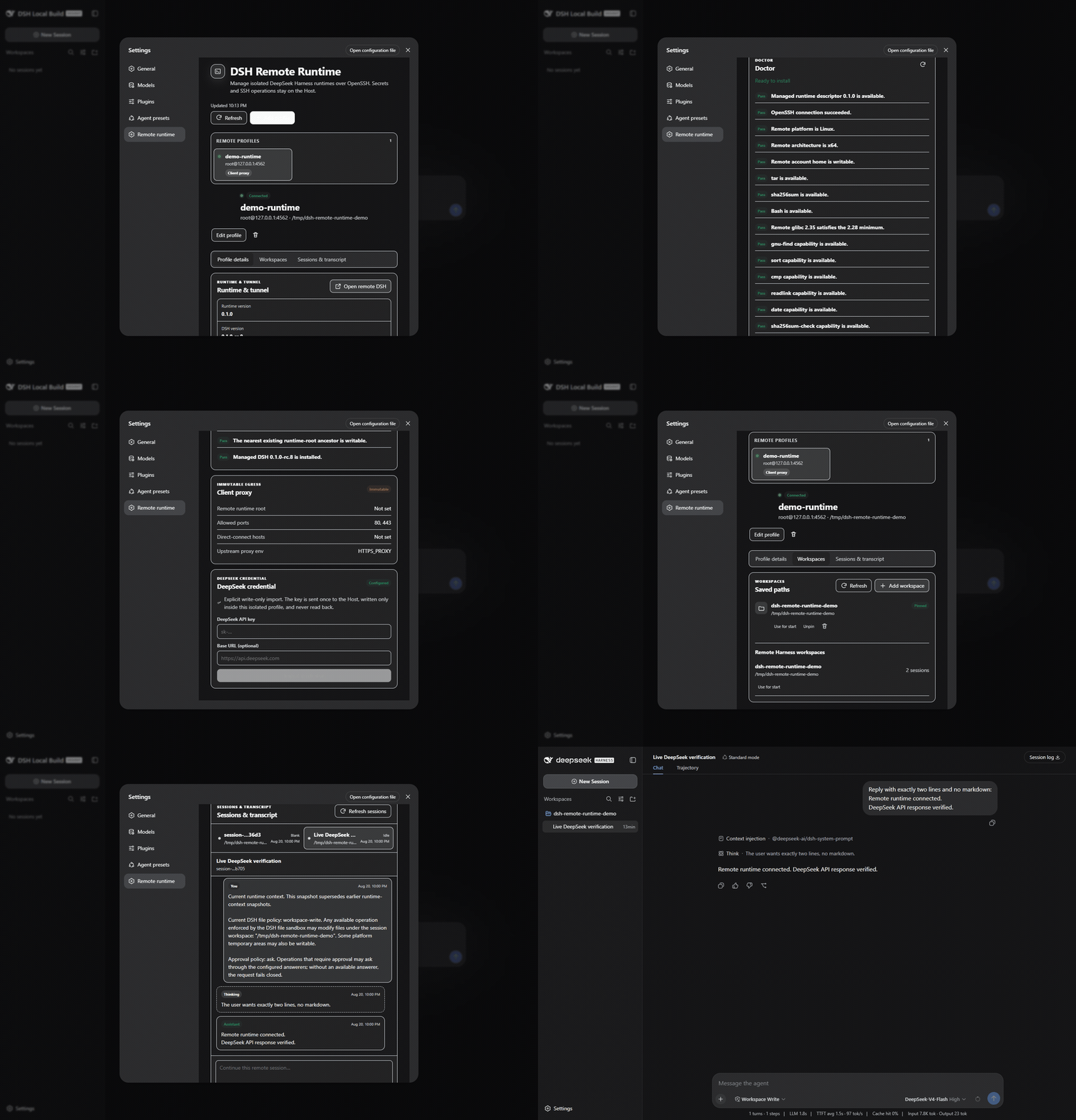
dsh-remote-runtime
Run the following command in DeepSeek Harness:
dsh plugin install ArtificialNotImbecile/dsh-remote-runtime
Paste the following prompt into your AI chat to install this plugin:
Run dsh plugin install ArtificialNotImbecile/dsh-remote-runtime in the DeepSeek Harness terminal to install this plugin; the source code is available at https://github.com/ArtificialNotImbecile/dsh-remote-runtime
About this plugin
DeepSeek Harness runs locally out of the box, so if you have a remote Linux box where you want an isolated DSH instance that you can manage from a browser, there is no native path to that. dsh-remote-runtime fills that gap without touching a single line of Harness source code. SSH connections, file operations, process management, and credential storage all stay on the plugin Host side; the browser only ever receives bounded JSON summaries and never reads a stored key.
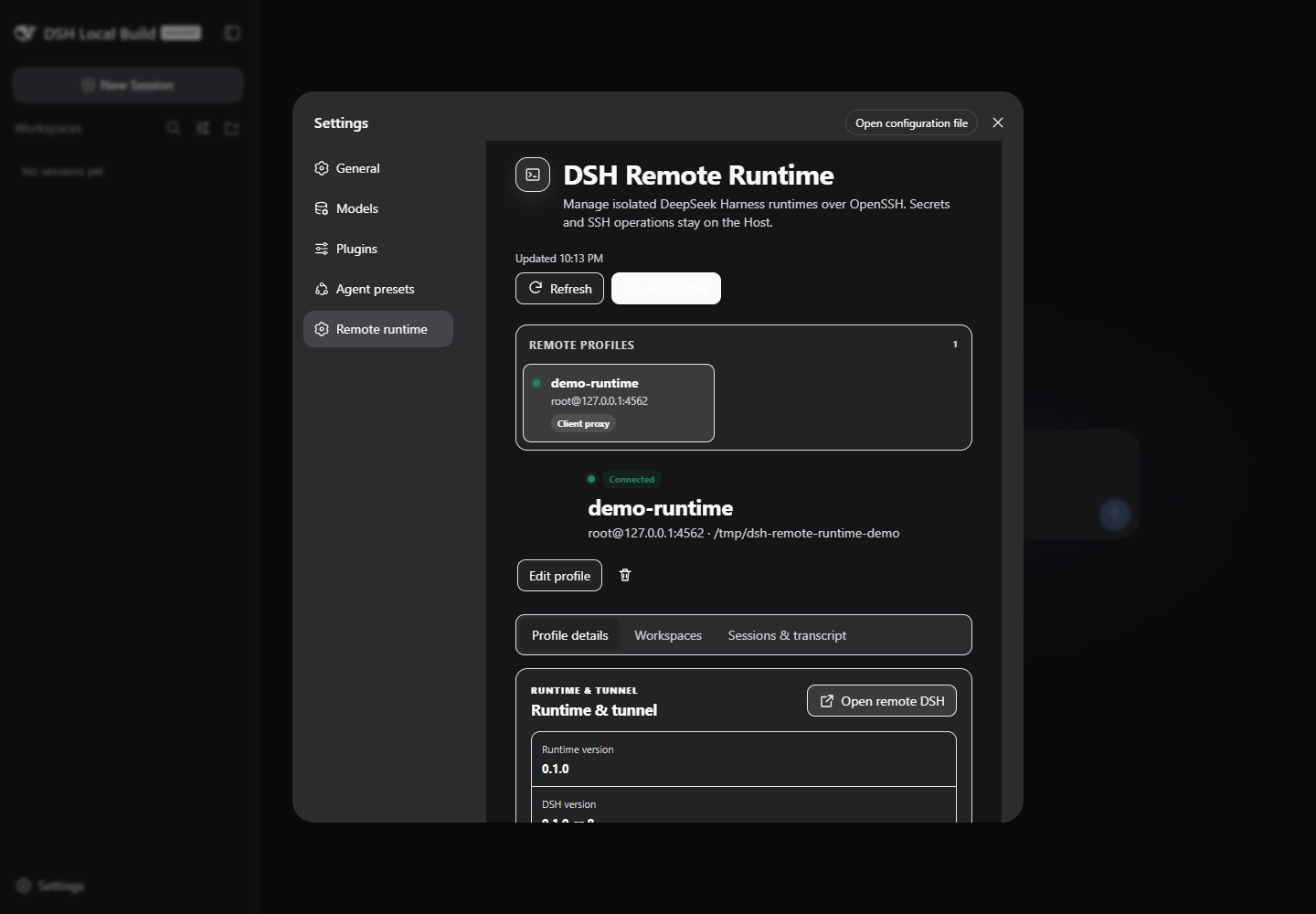
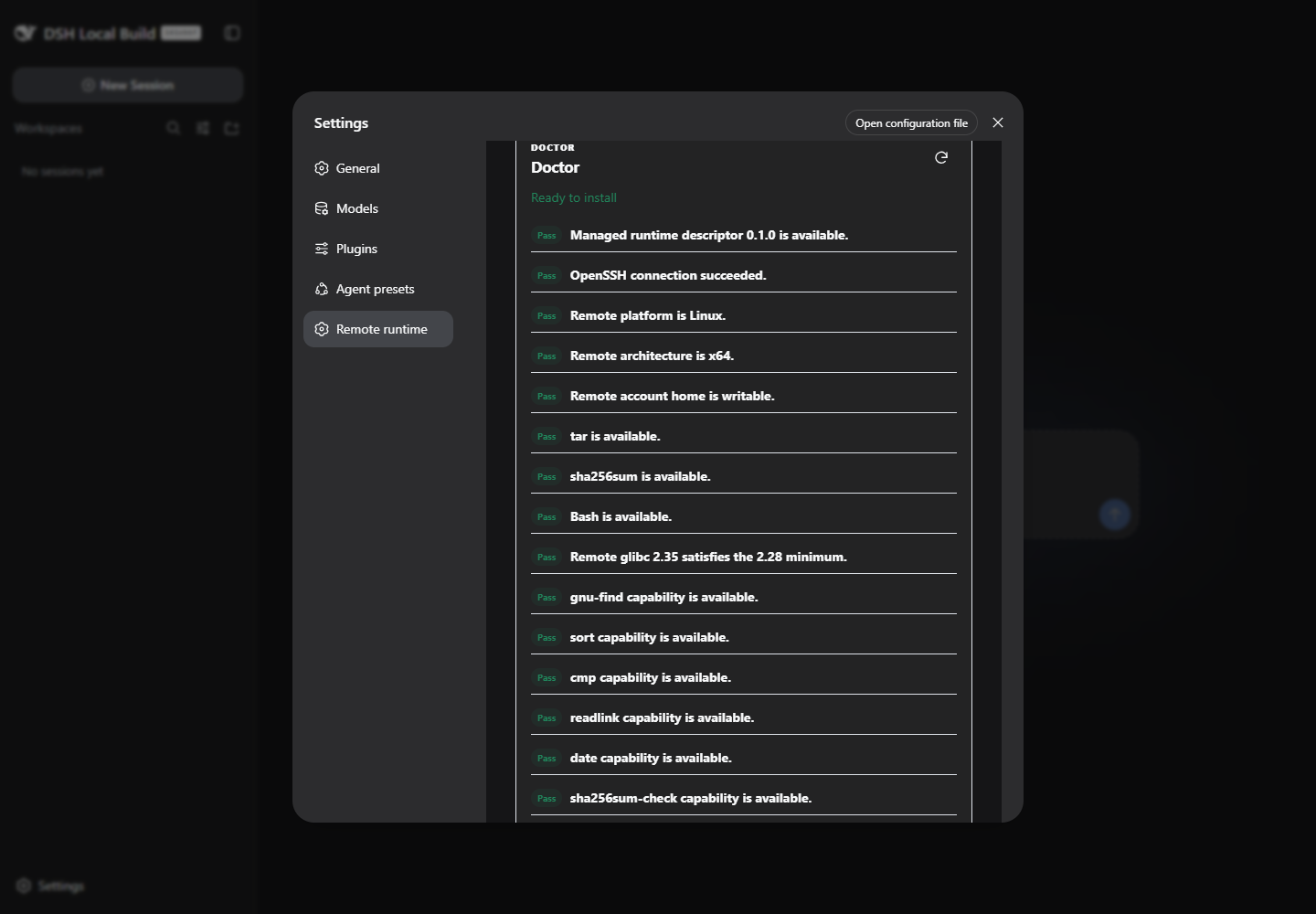
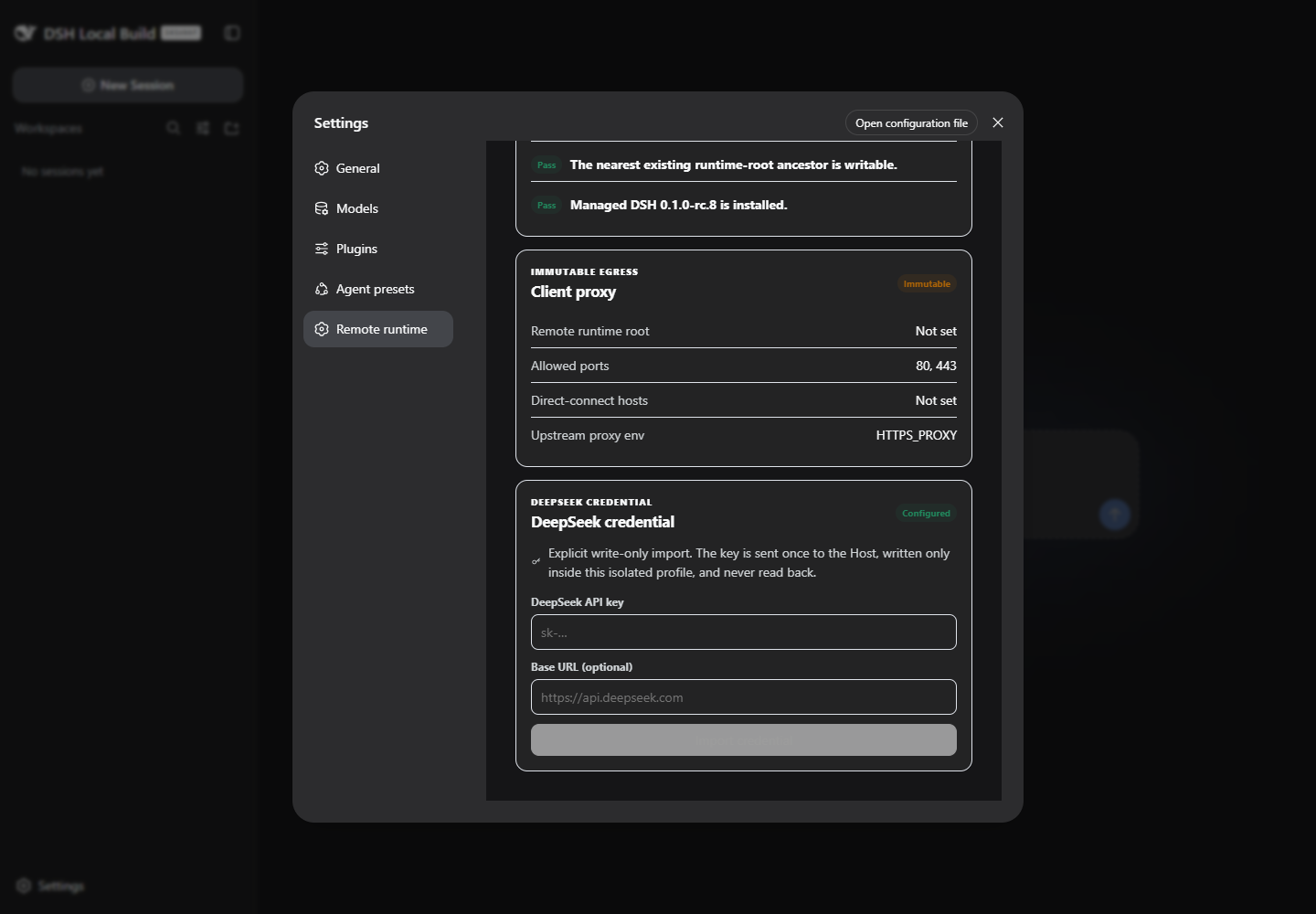
In practice, you add an OpenSSH host and an optional remote workspace from the DSH Settings panel, run a read-only Doctor check to verify the remote environment, and then install the SHA-256-verified official DSH rc.8 runtime (bundled with Node 22.19) with one click. Credentials are imported through a write-once form, persisted with 0600 permissions, and never surface in browser state, logs, screenshots, or process arguments. Every tunnel listener binds to loopback only, and the client-proxy egress allows public HTTP(S) while failing closed on private, link-local, CGNAT, metadata, and similar ranges. SSH itself acts as the access-control boundary.
This plugin is aimed at developers who have a remote Linux workstation or small server, want the DSH instance fully isolated from their local dev environment, and would rather not fork or patch DSH source. It is currently pinned to DSH 0.1.0-rc.8; later versions will be supported once official peer versions, Typert generation, and assembled-profile CI have moved forward together.
Screenshots
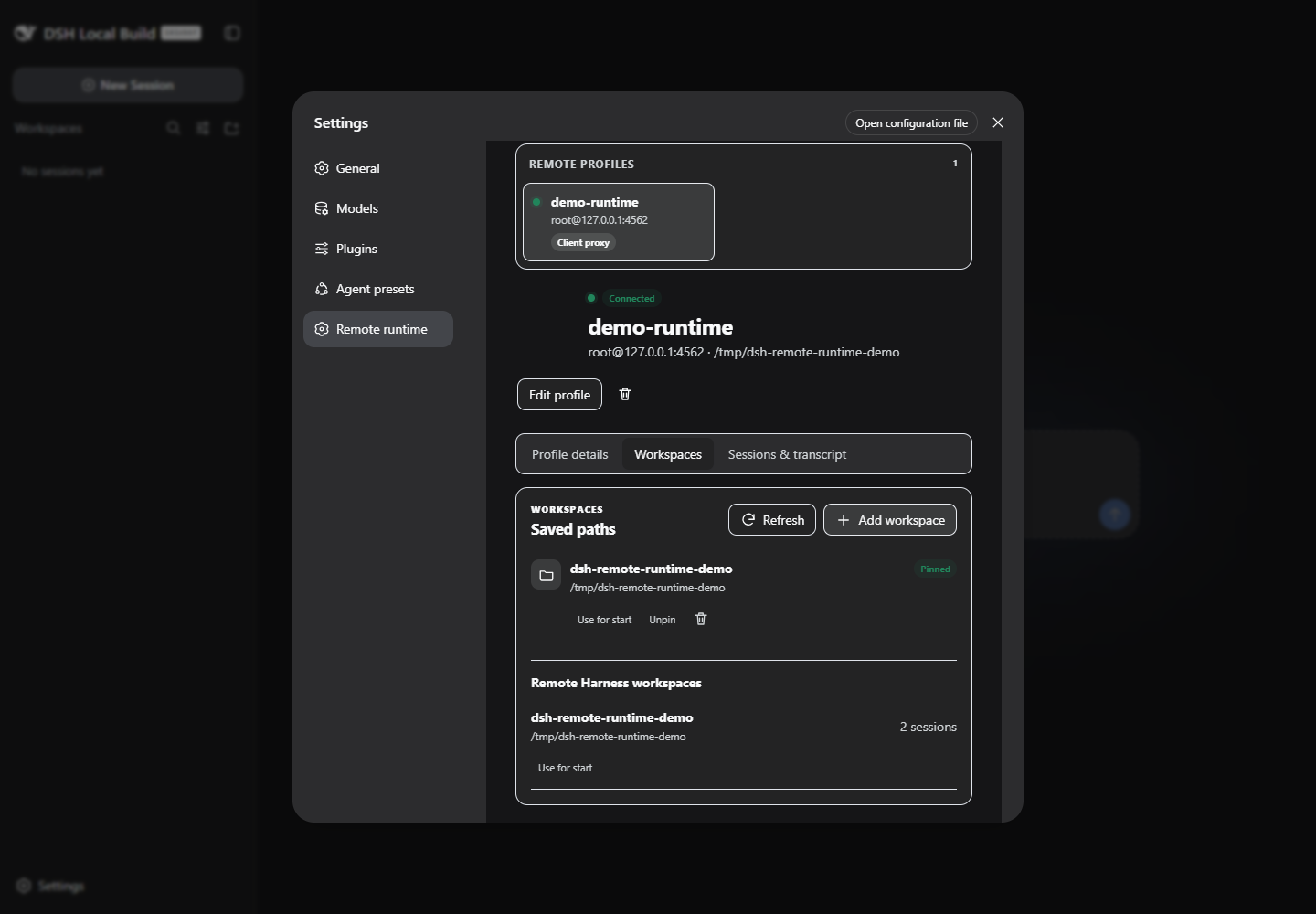
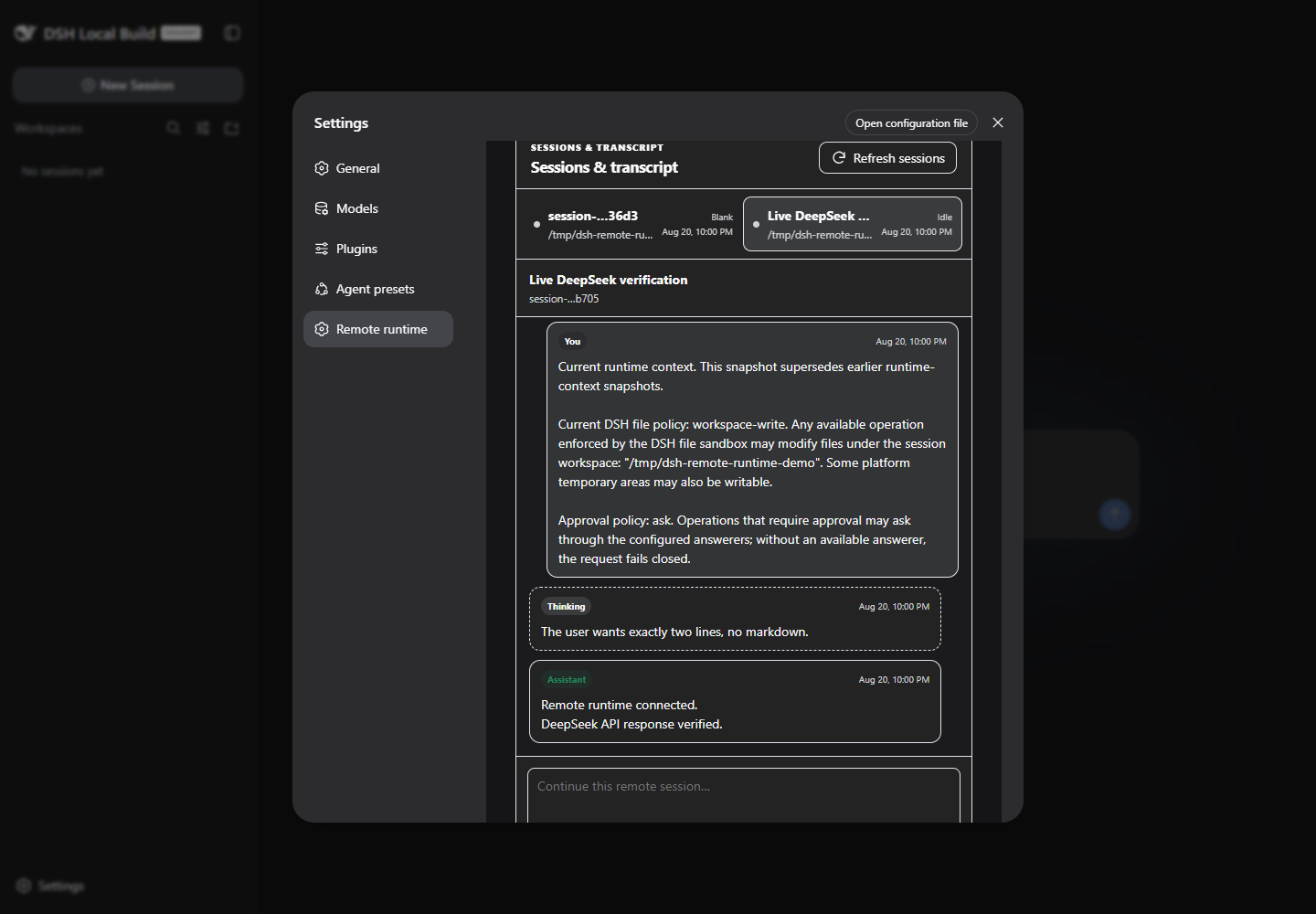
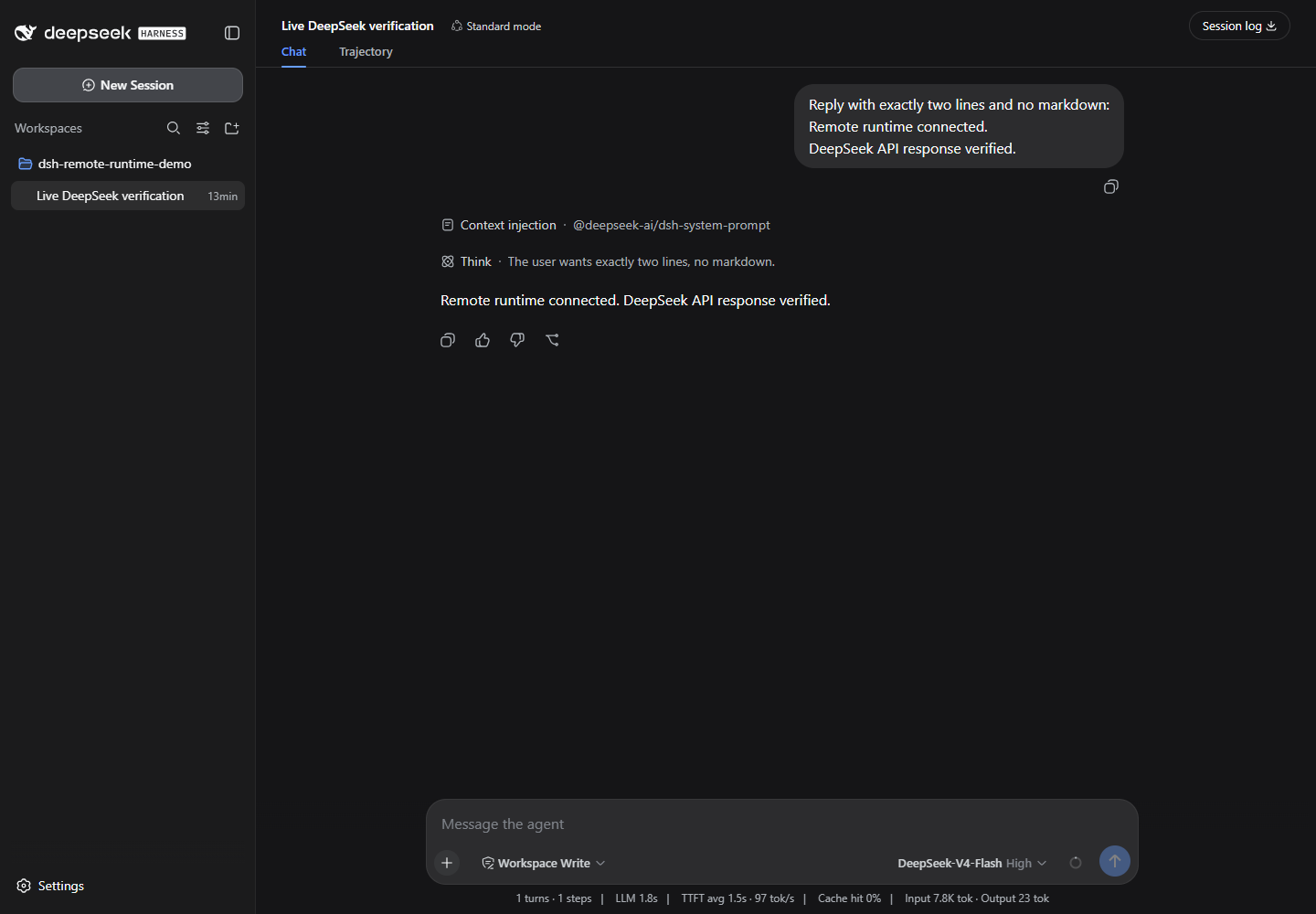
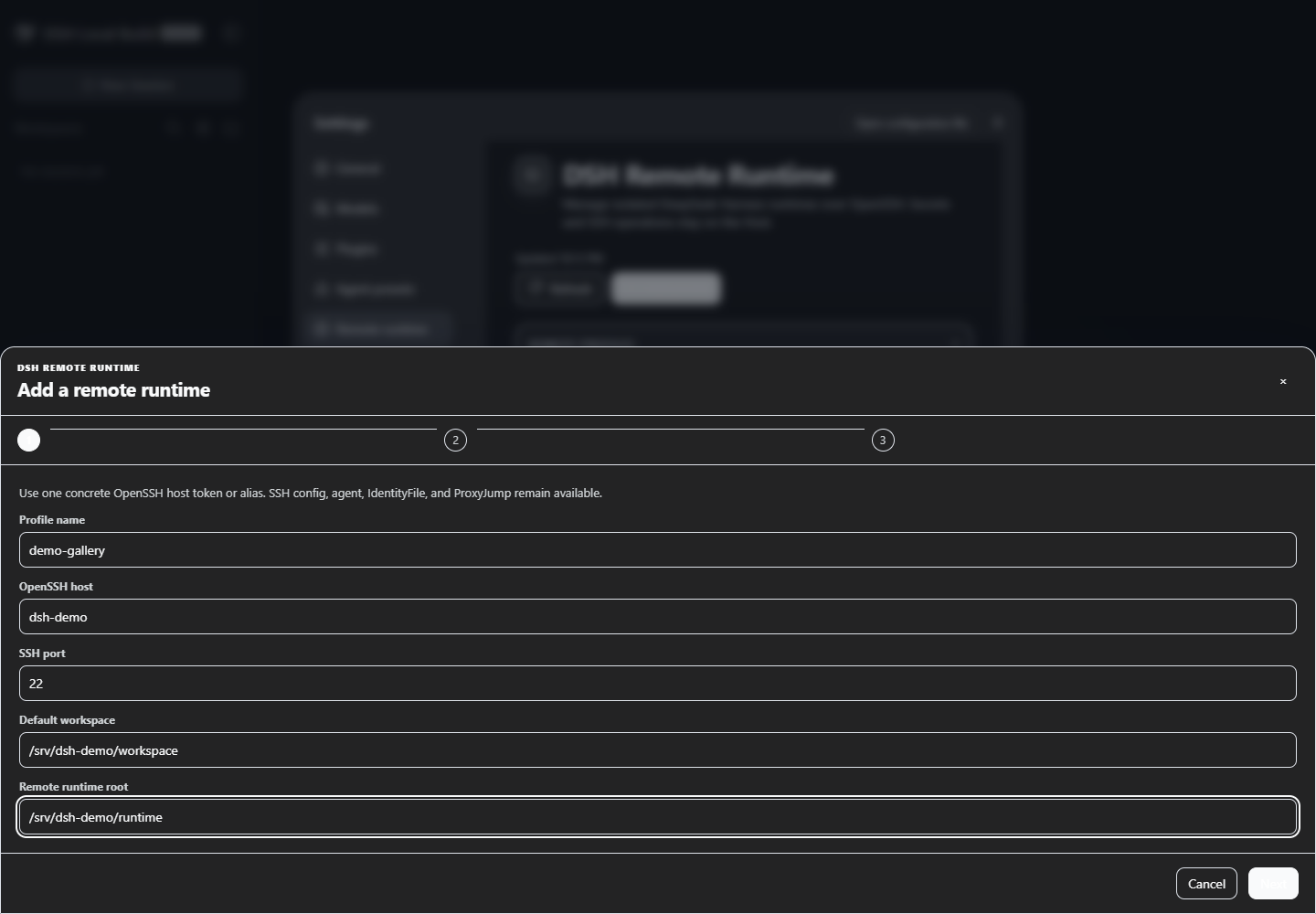
Use Cases
- Run an isolated DSH instance on a remote Linux host and manage sessions and prompts from a browser
- Extend the DSH Web UI with remote host connection, Doctor checks, and credential management without patching Harness
- Securely import a DeepSeek API key that never appears in browser state, logs, or screenshots
Best For
- Developers with a remote Linux workstation who need the DSH instance fully isolated from local dev environments
- Teams that treat SSH as the access-control boundary and never allow credentials to surface in the browser
- Community users on DSH 0.1.0-rc.8 Web profiles who want to extend functionality without forking source
Related Plugins
A service-oriented sidebar framework for DSH, offering a full workbench with file explorer, embedded browser, real terminal, Git panel, and extensible plugin services.

A beautiful, practical Claude Code-style TUI plugin with pixel whale top bar, flowing glow title, real-time status line, streaming thought expansion, time rewind, context progress bar and TPS gauge — zero core changes.

The plugin market for DeepSeek Harness: browse/search/one-click install community plugins and themes, with updates, backup/restore, hot disable, diagnostics, and AI fix.

A persistent whale widget on the DSH web UI that shows DeepSeek balance, today's usage, and per-turn cost, with drag-and-snap and sound effects.