dsh-ssh-ops
Run the following command in DeepSeek Harness:
dsh plugin install caoyiwei850/dsh-ssh-ops
Paste the following prompt into your AI chat to install this plugin:
In DeepSeek Harness, you can visit the open-source repository at https://github.com/caoyiwei850/dsh-ssh-ops for more details and directly run the command dsh plugin install caoyiwei850/dsh-ssh-ops to install this plugin.
About this plugin
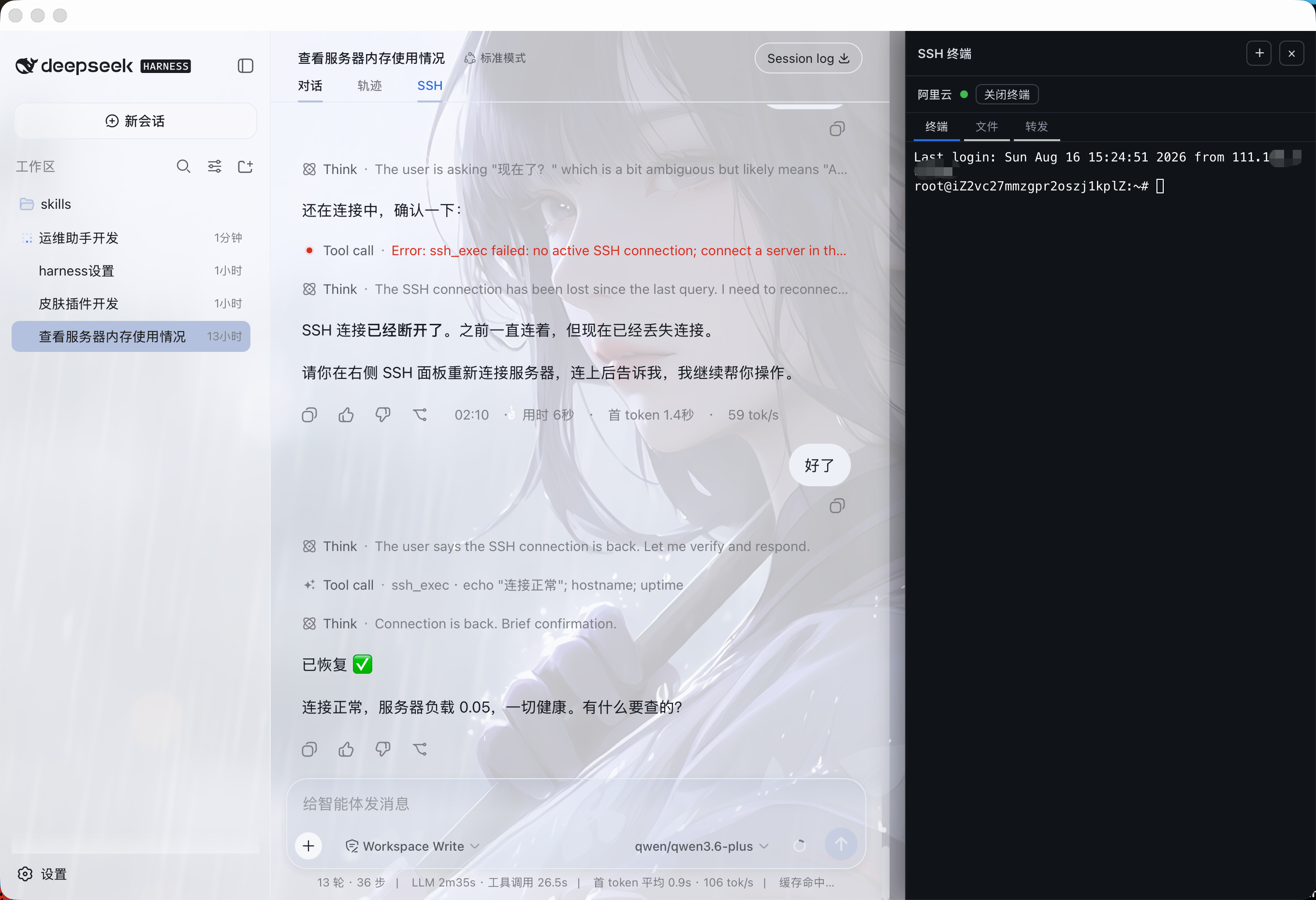
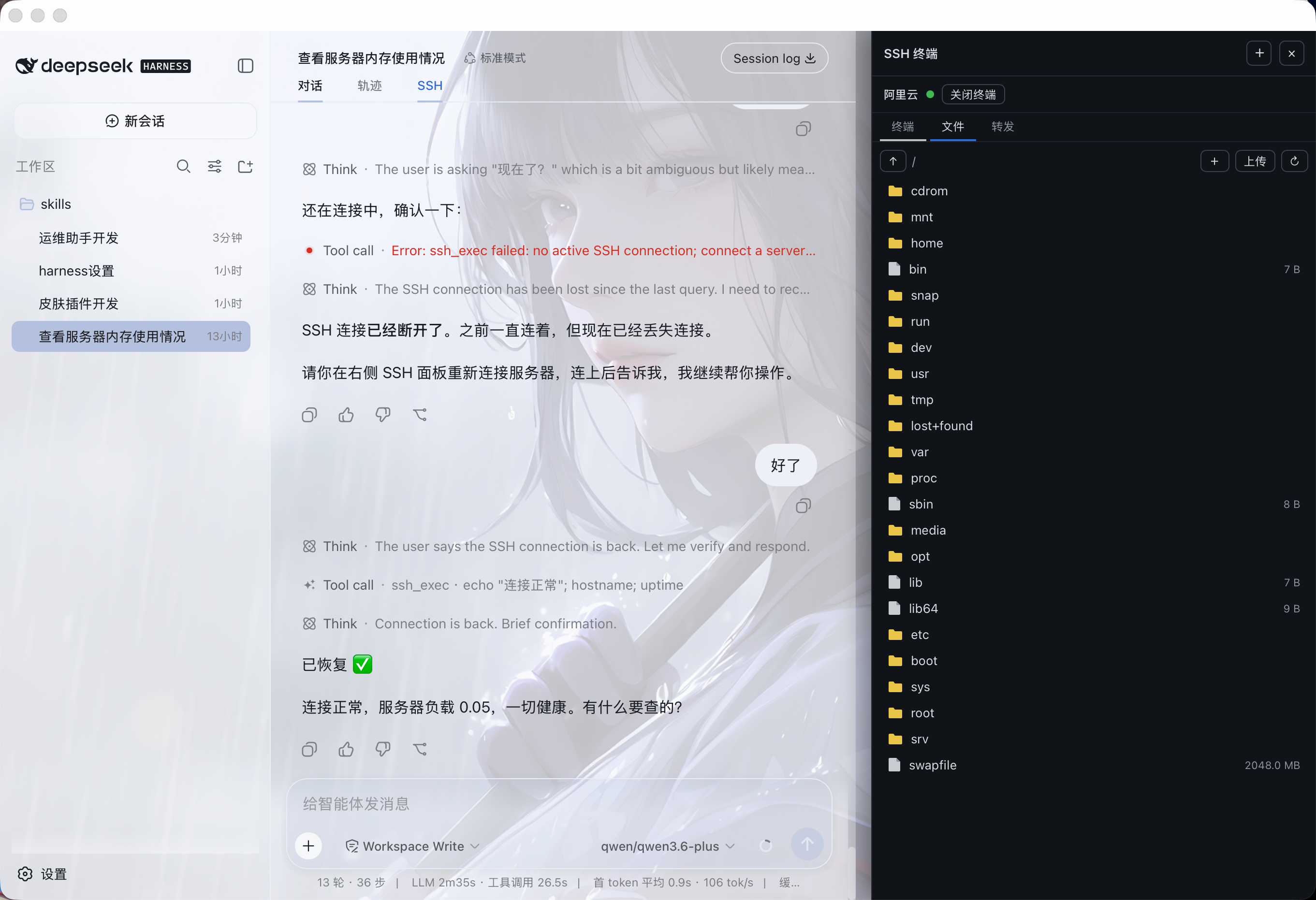
Leveraging AI for server operations is highly efficient, but it often lacks intuitive terminal feedback and carries the risk of the AI accidentally executing destructive commands like dropping databases or wiping files. The dsh-ssh-ops plugin solves this by seamlessly integrating comprehensive SSH operations into DeepSeek Harness. It allows you to drive your servers via natural language in the main conversation while keeping a real, interactive xterm.js terminal docked on the right, ensuring every AI-executed command and its output remain fully visible.
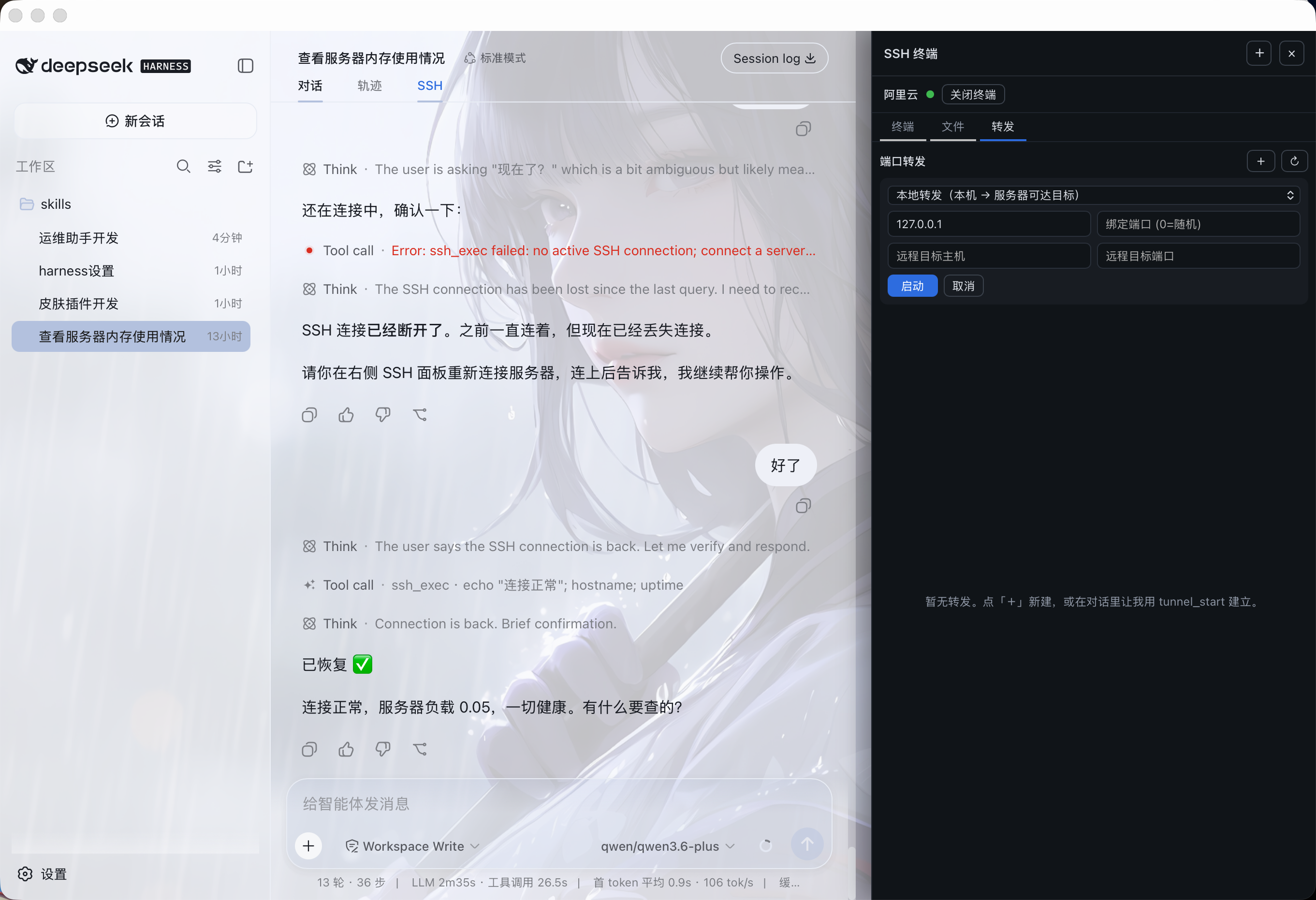
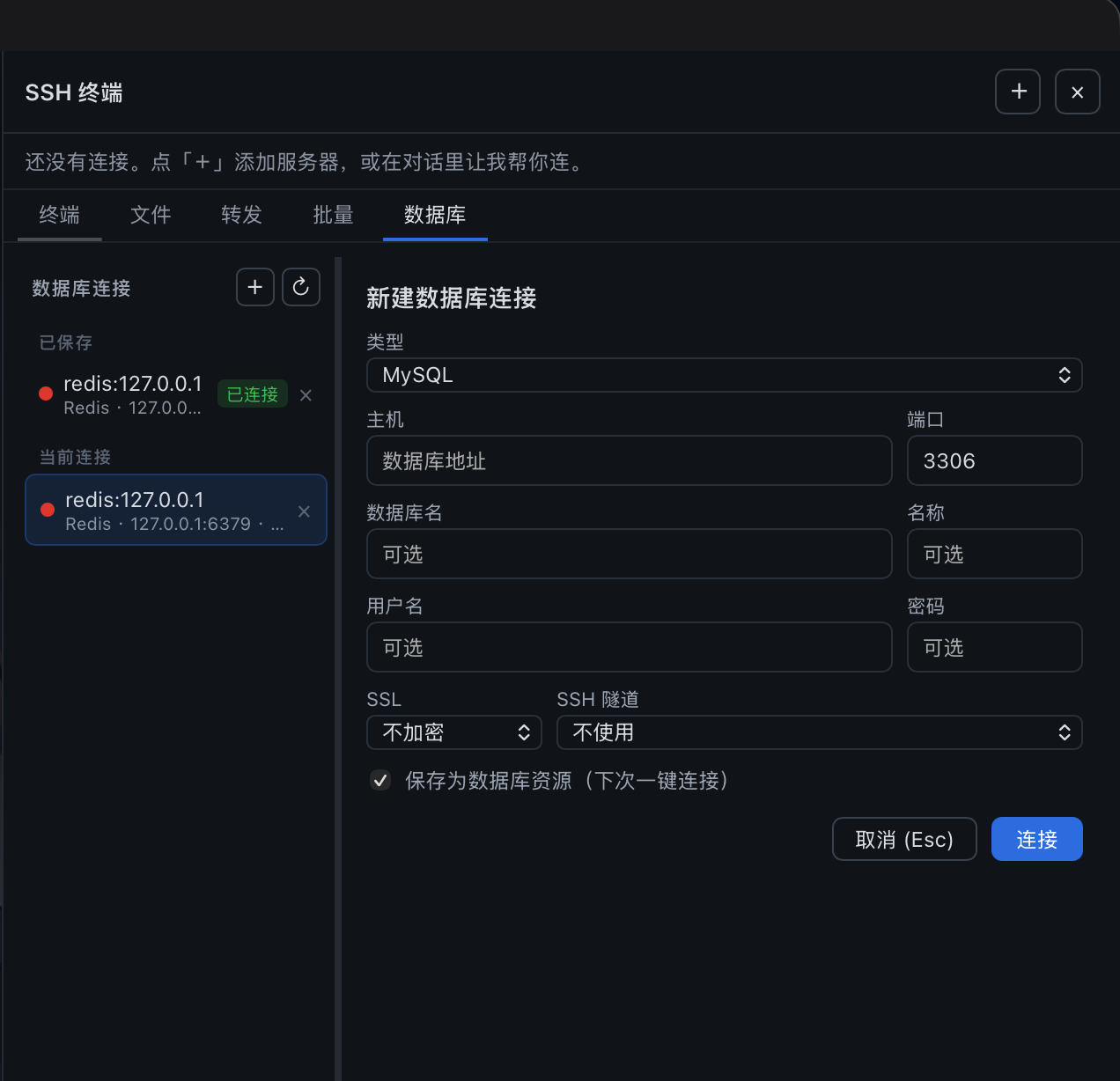
Beyond basic terminal access with auto-reconnect and host-key verification, the plugin packs powerful features including SFTP file management, SSH port forwarding, and multi-database support (MySQL, PostgreSQL, Redis, MongoDB). It can automatically tunnel into intranet databases over SSH and execute commands concurrently across multiple servers. Crucially, it enforces a strict security boundary: credentials are securely isolated, and any destructive operations initiated by the AI are intercepted. Instead of silent execution, the plugin triggers a full-screen confirmation modal that requires explicit human approval, completely eliminating the risk of AI hallucinations causing catastrophic damage.
Whether you are a DevOps engineer managing multiple servers or a backend developer looking to quickly troubleshoot production issues and query intranet databases with AI assistance, dsh-ssh-ops provides a secure, intuitive, and highly efficient AI-powered operations workbench.
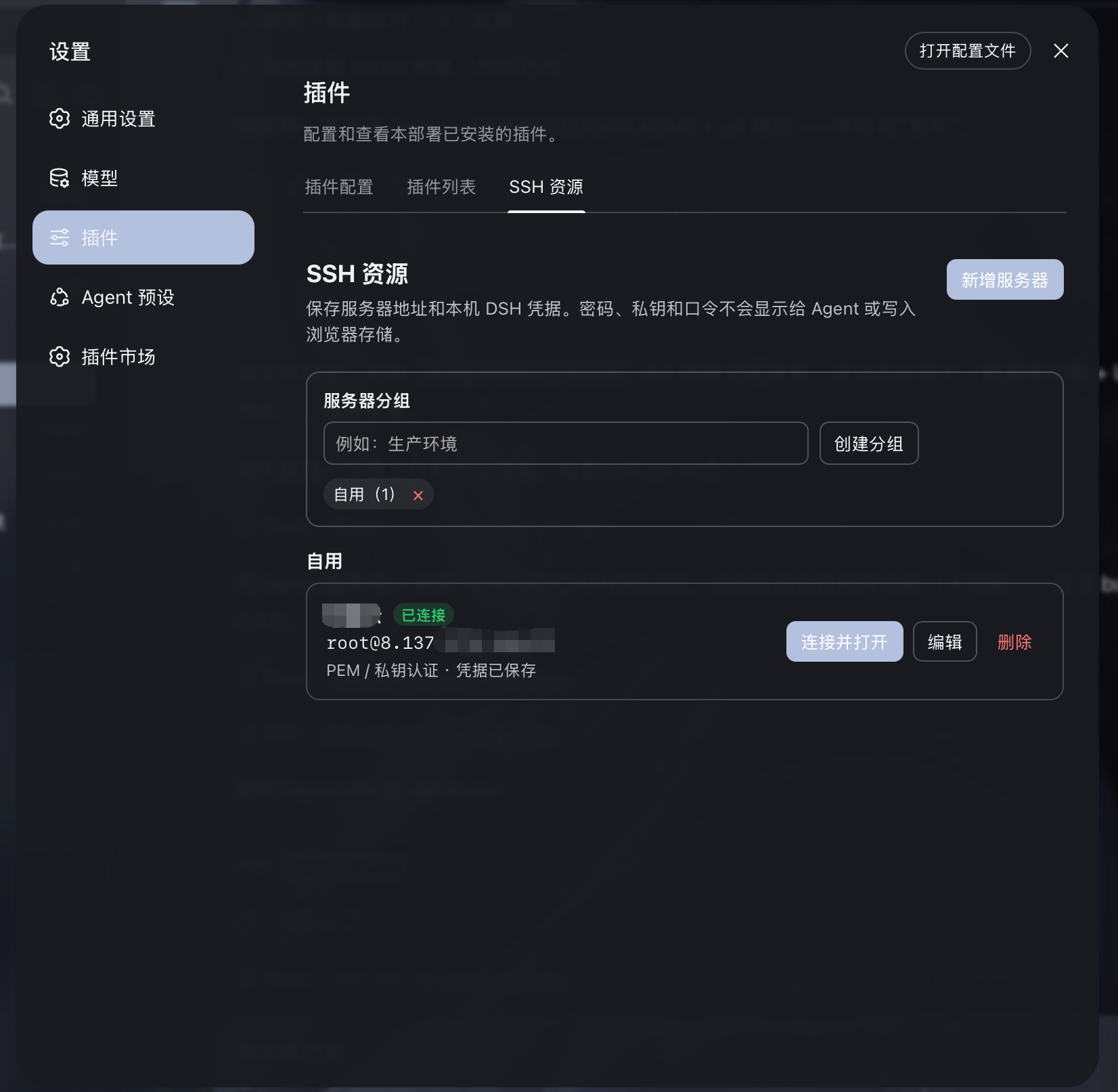
Screenshots
Use Cases
- Execute concurrent operations commands across multiple server clusters via natural language in the chat.
- Securely connect to and query intranet MySQL or Redis databases using automated SSH tunnels.
- Quickly upload, download, and manage server files using the visual SFTP panel or conversational commands.
Best For
- DevOps engineers managing large-scale server fleets and clusters.
- Backend developers leveraging AI to quickly troubleshoot production issues and query intranet databases.
- System administrators prioritizing operational security and strict prevention of AI-executed destructive commands.
Related Plugins
A service-oriented sidebar framework for DSH, offering a full workbench with file explorer, embedded browser, real terminal, Git panel, and extensible plugin services.

A beautiful, practical Claude Code-style TUI plugin with pixel whale top bar, flowing glow title, real-time status line, streaming thought expansion, time rewind, context progress bar and TPS gauge — zero core changes.

The plugin market for DeepSeek Harness: browse/search/one-click install community plugins and themes, with updates, backup/restore, hot disable, diagnostics, and AI fix.

A persistent whale widget on the DSH web UI that shows DeepSeek balance, today's usage, and per-turn cost, with drag-and-snap and sound effects.