dsh-convmap
Run the following command in DeepSeek Harness:
dsh plugin install GeekRicardo/dsh-convmap
Paste the following prompt into your AI chat to install this plugin:
Run dsh plugin install GeekRicardo/dsh-convmap in your terminal to install; the full source is hosted at https://github.com/GeekRicardo/dsh-convmap .
About this plugin
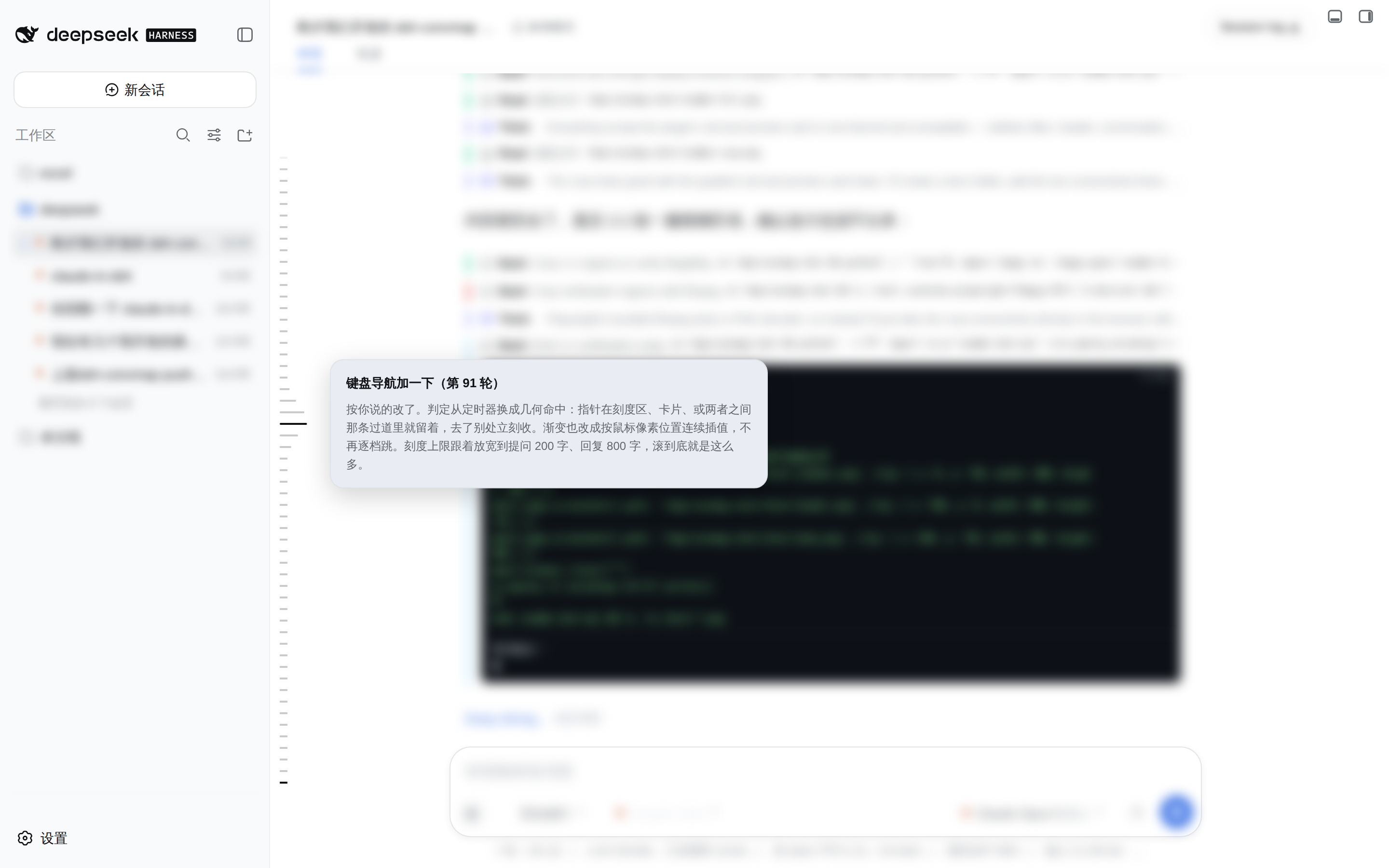
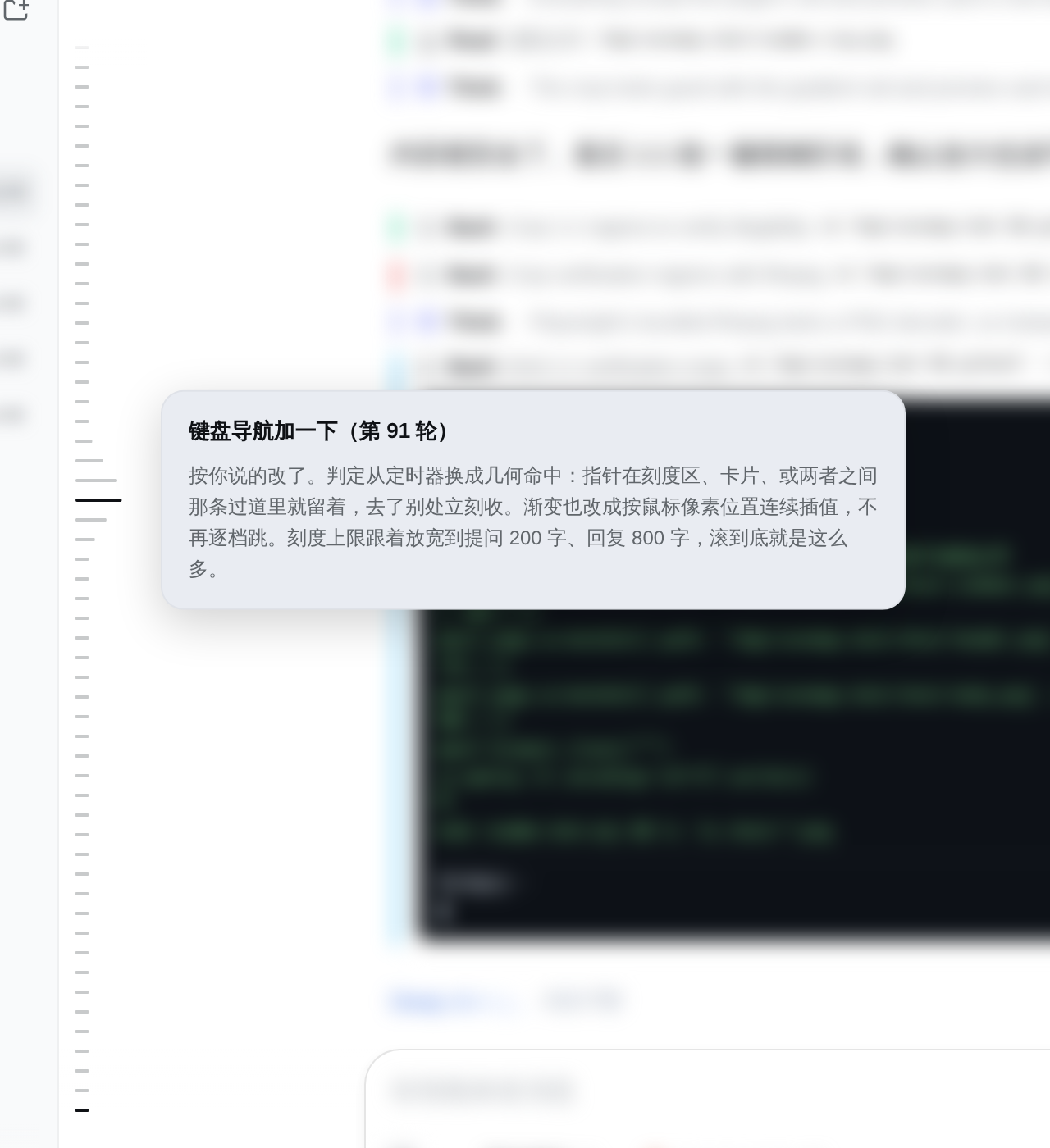
In DeepSeek Harness, long conversations become hard to navigate. After hundreds or thousands of turns, finding a specific prompt or reply means endless scrolling. dsh-convmap draws a vertical scale on the left edge of the conversation pane that covers every turn, turning tedious history-scrolling into a glance and a click.
The scale draws rendered turns immediately and merges the host-side raw-log result as it arrives, so even a cold start on a long session adds only about a second. Hovering expands nearby ticks by pixel-distance gradient and floats a preview card showing the turn prompt and final response summaries. Clicking scrolls the conversation to that turn, auto-loading older pages if the target row has not rendered yet. While you scroll, the currently visible turn tick stays bolded and in view.
Best for anyone doing long-chain debugging, approval-flow tracking, or batch prompt iteration in Harness. The moment a session passes ten turns, that column of ticks saves a great deal of back-and-forth wheeling.
Screenshots
Use Cases
- Quickly locate a specific prompt or reply in a hundreds-of-turn conversation
- Trace key nodes in long approval chains or debugging flows
- Compare outputs across turns during batch prompt iteration
Best For
- Developers doing long-chain debugging in DeepSeek Harness
- Prompt engineers who frequently revisit past conversations
- Power users who need keyboard-accessible navigation
Related Plugins
A service-oriented sidebar framework for DSH, offering a full workbench with file explorer, embedded browser, real terminal, Git panel, and extensible plugin services.

A beautiful, practical Claude Code-style TUI plugin with pixel whale top bar, flowing glow title, real-time status line, streaming thought expansion, time rewind, context progress bar and TPS gauge — zero core changes.

The plugin market for DeepSeek Harness: browse/search/one-click install community plugins and themes, with updates, backup/restore, hot disable, diagnostics, and AI fix.

A persistent whale widget on the DSH web UI that shows DeepSeek balance, today's usage, and per-turn cost, with drag-and-snap and sound effects.