dsh-cornell-classic-theme
Run the following command in DeepSeek Harness:
dsh plugin install leamonac0823/dsh-cornell-classic-theme
Paste the following prompt into your AI chat to install this plugin:
Run dsh plugin install leamonac0823/dsh-cornell-classic-theme in DeepSeek Harness, or clone the repo from https://github.com/leamonac0823/dsh-cornell-classic-theme and install from the local folder; then restart the Web profile or reload the DSH Web UI to enable the plugin.
About this plugin
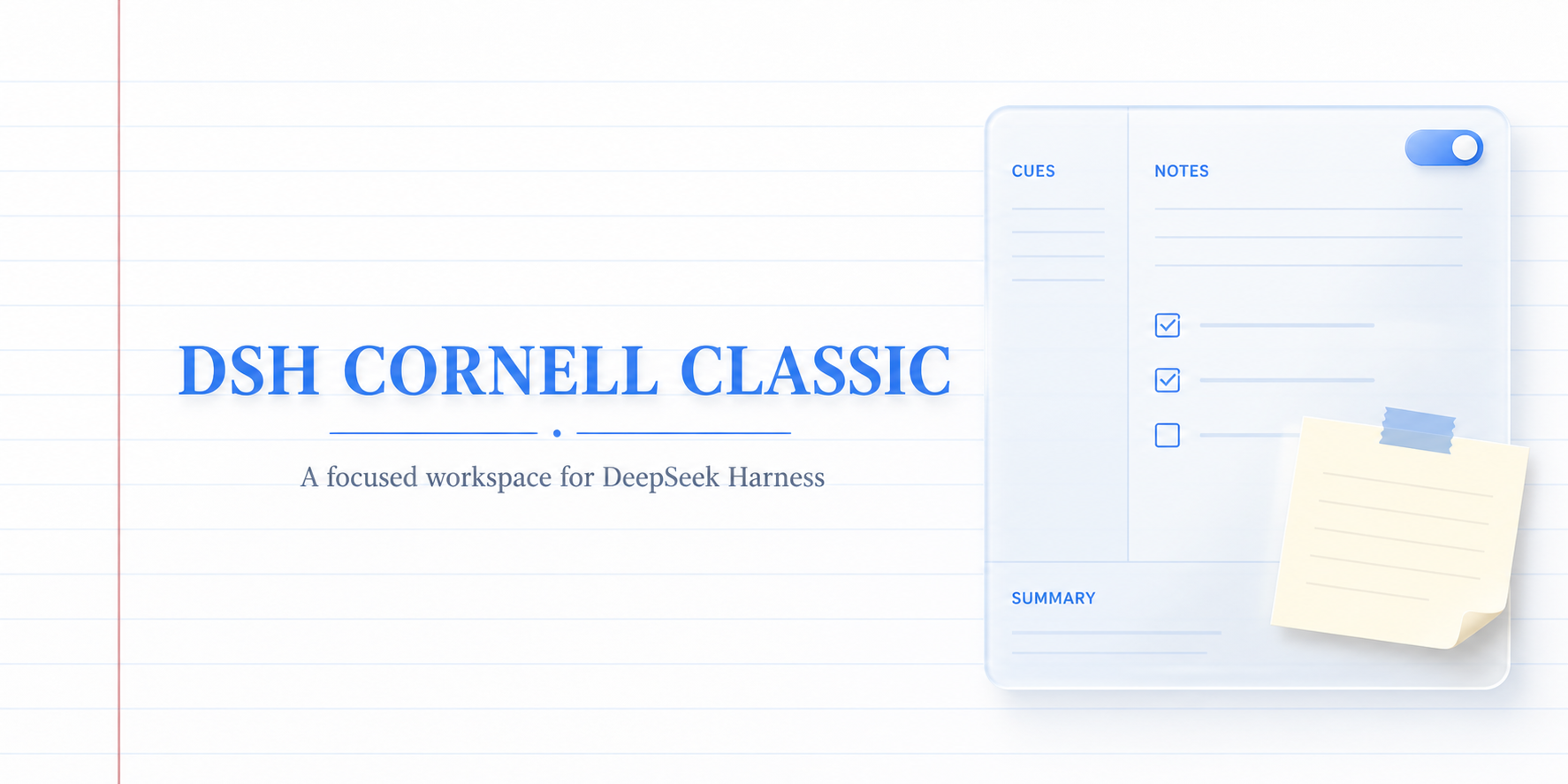
The native DSH UI only offers conversation and trajectory views, leaving no lightweight spot to jot down key takeaways or action items mid-discussion. Cornell Classic drops a compact, notebook-style brief panel right beside the conversation, so note-taking and reading stay on the same screen without switching to an external app.
The panel recreates a physical notebook feel with white paper, blue rules, and a subtle red margin. It includes a collapsible Cornell Brief for current focus, keywords, session state, and next action, plus a per-conversation MY NOTE task list with multiline editing, check-off that collapses (never deletes), and its own scroll area. All note data lives solely in localStorage within the browser; nothing is uploaded, DSH messages are untouched, and the composer is left as-is.
It pairs well with students, researchers, and developers who favor the Cornell four-section method, use the DSH Web UI on a desktop (viewport roughly 1100px or wider), and want to capture key points and track action items within a conversation while keeping every byte of note data local.
Screenshots
Use Cases
- Capture key focus points and keywords beside a DSH conversation
- Maintain a per-conversation task list with collapsible completion states
- Organize study notes in a familiar white-paper, blue-rule, red-margin layout
Best For
- Deep learners and readers who follow the Cornell four-section method
- Privacy-sensitive users who insist all note data stays in browser localStorage
- Desktop users who rely on the DSH Web UI for daily research and development
Related Plugins
A service-oriented sidebar framework for DSH, offering a full workbench with file explorer, embedded browser, real terminal, Git panel, and extensible plugin services.

A beautiful, practical Claude Code-style TUI plugin with pixel whale top bar, flowing glow title, real-time status line, streaming thought expansion, time rewind, context progress bar and TPS gauge — zero core changes.

The plugin market for DeepSeek Harness: browse/search/one-click install community plugins and themes, with updates, backup/restore, hot disable, diagnostics, and AI fix.

A persistent whale widget on the DSH web UI that shows DeepSeek balance, today's usage, and per-turn cost, with drag-and-snap and sound effects.