dsh-ui-appearance
Run the following command in DeepSeek Harness:
dsh plugin install TQSY114514/dsh-ui-appearance
Paste the following prompt into your AI chat to install this plugin:
You can install this plugin directly in DeepSeek Harness via the command `dsh plugin install TQSY114514/dsh-ui-appearance`, or visit its open-source repository at https://github.com/TQSY114514/dsh-ui-appearance to get the source code for local installation.
About this plugin
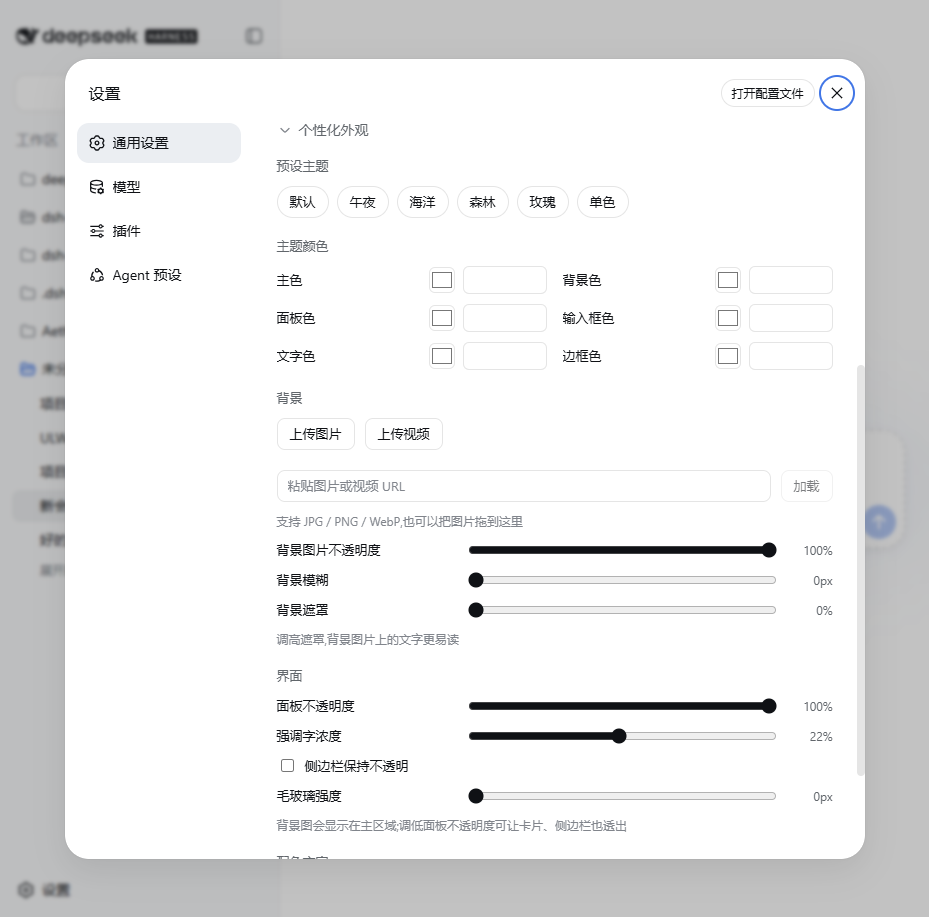
Do you feel that the default DeepSeek Harness interface, while clean, lacks a touch of personal flair? dsh-ui-appearance is the ultimate appearance customization tool designed just for you. By leveraging official plugin mechanisms without altering any core code, it allows you to completely reshape your workspace's visual experience without compromising system stability.
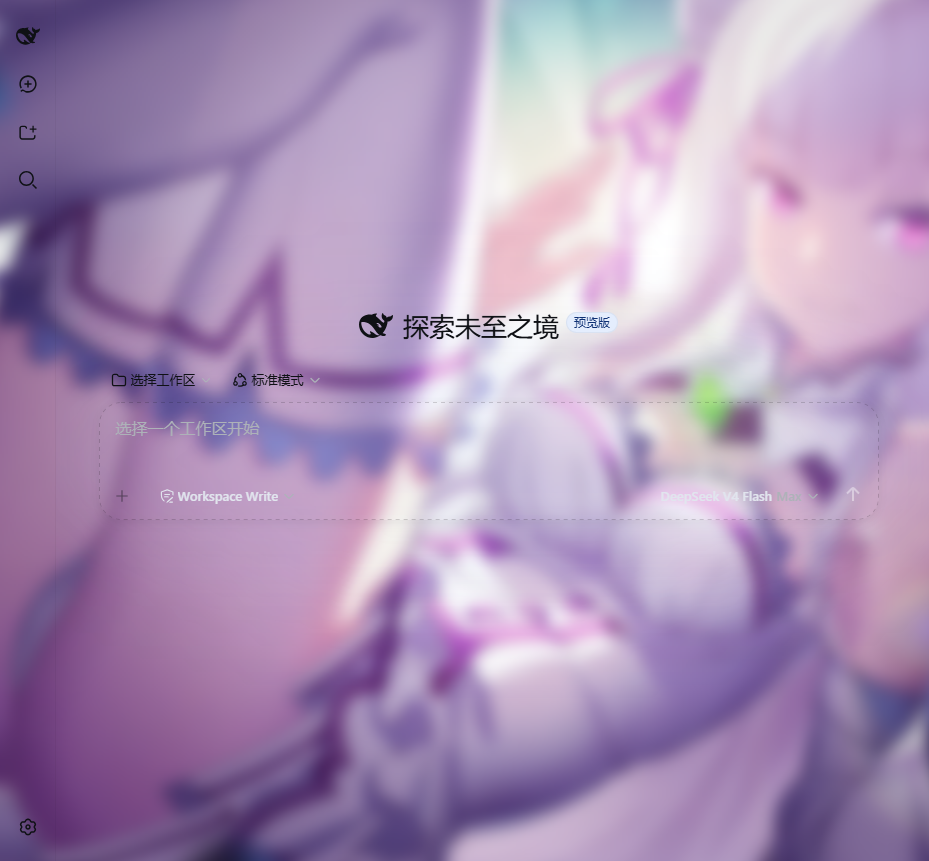
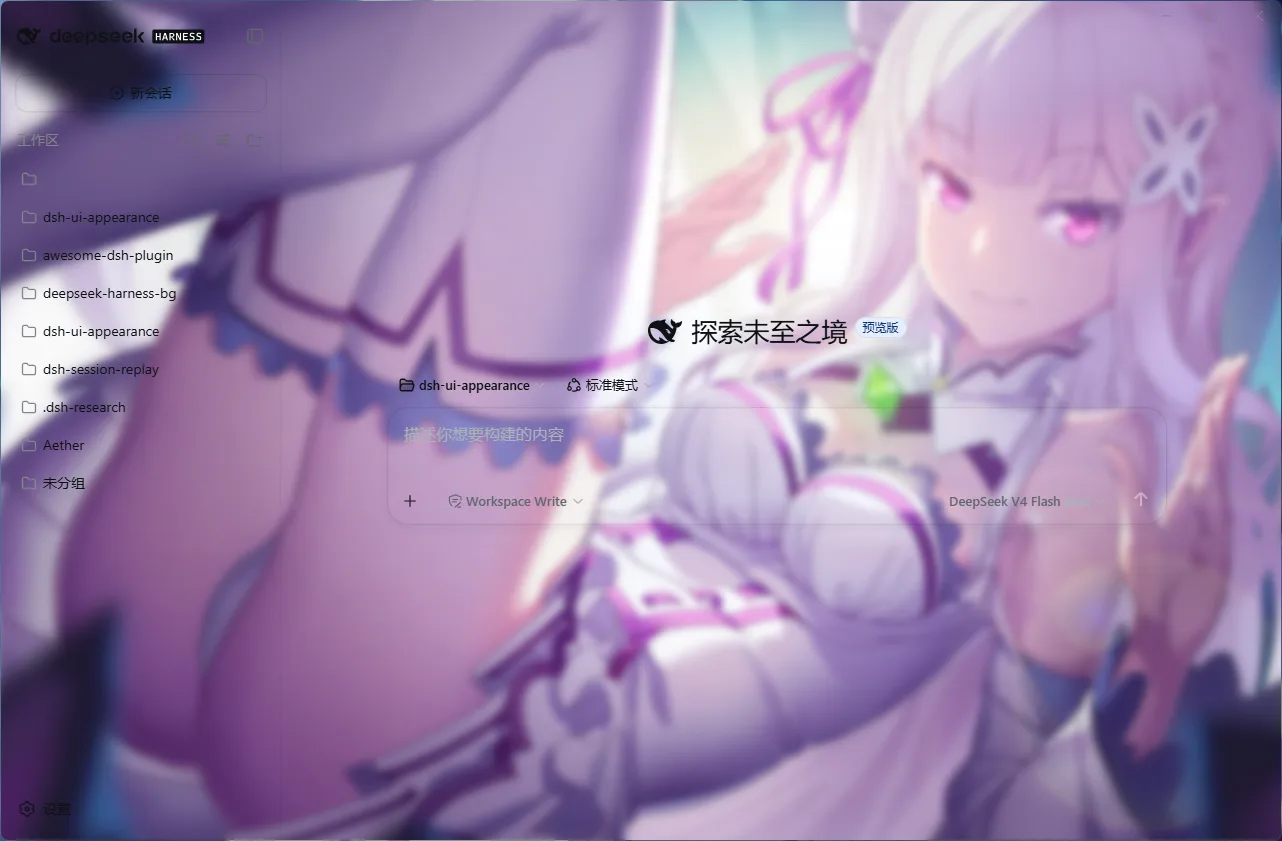
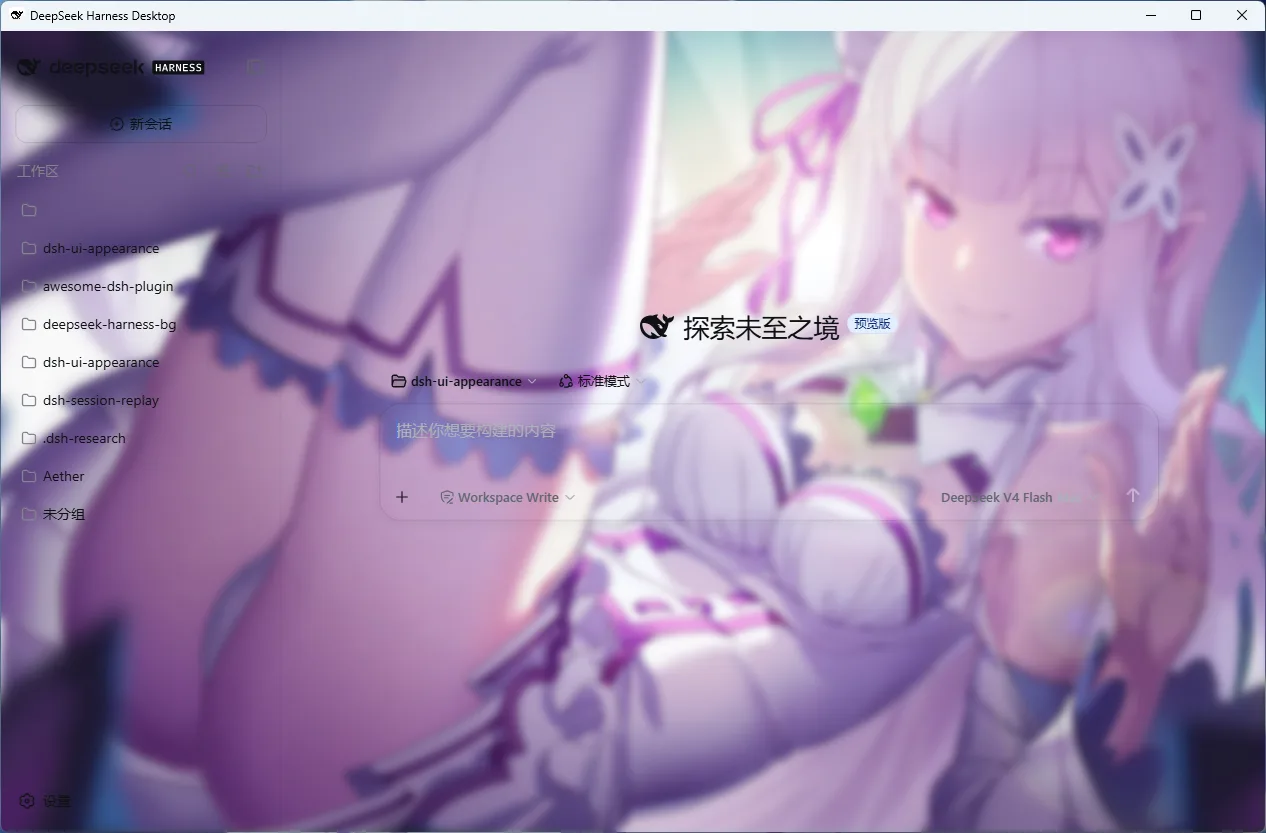
This plugin gives you absolute control over your interface. You can freely tweak six color roles including primary and background colors, upload high-res wallpapers or even videos, and fine-tune frosted glass intensity and panel transparency via intuitive sliders. With built-in presets for one-click theming, along with smart color extraction and brightness coordination, it ensures your background and UI tones blend harmoniously.
Whether you are a design-conscious creator, a developer seeking an immersive environment, or a power user wanting a consistent, personalized experience across both WebUI and DSH Desktop, this plugin has you covered. All changes apply in real-time and persist automatically, and you can easily export and share your color schemes as JSON, keeping your unique aesthetic seamlessly integrated into your workflow.
Screenshots
Use Cases
- Set up an exclusive immersive wallpaper and frosted glass effect for DeepSeek Harness.
- Instantly replicate shared theme colors by importing a JSON configuration text.
- Quickly switch preset themes and fine-tune interface transparency based on day or night environments.
Best For
- Interface beautification enthusiasts who love customizing their workspace's visual style.
- Users needing comfortable color schemes to reduce eye strain during long working sessions.
- Power users pursuing a consistent and highly personalized experience across Web and Desktop clients.
Related Plugins

whale-girl is a desktop pet in the DSH Web GUI (bottom-right for instant companionship) — draggable, feedable, playable; completed tasks, sessions and companionship time accrue into seniority levels, titles, and memories.

Renders your local Wallpaper Engine wallpapers as the DSH web background, supporting video, web, and scene wallpapers with a liquid-glass effect and rich customization.

A WebGPU ocean skin for DeepSeek Harness with five-wave Gerstner waves, translucent theme, day/night cycle, and quick controls, installable as plugin or extension.

A Galgame-style conversation view and visual scene editor for DSH web sessions, with a real-time editing mode.