dsh-ui-tweaks
Run the following command in DeepSeek Harness:
dsh plugin install wlj521/dsh-ui-tweaks
Paste the following prompt into your AI chat to install this plugin:
Install dsh-ui-tweaks in DeepSeek Harness from its full GitHub source URL, https://github.com/wlj521/dsh-ui-tweaks, approve the pnpm build-script prompt if requested, and then restart dsh web.
About this plugin
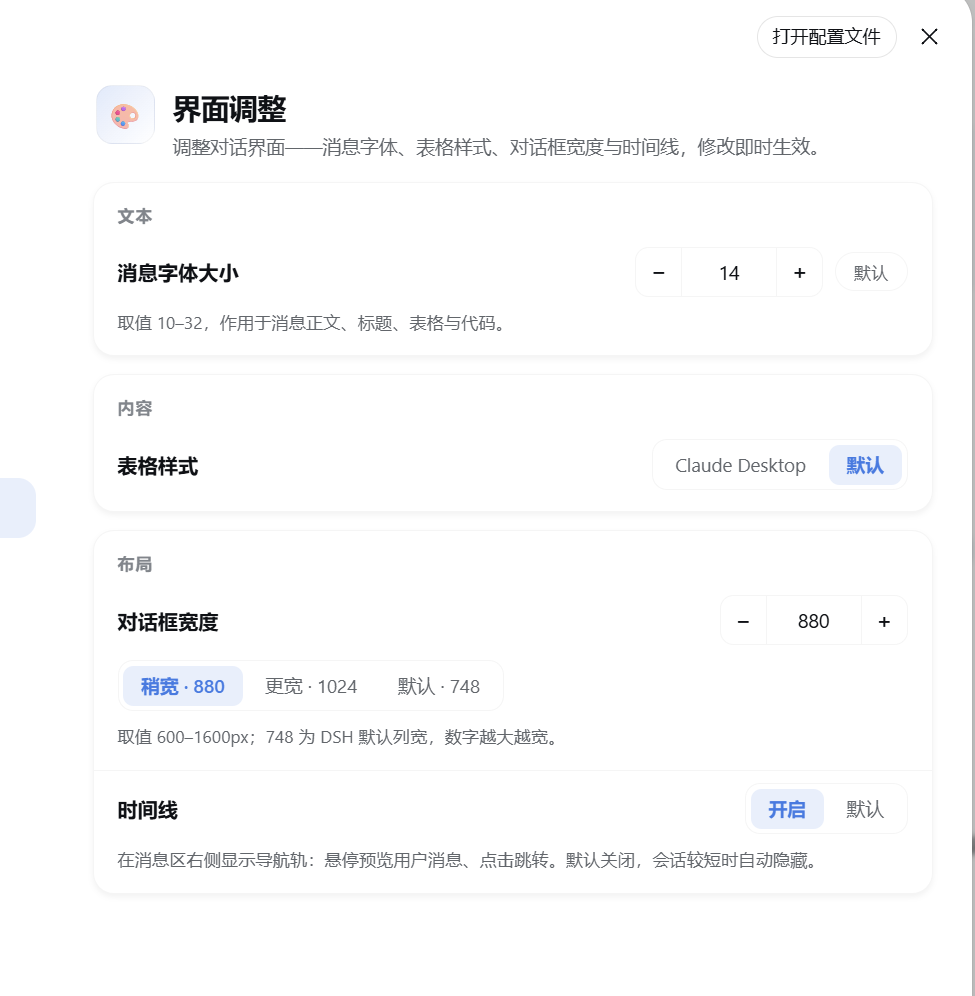
In everyday use, the default DeepSeek Harness Web UI is often functional but not especially comfortable. Message fonts can feel too small, tables may become cramped, the chat column can be too narrow for wide content, and background tasks may finish while you are elsewhere and never get a clear signal to come back. dsh-ui-tweaks exists to solve these small but persistent interface-level frictions by gathering layout adjustments, workflow shortcuts, and notification helpers into one settings-driven plugin layer.
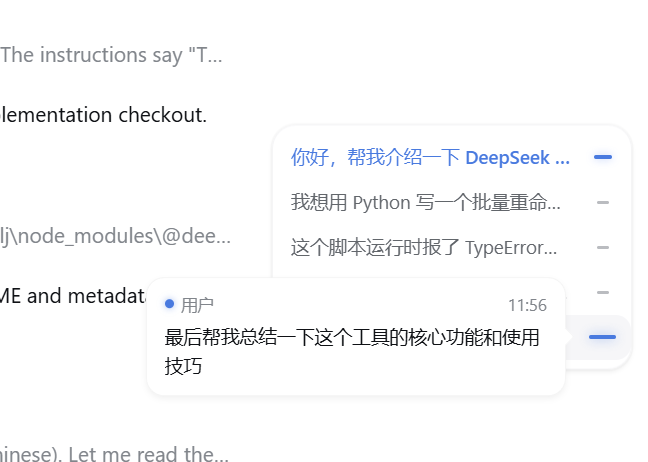
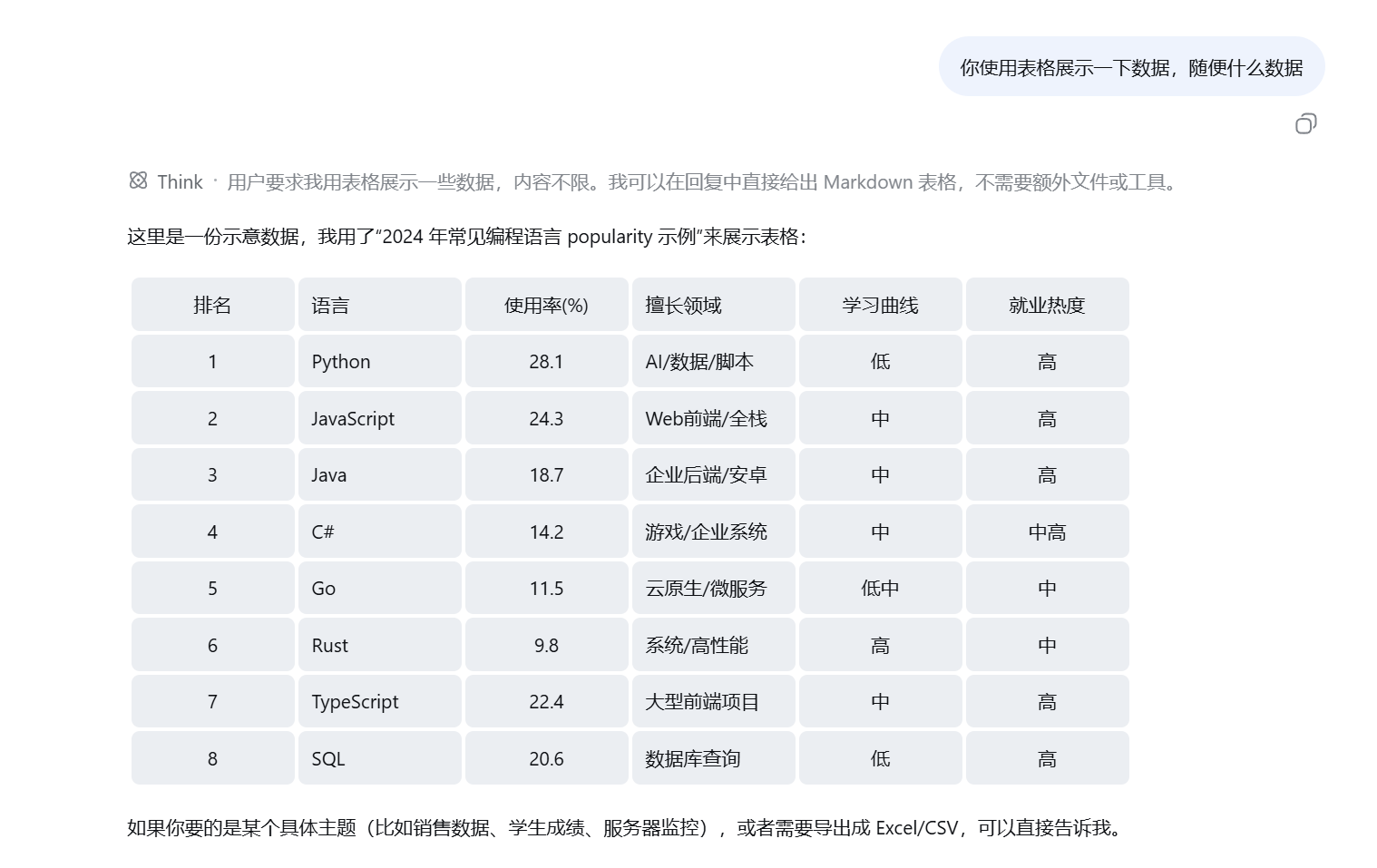
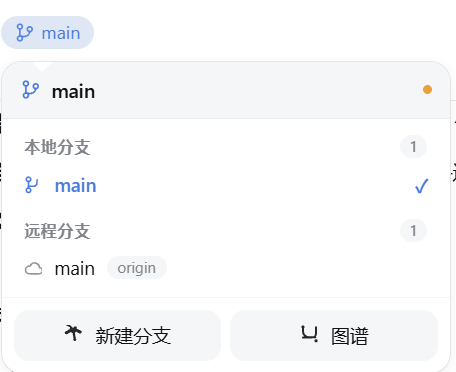
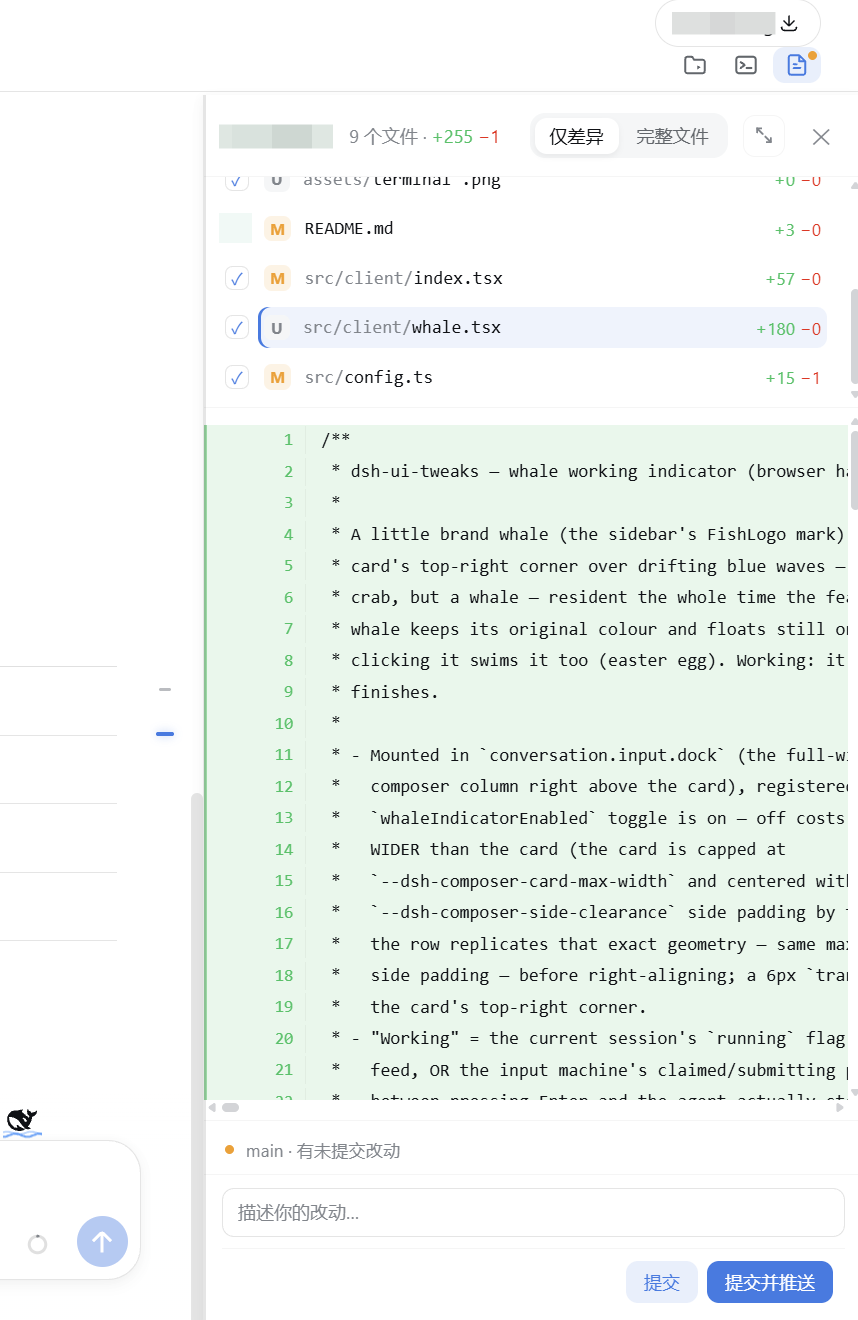
Its core strengths revolve around reading, managing, acting, and returning. For reading, it lets you fine-tune message font size, code font size, line height, table styling, and chat width, making long conversations and wide tables easier to follow. For managing, it offers an optional conversation timeline, archive management, and MCP management pages, helping users keep multi-turn chats, session history, and external tool configuration in a more orderly place. For acting, GitBar folds branch switching, diff review, commit, and push workflows into the composer toolbar, keeping common project actions closer to the current conversation. For returning, task reminders can pull you back through tab-title flashing, system notifications, or synthesized audio cues when a session finishes or waits for interaction. The plugin also improves observability by showing cache hit rate with two decimal places instead of rounding to an integer.
This plugin is especially useful for people who spend a lot of time in the DSH Web UI: users who read and edit code heavily in the browser, manage multi-branch projects, want a more personalized layout, or frequently leave sessions running in the background and want a better way to be called back when something needs attention. It does not replace DSH itself; it refines the everyday surface you interact with most.
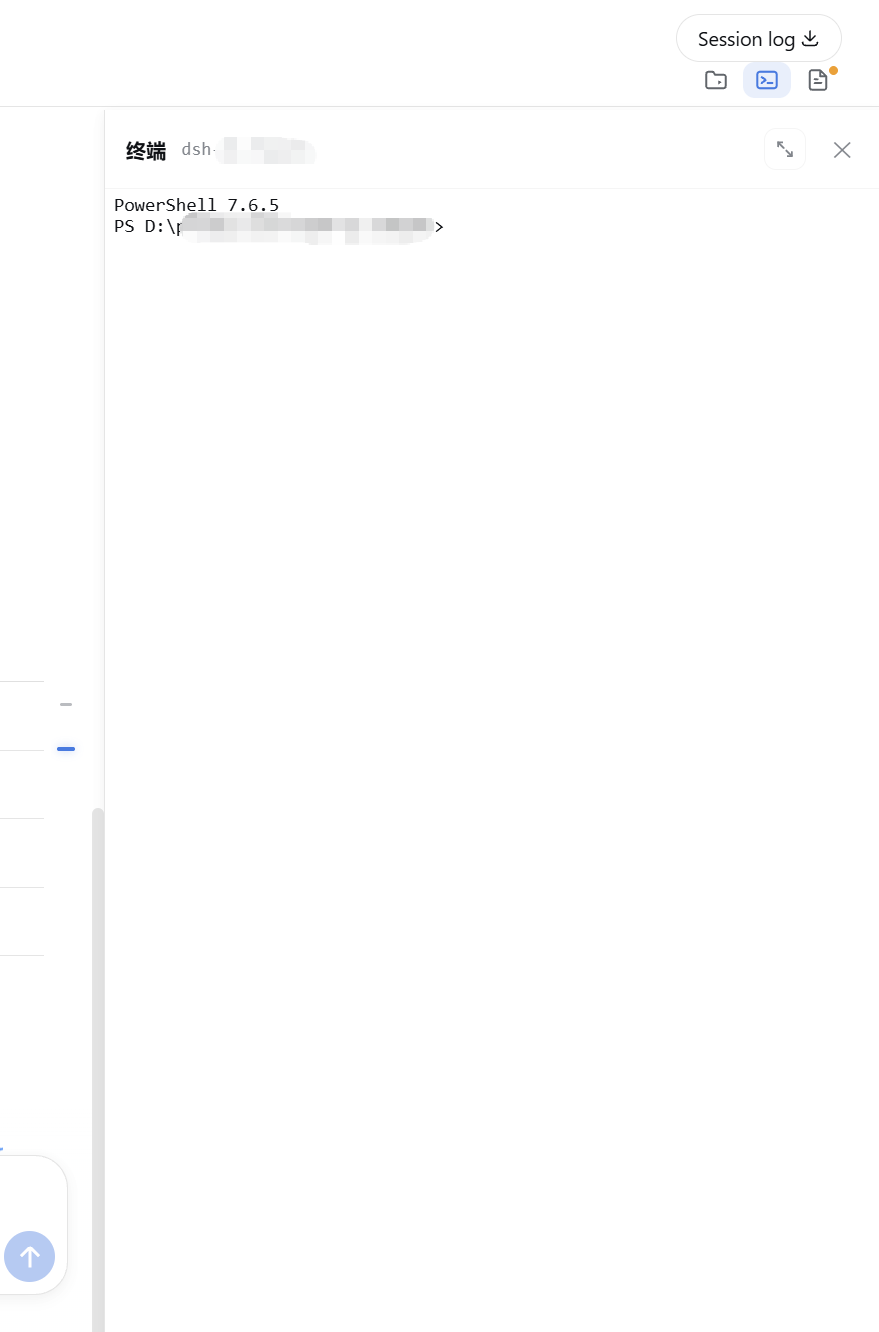
Screenshots


Use Cases
- Adjust fonts, line height, table styling, and chat width for long DSH reading sessions.
- Review diffs and commit changes quickly through GitBar while working across multiple branches.
- Get tab-title flashes, system notifications, or audio cues when a background task finishes.
Best For
- Users who regularly work inside the DeepSeek Harness Web UI.
- Power users who want better layout, timeline, archive, and session management.
- Developers focused on Git workflow, task notifications, and daily coding efficiency.
Related Plugins
A service-oriented sidebar framework for DSH, offering a full workbench with file explorer, embedded browser, real terminal, Git panel, and extensible plugin services.

A beautiful, practical Claude Code-style TUI plugin with pixel whale top bar, flowing glow title, real-time status line, streaming thought expansion, time rewind, context progress bar and TPS gauge — zero core changes.

The plugin market for DeepSeek Harness: browse/search/one-click install community plugins and themes, with updates, backup/restore, hot disable, diagnostics, and AI fix.

A persistent whale widget on the DSH web UI that shows DeepSeek balance, today's usage, and per-turn cost, with drag-and-snap and sound effects.