dsh-skin-center
Run the following command in DeepSeek Harness:
dsh plugin install bruce-hmz/dsh-skin-center
Paste the following prompt into your AI chat to install this plugin:
Run dsh plugin install bruce-hmz/dsh-skin-center in DeepSeek Harness to install this plugin; the source is available at https://github.com/bruce-hmz/dsh-skin-center .
About this plugin
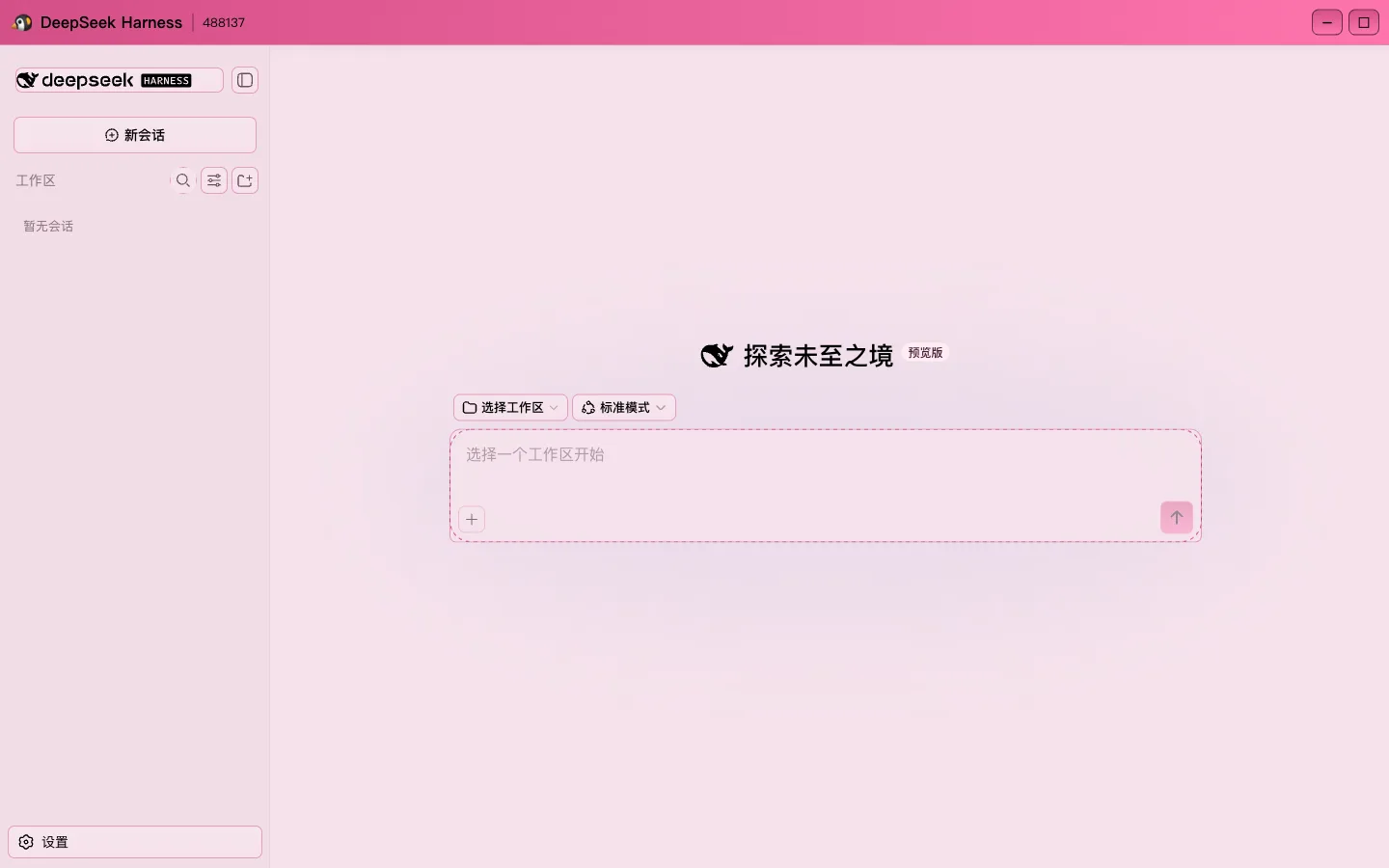
DeepSeek Harness has always shipped with just three appearance modes—light, dark, and system-follow—and anyone wanting a personal yet readable theme had to dig through community scripts, hand-edit stylesheets, and pray the next upgrade would not break everything. This official plugin turns that ad-hoc workflow into a first-class plugin: one install command applies a clean theme, and uninstalling reverts everything with no host source code touched at any point.
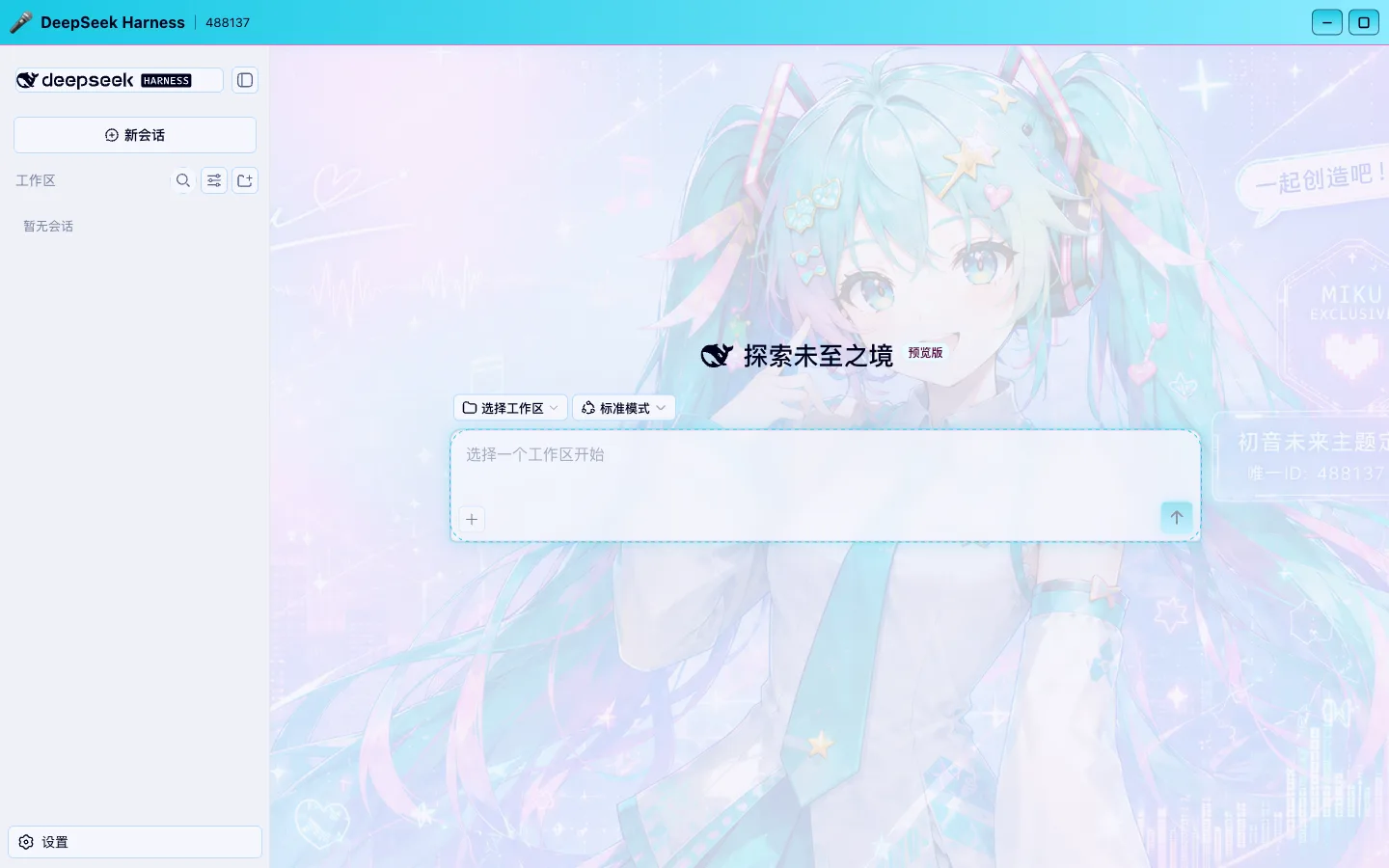
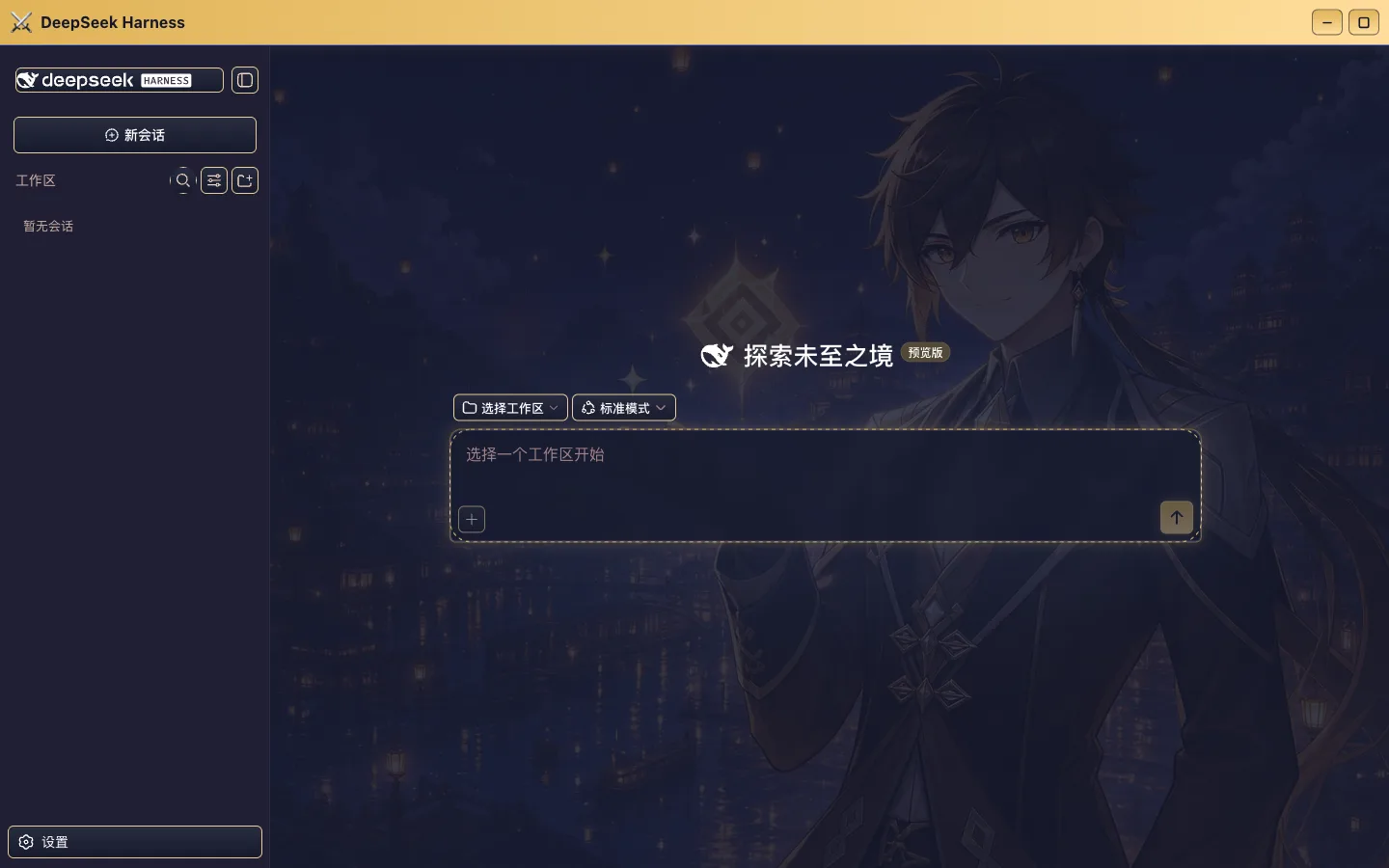
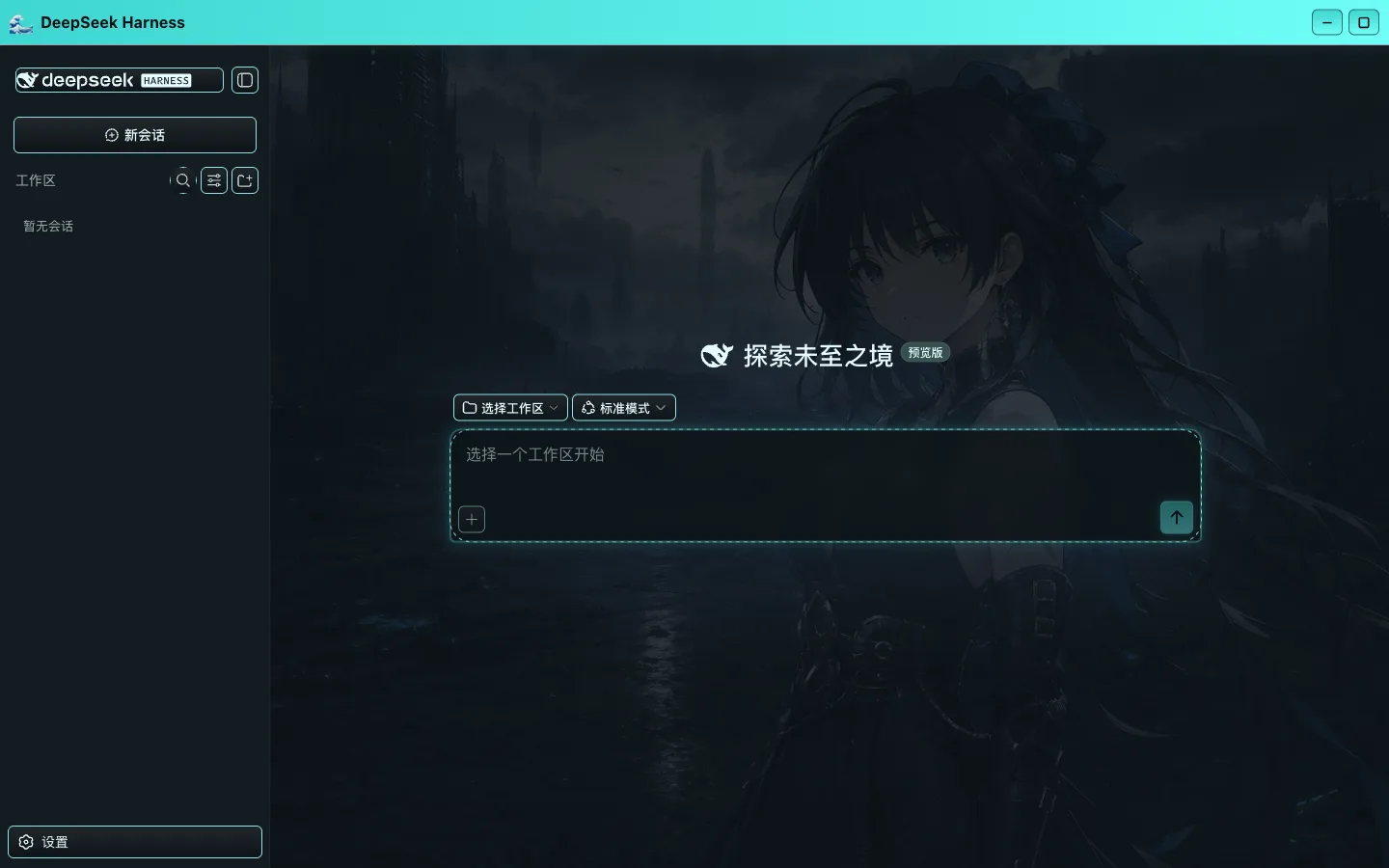
Three capabilities do the heavy lifting. First, 35 ready-made skins: 21 ACG themes (nostalgic QQ palettes, Hatsune, Genshin, Naruto, Dragon Ball, and more) plus 14 developer-classic color schemes (Gruvbox, Nord, Dracula, Tokyo Night, Catppuccin, and others). Every palette is derived in OKLab color space with a contrast-preserving algorithm, and the build pipeline enforces a 21 × 8 contrast-contract check so text stays legible regardless of theme. Second, one-image custom theming: pick any PNG, JPG, or WebP, and the browser samples 96 px locally, auto-tunes overlay opacity for readability, and ships the result without the image ever leaving your machine. Third, skin-pack import/export: a skin is a single JSON file—four color seeds, appearance mode, and border style—so you can export it, tweak the four seeds, share it with a friend, and they import it back in one click.
Under the hood the plugin stamps its UI hooks (message bubbles, session panel, view tabs, primary buttons, detail rail) onto the live DOM at runtime; it never overwrites or patches a host file, so a Harness upgrade at worst temporarily falls back to plain recoloring rather than breaking. The first-paint palette is inlined in the HTML for a flash-free load, BroadcastChannel keeps every open tab in sync in real time, and the QQ/XP-style title bar with a collapsible sidebar is included as a finishing touch. It is built for anyone who wants a daily Harness that finally looks like their own—ACG fans, terminal-color-scheme devotees, and tinkerers who like to package a custom palette and pass it along to a friend.
Screenshots
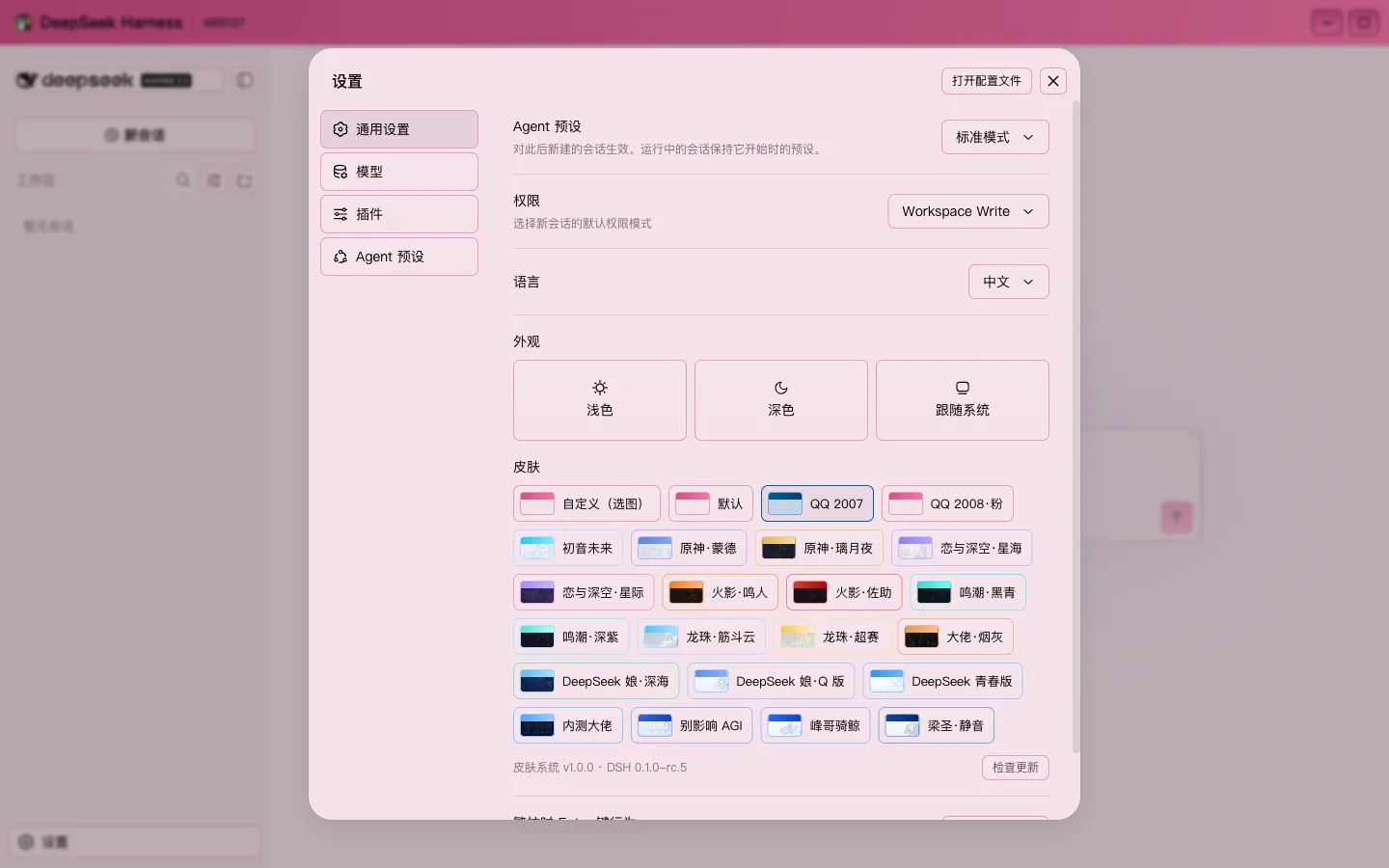
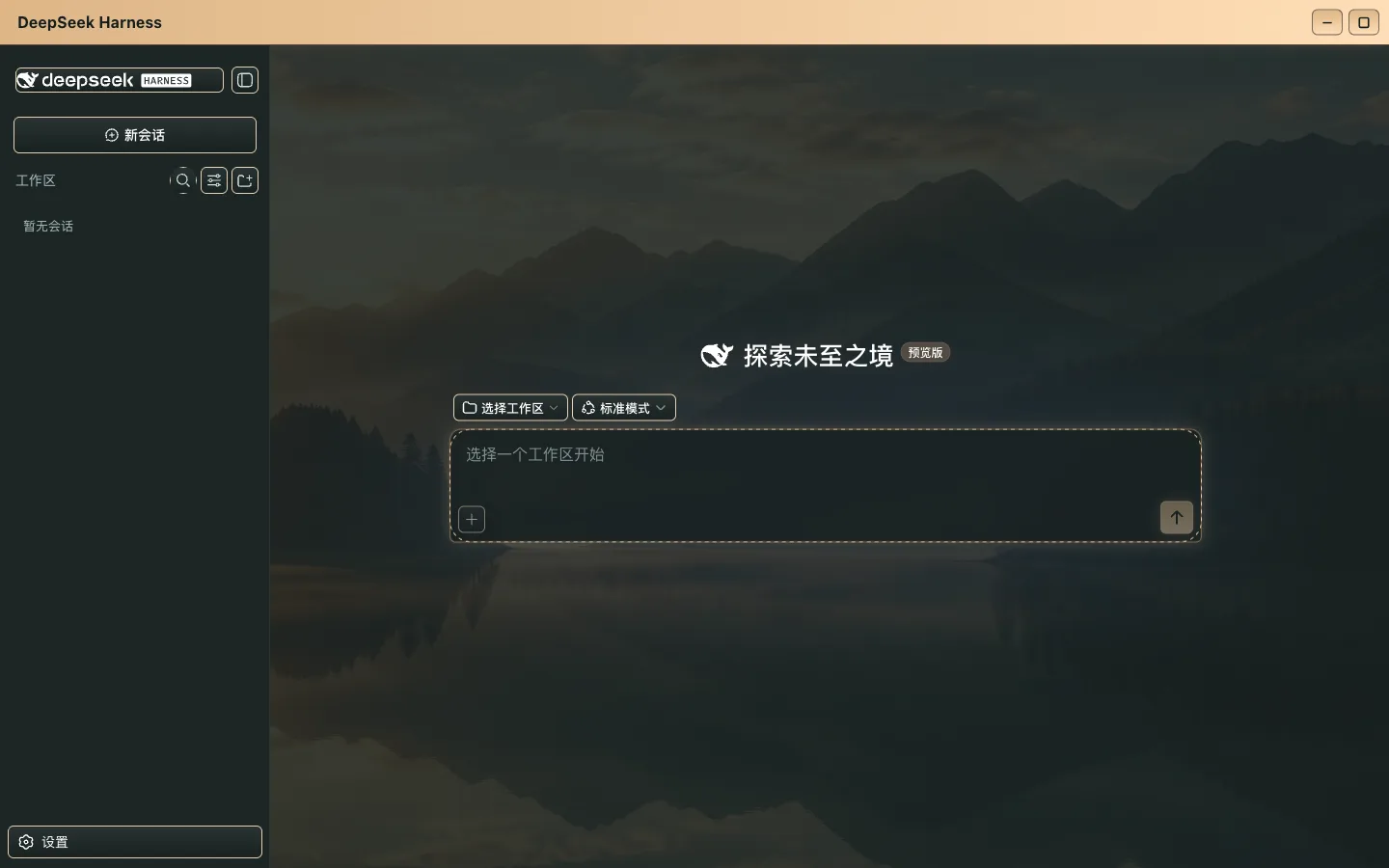
Use Cases
- Applying a personal ACG or developer-classic theme to daily DeepSeek Harness usage
- Generating a custom theme from a single favorite image without writing any CSS
- Exporting a hand-tuned skin pack as JSON to share with teammates or the community
Best For
- Daily Harness users who want a personal look without modifying host source code
- ACG fans and terminal color-scheme enthusiasts
- Creators who enjoy packaging and sharing custom color palettes
Related Plugins
A service-oriented sidebar framework for DSH, offering a full workbench with file explorer, embedded browser, real terminal, Git panel, and extensible plugin services.

A beautiful, practical Claude Code-style TUI plugin with pixel whale top bar, flowing glow title, real-time status line, streaming thought expansion, time rewind, context progress bar and TPS gauge — zero core changes.

The plugin market for DeepSeek Harness: browse/search/one-click install community plugins and themes, with updates, backup/restore, hot disable, diagnostics, and AI fix.

A persistent whale widget on the DSH web UI that shows DeepSeek balance, today's usage, and per-turn cost, with drag-and-snap and sound effects.