BrowserRig
Run the following command in DeepSeek Harness:
dsh plugin install Castor6/BrowserRig
Paste the following prompt into your AI chat to install this plugin:
Run dsh plugin install Castor6/BrowserRig in the DeepSeek Harness terminal to install the plugin; source code is available at https://github.com/Castor6/BrowserRig
About this plugin
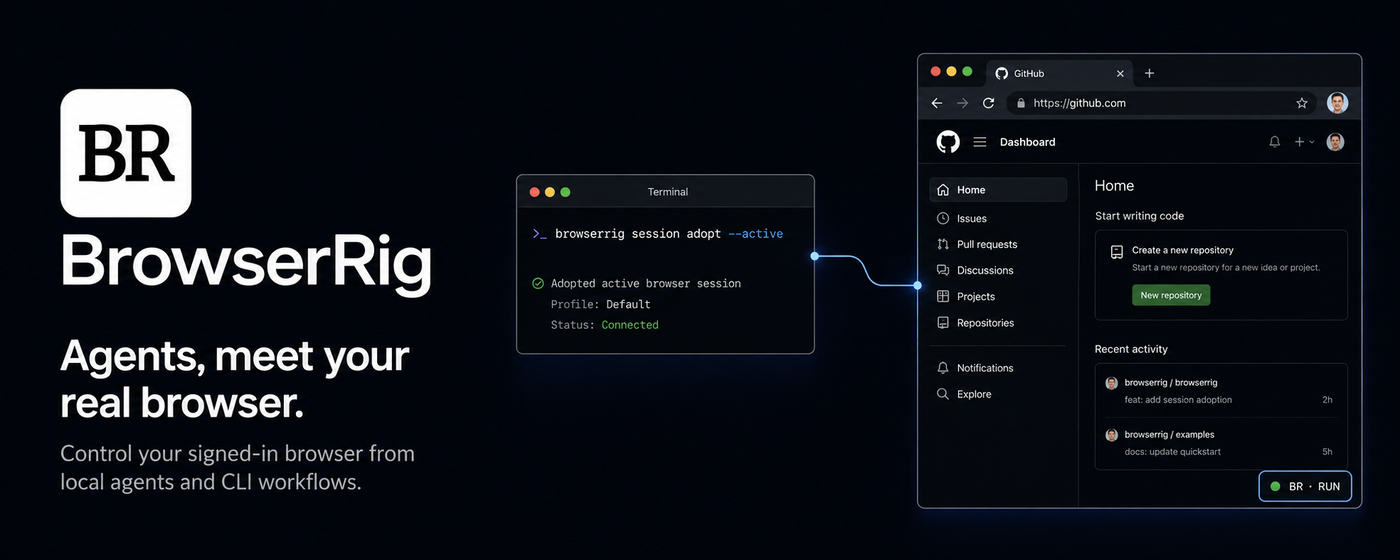
When coding agents need to drive a browser, traditional approaches launch a headless instance isolated from the real user environment—losing logged-in sessions, extensions, and triggering repeated remote-debugging approval dialogs. BrowserRig bridges the gap between browser automation and daily use: it reuses your actual Chromium-family browser with existing cookies, sessions, and extensions, attaches to the active tab in one command without any approval prompt, and performs work in a background tab without stealing your focus.
As a complete local driver, BrowserRig provides Playwright execute sessions, snapshot-based inspection, network capture, human handoff for CAPTCHAs and 2FA, and a TypeScript Effect client for structured authenticated requests. Everything runs locally with no bundled LLM and no hosted service required. DeepSeek Harness users get native tool integration, while other agents connect via the CLI skill or the MCP server.
It is suited for developers and teams who need AI agents to operate a real, authenticated browser—especially automation workflows that depend on logged-in sessions, browser extensions, or specific browser state.
Screenshots
Use Cases
- Let an AI agent perform web operations in a signed-in Chromium browser, reusing existing cookies and extensions
- Automation flows that depend on real browser sessions and installed extensions instead of an isolated headless instance
- Pause agent execution and hand off to a human for CAPTCHA, 2FA, or payment confirmation steps
- Complete multi-step tasks silently in a background tab without stealing the user’s active tab or focus
Best For
- Developers running coding agents with DeepSeek Harness
- Engineers and teams who need local browser automation with authentic signed-in state
- Developers building MCP or CLI-driven agent integrations
Related Plugins
A service-oriented sidebar framework for DSH, offering a full workbench with file explorer, embedded browser, real terminal, Git panel, and extensible plugin services.

A beautiful, practical Claude Code-style TUI plugin with pixel whale top bar, flowing glow title, real-time status line, streaming thought expansion, time rewind, context progress bar and TPS gauge — zero core changes.

The plugin market for DeepSeek Harness: browse/search/one-click install community plugins and themes, with updates, backup/restore, hot disable, diagnostics, and AI fix.

A persistent whale widget on the DSH web UI that shows DeepSeek balance, today's usage, and per-turn cost, with drag-and-snap and sound effects.