dsh-voice-webspeech
Run the following command in DeepSeek Harness:
dsh plugin install anweat/dsh-voice-webspeech
Paste the following prompt into your AI chat to install this plugin:
Run dsh plugin install anweat/dsh-voice-webspeech in the DeepSeek Harness terminal to install this plugin; the source repository is available at https://github.com/anweat/dsh-voice-webspeech . After installation, restart dsh web and a microphone button will appear next to the composer for hold-to-talk voice input.
About this plugin
DSH Web GUI has lacked a lightweight, ready-to-use voice input option. The popular dsh-voice-funasr plugin requires a local Python runtime and roughly a 520 MB FunASR model download, which is heavy for users who simply want to dictate in their browser. dsh-voice-webspeech takes a leaner path: it relies entirely on the browser built-in Web Speech API (Edge routes to Azure Speech, Chrome to Google Speech), with zero server-side components, zero API keys, zero model downloads, and zero Python.
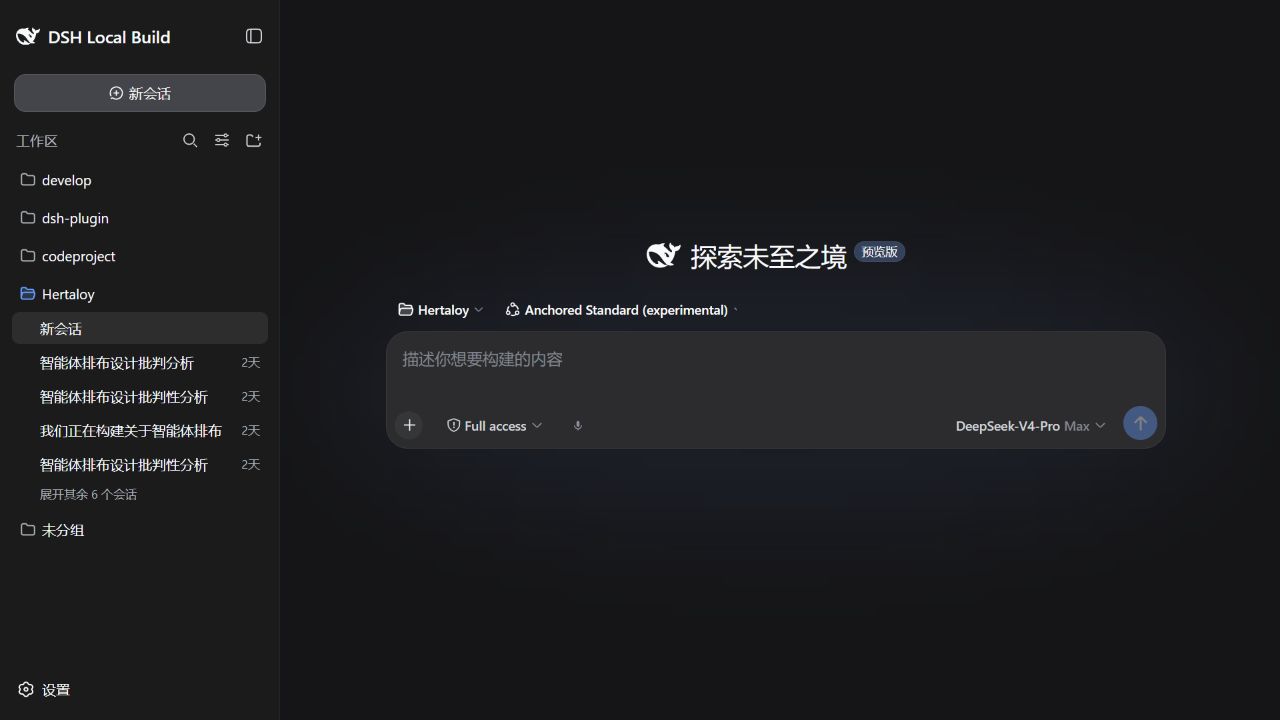
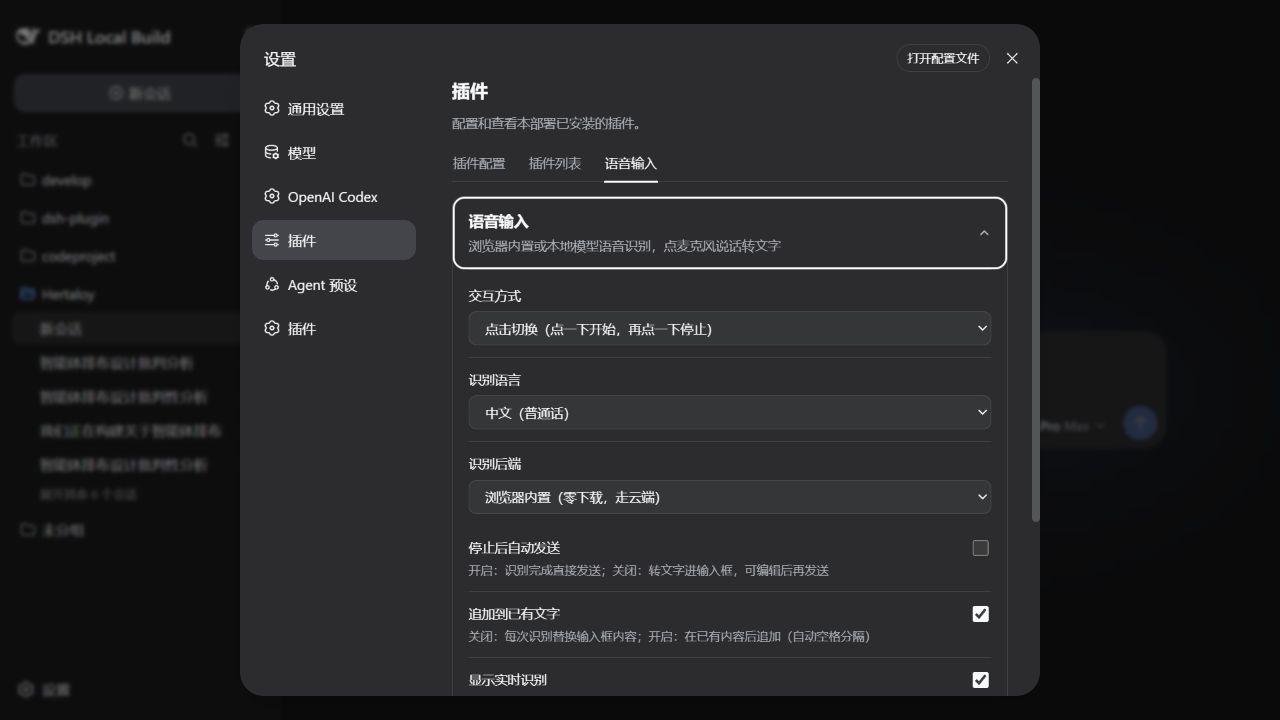
The core interaction revolves around a microphone button next to the composer: hold to start listening, release to stop, with consecutive phrases accumulating seamlessly. While listening, a floating bubble shows real-time interim results above the button (toggleable). Transcribed text is appended to existing composer content by default so you can edit before sending, or switched to hands-free auto-send in settings. It supports Mandarin, Cantonese, Traditional Chinese, English, Japanese, Korean, French, German, Spanish, Russian, and more, with preferences stored locally in the browser.
This plugin is well suited for Edge or Chrome users who want fast voice typing without maintaining a local ASR engine or large model files. Audio goes directly to the browser speech service, bypassing any DSH server, never written to disk, with no telemetry. Note that Firefox and Safari are not supported because they lack the Web Speech API.
Screenshots
Use Cases
- Quickly dictate prompts in DSH Web GUI via browser speech instead of typing
- Hands-free mode: hold the mic button to talk, release to auto-send the message
- Multilingual voice-to-text (Mandarin, English, Japanese, etc.) in Edge or Chrome without local ASR
Best For
- Users who want zero-setup voice input without installing Python or large model files
- Developers using Edge or Chrome with microphone permission already granted
- Privacy-conscious users who prefer audio to stay entirely within the browser
Related Plugins
A service-oriented sidebar framework for DSH, offering a full workbench with file explorer, embedded browser, real terminal, Git panel, and extensible plugin services.

A beautiful, practical Claude Code-style TUI plugin with pixel whale top bar, flowing glow title, real-time status line, streaming thought expansion, time rewind, context progress bar and TPS gauge — zero core changes.

The plugin market for DeepSeek Harness: browse/search/one-click install community plugins and themes, with updates, backup/restore, hot disable, diagnostics, and AI fix.

A persistent whale widget on the DSH web UI that shows DeepSeek balance, today's usage, and per-turn cost, with drag-and-snap and sound effects.