dsh-novel-reader
Run the following command in DeepSeek Harness:
dsh plugin install 1024483906-pixel/dsh-novel-reader
Paste the following prompt into your AI chat to install this plugin:
Install in DeepSeek Harness by running dsh plugin install 1024483906-pixel/dsh-novel-reader; the source lives at https://github.com/1024483906-pixel/dsh-novel-reader . Restart DSH after installation and the novel-reader icon will appear in the corner.
About this plugin
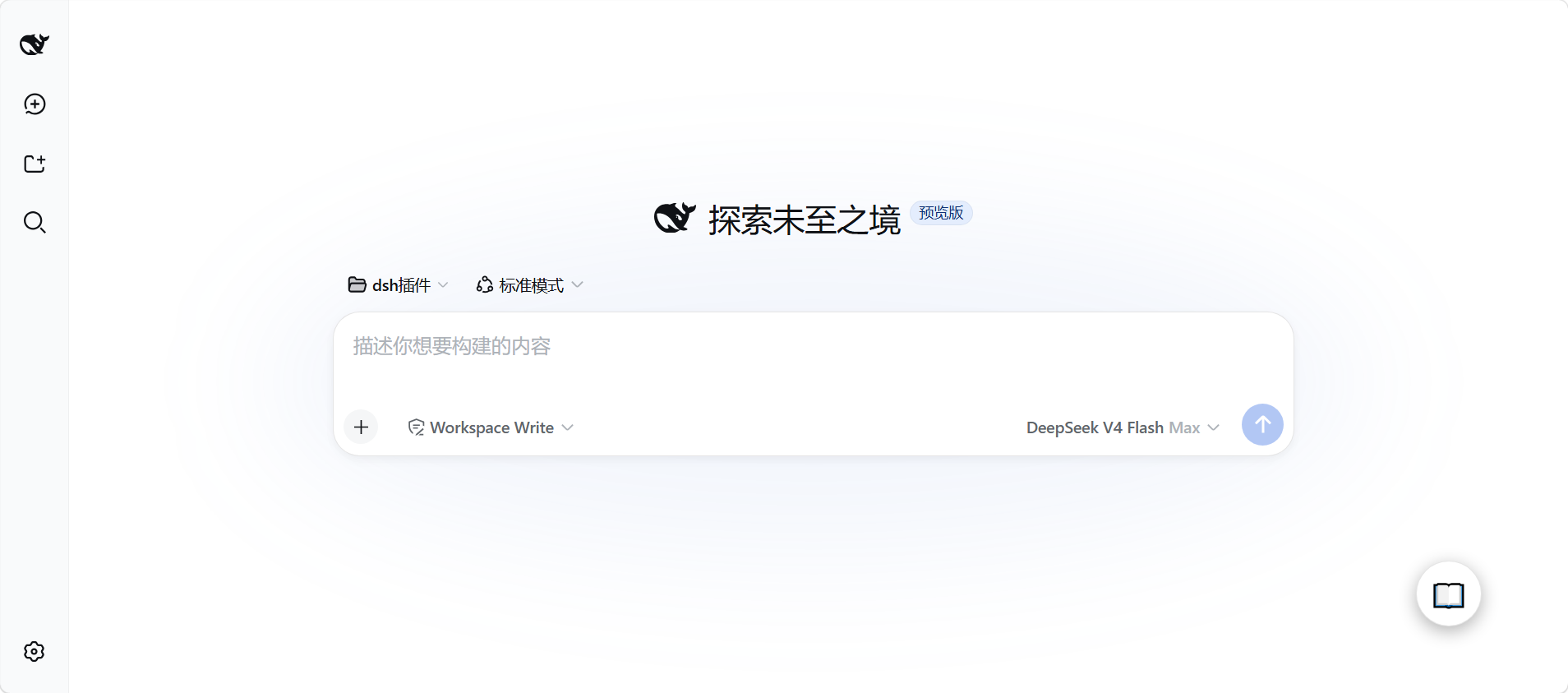
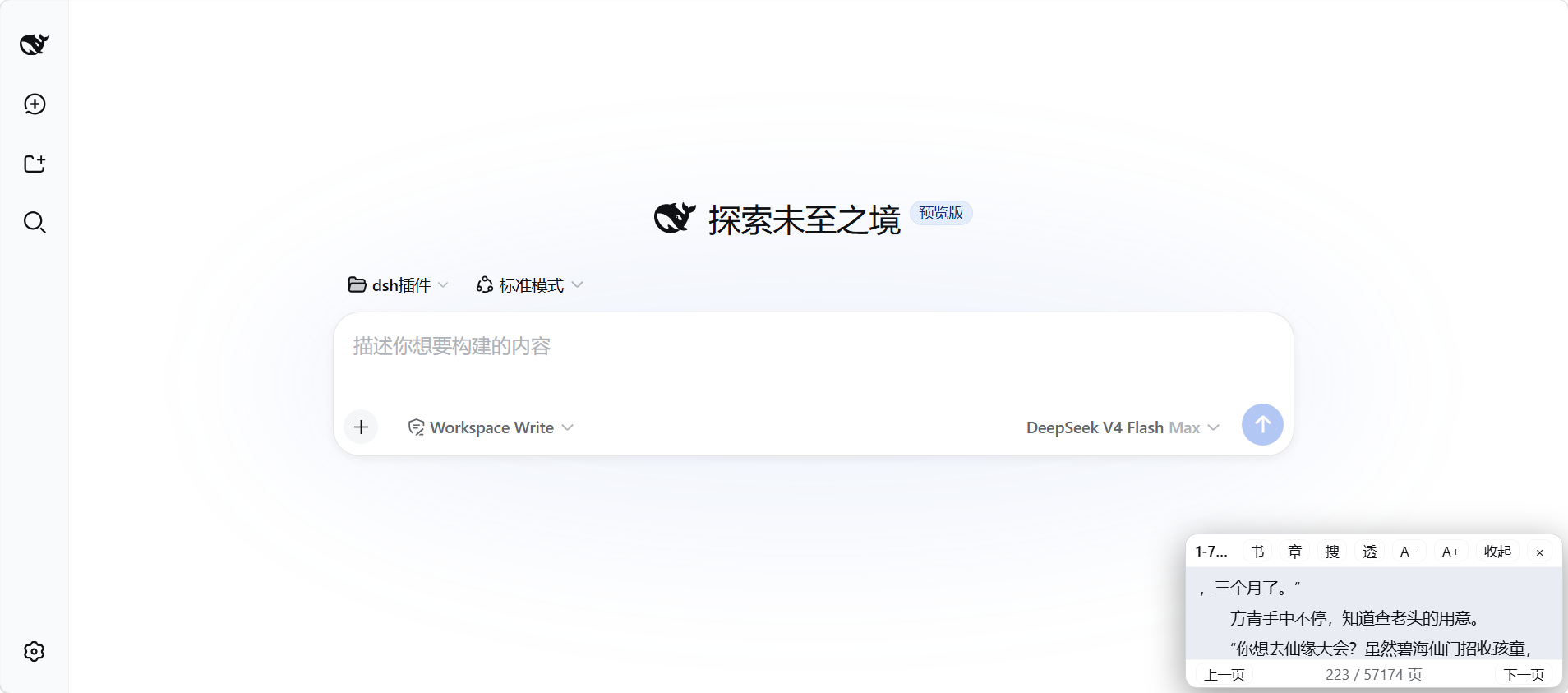
Every model run leaves you staring at a spinner for thirty seconds or more, and dsh-novel-reader exists to turn those dead gaps into short, satisfying reading sessions. Import a txt novel into the DeepSeek Harness web UI and a small book icon appears in the corner of the page; click it, flip through a few pages, close it, and your progress is saved for next time. No tab switching, no extra browser windows.
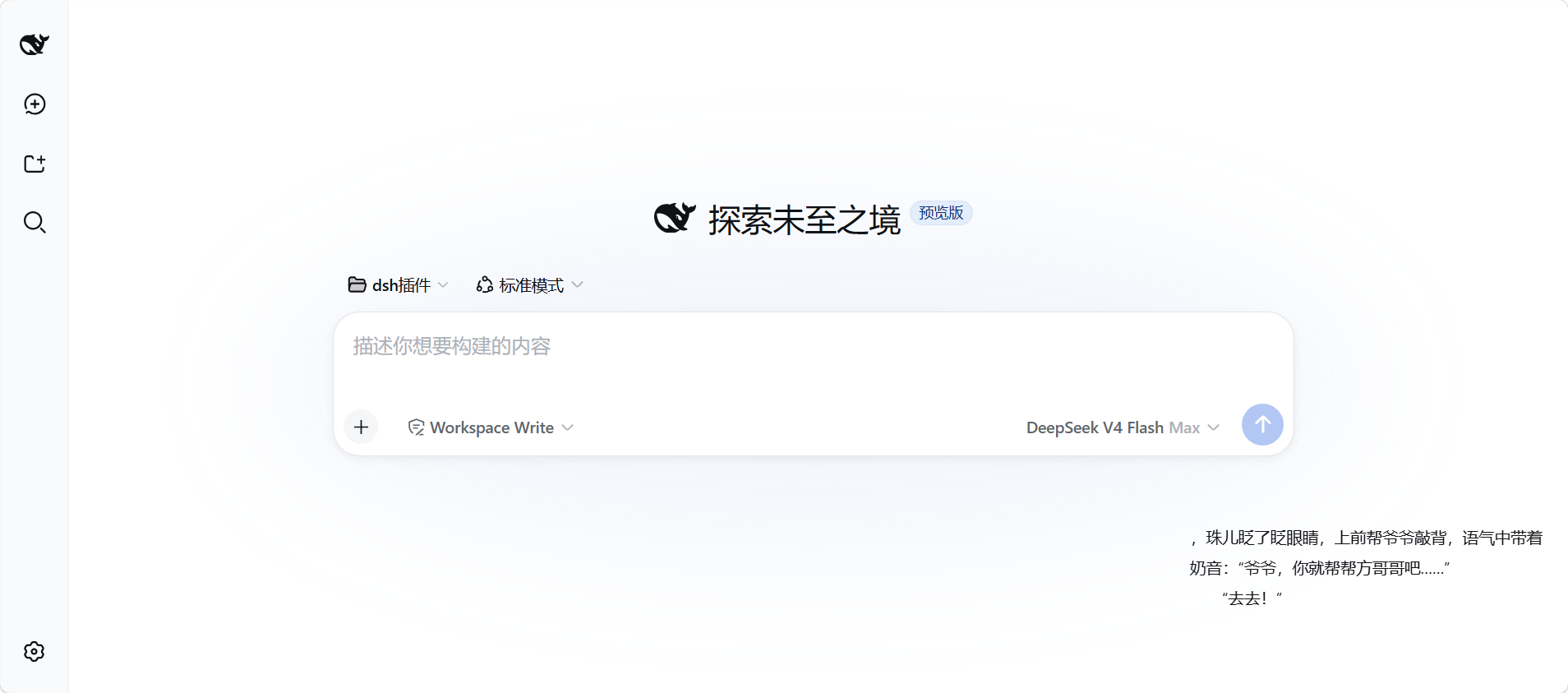
The reader is designed for micro-sessions. By default it is a two-line subtitle bar tucked into a corner so it never blocks your chat; drag any edge or the bottom-right handle to grow it into a comfortable multi-line pane. Paging works three ways: scroll wheel for line-by-line, arrow keys for full-page jumps, or the bottom-bar buttons. Chapter headings are auto-detected across common formats such as Chapter N, Part, Volume, and many Chinese variants; full-text search via Ctrl+F returns context-rich snippets you can cycle with up and down arrows; and font size is adjustable from 12 to 32 px. Every book keeps its own progress, font size, window position, and transparency state in complete isolation. The headline feature is transparent mode: the background, border, and title bar all disappear, leaving only floating text you can drag anywhere on the interface.
This plugin is for DSH users who keep a small shelf of txt novels, like to read a few pages between model runs, and would rather not leave the browser. All book data lives locally under $DSH_HOME/novel-reader/ and is never uploaded anywhere.
Screenshots
Use Cases
- Flip through a few pages during the wait between model runs
- Read alongside your chat with the bar tucked in a corner, never blocking the conversation
- Enable transparent mode so floating text sits over any part of the interface
Best For
- DSH users who juggle tabs and prefer not to switch windows for a few pages
- Readers with a small shelf of txt novels who prefer micro-reading sessions
- Users who want progress to persist across sessions without a separate bookmark tool
Related Plugins
A service-oriented sidebar framework for DSH, offering a full workbench with file explorer, embedded browser, real terminal, Git panel, and extensible plugin services.

A beautiful, practical Claude Code-style TUI plugin with pixel whale top bar, flowing glow title, real-time status line, streaming thought expansion, time rewind, context progress bar and TPS gauge — zero core changes.

The plugin market for DeepSeek Harness: browse/search/one-click install community plugins and themes, with updates, backup/restore, hot disable, diagnostics, and AI fix.

A persistent whale widget on the DSH web UI that shows DeepSeek balance, today's usage, and per-turn cost, with drag-and-snap and sound effects.