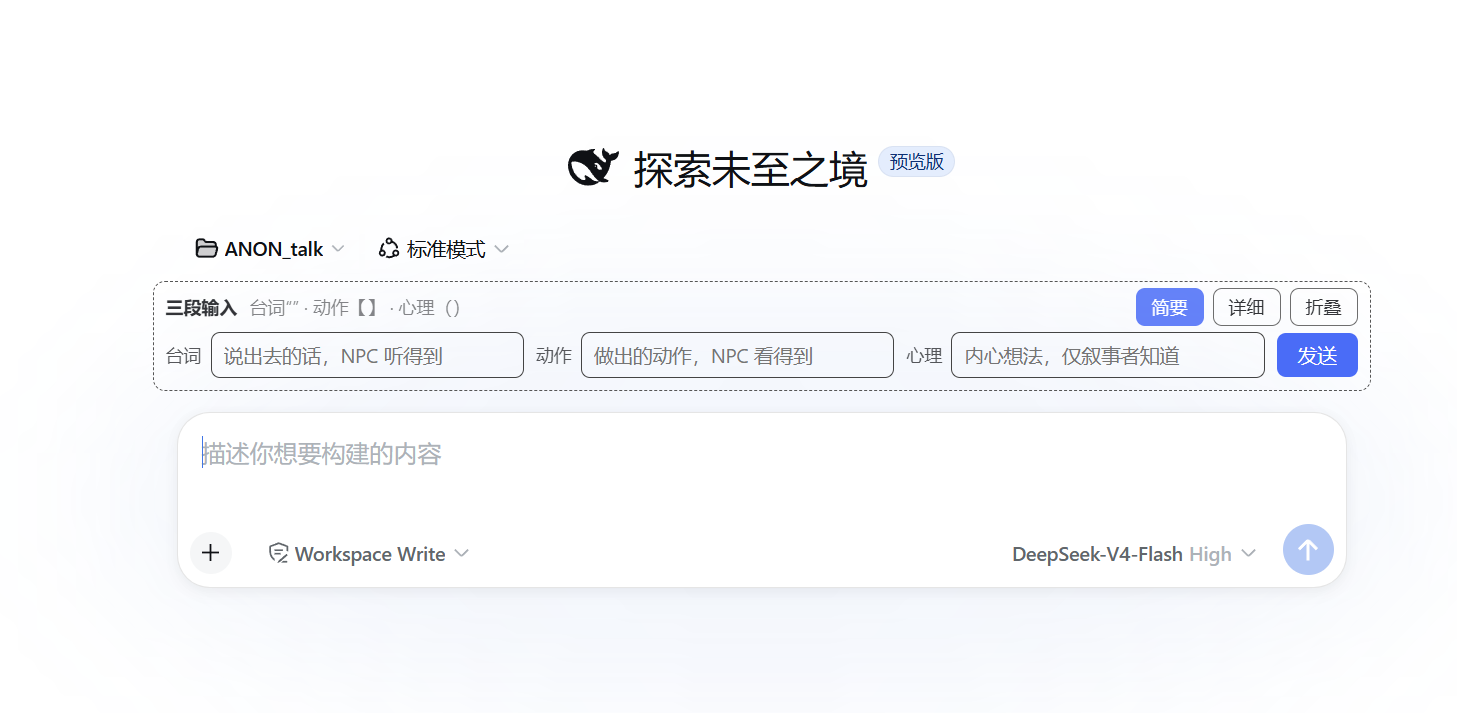
dsh-rp-composer
Run the following command in DeepSeek Harness:
dsh plugin install wuzhigouno-collab/dsh-rp-composer
Paste the following prompt into your AI chat to install this plugin:
Run dsh plugin install wuzhigouno-collab/dsh-rp-composer in your terminal, then restart dsh web to use it. Source code: https://github.com/wuzhigouno-collab/dsh-rp-composer
About this plugin
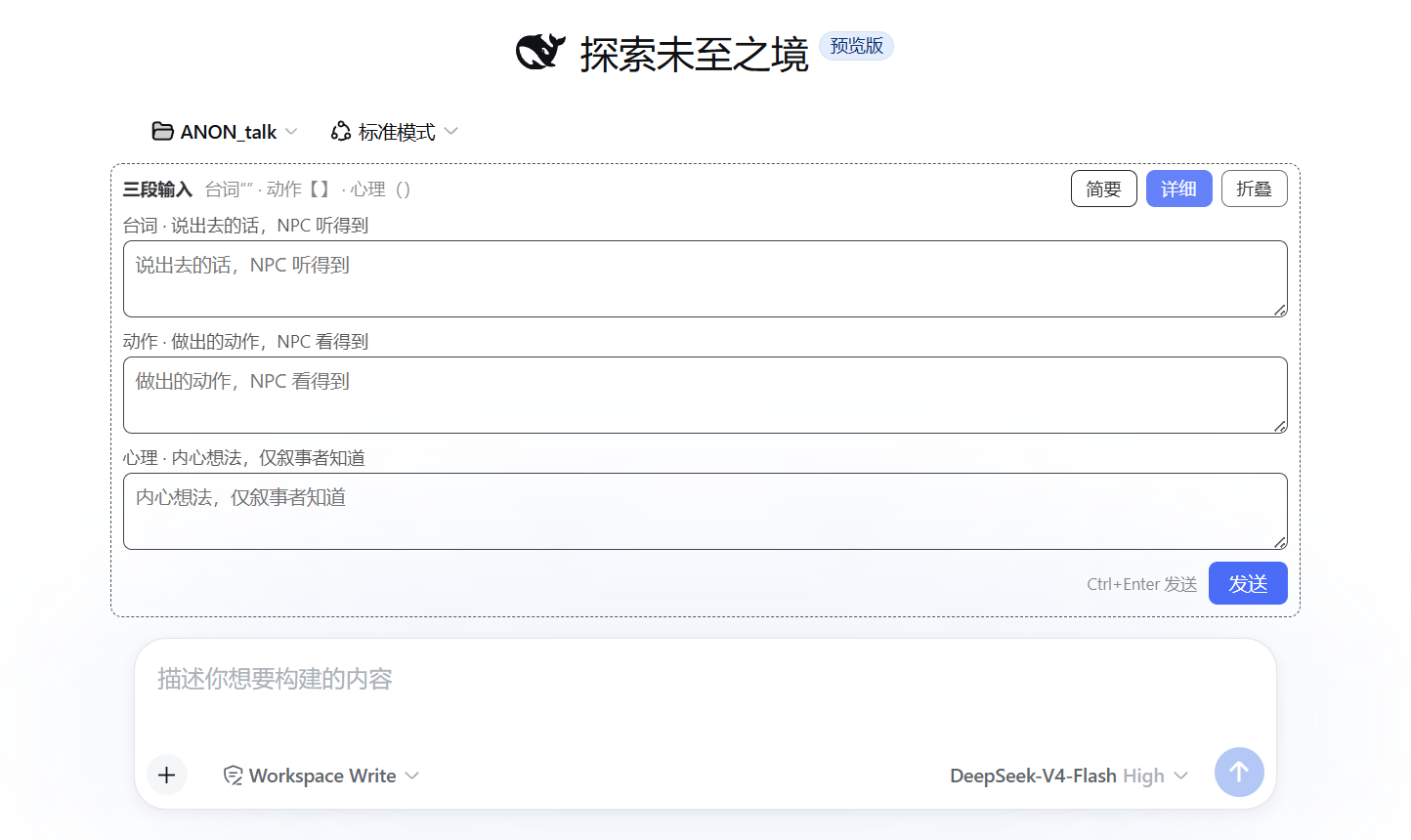
In role-play conversations a single input often mixes speech, action, and inner thought. Without structural markers the AI easily mistakes thoughts for NPC dialogue or fabricates actions the player never intended. TriComposer splits the input area into three independent fields (speech, action, thought); any combination works, empty fields are omitted, removing ambiguity at the source.
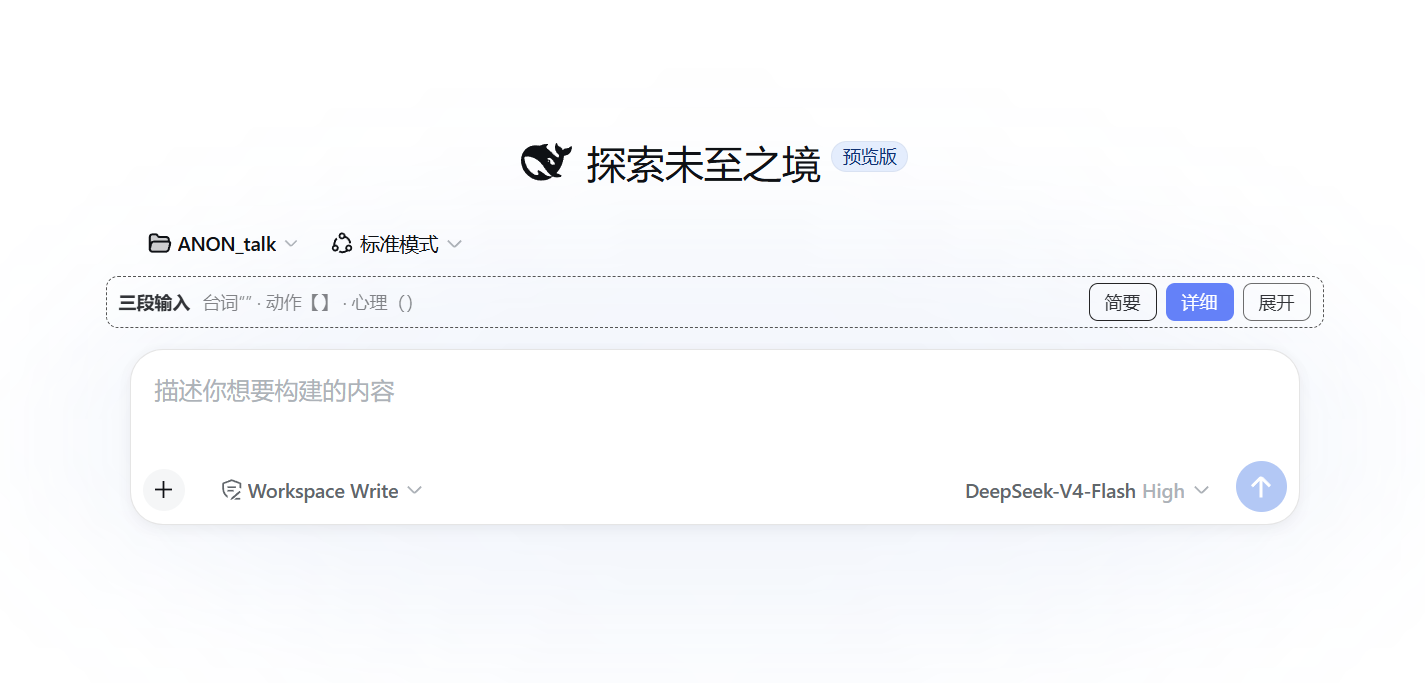
The plugin auto-assembles your three fields into a labelled template compatible with common RP input-parsing presets. A compact single-line view and a detailed multi-line view (Ctrl+Enter to send) let you pick the layout that fits. The panel can be collapsed to a title bar; view and collapse state persist in the browser. It mounts on the official conversation.input.dock slot, leaves the default input untouched, and sends through the standard draft-and-submit pipeline so save, undo, and re-send behave exactly as they do with manual typing.
Ideal for DeepSeek Harness web RP players who want clean, unambiguous input and fewer AI misreads.
Screenshots
Use Cases
- Role-playing in DSH web with speech, action, and thought in separate fields
- Preventing the AI from mistaking inner thoughts for NPC dialogue or fabricating actions
- Structured input compatible with RP parsing presets such as Gent mode
Best For
- DeepSeek Harness web users engaged in role-play conversations
- RP players who want clear input structure to reduce AI misreads
- Users who need it to coexist with other RP plugins like Portable Tavern
Related Plugins
A service-oriented sidebar framework for DSH, offering a full workbench with file explorer, embedded browser, real terminal, Git panel, and extensible plugin services.

A beautiful, practical Claude Code-style TUI plugin with pixel whale top bar, flowing glow title, real-time status line, streaming thought expansion, time rewind, context progress bar and TPS gauge — zero core changes.

The plugin market for DeepSeek Harness: browse/search/one-click install community plugins and themes, with updates, backup/restore, hot disable, diagnostics, and AI fix.

A persistent whale widget on the DSH web UI that shows DeepSeek balance, today's usage, and per-turn cost, with drag-and-snap and sound effects.