
dsh-theme-lab
Run the following command in DeepSeek Harness:
dsh plugin install Slymaster/dsh-theme-lab
Paste the following prompt into your AI chat to install this plugin:
Run dsh plugin install Slymaster/dsh-theme-lab inside DeepSeek Harness; the source repository is available at https://github.com/Slymaster/dsh-theme-lab .
About this plugin
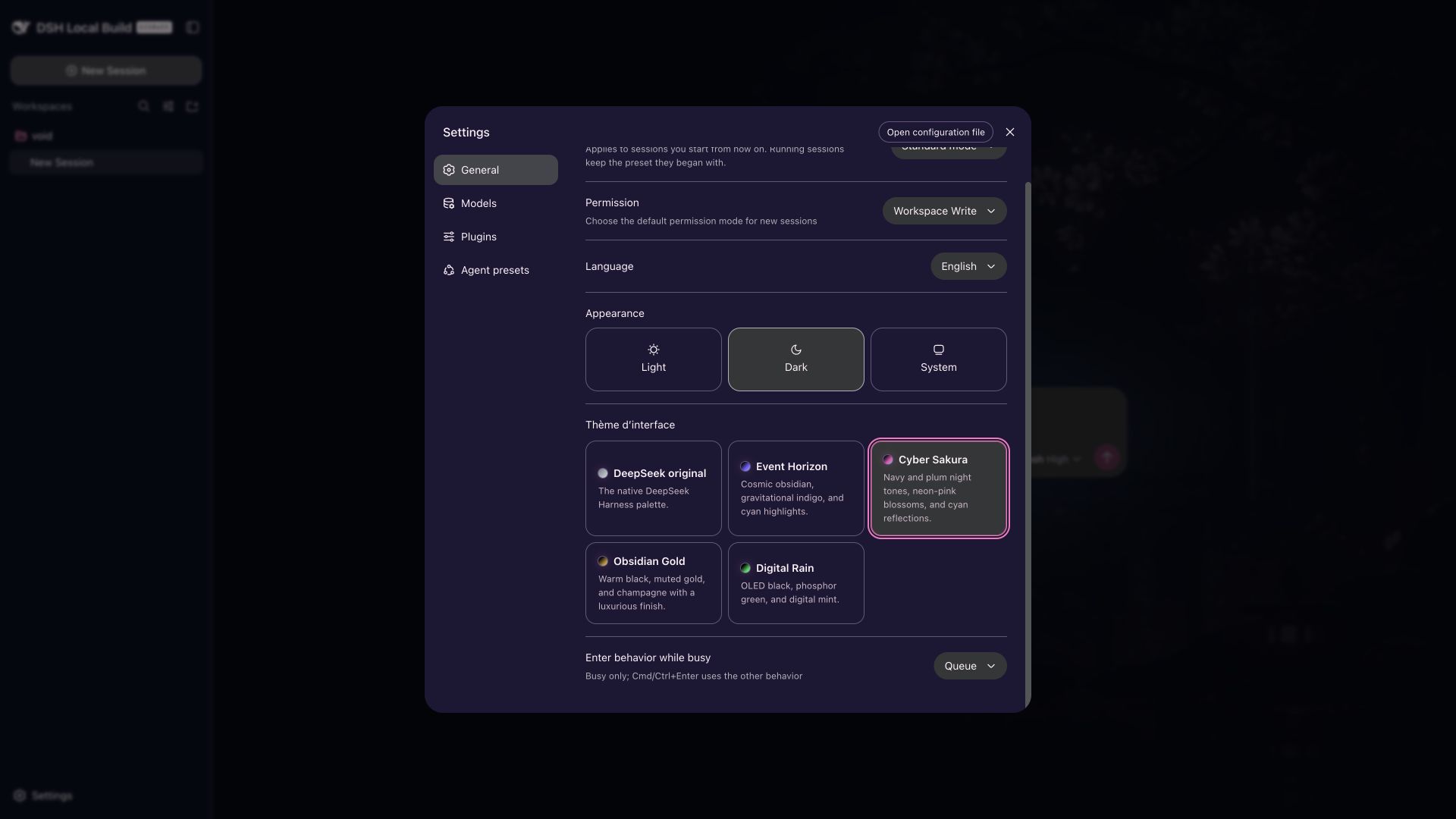
The preview build of DeepSeek Harness ships with a single, uniform interface that offers little room for visual personalization. dsh-theme-lab is a community-built theme extension that closes that gap, letting users switch the entire visual language of Harness as effortlessly as changing an OS appearance mode, all without modifying the native architecture.
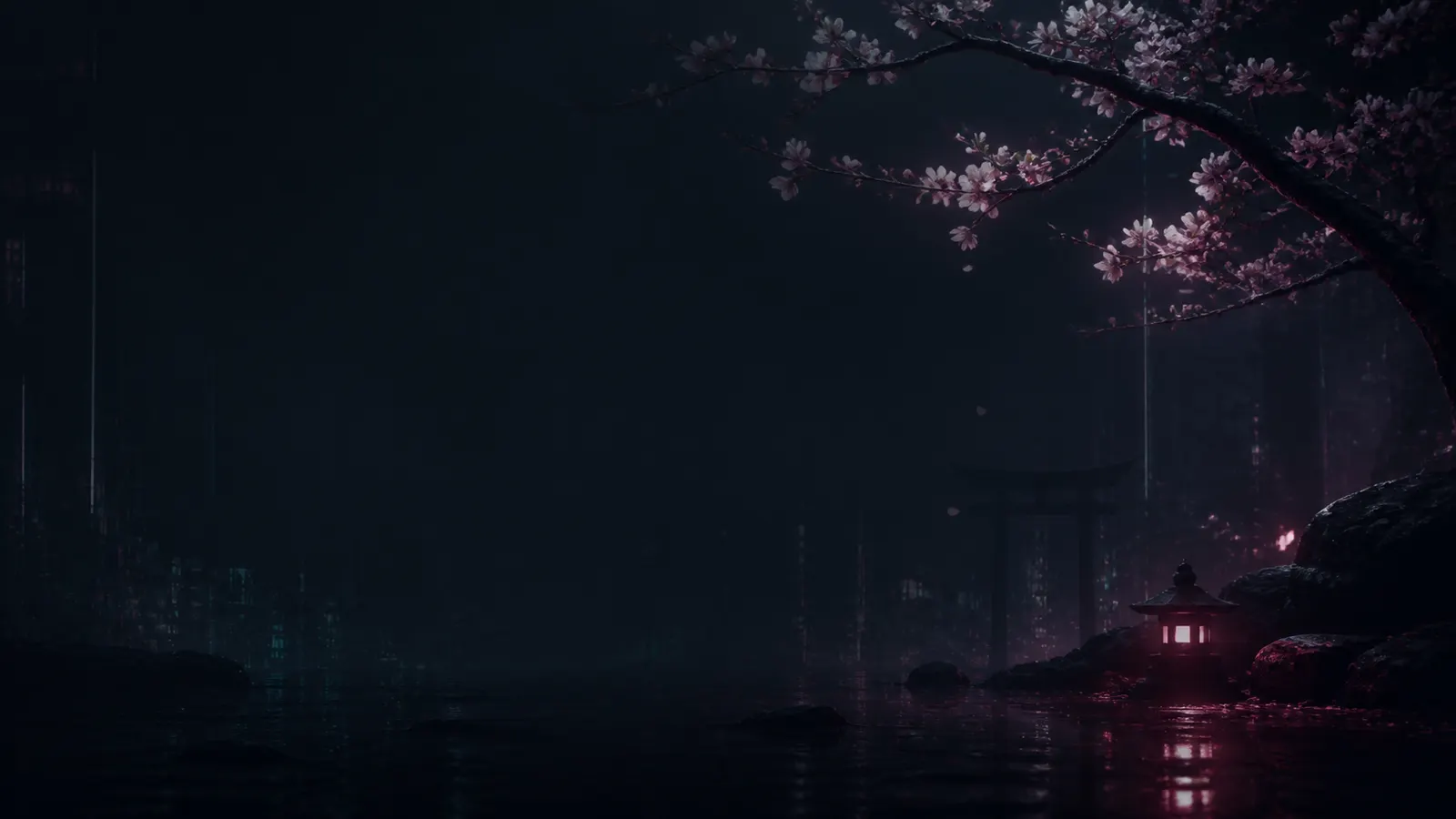
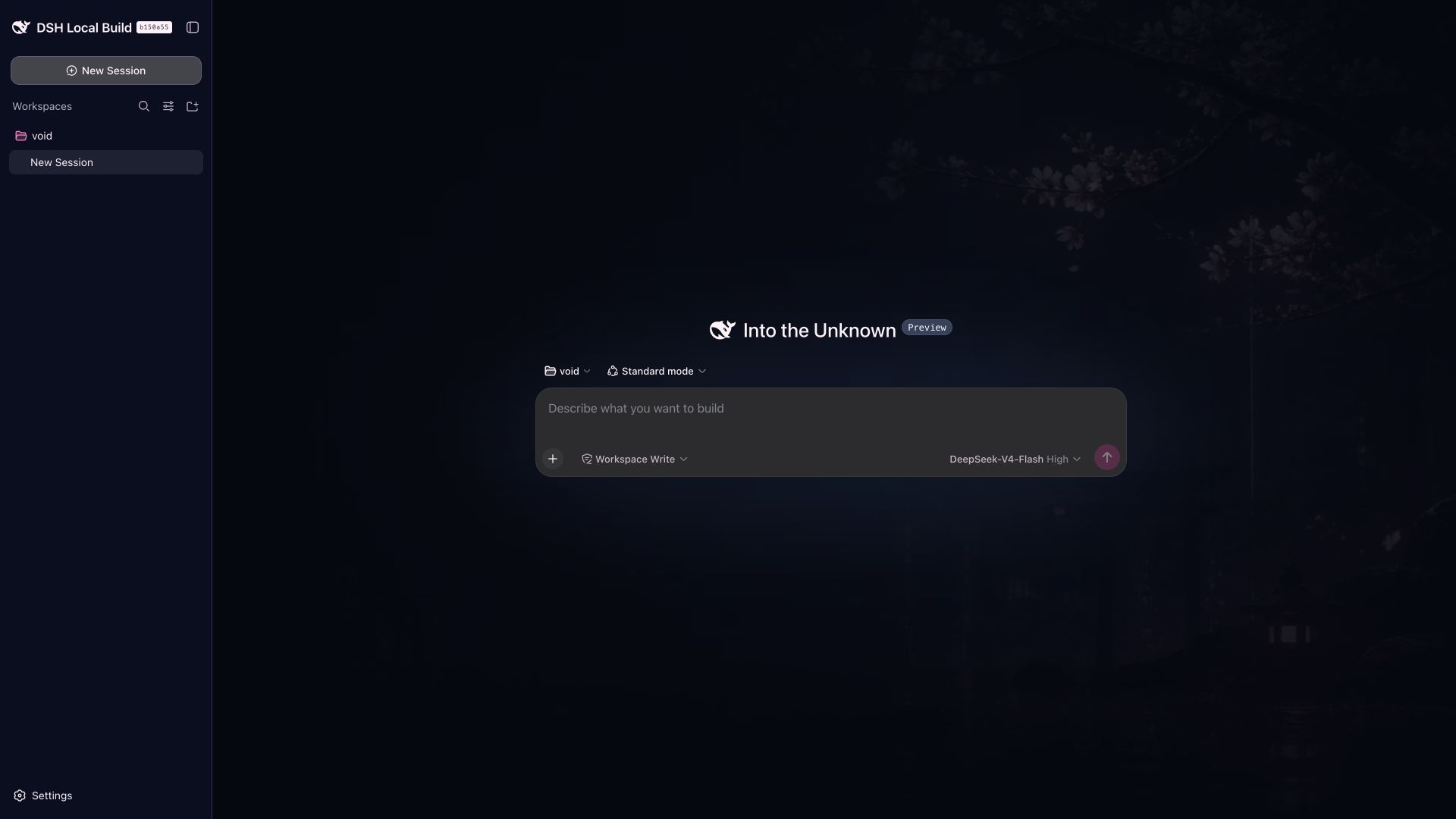
The package ships four hand-tuned palettes: Event Horizon, Cyber Sakura, Obsidian Gold, and Digital Rain. Each is built on sixteen semantic design tokens with explicit light and dark values to guarantee readable contrast. Theme selection persists through the native Harness Settings namespace, so the choice survives a page reload with no localStorage fallback. A responsive WebP hero illustration appears only during the pre-conversation hero phase and never intrudes on an active chat. Reverting to the default theme or uninstalling the plugin triggers full cleanup of every token override, slot, and subscription, leaving zero residual styles behind.
For developers who want to explore or build their own themes, Theme Lab keeps everything in a single data-driven registry for cards, palettes, artwork, and asset routes. Adding a new theme requires just one registry entry, one optimized WebP file, and a complete 16-token palette, with no controller branching needed. That makes it both a ready-to-use dress-up kit and a lightweight, well-structured starting point for custom theme work.
Screenshots


Use Cases
- Switching the Harness interface to Cyber Sakura, Obsidian Gold, or Digital Rain styles
- Displaying theme-specific responsive hero artwork before the first message
- Building and registering a custom theme on the 16-token semantic design system
Best For
- End users who want to personalize the Harness interface
- Frontend developers building experiences on the Harness plugin API
- Design practitioners exploring semantic tokens and light-dark contrast
Related Plugins

whale-girl is a desktop pet in the DSH Web GUI (bottom-right for instant companionship) — draggable, feedable, playable; completed tasks, sessions and companionship time accrue into seniority levels, titles, and memories.

A WebGPU ocean skin for DeepSeek Harness with five-wave Gerstner waves, translucent theme, day/night cycle, and quick controls, installable as plugin or extension.

A Galgame-style conversation view and visual scene editor for DSH web sessions, with a real-time editing mode.

A native skinning plugin for DeepSeek Harness: 8 designer themes, wallpapers, accent colors, and shareable theme packs, built purely on design tokens.