dsh-diff-stat
Run the following command in DeepSeek Harness:
dsh plugin install HaoyueQin/dsh-diff-stat
Paste the following prompt into your AI chat to install this plugin:
Run dsh plugin install HaoyueQin/dsh-diff-stat in the DeepSeek Harness terminal to install the plugin; the full source is available at https://github.com/HaoyueQin/dsh-diff-stat .
About this plugin
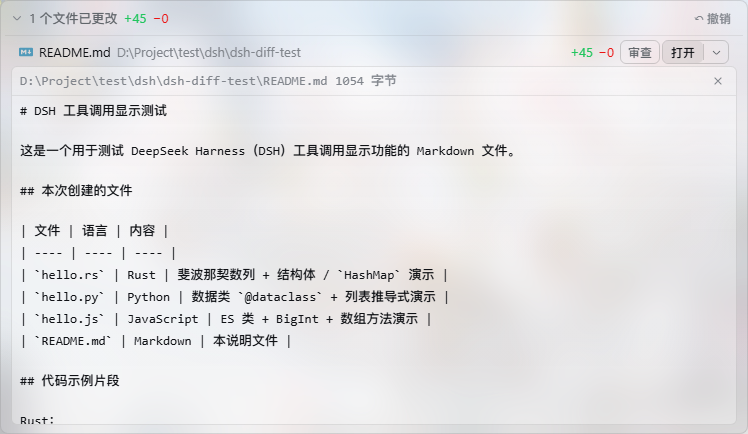
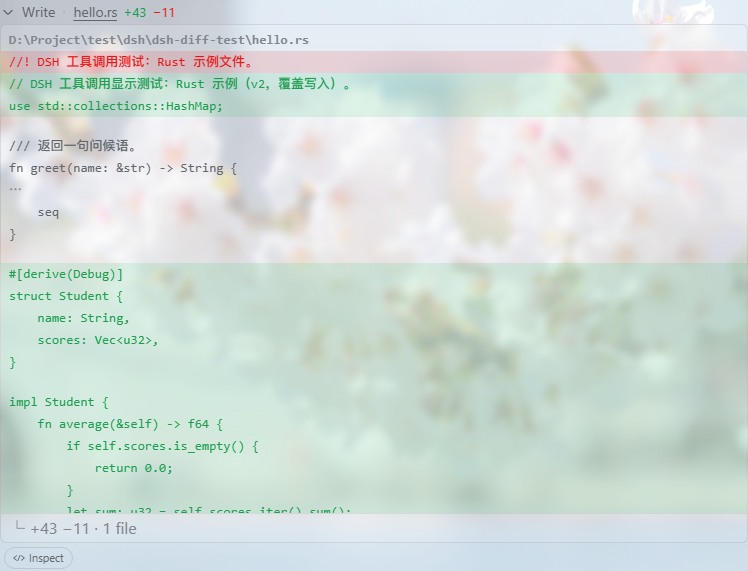
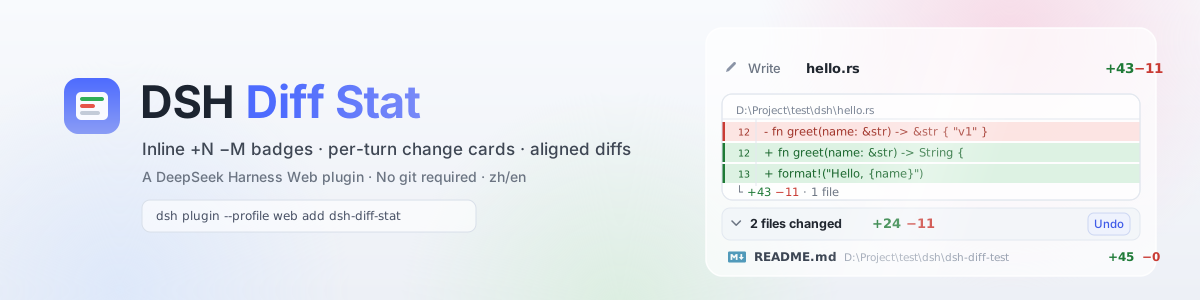
When a DeepSeek Harness agent edits or writes files via edit, write, or Code Dispatch, the resulting changes are easy to lose in a wall of tool-call logs. Checking what actually changed—on which lines, in which files—usually means switching to a terminal and running git diff. dsh-diff-stat brings that review back into the browser: every mutation row gets an inline +N −M badge, each turn ends with a collapsible "N files changed +X −Y" summary card, and clicking any row opens an LCS-aligned unified diff window with ±3 lines of context, collapsed unchanged runs, and line-number gutters pinned to the real position in the current file.
Code Dispatch (PTC) sub-calls are covered end to end: because dispatch rows carry no wire diff, the plugin derives hunks from arguments, deduplicates replays via subCallId, and still produces a full summary card for pure Code-Mode turns. A file-context booster reads the actual file through the host API when you expand a bare fragment and rebuilds the hunk with shared lines. Additional capabilities include whole-turn undo with atomic commits and drift detection, an inline file preview with an open-with menu, and optional frosted-glass styling when the background plugin is present—all with zero third-party runtime dependencies and a clean uninstall that restores the stock UI.
It is built for developers running DeepSeek Harness ≥ 0.1.2-rc.1 who want to let an agent edit code, run Code Mode refactors, or batch-dispatch changes, then review and revert everything without leaving the browser. Instead of hopping between chat and terminal, you get a single-page loop: see what changed, read it aligned, undo with one click.
Screenshots

Use Cases
- After an agent finishes a round of edits, scan per-line changes with context directly in the browser
- Post-refactor in Code Mode, step through aligned diffs file by file to keep or revert
- Expand a str_replace_editor row to confirm the edit stayed within intended bounds with full context
Best For
- Developers who let an agent edit code daily and want in-browser review without leaving the chat
- Engineers who batch-dispatch changes via Code Mode and prefer centralized diff viewing with one-click undo
- Harness users who want to eliminate back-and-forth between the web UI and terminal git diff
Related Plugins
A service-oriented sidebar framework for DSH, offering a full workbench with file explorer, embedded browser, real terminal, Git panel, and extensible plugin services.

A beautiful, practical Claude Code-style TUI plugin with pixel whale top bar, flowing glow title, real-time status line, streaming thought expansion, time rewind, context progress bar and TPS gauge — zero core changes.

The plugin market for DeepSeek Harness: browse/search/one-click install community plugins and themes, with updates, backup/restore, hot disable, diagnostics, and AI fix.

A persistent whale widget on the DSH web UI that shows DeepSeek balance, today's usage, and per-turn cost, with drag-and-snap and sound effects.