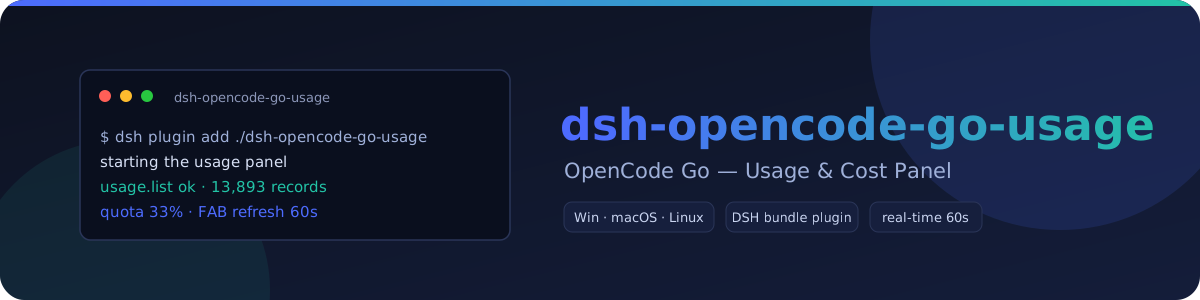
dsh-opencode-go-usage
Run the following command in DeepSeek Harness:
dsh plugin install Xenia0922/dsh-opencode-go-usage
Paste the following prompt into your AI chat to install this plugin:
Install this plugin in DeepSeek Harness by running dsh plugin install Xenia0922/dsh-opencode-go-usage; source: https://github.com/Xenia0922/dsh-opencode-go-usage.
About this plugin
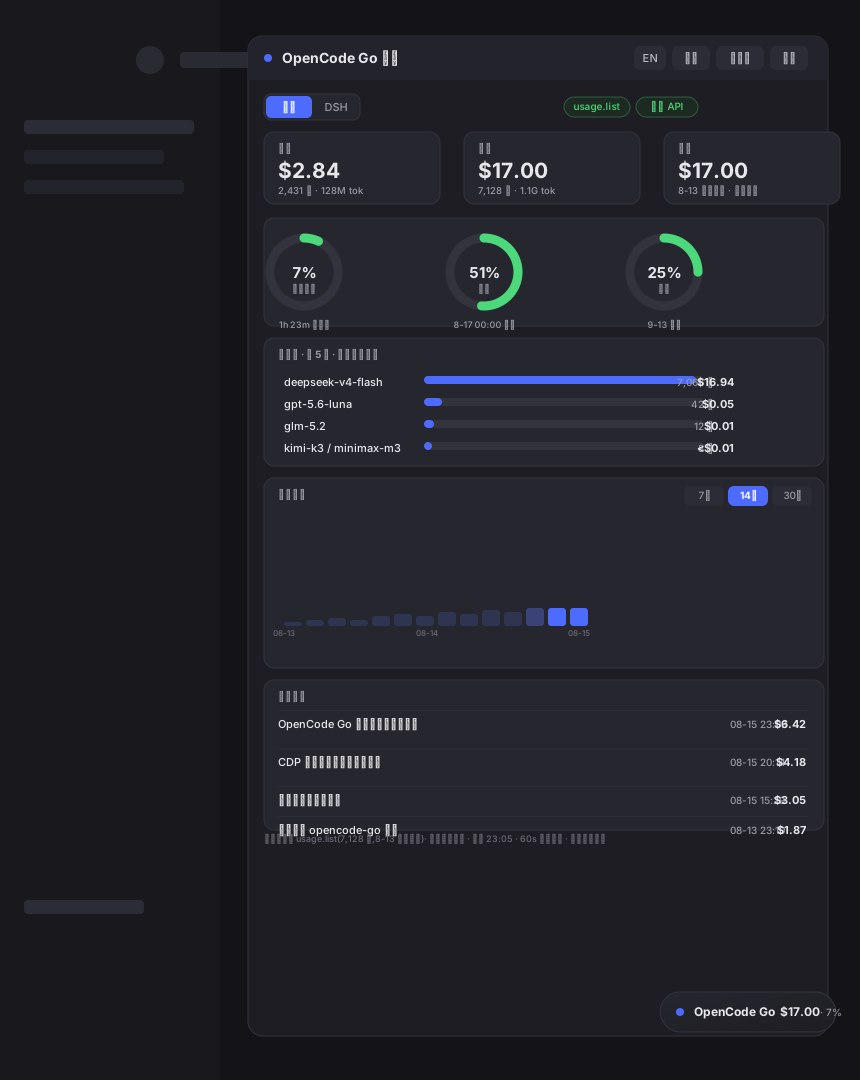
OpenCode Go usage is often split across official account pages, DSH session records, and multiple local configurations, making it hard to quickly answer questions like how much quota remains or where costs are going. dsh-opencode-go-usage brings these signals into a draggable, resizable floating panel at the bottom-right corner of DeepSeek Harness desktop, so users can check their usage status at a glance.
It combines official account-level detail, DSH session analytics, quota monitoring, and cost trends in one interface. It can show rolling 5-hour, weekly, and monthly quotas, reset timing, and consumption predictions, while also breaking down usage by model, date, and session. The panel supports model rankings, cost breakdowns, 7/14/30-day trends, and CSV export, and it can discover multiple keys in a quota pool with switching and rate-limit status hints.
Data is processed locally; network requests go only to opencode.ai and the public GitHub package.json used for update checks, without sending API keys, cookies, or usage data to third parties. It is useful for power users who want to track OpenCode Go cost, watch quota boundaries, and observe DSH session analytics alongside official usage in one place.
Screenshots
Use Cases
- View OpenCode Go account-level usage and official costs
- Monitor rolling hourly, weekly, and monthly quotas with reset timing
- Analyze DSH session usage by model and date trends
Best For
- Developers who use OpenCode Go regularly
- DeepSeek Harness power users tracking session costs
- Users who monitor quota limits and manage multiple keys
Related Plugins
A service-oriented sidebar framework for DSH, offering a full workbench with file explorer, embedded browser, real terminal, Git panel, and extensible plugin services.

A beautiful, practical Claude Code-style TUI plugin with pixel whale top bar, flowing glow title, real-time status line, streaming thought expansion, time rewind, context progress bar and TPS gauge — zero core changes.

The plugin market for DeepSeek Harness: browse/search/one-click install community plugins and themes, with updates, backup/restore, hot disable, diagnostics, and AI fix.

A persistent whale widget on the DSH web UI that shows DeepSeek balance, today's usage, and per-turn cost, with drag-and-snap and sound effects.