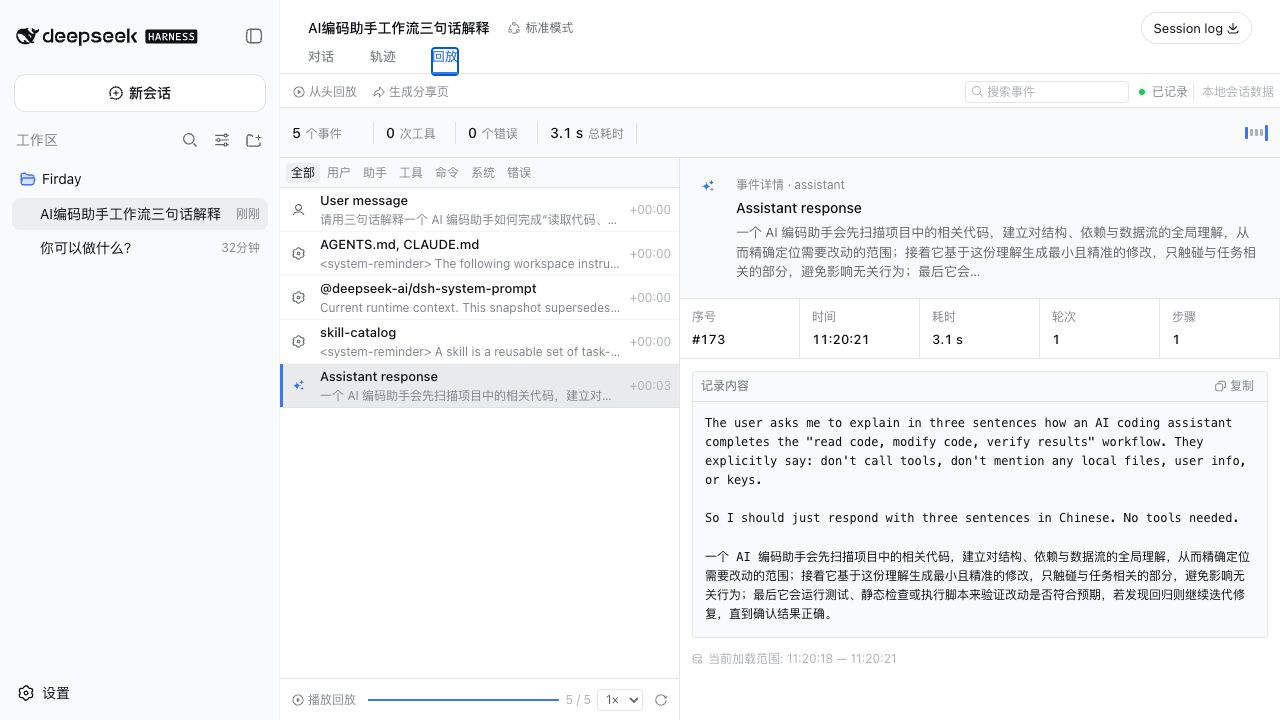
dsh-agent-replay
Run the following command in DeepSeek Harness:
dsh plugin install forrestsweet/dsh-agent-replay
Paste the following prompt into your AI chat to install this plugin:
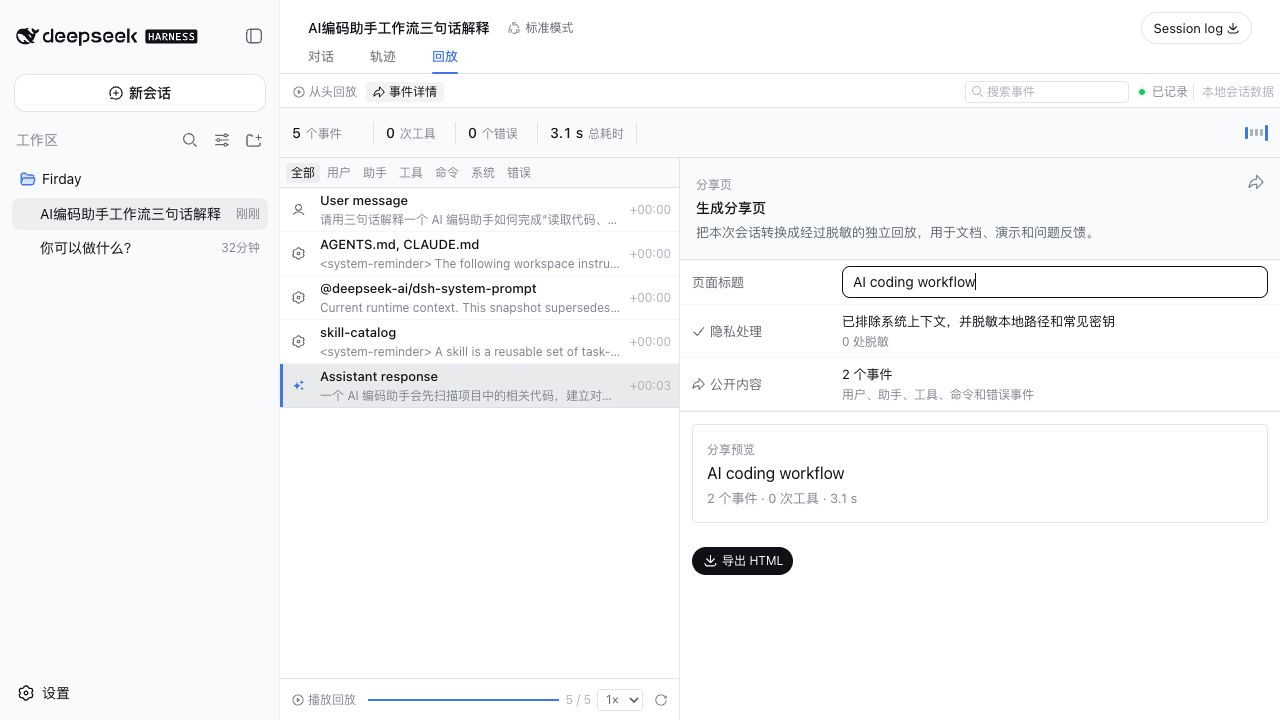
Run dsh plugin install forrestsweet/dsh-agent-replay in the DeepSeek Harness terminal; the source repository is https://github.com/forrestsweet/dsh-agent-replay . After restart, a Replay tab appears next to Conversation and Trajectory in any non-empty session.
About this plugin
Harness ships a powerful Trajectory diagnostic view that is ideal for developers debugging event-level details. But when you need to explain what a session actually did to teammates, maintainers, or documentation readers, the raw event ledger is often too verbose and still carries system context and live state that should not leak. Agent Replay fills that communication gap.
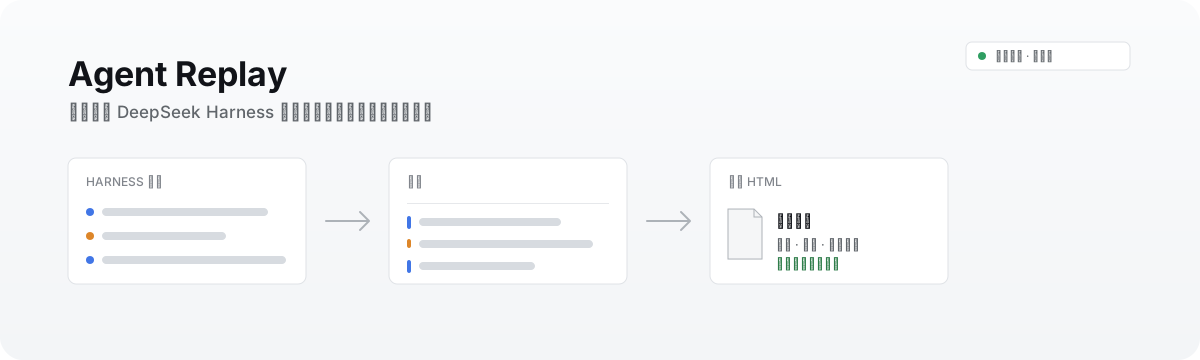
It adds a native Replay tab right beside Conversation and Trajectory, turning messages, model replies, tool calls, commands, errors, and timings into a searchable, filterable timeline. You can scrub through events at 1×, 2×, or 4× speed, expand any entry for full detail, copy content, or load earlier history. When the story reads well, one click on Export Shareable Page produces a self-contained, dependency-free HTML file with dark-mode support that any recipient can open in a browser and interact with.
Before export, the plugin automatically drops system and context events as well as hidden assistant reasoning, and redacts macOS/Windows user paths, common GitHub, OpenAI, and Slack-style tokens, Bearer tokens, and key-value credentials. Agent Replay is not a replacement for Trajectory; it is a session-narrative tool designed for anyone who needs to tell a clear, safe story about an agent run and hand it off with confidence.
Screenshots
Use Cases
- Demonstrate a full agent run to teammates
- Export a debugged session as a web page for maintainer review
- Embed an interactive session replay in technical documentation
Best For
- Agent developers and debuggers
- Team maintainers and code reviewers
- Documentation writers and technical readers
Related Plugins
A service-oriented sidebar framework for DSH, offering a full workbench with file explorer, embedded browser, real terminal, Git panel, and extensible plugin services.

A beautiful, practical Claude Code-style TUI plugin with pixel whale top bar, flowing glow title, real-time status line, streaming thought expansion, time rewind, context progress bar and TPS gauge — zero core changes.

The plugin market for DeepSeek Harness: browse/search/one-click install community plugins and themes, with updates, backup/restore, hot disable, diagnostics, and AI fix.

A persistent whale widget on the DSH web UI that shows DeepSeek balance, today's usage, and per-turn cost, with drag-and-snap and sound effects.