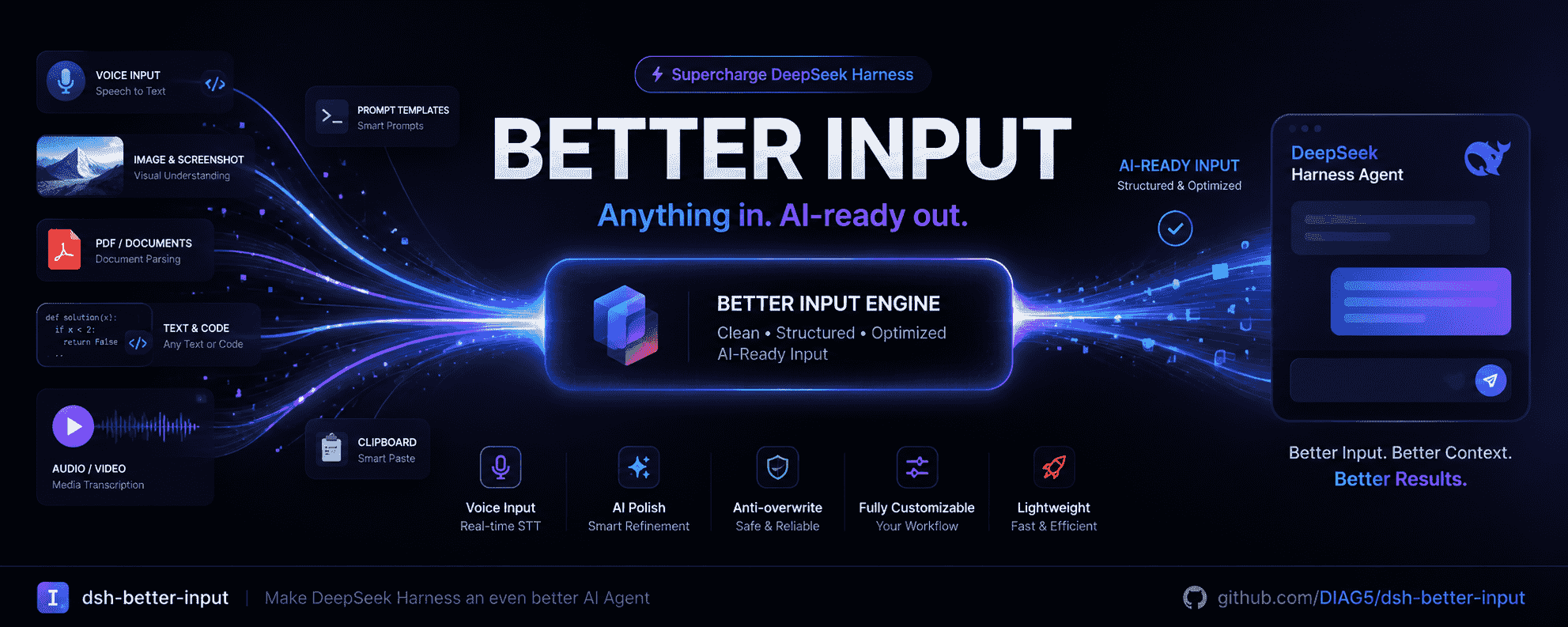
dsh-better-input
Run the following command in DeepSeek Harness:
dsh plugin install DIAG5/dsh-better-input
Paste the following prompt into your AI chat to install this plugin:
To install dsh-better-input in DeepSeek Harness, run dsh plugin install DIAG5/dsh-better-input; for full source and installation details, see https://github.com/DIAG5/dsh-better-input.
About this plugin
If you talk with agents often, you may still feel that input is awkward: typing everything by hand, pasting rough spoken notes, and then cleaning them up yourself. dsh-better-input is built to reduce that friction. It turns the DeepSeek Harness input area into a smoother entry point where speech becomes text, drafts can be polished automatically, prompts can be optimized, and local files can enter the conversation more naturally.
Its strength is not a single feature, but a whole input experience centered on the content you feed to an agent. Browser-based speech recognition streams your words into the input box. AI polishing removes filler words, fixes homophone errors from speech recognition, adds punctuation, and converts spoken lists into structured text. Prompt optimization helps you express intent more precisely before sending. When you have local documents, spreadsheets, presentations, web pages, or ebooks, it can convert them into clear Markdown so the AI can understand the context more easily; for scanned pages without a text layer, it also offers an OCR path through a configured vision model. These capabilities reuse DSH model configurations as much as possible, lowering extra setup cost.
It is a good fit for people who want a lighter input experience: users who capture notes by voice, people who paste code or text fragments into chats, users who need to bring local documents into agent conversations, and anyone who wants better prompts without spending too much attention on formatting and cleanup.
Screenshots
Use Cases
- Dictate ideas with a microphone and stream text into the input box
- Convert local documents to Markdown before sending them to the agent
- Optimize prompts or clean up rough drafts before sending
Best For
- DeepSeek Harness users who frequently chat with agents
- Writers and developers who prefer voice input over typing
- Users who need local documents converted into readable input
Related Plugins
A service-oriented sidebar framework for DSH, offering a full workbench with file explorer, embedded browser, real terminal, Git panel, and extensible plugin services.

A beautiful, practical Claude Code-style TUI plugin with pixel whale top bar, flowing glow title, real-time status line, streaming thought expansion, time rewind, context progress bar and TPS gauge — zero core changes.

The plugin market for DeepSeek Harness: browse/search/one-click install community plugins and themes, with updates, backup/restore, hot disable, diagnostics, and AI fix.

A persistent whale widget on the DSH web UI that shows DeepSeek balance, today's usage, and per-turn cost, with drag-and-snap and sound effects.