dsh-plugin-hub
Run the following command in DeepSeek Harness:
dsh plugin install yunhuantian/dsh-plugin-hub
Paste the following prompt into your AI chat to install this plugin:
Run dsh plugin install yunhuantian/dsh-plugin-hub in DeepSeek Harness to install this plugin; see https://github.com/yunhuantian/dsh-plugin-hub for details
About this plugin
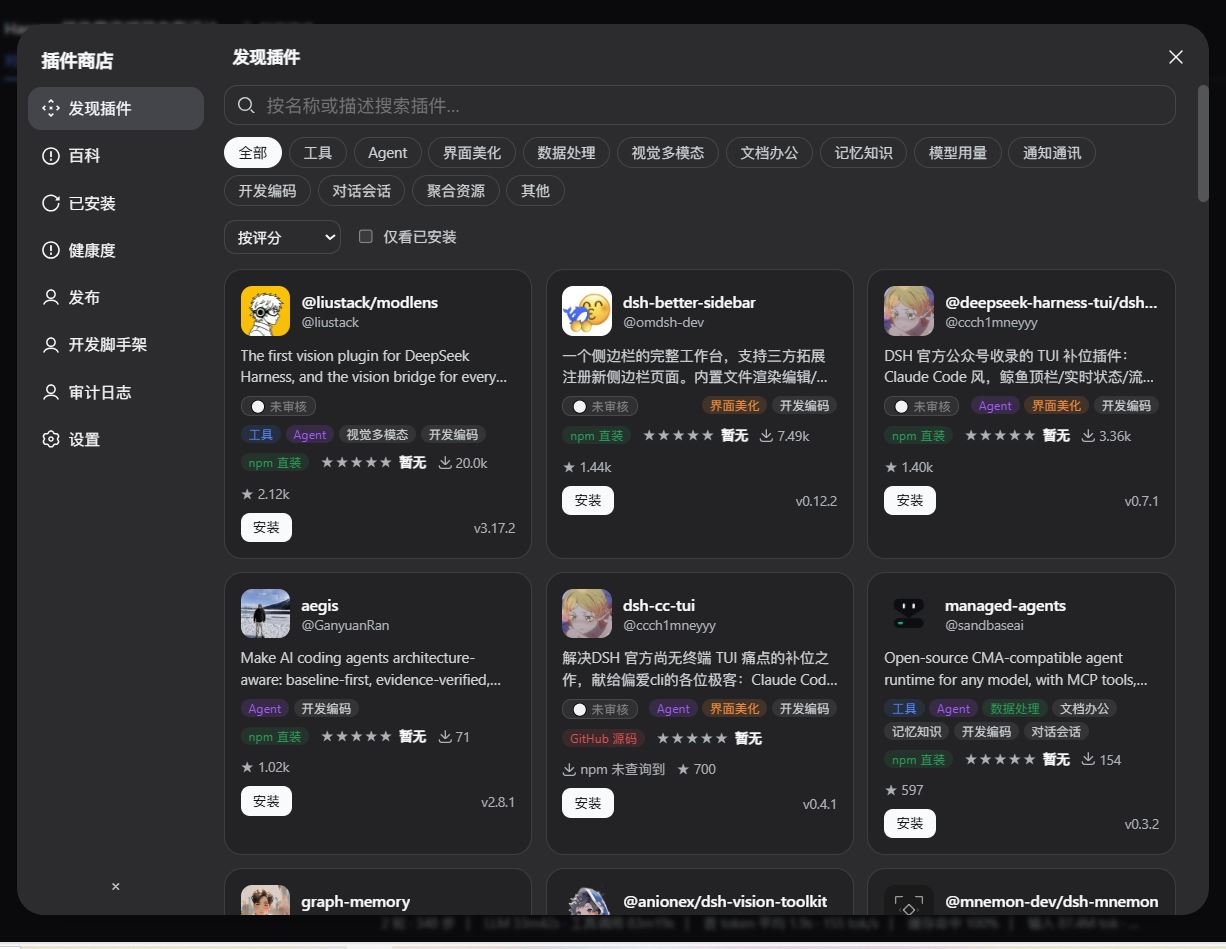
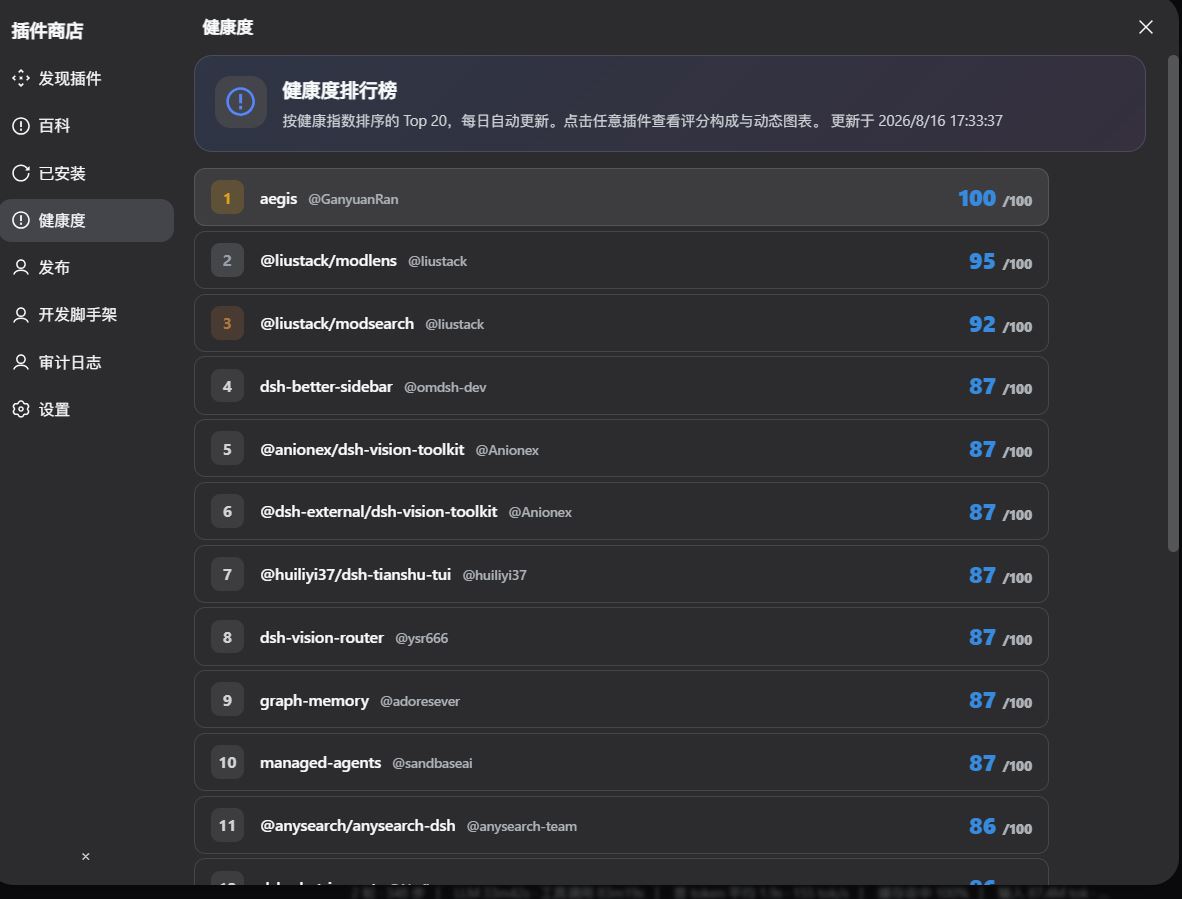
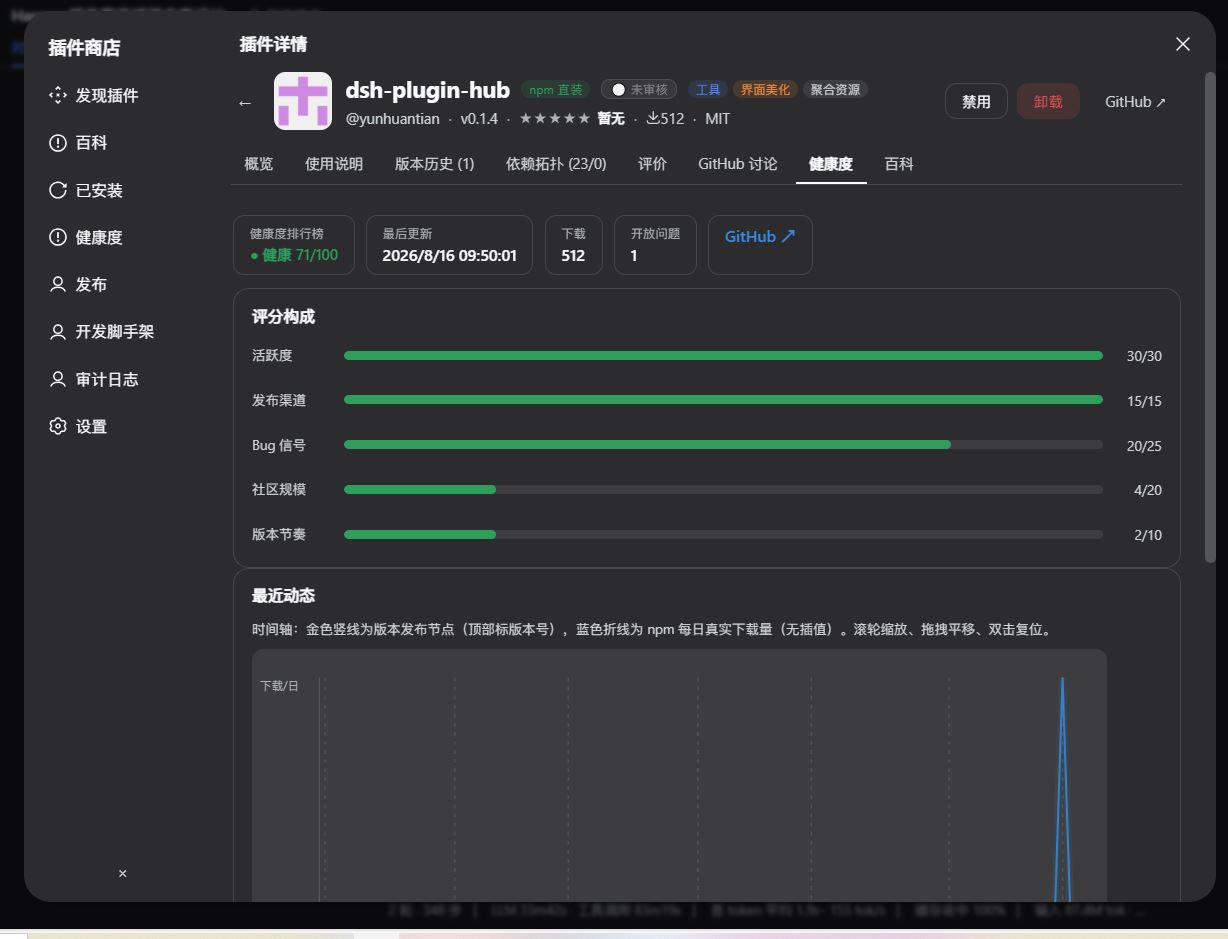
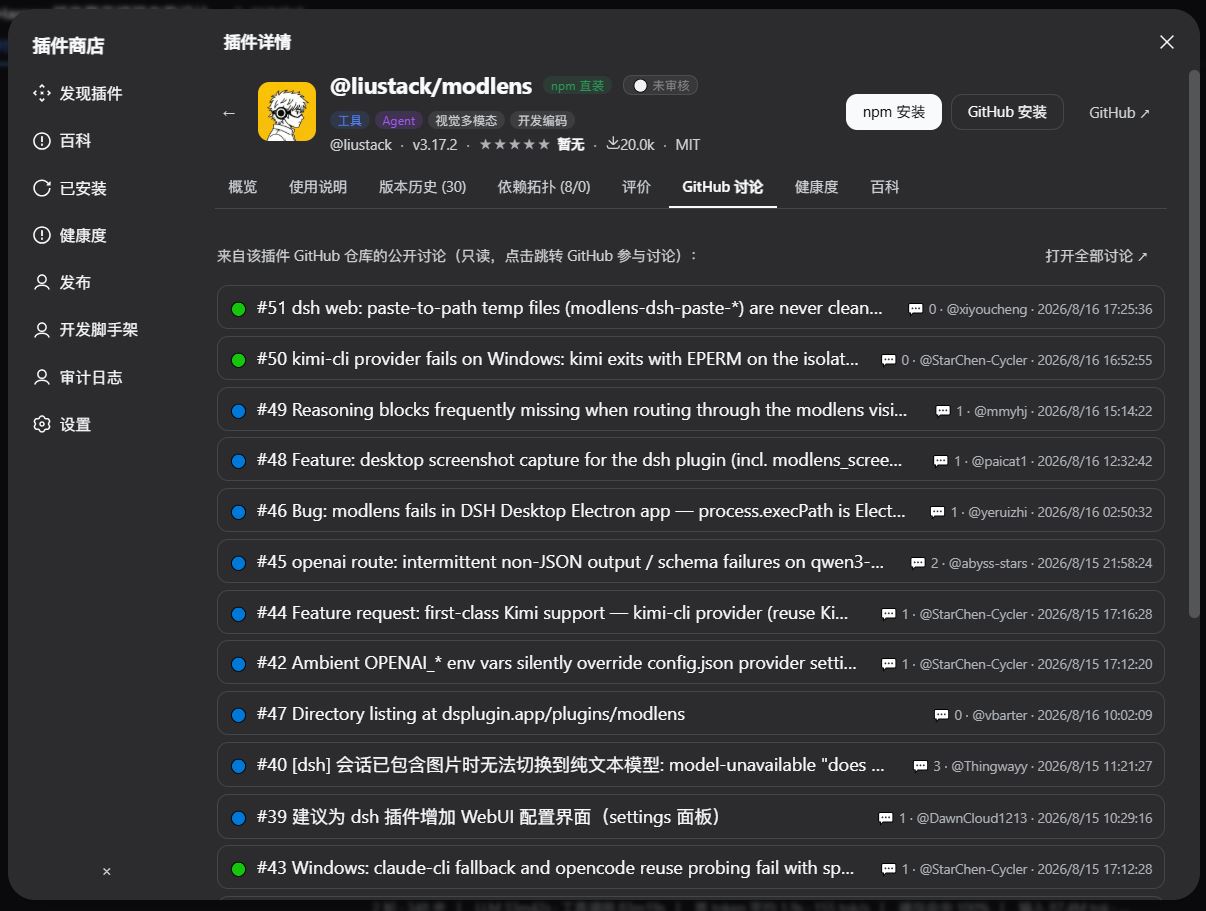
As the DSH plugin ecosystem expands, installation and day-to-day management still hinge on the command line with no unified channel for discovery, evaluation, or security governance. dsh-plugin-hub embeds a full graphical store into the Harness Web UI so you can browse, search, install, and toggle plugins without ever opening a terminal. Built-in quality gates, a dependency topology map, a Top-20 health leaderboard, local ratings, and enterprise audit logs close the loop on the entire plugin lifecycle inside the native interface.
It targets engineering teams that want zero-CLI management, environments requiring compliance audit trails, and internal developers contributing plugins. A one-click publishing pipeline pushes to GitHub and npm with an 8-category security scan that blocks high-risk patterns before release.
Whether you are filtering across 12 categories, consulting a 1,900-entry encyclopedia to understand a plugin's value, or installing conversational skills from the Skill Store, everything happens naturally within the familiar Web UI.
Screenshots
Use Cases
- Browse, search, and one-click install DSH plugins inside the Harness Web UI
- Pre-install checks verify dependency integrity and directory requirements with automatic rollback
- Publish local plugins to GitHub and npm with an automated 8-category security scan
Best For
- Engineering teams running DeepSeek Harness
- DevOps admins requiring enterprise audit and compliance
- Internal developers creating or publishing custom DSH plugins
Related Plugins
A service-oriented sidebar framework for DSH, offering a full workbench with file explorer, embedded browser, real terminal, Git panel, and extensible plugin services.

A beautiful, practical Claude Code-style TUI plugin with pixel whale top bar, flowing glow title, real-time status line, streaming thought expansion, time rewind, context progress bar and TPS gauge — zero core changes.

The plugin market for DeepSeek Harness: browse/search/one-click install community plugins and themes, with updates, backup/restore, hot disable, diagnostics, and AI fix.

A persistent whale widget on the DSH web UI that shows DeepSeek balance, today's usage, and per-turn cost, with drag-and-snap and sound effects.