dsh-synapse
Run the following command in DeepSeek Harness:
dsh plugin install liangmianya/dsh-synapse
Paste the following prompt into your AI chat to install this plugin:
To install this plugin in DeepSeek Harness, run dsh plugin install liangmianya/dsh-synapse. Full source code and documentation are available at https://github.com/liangmianya/dsh-synapse.
About this plugin
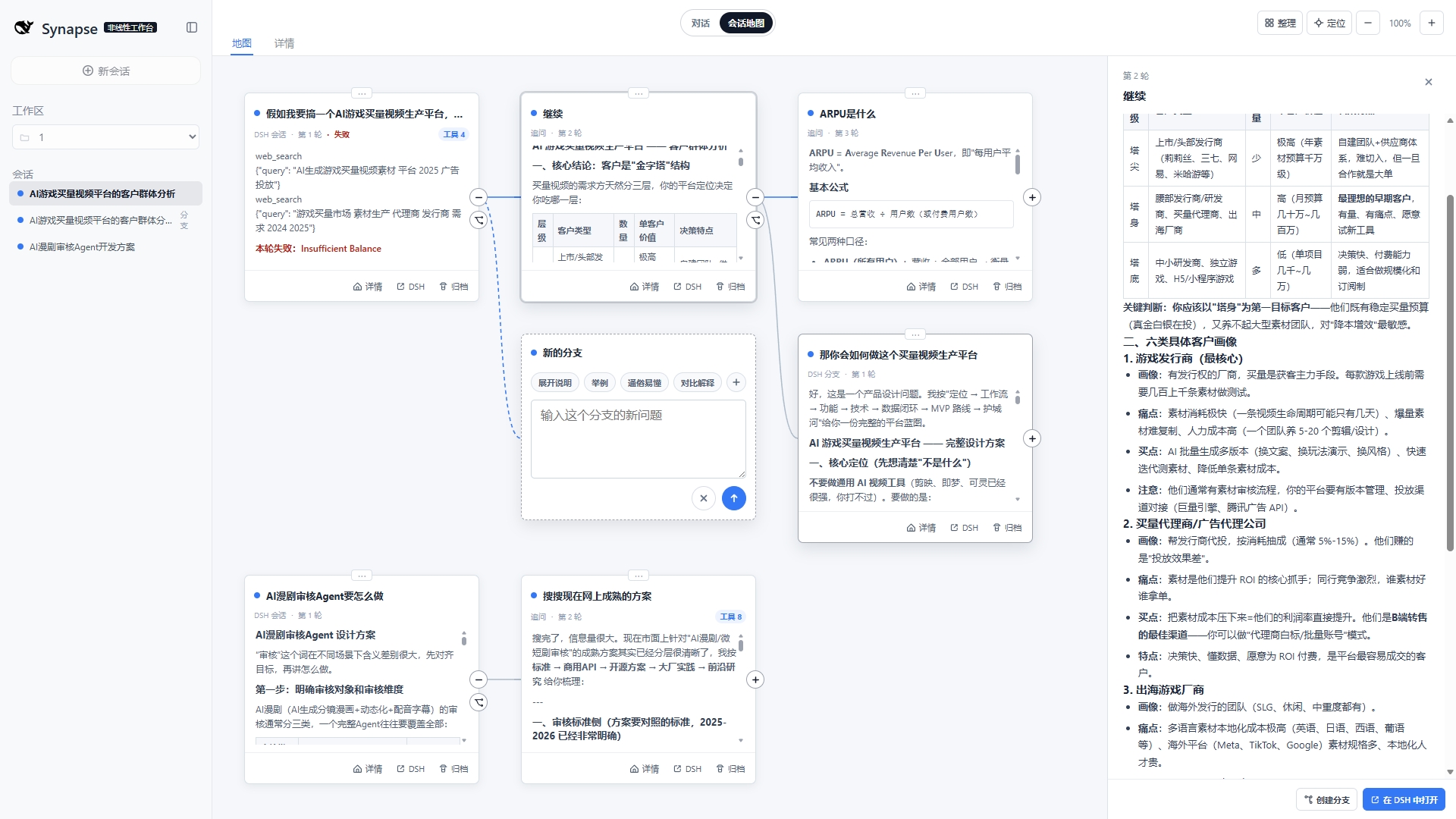
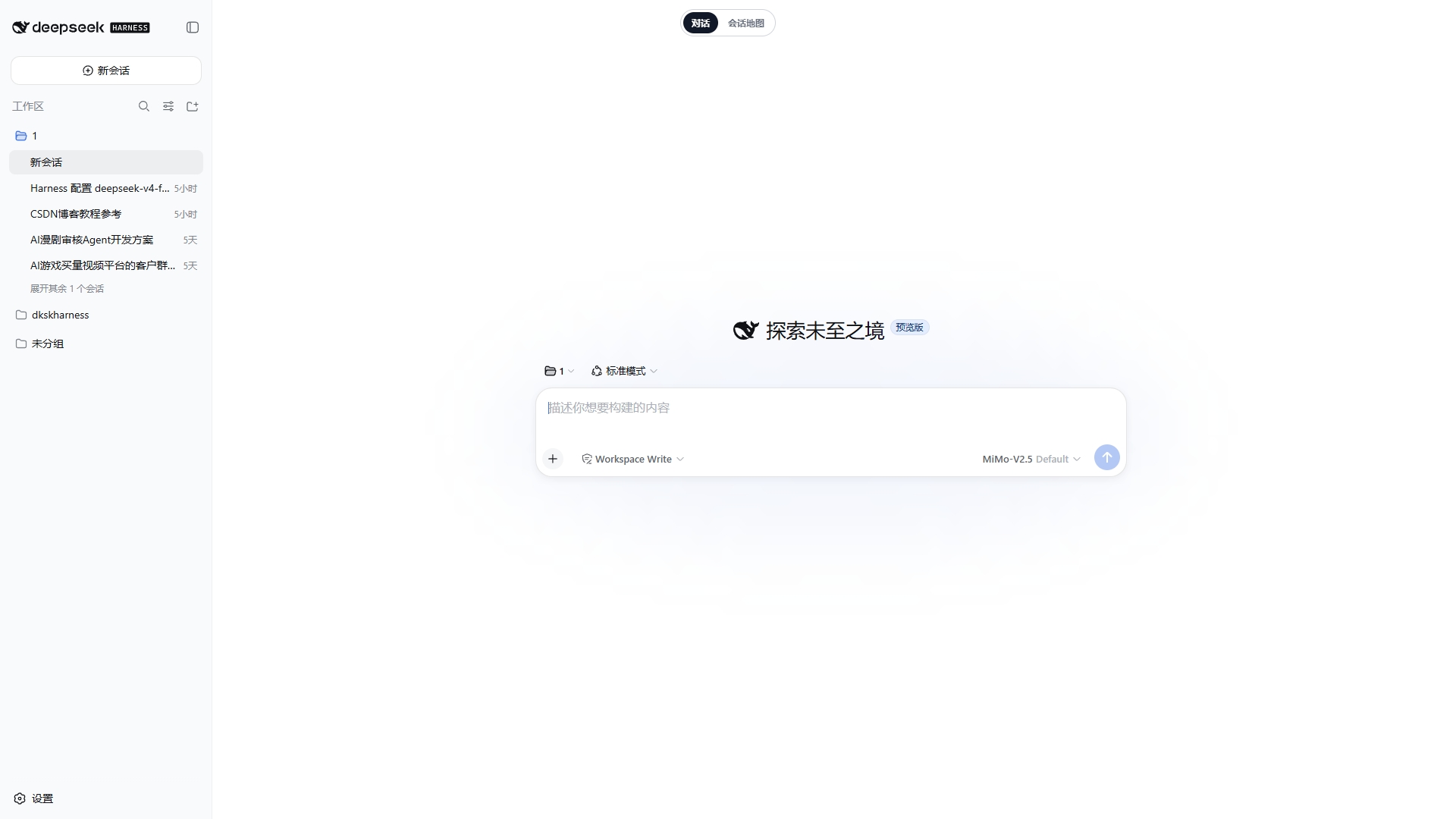
If you've used DeepSeek Harness for complex conversations, you know the pain: follow-ups pile up and context turns into a tangled mess, branches are hard to locate, and related sessions are scattered across the workspace. dsh-synapse exists to fix exactly that. It organizes sessions, follow-ups, and branches from the same workspace into a browsable, draggable, zoomable map, letting you understand conversational structure spatially—while the native DSH session log remains the single source of truth. Synapse only projects events; it never alters the underlying data.
Its core capabilities center on visualization and real branching: cards connect according to DSH's native fork relationships, so no second history is invented; text you select in an answer can be carried directly into a new follow-up, with reusable prompt fragments editable; and switching between the map and native chat keeps your current context perfectly in sync. Best of all, it reuses the existing DSH Web Server—no second app or proxy system is launched. Canvas layout data lives separately in $DSH_HOME/synapse/, and removing it won't delete any DSH sessions.
This plugin is ideal for developers doing long-form research, comparing multiple solution paths, or running complex role-play scenarios on DeepSeek Harness. It turns linear chat logs into navigable mind maps. And because it never touches prompts, model requests, tool schemas, or provider routing, it's a low-risk enhancement for anyone who wants better session management without changing their existing workflow.
Screenshots
Use Cases
- Organize long chains of follow-ups and branches onto one canvas during deep research
- Continue from a specific branch while keeping the map and native chat in sync
- Turn scattered sessions into a draggable, zoomable structural view
Best For
- Developers running complex conversations on DeepSeek Harness
- Researchers comparing multiple paths or doing long-horizon exploration
- Teams that want richer session management without altering existing workflows
Related Plugins
A service-oriented sidebar framework for DSH, offering a full workbench with file explorer, embedded browser, real terminal, Git panel, and extensible plugin services.

A beautiful, practical Claude Code-style TUI plugin with pixel whale top bar, flowing glow title, real-time status line, streaming thought expansion, time rewind, context progress bar and TPS gauge — zero core changes.

The plugin market for DeepSeek Harness: browse/search/one-click install community plugins and themes, with updates, backup/restore, hot disable, diagnostics, and AI fix.

A persistent whale widget on the DSH web UI that shows DeepSeek balance, today's usage, and per-turn cost, with drag-and-snap and sound effects.