DSH-Design-Studio
Run the following command in DeepSeek Harness:
dsh plugin install Sal7one/DSH-Design-Studio
Paste the following prompt into your AI chat to install this plugin:
Run dsh plugin install Sal7one/DSH-Design-Studio inside DeepSeek Harness to install; the open-source repository is at https://github.com/Sal7one/DSH-Design-Studio
About this plugin
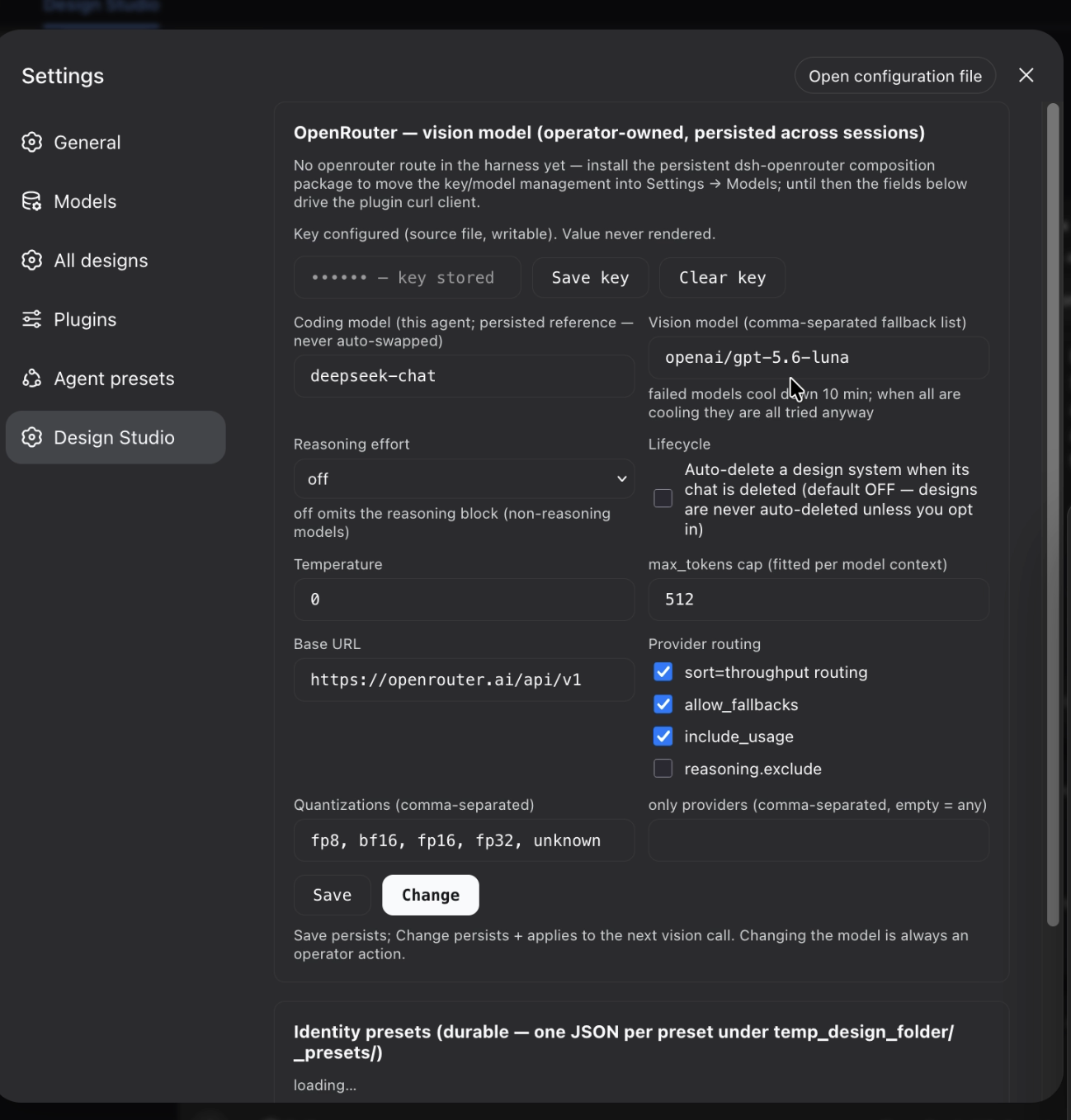
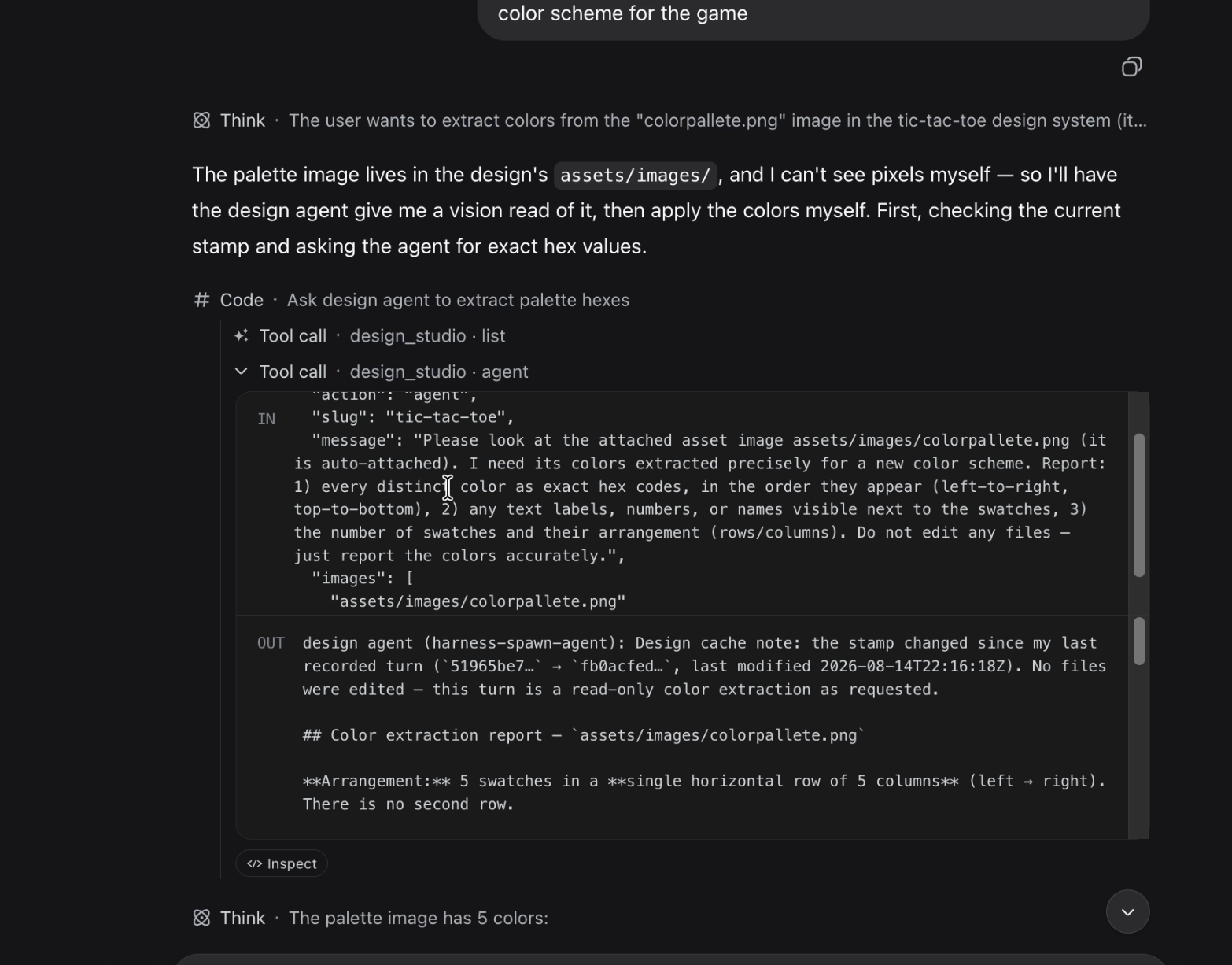
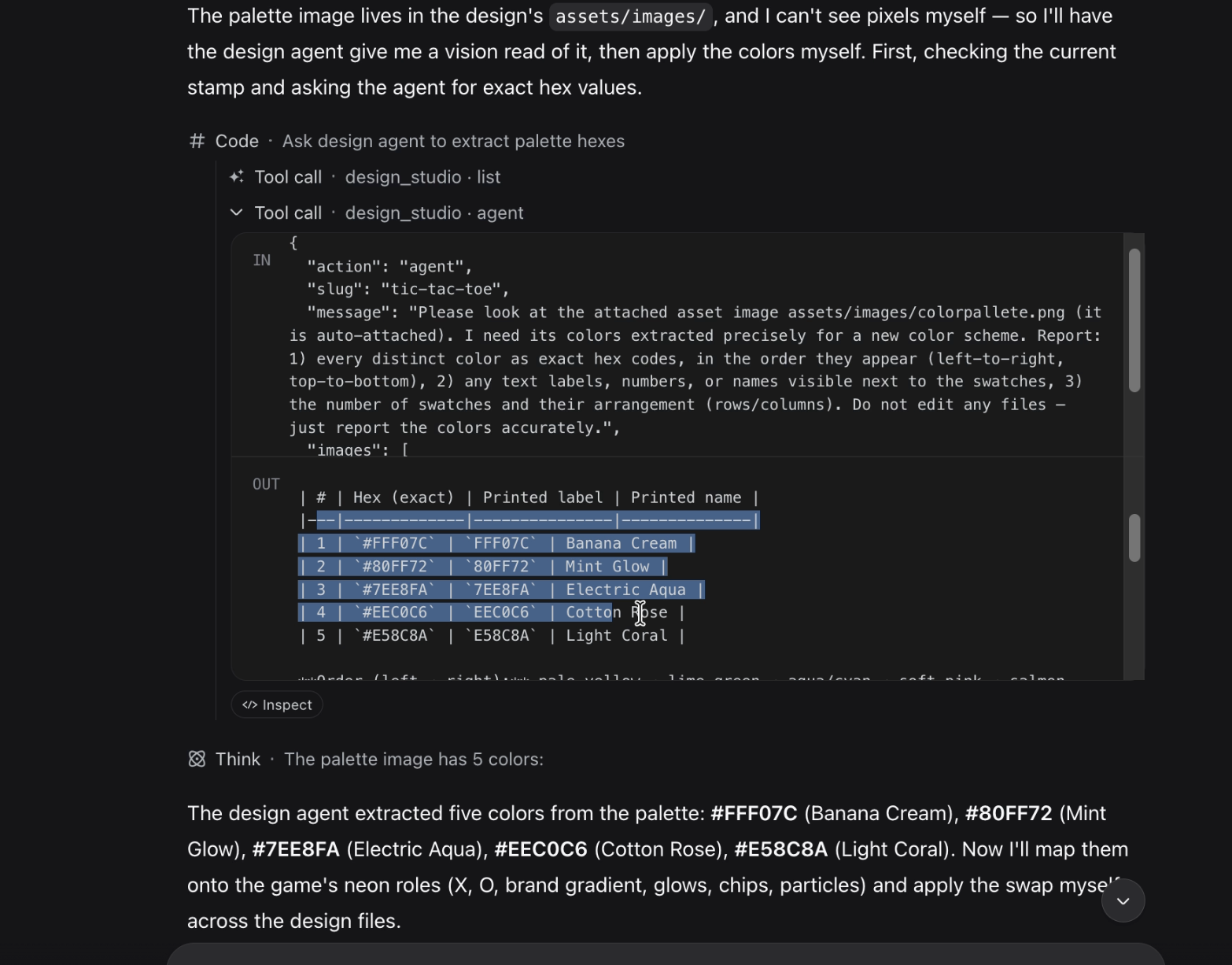
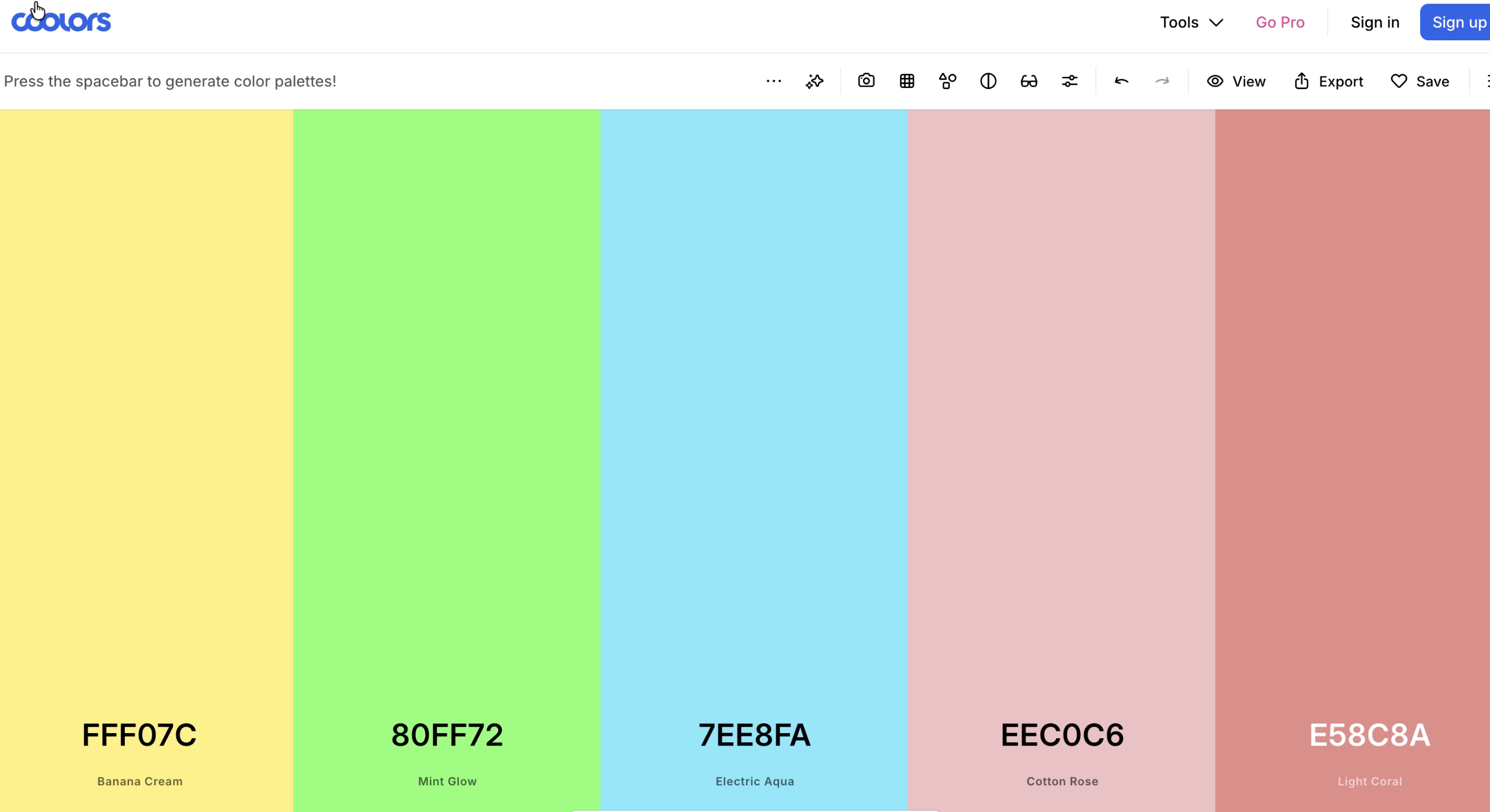
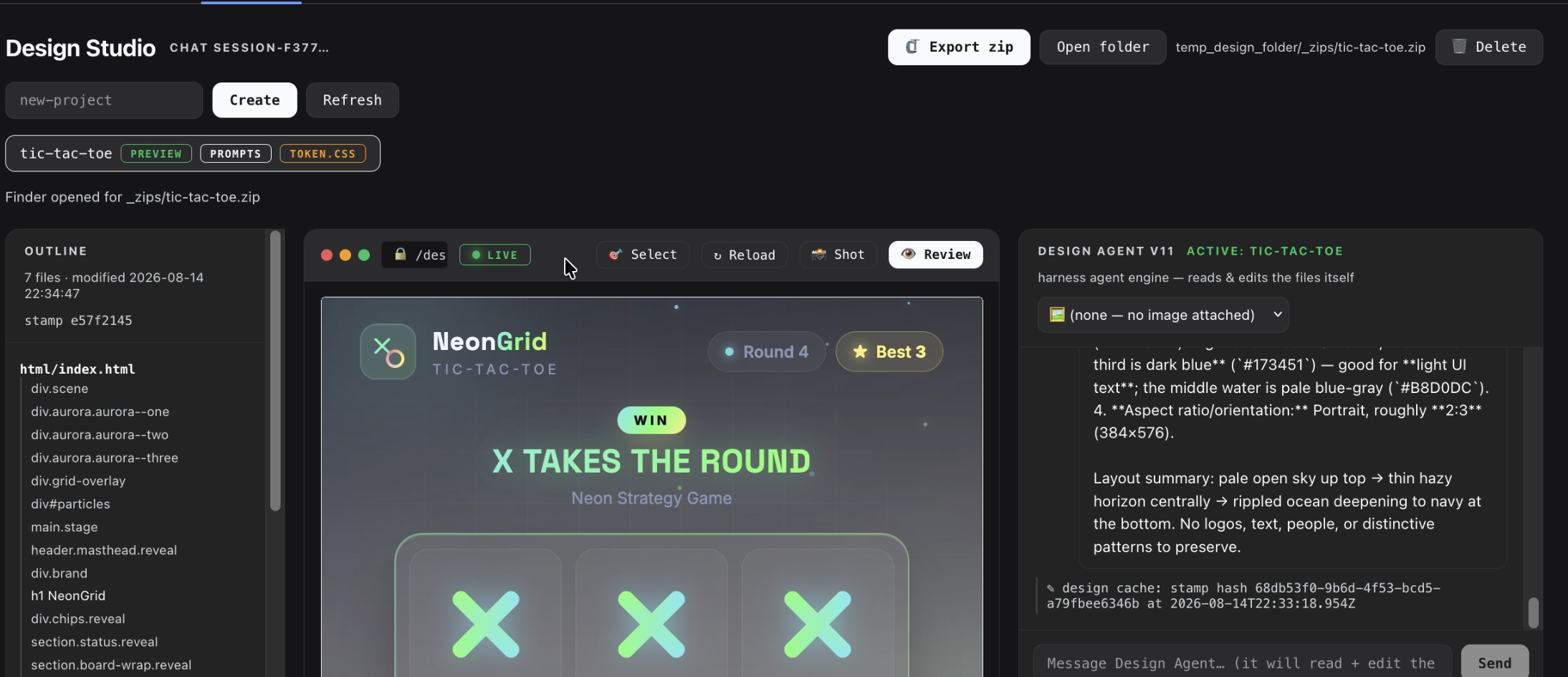
In AI-assisted development, the gap between a design mockup and a working page is often the most fragmented part of the workflow. Screenshots get passed back and forth, text descriptions lose nuance, and a single small change can trigger a full round of re-implementation. DSH-Design-Studio collapses that chain inside the DeepSeek Harness, turning design drafts into a first-class part of the AI workflow and eliminating the inefficient loop of repeated screenshots and verbal descriptions.\n\nKey capabilities include a live preview with hot reload, an element picker that lets you click any element and describe the change in plain language, a dedicated design agent subagent that reads and edits design files across multiple tool calls, vision review driven by your configured OpenRouter model, and a two-agent apply flow where DeepSeek makes the edit and the design agent independently verifies the result. Every design system, identity preset, and agent history persists on disk, so nothing is lost across restarts.\n\nIt is built for frontend developers, product designers pairing with an AI assistant, and any team that iterates on UI in conversation. If you find yourself describing screens to a chatbot and wishing the feedback loop were tighter, this plugin is the missing piece between talking about the design and actually shipping it.
Screenshots
Use Cases
- Describe a screen brief in chat and get a design system with hot-reload live preview automatically
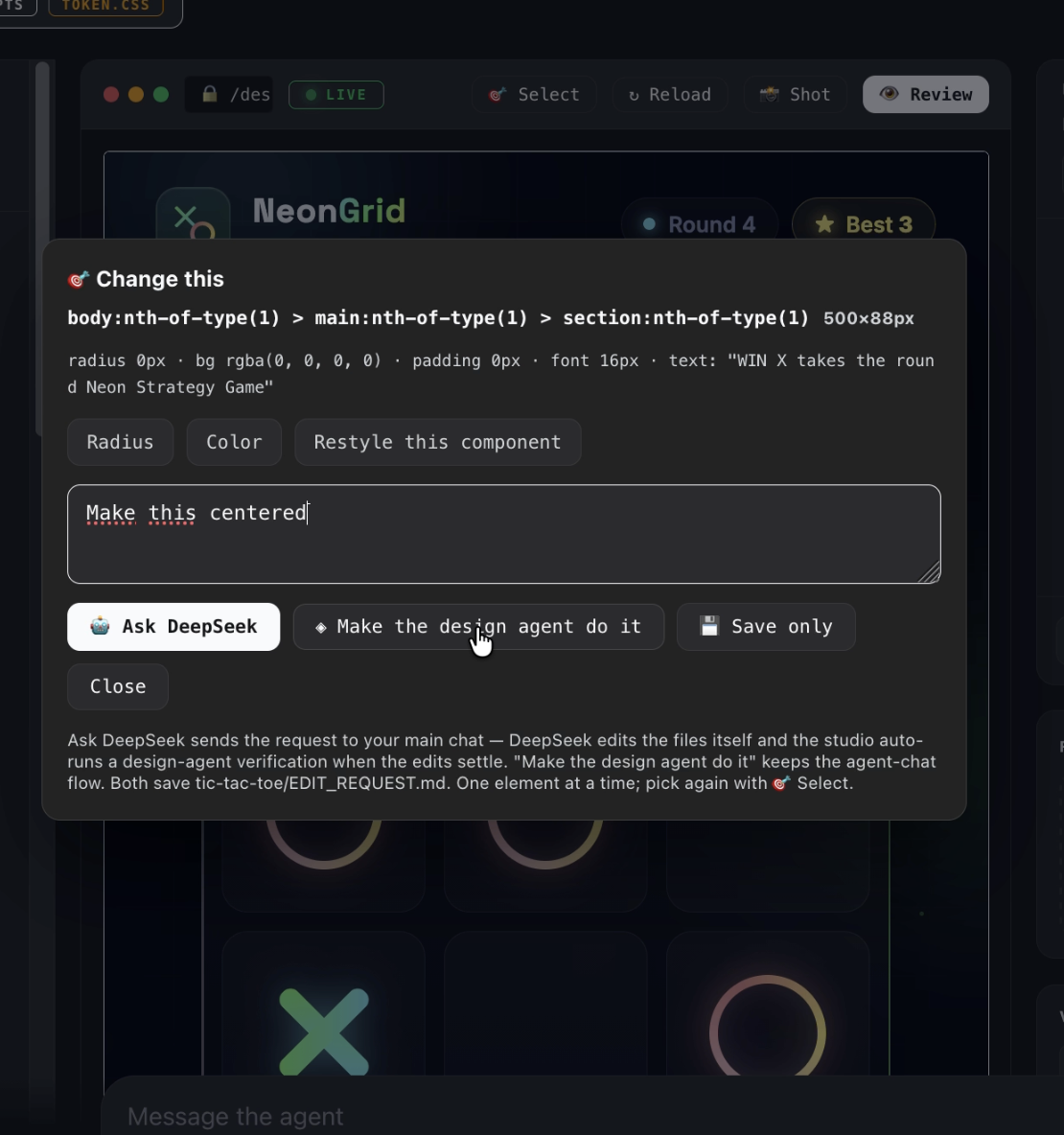
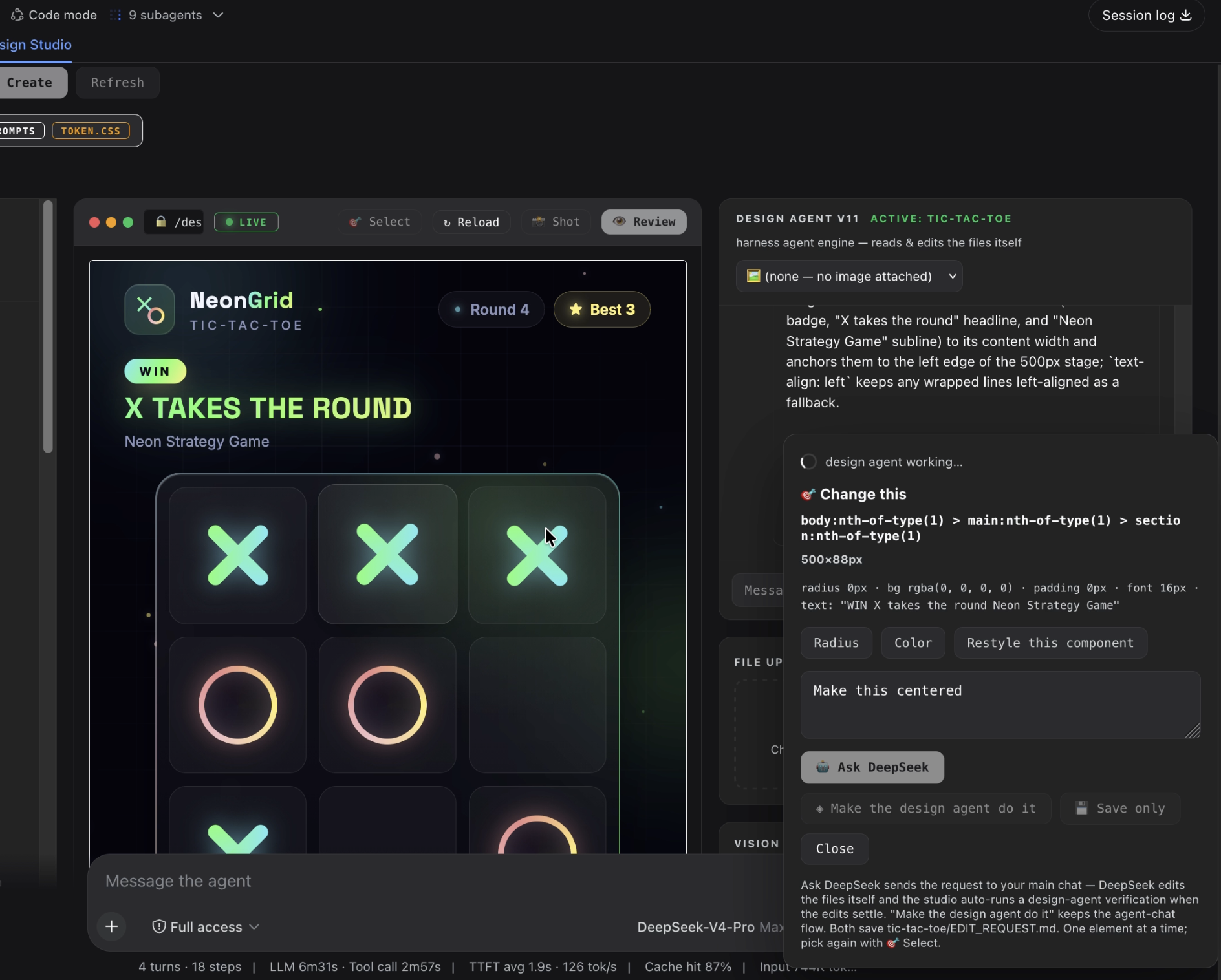
- Click any element in the preview, describe the change, and let DeepSeek edit while the design agent verifies
- Run a vision review against your design brief to get a GOOD or POOR verdict with one-sentence notes
Best For
- Frontend developers iterating on UI with an AI assistant
- Product designers refining UI details in conversation
- Teams that want a tight feedback loop between design mockups and working code
Related Plugins
A service-oriented sidebar framework for DSH, offering a full workbench with file explorer, embedded browser, real terminal, Git panel, and extensible plugin services.

A beautiful, practical Claude Code-style TUI plugin with pixel whale top bar, flowing glow title, real-time status line, streaming thought expansion, time rewind, context progress bar and TPS gauge — zero core changes.

The plugin market for DeepSeek Harness: browse/search/one-click install community plugins and themes, with updates, backup/restore, hot disable, diagnostics, and AI fix.

A persistent whale widget on the DSH web UI that shows DeepSeek balance, today's usage, and per-turn cost, with drag-and-snap and sound effects.