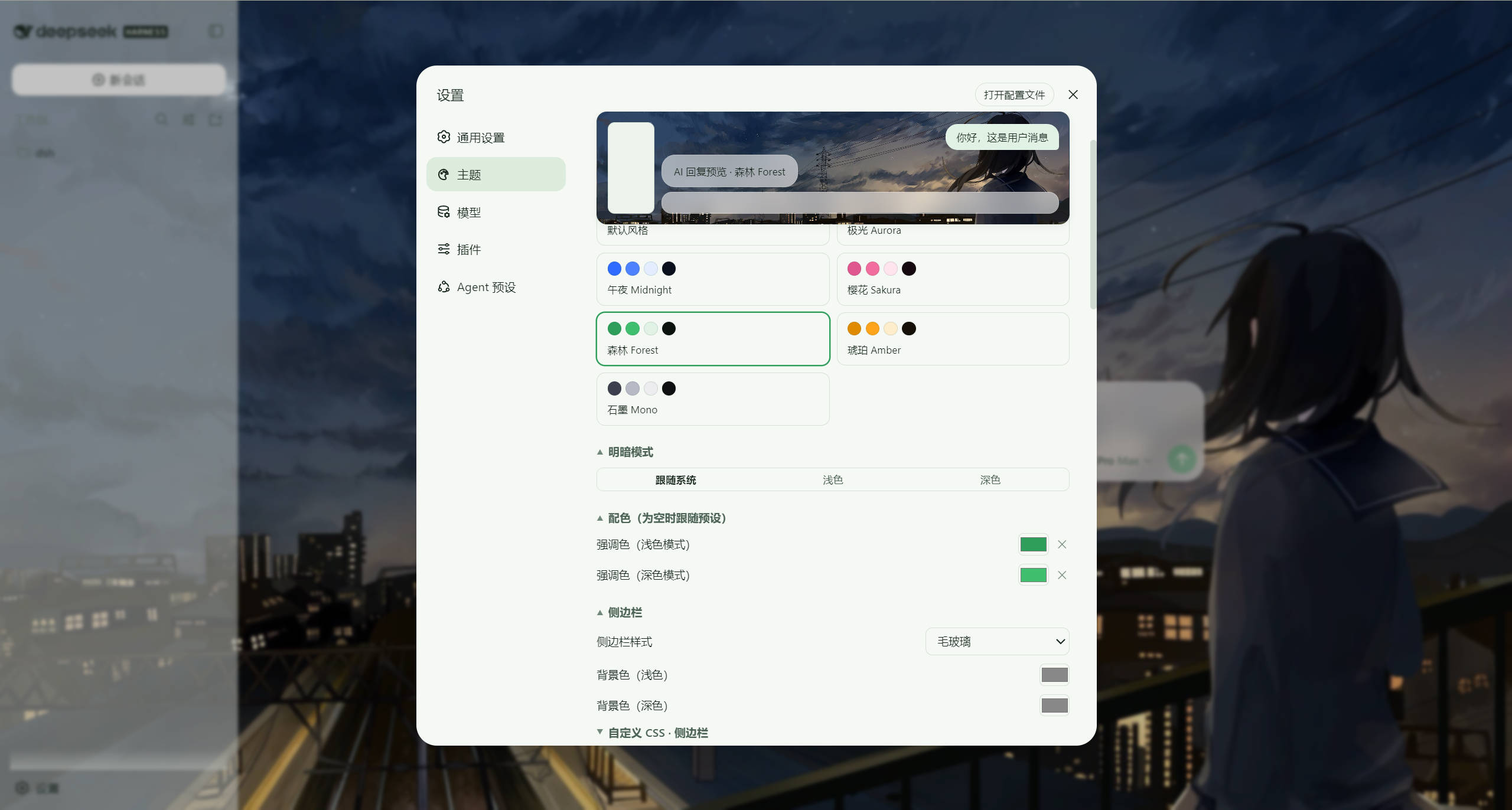
dsh-x9-theme
Run the following command in DeepSeek Harness:
dsh plugin install X9wd09ncc/dsh-x9-theme
Paste the following prompt into your AI chat to install this plugin:
Run dsh plugin install X9wd09ncc/dsh-x9-theme in your terminal to install this plugin (source: https://github.com/X9wd09ncc/dsh-x9-theme), then restart the service and press Ctrl+F5 to reload the page; the Theme section will appear in Settings.
About this plugin
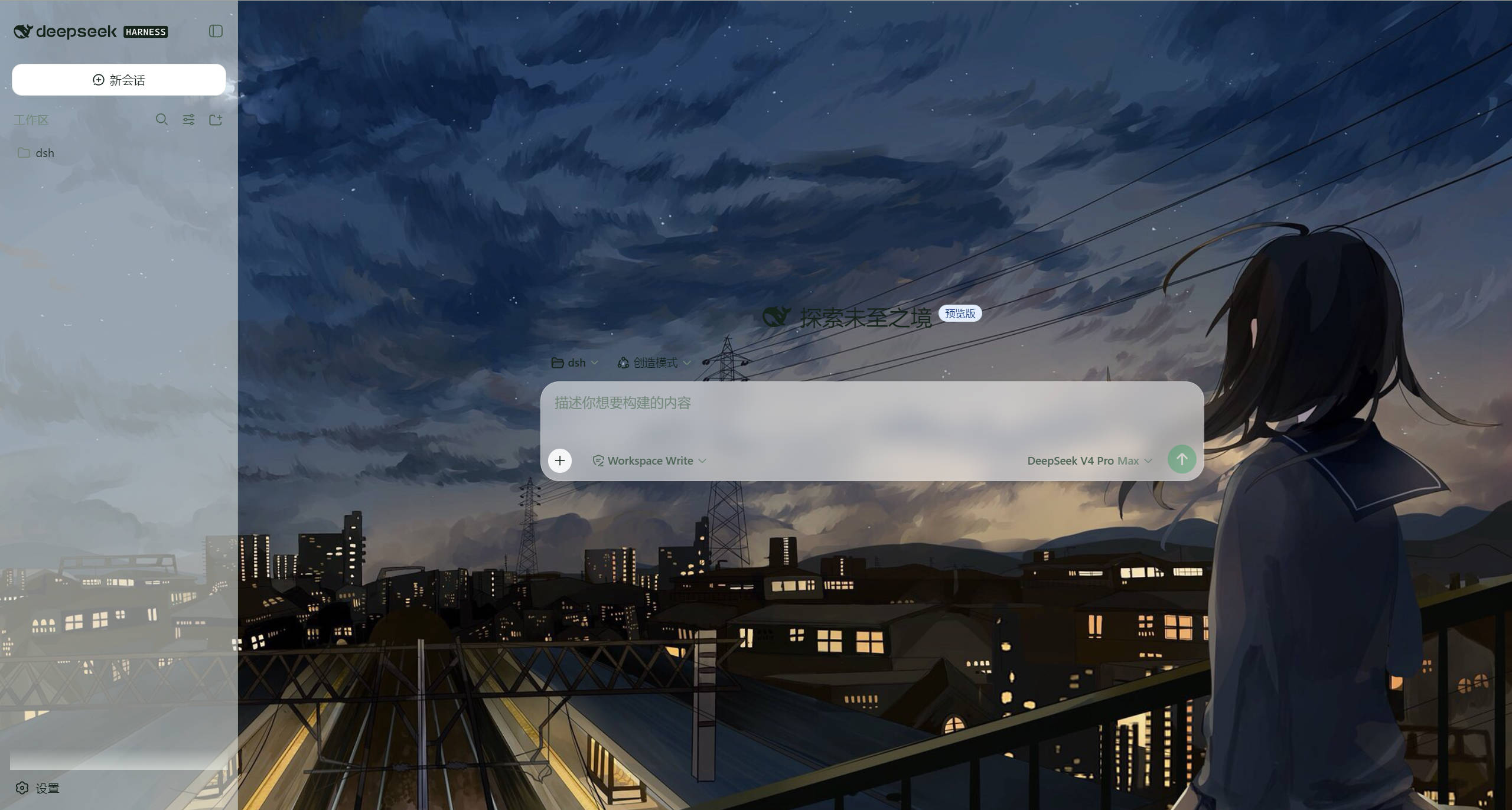
The DeepSeek Harness Web UI is powerful but ships with a single default look. Wanting a frosted-glass sidebar, a neon-outlined input box, or your own photo as the page background used to mean digging through DevTools and losing every change on refresh. dsh-x9-theme turns that into a collapsible settings panel: six style presets covering 40+ design tokens, independent style choices for the sidebar, input box, user bubble, AI output, and page background, background images via local upload / file path / URL / nine built-in layers, and per-zone translucency sliders that let the background breathe through the UI. The most practical feature is the per-area Custom CSS editor — opening it shows the page's actual computed styles for that region, ready to tweak without ever launching DevTools, and clearing the box instantly restores the preset.
Every change takes effect in real time and is persisted automatically to a portable config.json beside the plugin. The Advanced section offers one-click export, copy, import, and reset, so sharing a theme with a teammate is as simple as sending a small text file. The plugin is pure JavaScript with no build step and modifies no DSH source code.
Best suited for DeepSeek Harness users who want a personalized interface without touching the frontend build pipeline, and for teams that need a consistent visual style they can distribute as a single config file.
Screenshots
Use Cases
- Apply a frosted-glass sidebar and neon-outlined input to DSH
- Upload a personal photo as page background and tune zone translucency
- Export the full theme config and share it for one-click replication
Best For
- Users who want a personalized DSH UI without writing frontend code
- Admins who need a consistent team visual style and fast distribution
- Power users familiar with DSH plugin installation
Related Plugins

whale-girl is a desktop pet in the DSH Web GUI (bottom-right for instant companionship) — draggable, feedable, playable; completed tasks, sessions and companionship time accrue into seniority levels, titles, and memories.

A WebGPU ocean skin for DeepSeek Harness with five-wave Gerstner waves, translucent theme, day/night cycle, and quick controls, installable as plugin or extension.

A Galgame-style conversation view and visual scene editor for DSH web sessions, with a real-time editing mode.

A native skinning plugin for DeepSeek Harness: 8 designer themes, wallpapers, accent colors, and shareable theme packs, built purely on design tokens.