dsh-unarchive
Run the following command in DeepSeek Harness:
dsh plugin install edfrey0044/dsh-unarchive
Paste the following prompt into your AI chat to install this plugin:
Install by running dsh plugin install edfrey0044/dsh-unarchive in DeepSeek Harness; source code is available at https://github.com/edfrey0044/dsh-unarchive
About this plugin
DeepSeek Harness lets you archive sessions, hiding them from workspace groups, the ungrouped list, and search, without actually deleting the data. The catch: the interface offers no way to undo an archive. Once a session is tucked away it effectively becomes unreachable unless you manually dig through internal storage files.
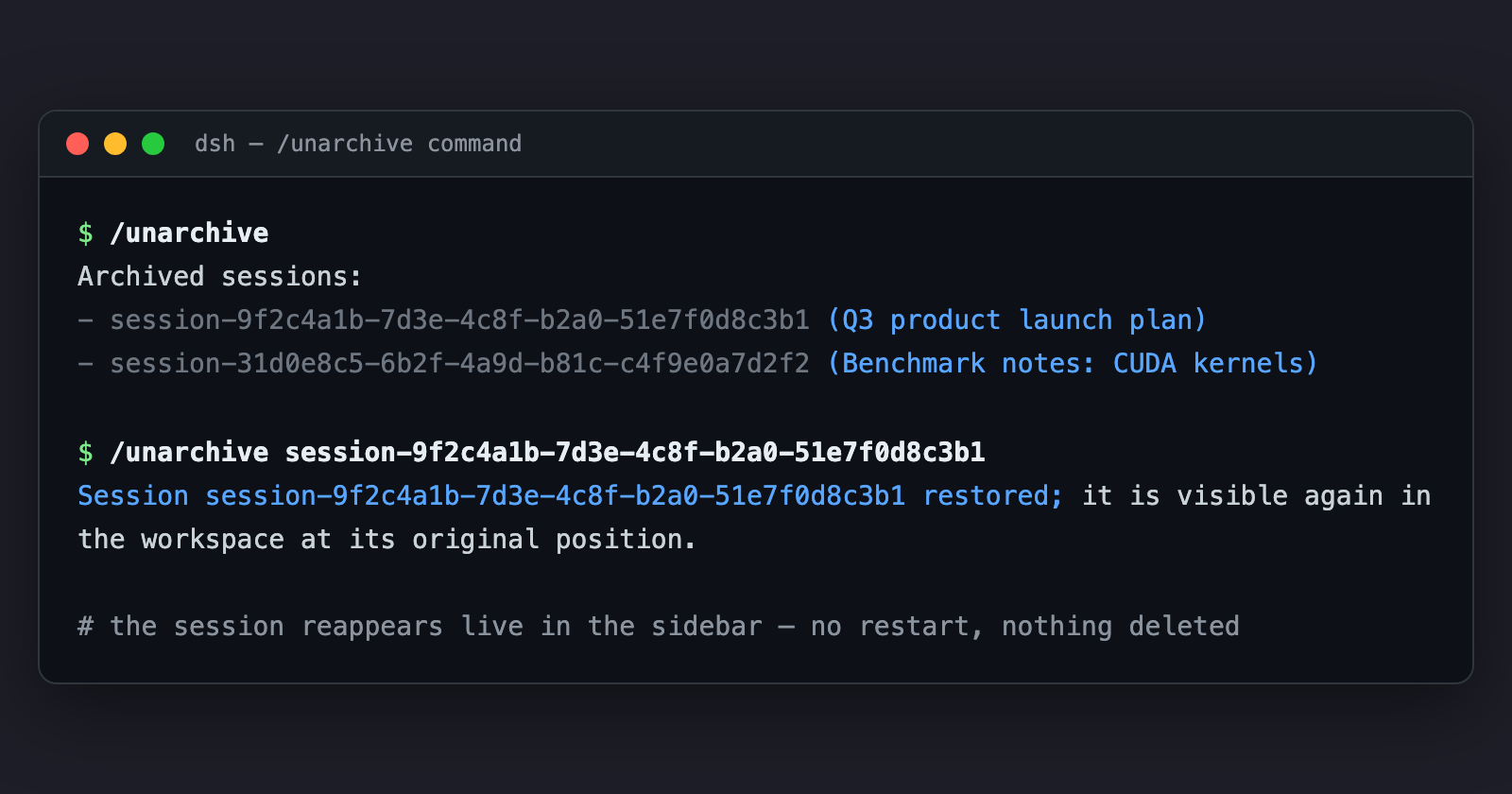
dsh-unarchive fills that gap with a clean inverse operation. It exposes two entry points: a /unarchive command in the GUI command palette, and an unarchive_session tool that agents can call in any session. Run either with no arguments to list every archived session by id and title, or pass a specific session id to restore it. The change propagates live to all connected GUI clients and survives restarts. The plugin is fully self-contained with zero external dependencies, preferring the core WorkspaceRegistry API when available and falling back to a direct storage-domain write otherwise.
It is built for anyone who regularly organises and archives sessions in DeepSeek Harness and occasionally needs one back. If you would rather ask your agent in plain language to restore a session than hunt through JSON files, this is the lightest possible fix.
Screenshots
Use Cases
- Restore a previously archived session from the GUI command palette with /unarchive
- Ask your agent in plain language to call unarchive_session and bring a session back
- List every archived session by id and title before deciding which ones to restore
Best For
- Users who frequently organise and archive sessions in DeepSeek Harness
- Users who prefer letting an agent manage sessions instead of editing internal files
- Power users who need to bulk-review and restore archived sessions
Related Plugins
A service-oriented sidebar framework for DSH, offering a full workbench with file explorer, embedded browser, real terminal, Git panel, and extensible plugin services.

A beautiful, practical Claude Code-style TUI plugin with pixel whale top bar, flowing glow title, real-time status line, streaming thought expansion, time rewind, context progress bar and TPS gauge — zero core changes.

The plugin market for DeepSeek Harness: browse/search/one-click install community plugins and themes, with updates, backup/restore, hot disable, diagnostics, and AI fix.

A persistent whale widget on the DSH web UI that shows DeepSeek balance, today's usage, and per-turn cost, with drag-and-snap and sound effects.