
zzy-dsh-prompt-optimizer
Run the following command in DeepSeek Harness:
dsh plugin install zhengzeyong9527-droid/zzy-dsh-prompt-optimizer
Paste the following prompt into your AI chat to install this plugin:
Install in DeepSeek Harness by running dsh plugin install zhengzeyong9527-droid/zzy-dsh-prompt-optimizer; the full source code is hosted at https://github.com/zhengzeyong9527-droid/zzy-dsh-prompt-optimizer
About this plugin
Writing prompts in DSH is a daily ritual, but that extra pass to sharpen the wording usually means breaking out of your workflow, copying the text elsewhere, and pasting the result back. zzy-dsh-prompt-optimizer collapses that loop into a single in-box action: one click starts the optimization, the result is written straight back into the input field, and one more click reverts to your original text, all without leaving the conversation view.
The plugin ships three clearly scoped strategies. Fidelity optimization sharpens clarity without inventing requirements, facts, or architecture. Development expression reorganizes the technical details you already provided into implementation-friendly phrasing without choosing a stack on your behalf. Spec expansion may add necessary defaults, but every assumption is explicitly labeled under a dedicated Default assumptions heading for your line-by-line review. Optional context sources include a rolling three-turn session memory of previously applied optimizations and up to three related Markdown files from the current workspace root, each bounded by a configurable character budget that degrades gracefully if the source is unavailable. Model routing, timeout, and maximum output tokens are all user-configurable; the plugin stores no API key and never persists drafts, conversation history, or document content.
If you routinely write technical specs, feature briefs, or dev task descriptions in DSH and want crisper, better-structured prompts without adding another tool or an API-management layer, this plugin is a lightweight, plug-and-play enhancement that stays out of your way.
Screenshots
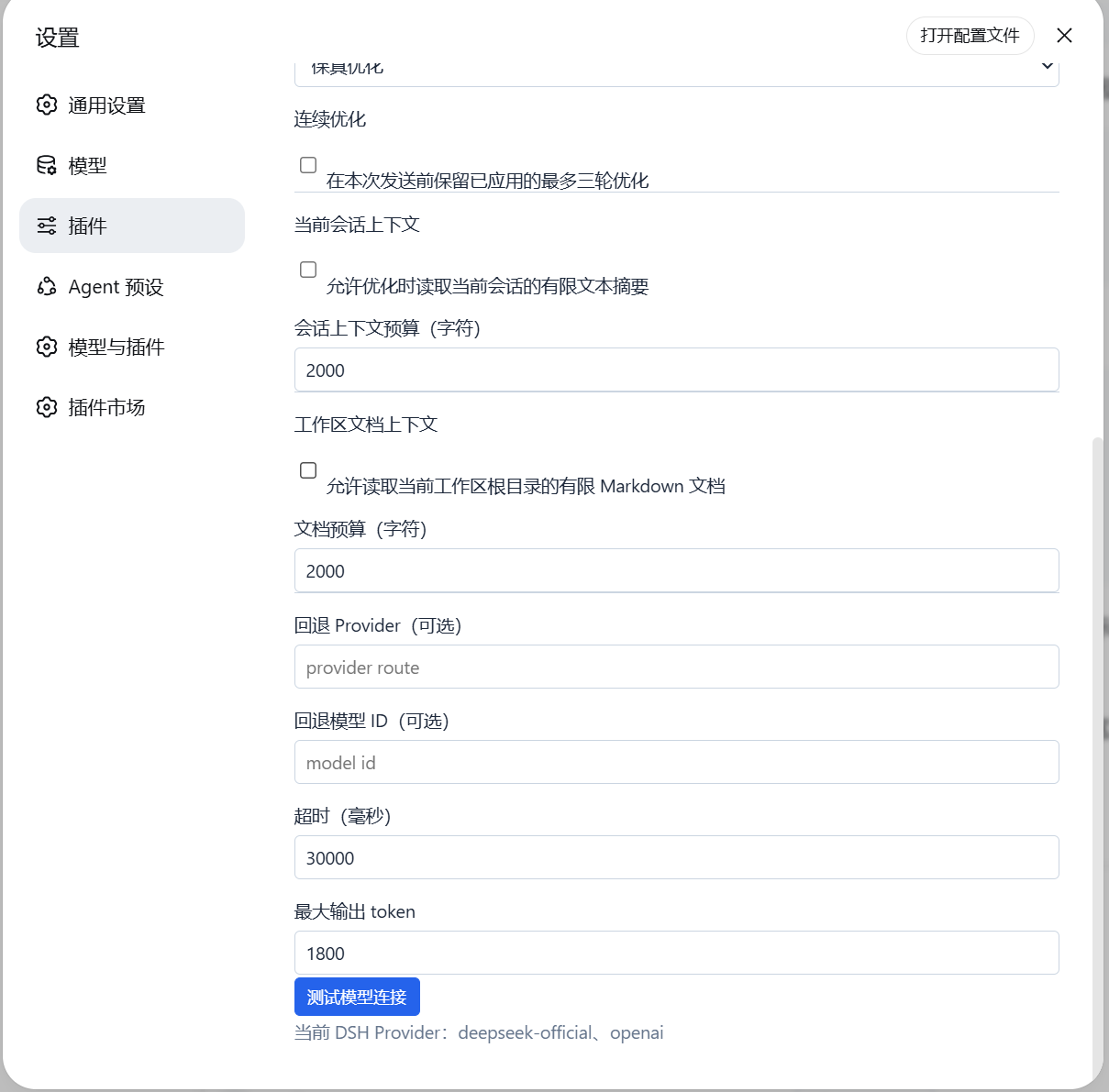
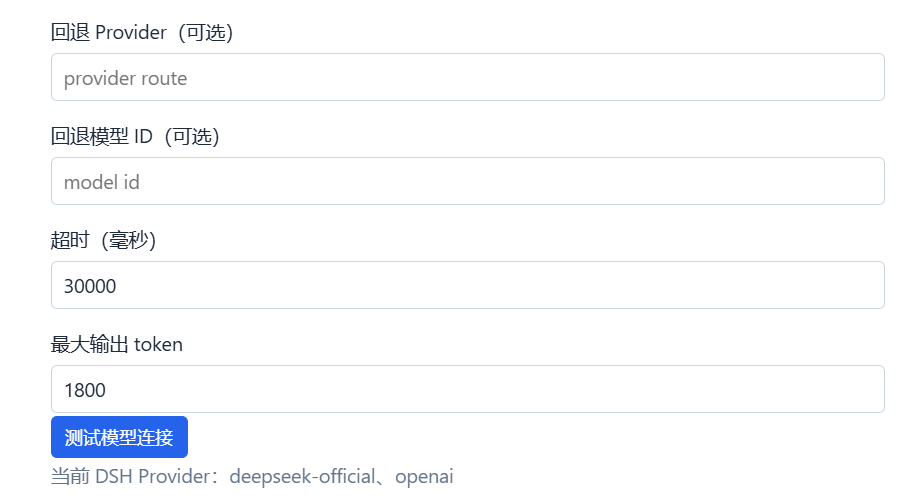
Use Cases
- Polishing the wording of a tech spec right inside a DSH conversation
- Reorganizing scattered dev requirements into structured implementation descriptions
- Optimizing a prompt without switching tools or leaving the current session
Best For
- Developers who draft technical documentation daily in DSH
- Product managers writing feature briefs and task descriptions frequently
- AI-assisted workers who want fewer prompt revision round-trips
Related Plugins
A service-oriented sidebar framework for DSH, offering a full workbench with file explorer, embedded browser, real terminal, Git panel, and extensible plugin services.

A beautiful, practical Claude Code-style TUI plugin with pixel whale top bar, flowing glow title, real-time status line, streaming thought expansion, time rewind, context progress bar and TPS gauge — zero core changes.

The plugin market for DeepSeek Harness: browse/search/one-click install community plugins and themes, with updates, backup/restore, hot disable, diagnostics, and AI fix.

A persistent whale widget on the DSH web UI that shows DeepSeek balance, today's usage, and per-turn cost, with drag-and-snap and sound effects.