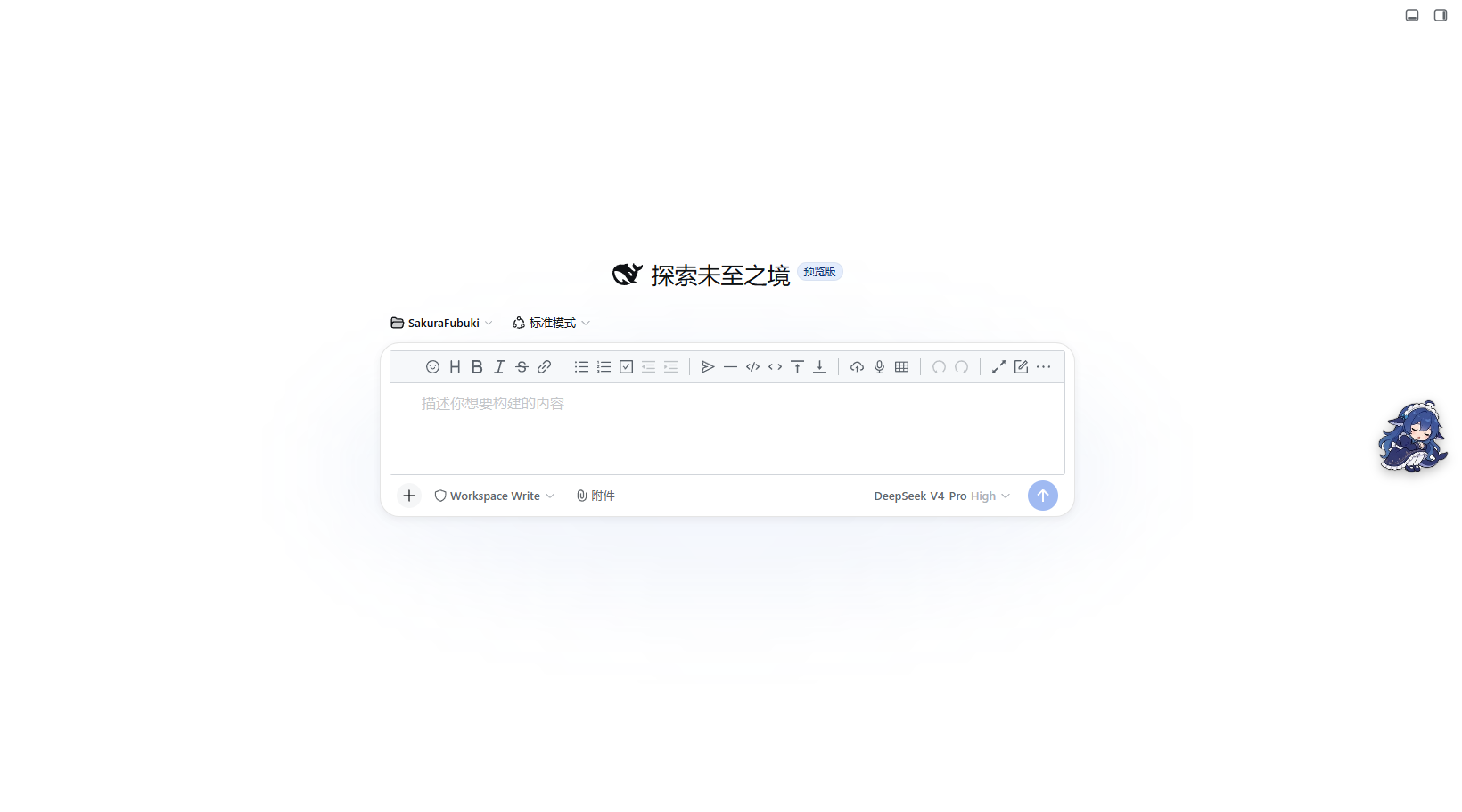
dsh-vditor
Run the following command in DeepSeek Harness:
dsh plugin install zhy201810576/dsh-vditor
Paste the following prompt into your AI chat to install this plugin:
Run dsh plugin install zhy201810576/dsh-vditor in DeepSeek Harness to install this plugin; full source code is available at https://github.com/zhy201810576/dsh-vditor.
About this plugin
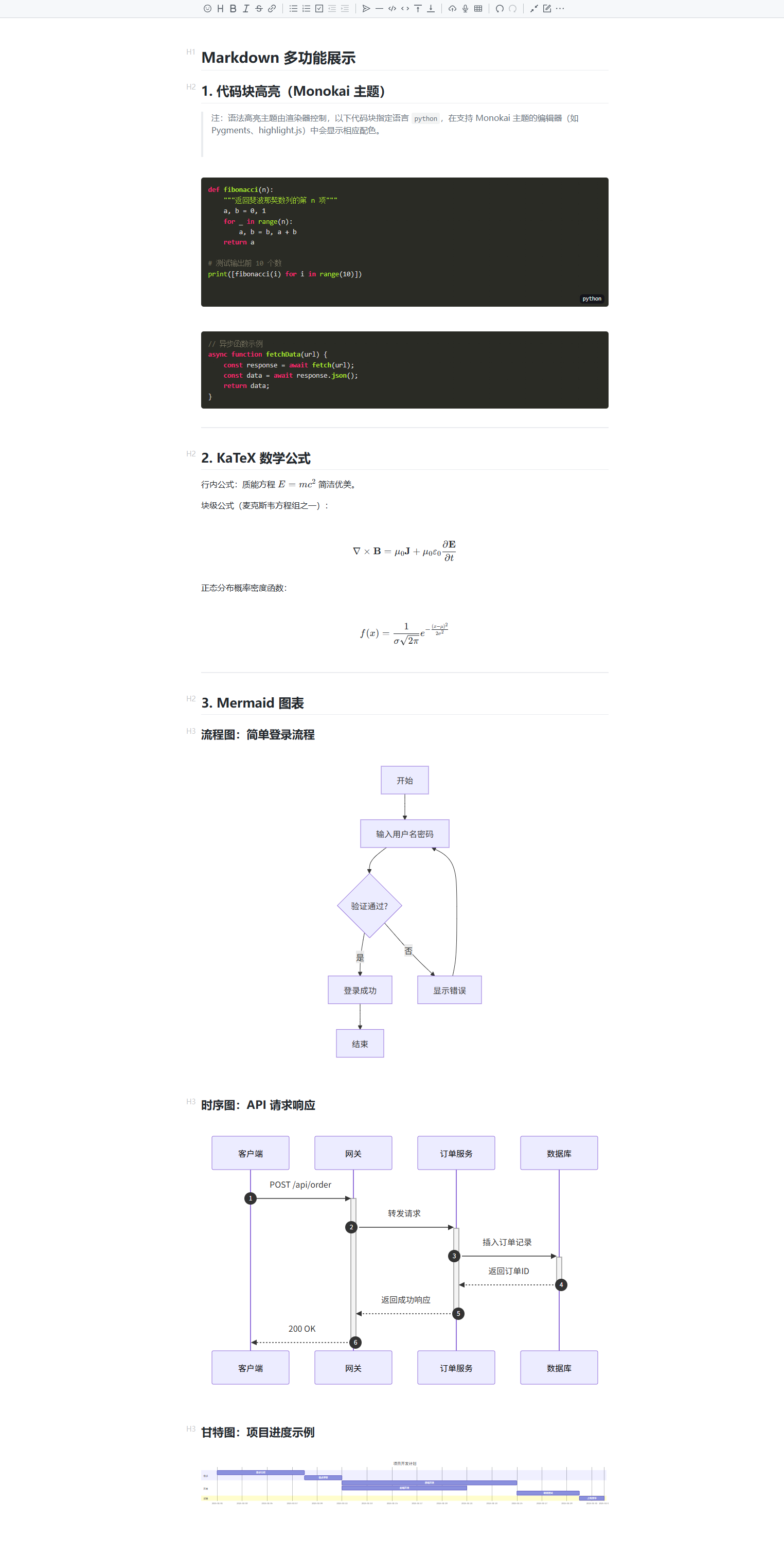
DSH's default input is a plain textarea, so when you draft a prompt full of code blocks, equations, or diagrams you can only guess how it will render. dsh-vditor swaps in a Vditor-powered, WYSIWYG editor: syntax-highlighted code, live KaTeX math, and Mermaid charts all appear as you type, letting you see the final result in real time.
Beyond rendering, it layers in efficiency shortcuts. Typing / conjures a slash-command palette (/goal, /plan, /export, etc.) with live filtering; typing @ triggers a workspace file search and drops a path capsule into the message—Chinese file names and Windows backslash paths display correctly. Pasted images from the clipboard are saved to the workspace automatically. On the message side, code blocks gain language badges and copy buttons, math and diagrams render fully, and everything follows your light or dark theme.
The plugin deliberately preserves DSH's native interaction: model picker, permission menu, command directory, context-usage ring, task bar, stats, and balance row all remain intact, with a dynamic placeholder that adapts to session state. If you regularly write prompts containing code, formulas, or diagrams in DSH, dsh-vditor upgrades the writing experience from plain text to a true visual editor. Note that Vditor is loaded from a CDN at runtime, so an internet connection is required.
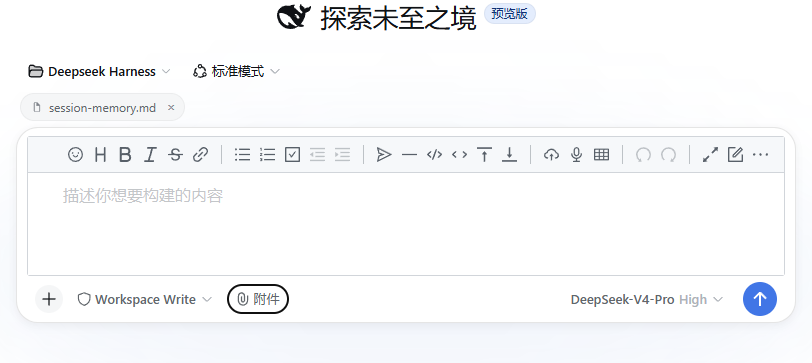
Screenshots
Use Cases
- Preview code blocks, KaTeX math, and Mermaid diagrams in real time while drafting complex prompts
- Invoke slash commands like /plan or /export, or search and insert workspace file paths with @
- Paste clipboard images directly as attachment capsules without managing file paths manually
Best For
- Developers who regularly write technical prompts with code and math in DSH
- Users who want to upgrade the input box from plain text to a visual Markdown editor
- Teams using the DSH web plugin ecosystem and valuing consistent theming
Related Plugins
A service-oriented sidebar framework for DSH, offering a full workbench with file explorer, embedded browser, real terminal, Git panel, and extensible plugin services.

A beautiful, practical Claude Code-style TUI plugin with pixel whale top bar, flowing glow title, real-time status line, streaming thought expansion, time rewind, context progress bar and TPS gauge — zero core changes.

The plugin market for DeepSeek Harness: browse/search/one-click install community plugins and themes, with updates, backup/restore, hot disable, diagnostics, and AI fix.

A persistent whale widget on the DSH web UI that shows DeepSeek balance, today's usage, and per-turn cost, with drag-and-snap and sound effects.