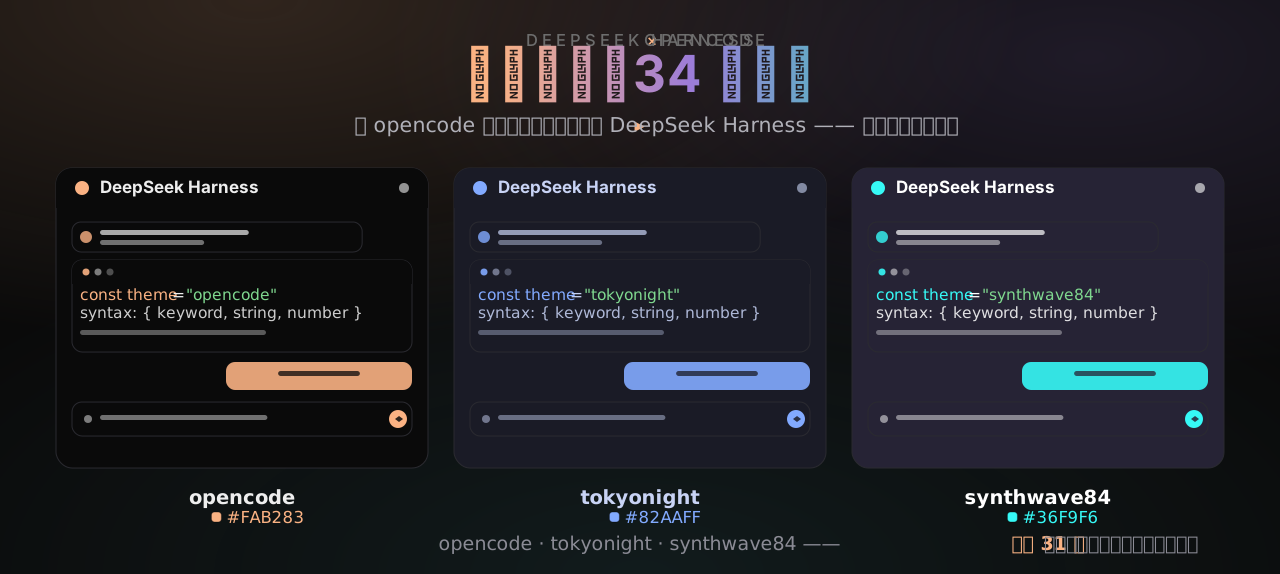
dsh-opencode-palette
Run the following command in DeepSeek Harness:
dsh plugin install FeatherHunter/dsh-opencode-palette
Paste the following prompt into your AI chat to install this plugin:
Install the dsh-opencode-palette plugin in DeepSeek Harness from its source repository at https://github.com/FeatherHunter/dsh-opencode-palette.
About this plugin
If you spend a lot of time inside DeepSeek Harness, the default appearance can start to feel flat. dsh-opencode-palette addresses that simple but real problem by bringing opencode’s classic color palettes into DeepSeek Harness, making the interface more pleasant to look at and easier to live with across different lighting conditions and personal tastes.
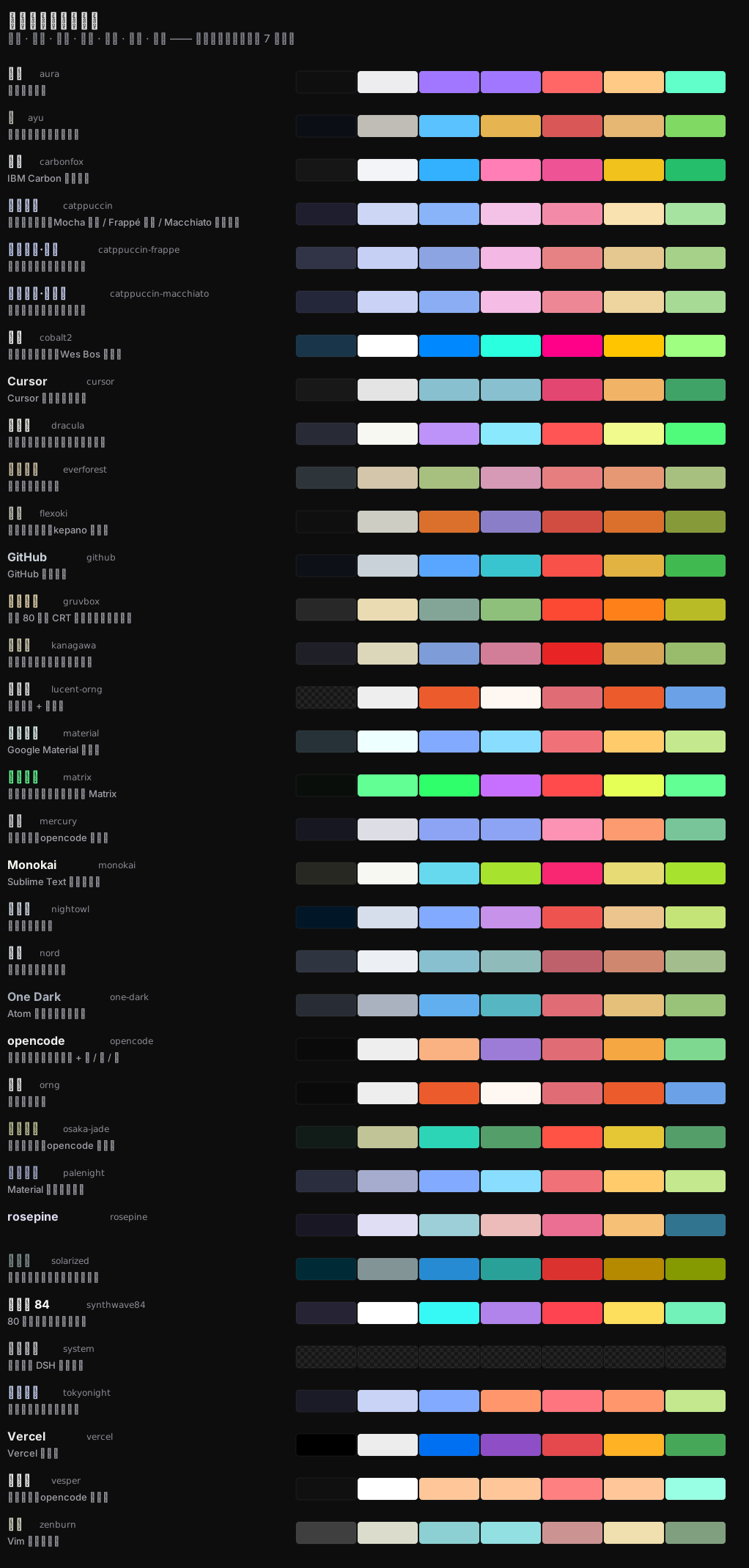
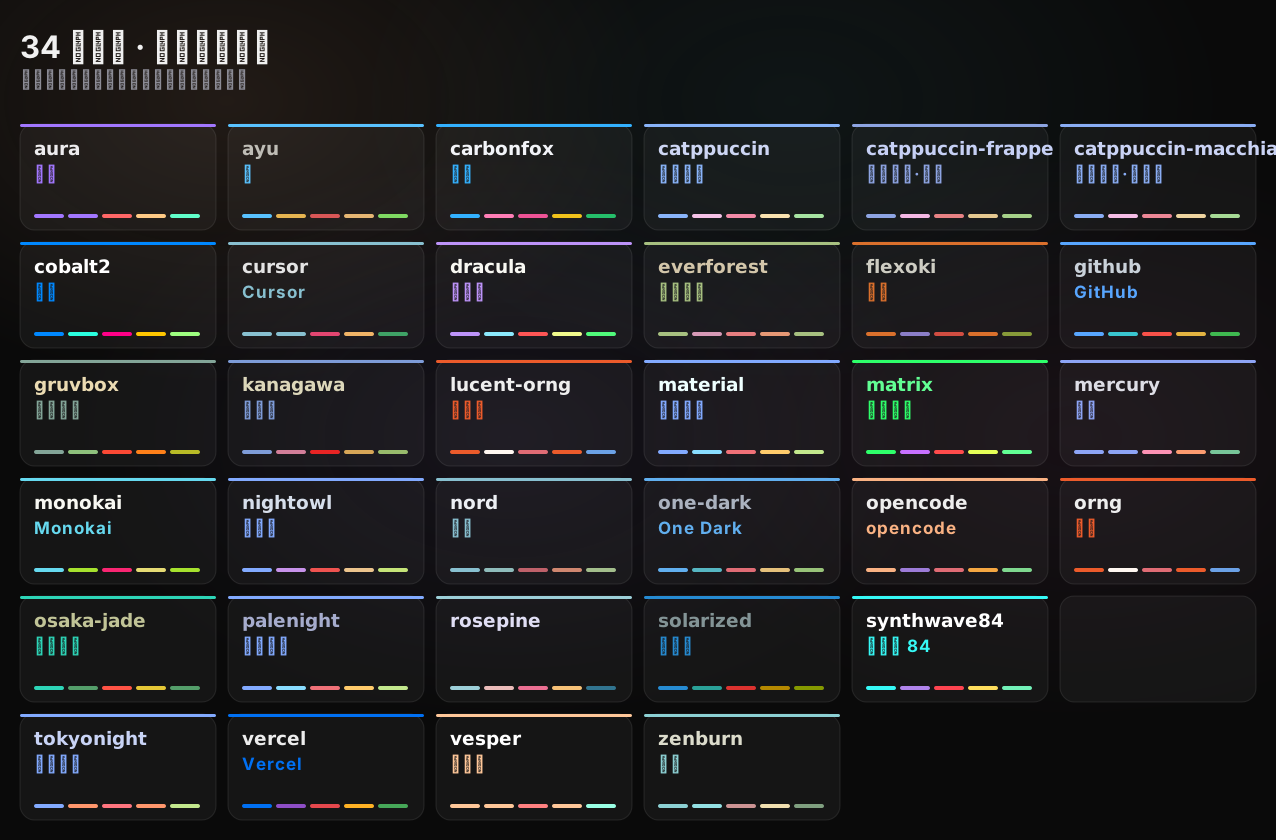
The plugin includes 34 color themes sourced from official opencode theme data, covering familiar names such as tokyonight, dracula, gruvbox, rose-pine, catppuccin, solarized, and synthwave84. When a theme is selected, the interface updates as a whole: backgrounds, buttons, borders, status colors, Markdown rendering, and code highlighting all follow along. Your choice is remembered locally, so it survives refreshes and restarts. Typography is handled separately, letting you adjust body style, font size, and preview several code fonts without losing the selected color scheme.
This plugin is a good fit for DeepSeek Harness users who want a quick visual refresh, especially those who enjoy terminal aesthetics, color themes, or long writing and coding sessions. If you want a more personalized workspace without manually tuning styles, it offers a lightweight and polished way to do it.
Screenshots
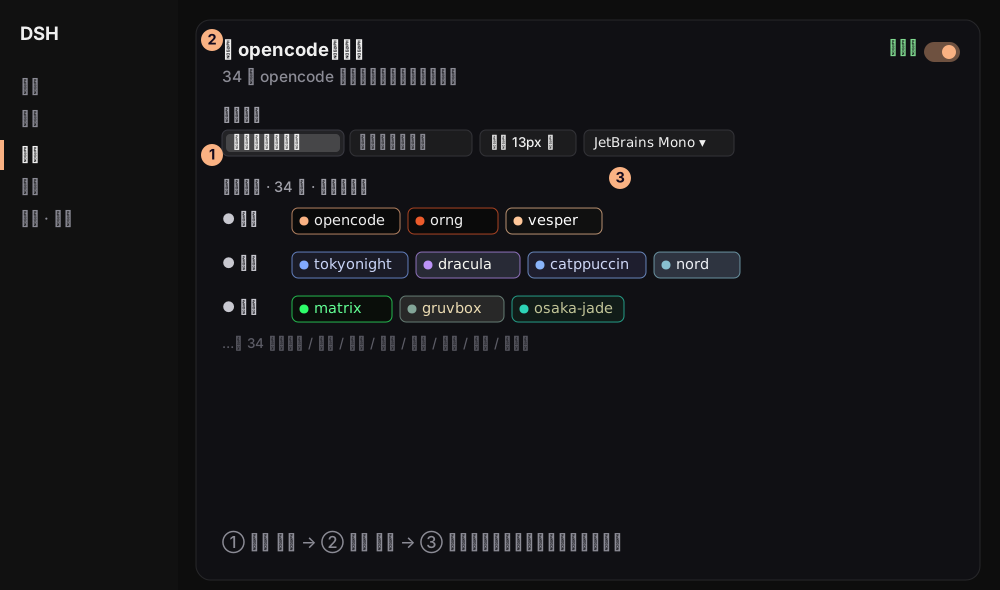
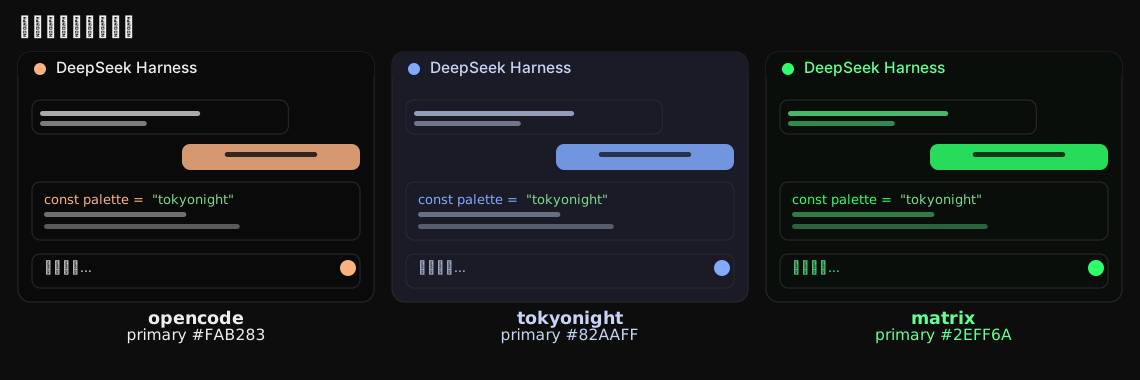
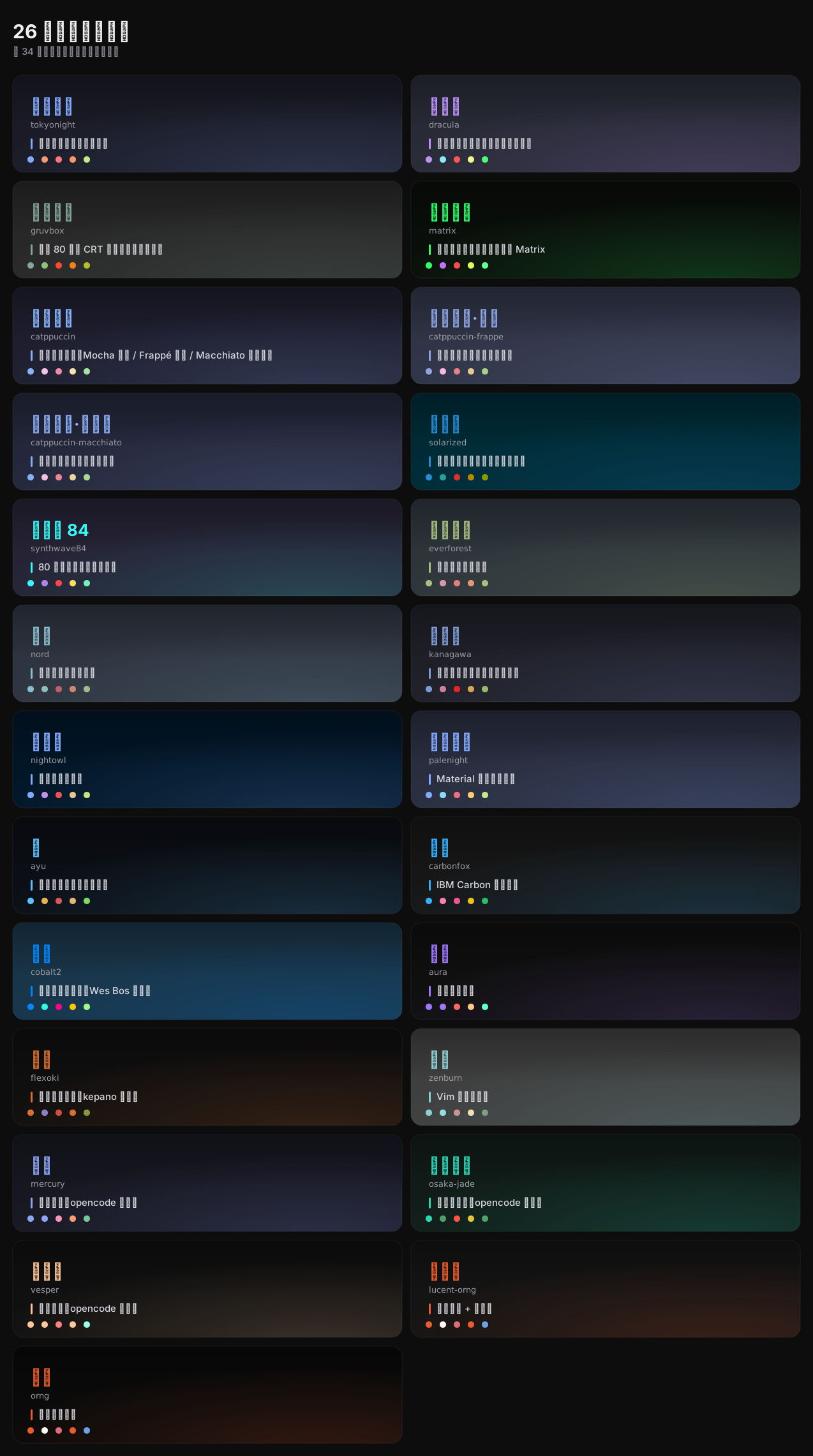
Use Cases
- Switch themes during long sessions to match your environment and mood.
- Use terminal-style text and a code font for a more immersive coding view.
- Cycle through classic color palettes to find a more comfortable DeepSeek Harness look.
Best For
- Users who spend a lot of time reading, writing, or debugging in DeepSeek Harness.
- People who enjoy color themes, terminal aesthetics, and interface personalization.
- Users who want a quick visual refresh without editing configuration files.
Related Plugins

whale-girl is a desktop pet in the DSH Web GUI (bottom-right for instant companionship) — draggable, feedable, playable; completed tasks, sessions and companionship time accrue into seniority levels, titles, and memories.

Renders your local Wallpaper Engine wallpapers as the DSH web background, supporting video, web, and scene wallpapers with a liquid-glass effect and rich customization.

A WebGPU ocean skin for DeepSeek Harness with five-wave Gerstner waves, translucent theme, day/night cycle, and quick controls, installable as plugin or extension.

A Galgame-style conversation view and visual scene editor for DSH web sessions, with a real-time editing mode.