dsh-token-usage
Run the following command in DeepSeek Harness:
dsh plugin install KeLearns/dsh-token-usage
Paste the following prompt into your AI chat to install this plugin:
To install this plugin in DeepSeek Harness, execute the command `dsh plugin install KeLearns/dsh-token-usage`; the full source code is available at https://github.com/KeLearns/dsh-token-usage.
About this plugin
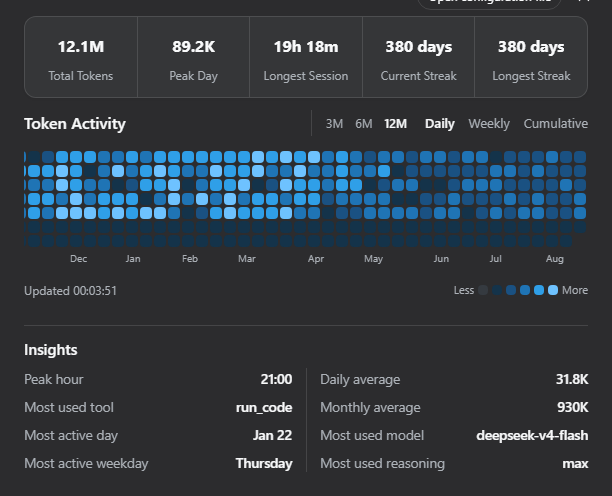
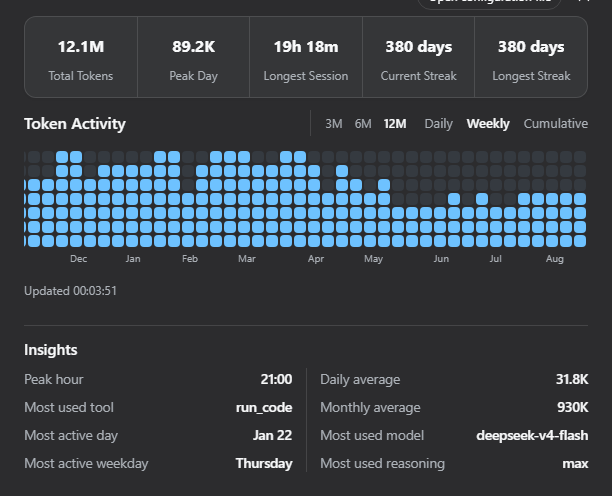
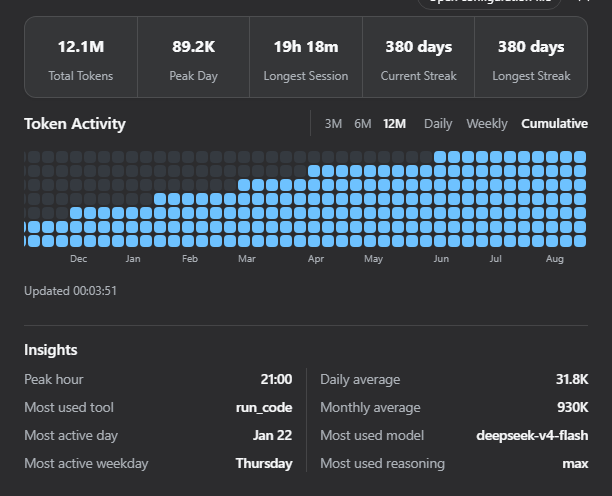
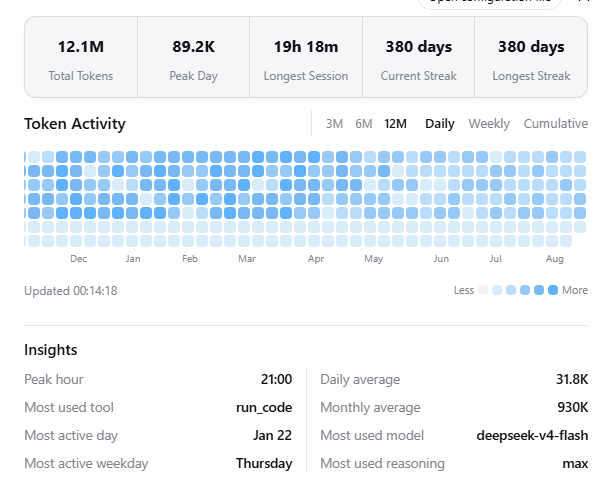
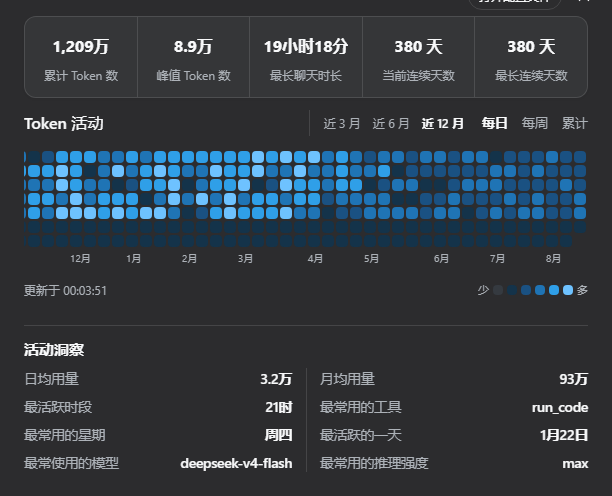
For users deeply immersed in DeepSeek Harness, raw logs often fail to reveal the daily trends of token consumption at a glance. This plugin solves that problem by introducing a GitHub-style contribution graph, instantly transforming dry data into a visual experience. It allows you to grasp your daily, weekly, and cumulative token usage patterns intuitively, while offering both light and dark themes to suit your workspace.
Beyond the heatmap, the plugin delivers powerful data insights. It features a summary bubble displaying key metrics like total consumption, peak days, and streaks. Hovering over cells reveals detailed weekly and cumulative statistics. Moreover, by analyzing request headers and tool calls, it automatically generates reports on model preferences, reasoning effort, and peak activity hours, helping you optimize your workflow.
Whether you are looking for precise cost control or simply want to reflect on your AI usage habits, this tool is an essential companion for all dsh Web GUI users. It empowers you to clearly track the flow of every token, ensuring you get the most out of your AI interactions.
Screenshots
Use Cases
- Track daily token consumption trends for intuitive cost control.
- Analyze AI session activity, model preferences, and reasoning effort.
- Generate GitHub-style contribution graphs to enhance management efficiency.
Best For
- Developers focusing on DeepSeek model usage.
- Decision-makers needing precise management of AI sessions and costs.
- Users seeking high-efficiency workflows and data insights.
Related Plugins
A service-oriented sidebar framework for DSH, offering a full workbench with file explorer, embedded browser, real terminal, Git panel, and extensible plugin services.

A beautiful, practical Claude Code-style TUI plugin with pixel whale top bar, flowing glow title, real-time status line, streaming thought expansion, time rewind, context progress bar and TPS gauge — zero core changes.

The plugin market for DeepSeek Harness: browse/search/one-click install community plugins and themes, with updates, backup/restore, hot disable, diagnostics, and AI fix.

A persistent whale widget on the DSH web UI that shows DeepSeek balance, today's usage, and per-turn cost, with drag-and-snap and sound effects.