ncm-player
Run the following command in DeepSeek Harness:
dsh plugin install WolfGenerals/ncm-player
Paste the following prompt into your AI chat to install this plugin:
To install this plugin in DeepSeek Harness, run dsh plugin install WolfGenerals/ncm-player, with source code at https://github.com/WolfGenerals/ncm-player.
About this plugin
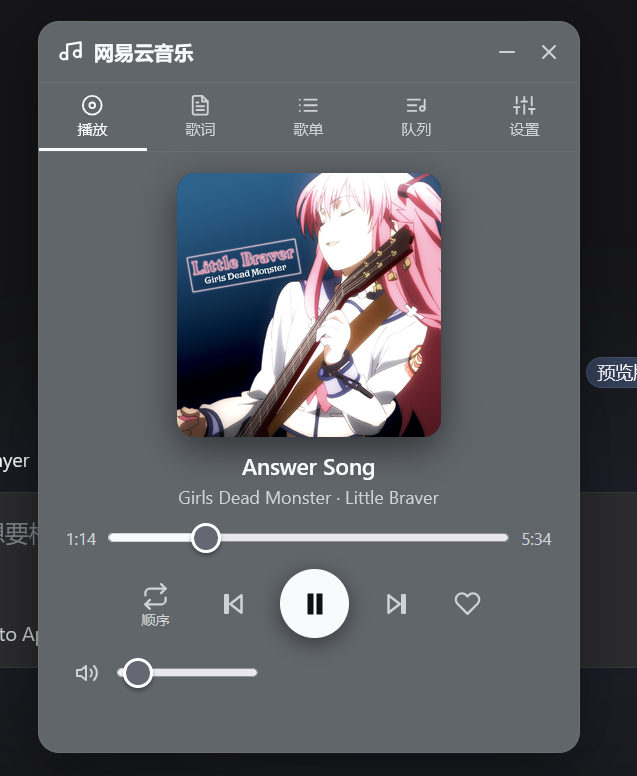
Using DeepSeek Harness for development or work often requires frequent tab switching to listen to music, which can be distracting. ncm-player is designed to solve this problem by seamlessly integrating NetEase Cloud Music into the DSH Web interface, allowing you to enjoy music without leaving your current workspace.
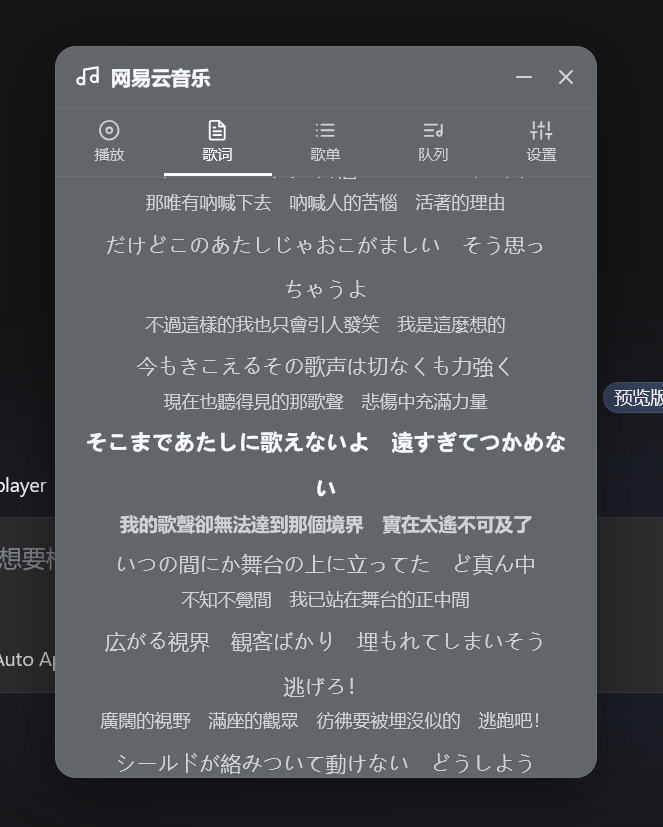
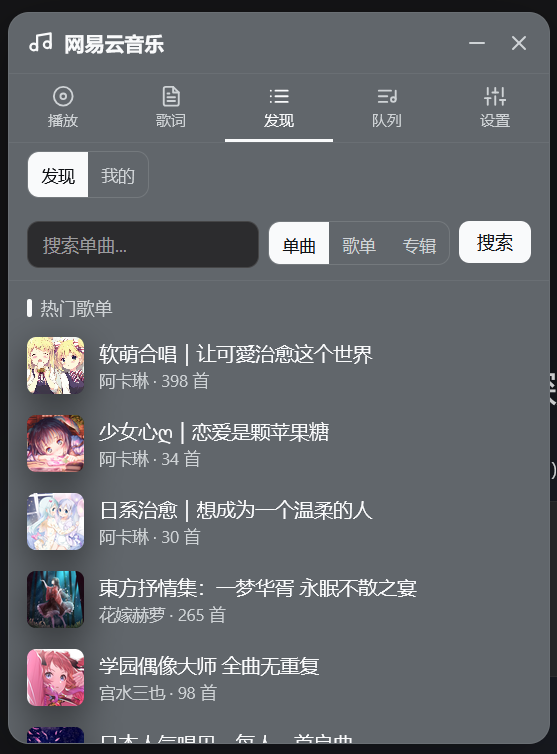
The plugin offers robust playback capabilities, supporting various modes like single-track repeat and random play, along with real-time synchronized lyrics and translations. Its flexible interface supports three states—expanded, mini bar, and hidden—while automatically adapting to the DSH skin theme for a cohesive visual experience.
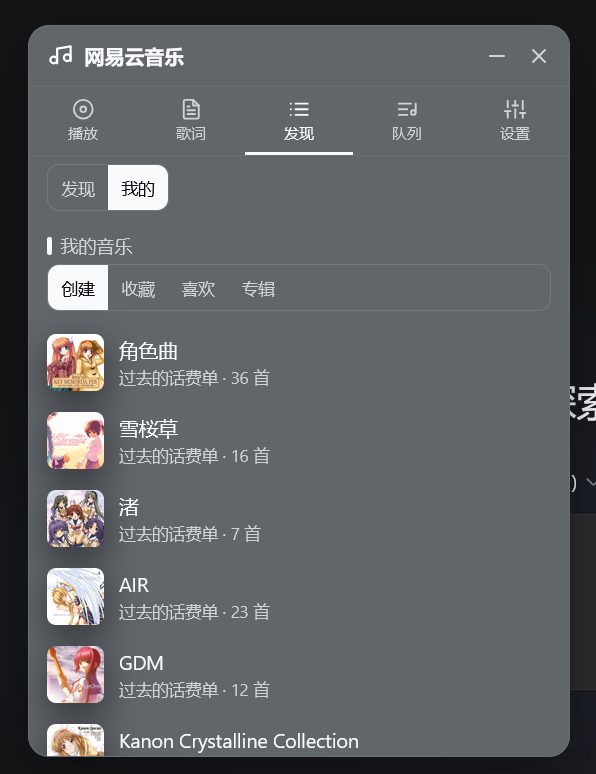
Whether you are a developer seeking to maintain focus during long coding sessions or a music enthusiast looking for high-quality audio, ncm-player meets your needs through convenient login methods like QR code scanning. All playback queues and settings are automatically persisted locally, restoring perfectly on restart for a seamless, immersive workflow.
Screenshots
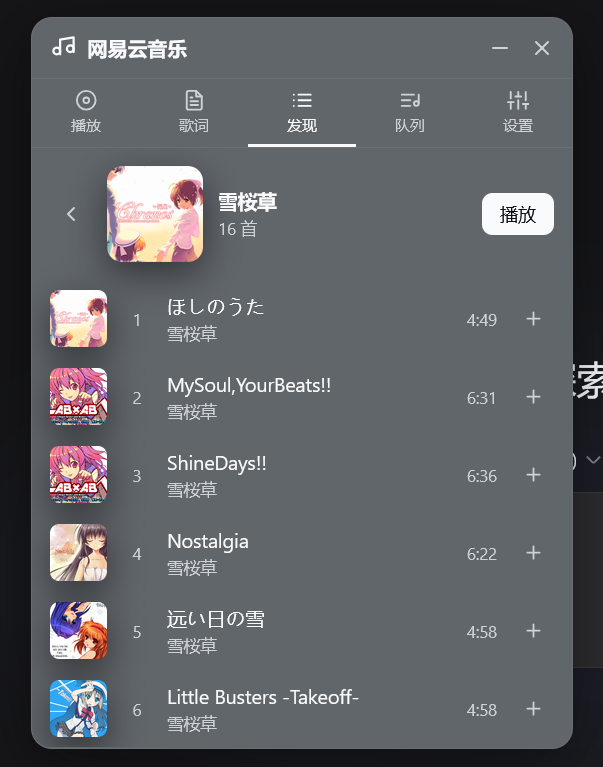
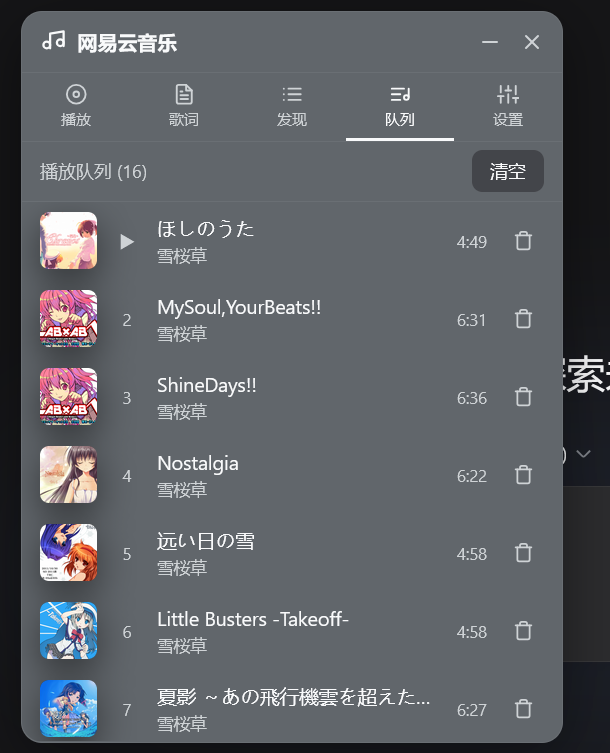
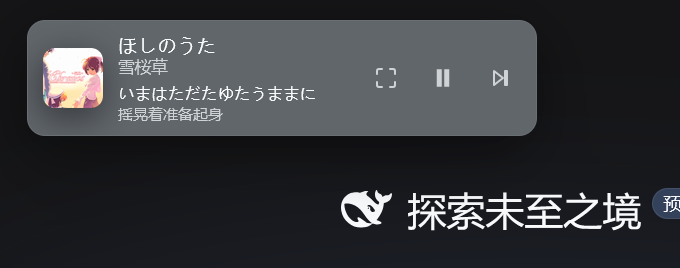
Use Cases
- Working in DeepSeek Harness
- Using mini floating window mode without blocking code
- Checking lyrics anytime to maintain focus
Best For
- DeepSeek Harness power users
- Developers needing background music
- NetEase Cloud Music loyalists
Related Plugins
A service-oriented sidebar framework for DSH, offering a full workbench with file explorer, embedded browser, real terminal, Git panel, and extensible plugin services.

A beautiful, practical Claude Code-style TUI plugin with pixel whale top bar, flowing glow title, real-time status line, streaming thought expansion, time rewind, context progress bar and TPS gauge — zero core changes.

The plugin market for DeepSeek Harness: browse/search/one-click install community plugins and themes, with updates, backup/restore, hot disable, diagnostics, and AI fix.

A persistent whale widget on the DSH web UI that shows DeepSeek balance, today's usage, and per-turn cost, with drag-and-snap and sound effects.