
SeekMaid-pet
Run the following command in DeepSeek Harness:
dsh plugin install DoloresCaritasAngelus/SeekMaid-pet
Paste the following prompt into your AI chat to install this plugin:
Install this plugin in DeepSeek Harness using the command `dsh plugin install DoloresCaritasAngelus/SeekMaid-pet`; the source code is available at https://github.com/DoloresCaritasAngelus/SeekMaid-pet.
About this plugin
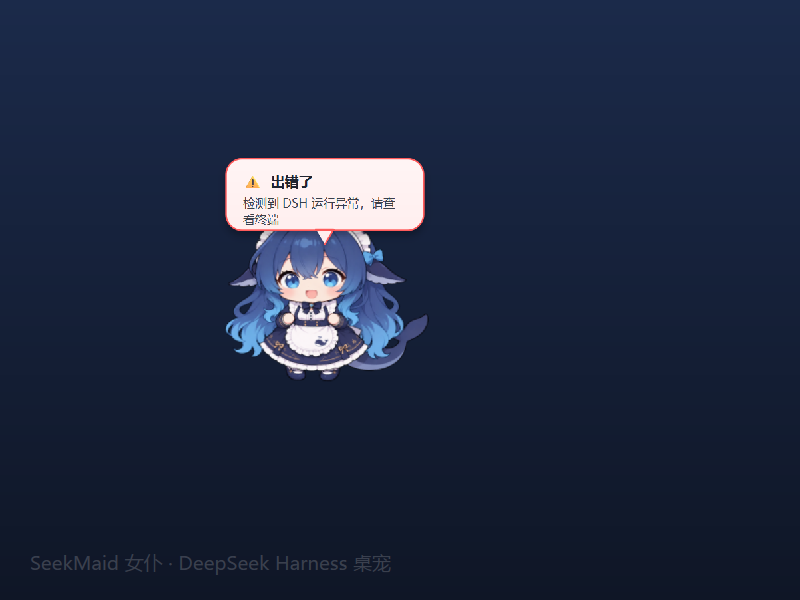
SeekMaid-pet is a cute desktop pet running on Windows 11 that acts as a DeepSeek 'Maid', translating the background DSH runtime status into visualized desktop interaction. By residing on the desktop or system tray, it monitors the DSH session in real-time. Whether it's a task starting, finishing, or a new message/tool call, you'll be alerted via pop-up bubbles. More interestingly, it supports bidirectional communication; double-clicking the pet allows you to send instructions directly to the current session, making interaction no longer limited to the command line window. This plugin is perfect for users who need to maintain a sense of 'online presence' during long-running DSH sessions. It not only solves the problem of missed information but also enhances the desktop experience with a cute visual design, serving as a considerate companion for developers collaborating with AI assistants.
Screenshots
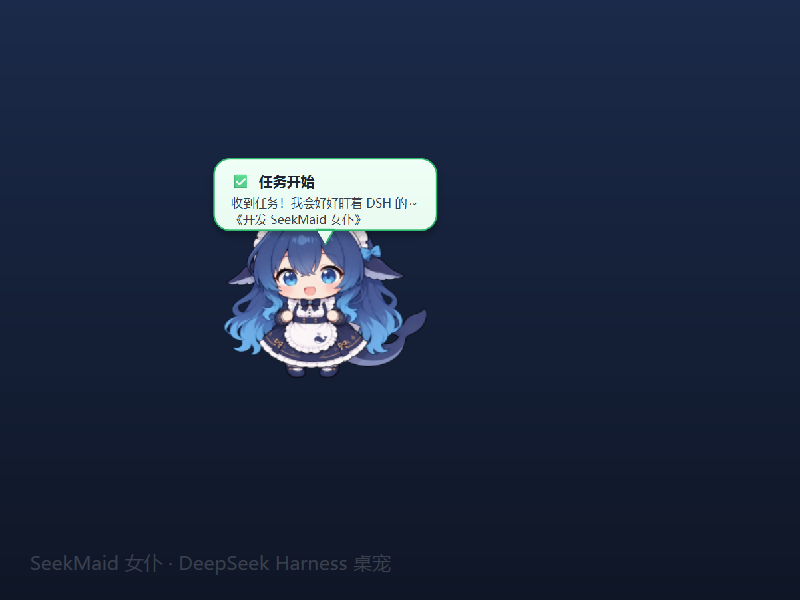
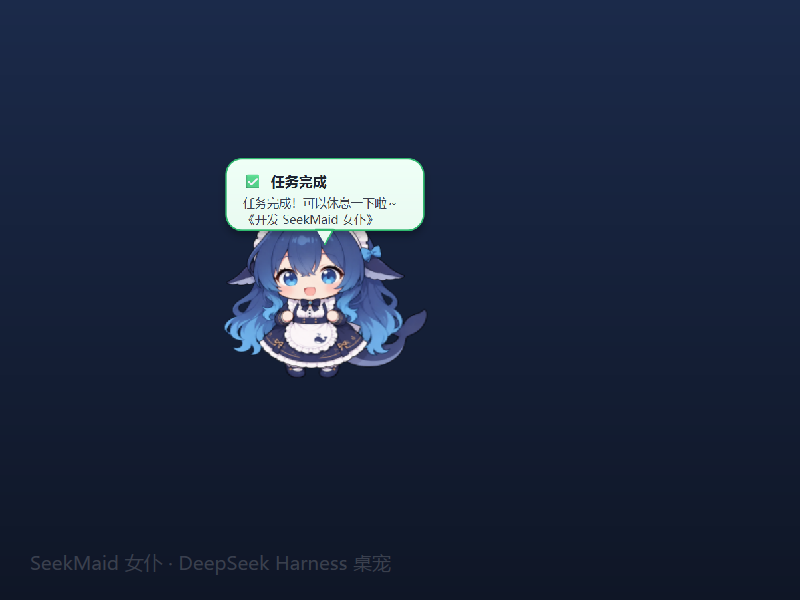
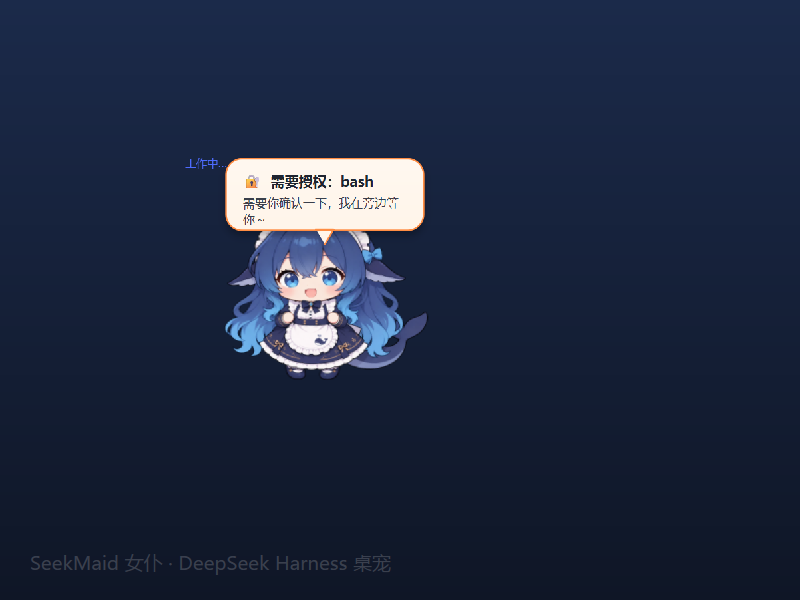
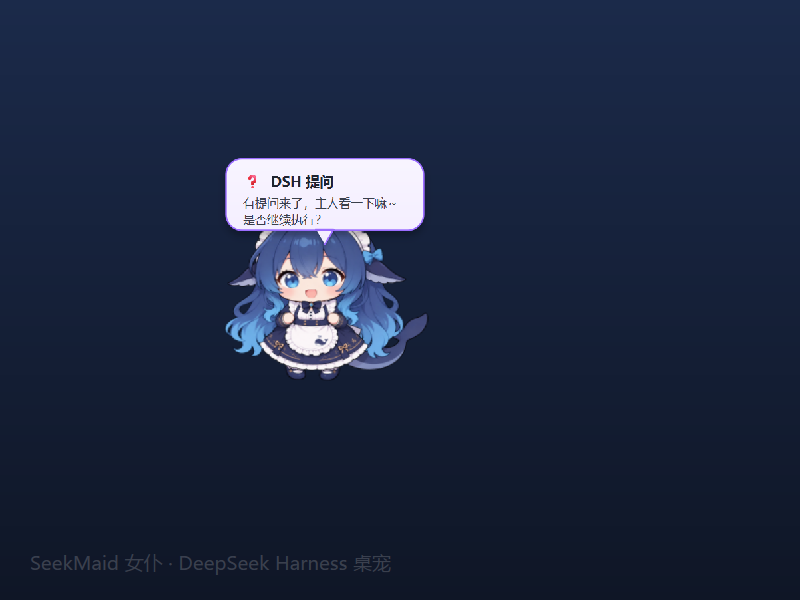
Use Cases
- Real-time progress tracking during long-running DSH tasks.
- Sending quick commands via the desktop pet while coding.
- Enjoying the company of a DeepSeek maid on your desktop.
Best For
- Users developing or testing with DeepSeek Harness.
- Developers who like Windows 11 aesthetics and want to enhance immersion.
- Remote or WSL workers who need 'online' status notifications.
Related Plugins
A service-oriented sidebar framework for DSH, offering a full workbench with file explorer, embedded browser, real terminal, Git panel, and extensible plugin services.

A beautiful, practical Claude Code-style TUI plugin with pixel whale top bar, flowing glow title, real-time status line, streaming thought expansion, time rewind, context progress bar and TPS gauge — zero core changes.

The plugin market for DeepSeek Harness: browse/search/one-click install community plugins and themes, with updates, backup/restore, hot disable, diagnostics, and AI fix.

A persistent whale widget on the DSH web UI that shows DeepSeek balance, today's usage, and per-turn cost, with drag-and-snap and sound effects.