dsh-compass
Run the following command in DeepSeek Harness:
dsh plugin install Happy2Git/dsh-compass
Paste the following prompt into your AI chat to install this plugin:
Please execute the installation command dsh plugin install Happy2Git/dsh-compass in DeepSeek Harness to install the plugin, with the source code located at https://github.com/Happy2Git/dsh-compass.
About this plugin
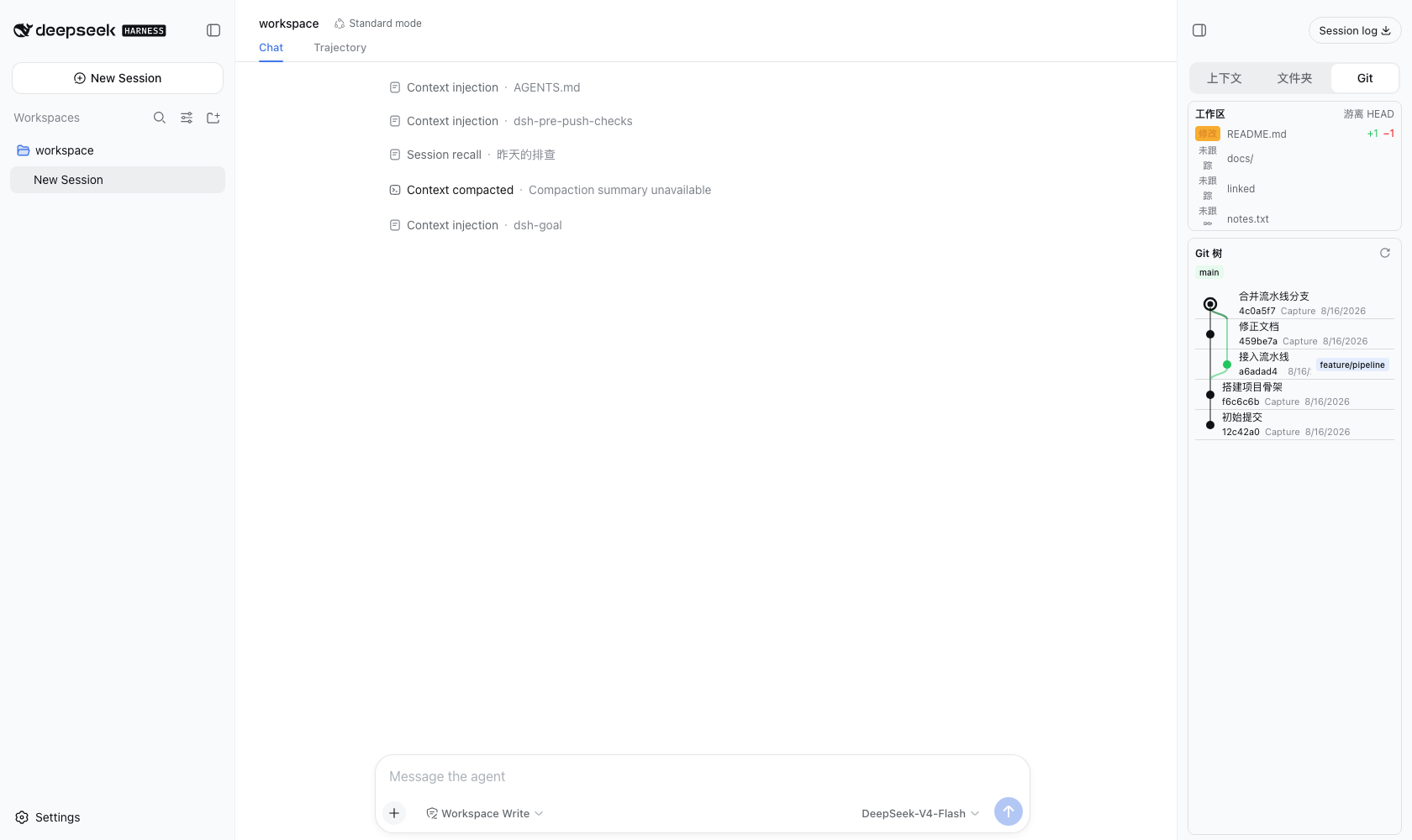
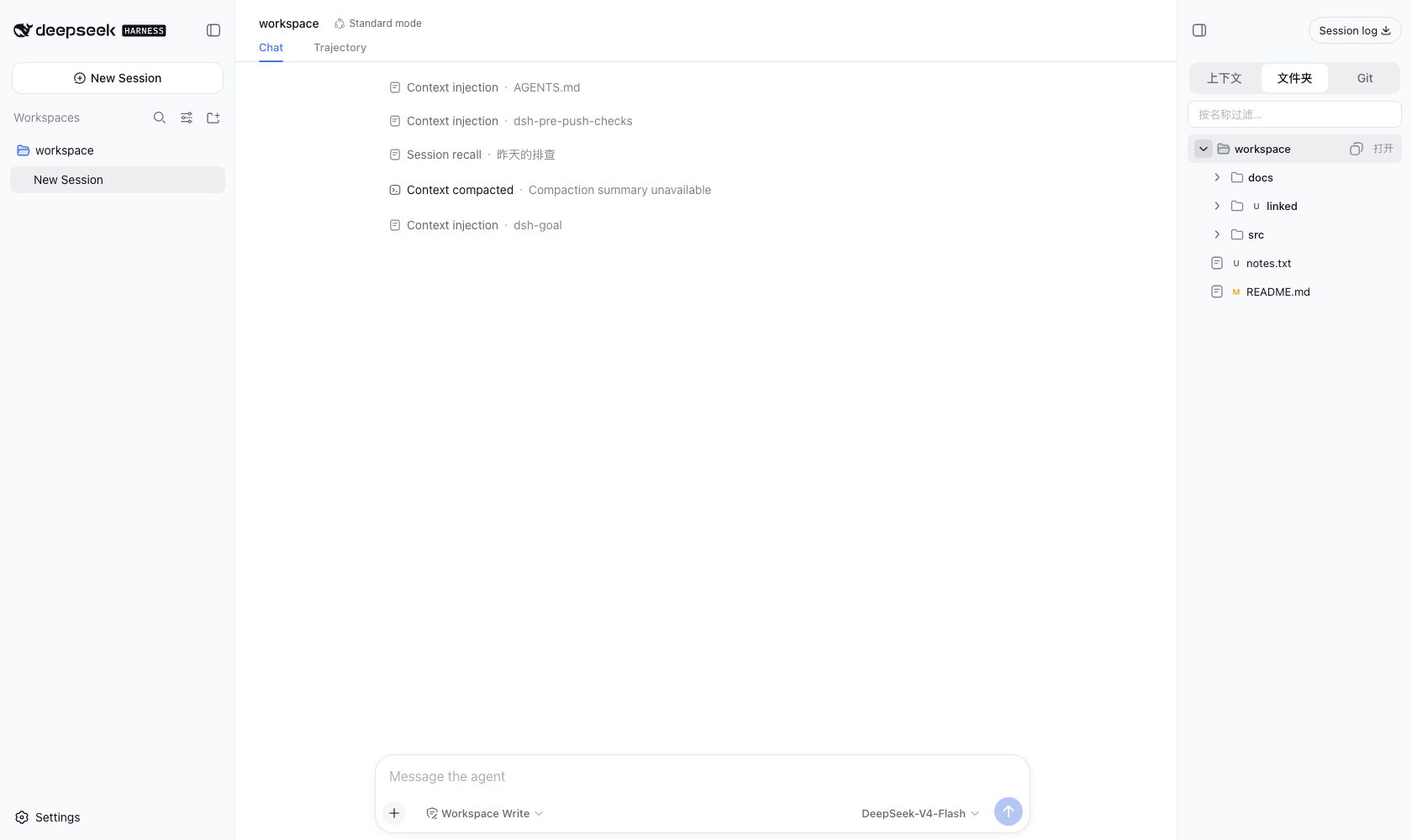
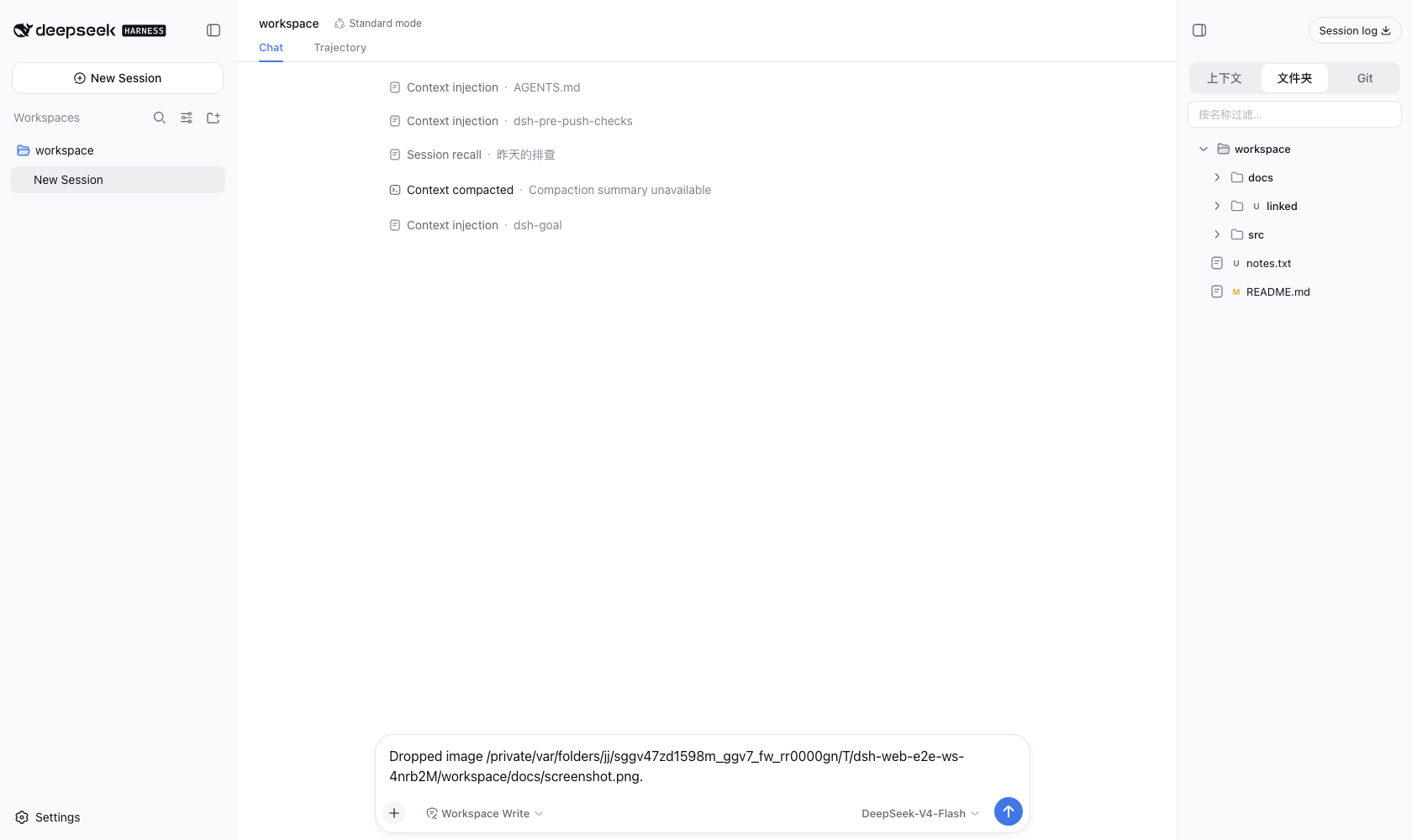
When using DeepSeek Harness for development, switching between the file system and the chat interface can often break your flow. The dsh-compass plugin solves this problem by mounting a feature-rich panel on the right side of the Web interface, seamlessly bridging the gap between the AI assistant and your local codebase.
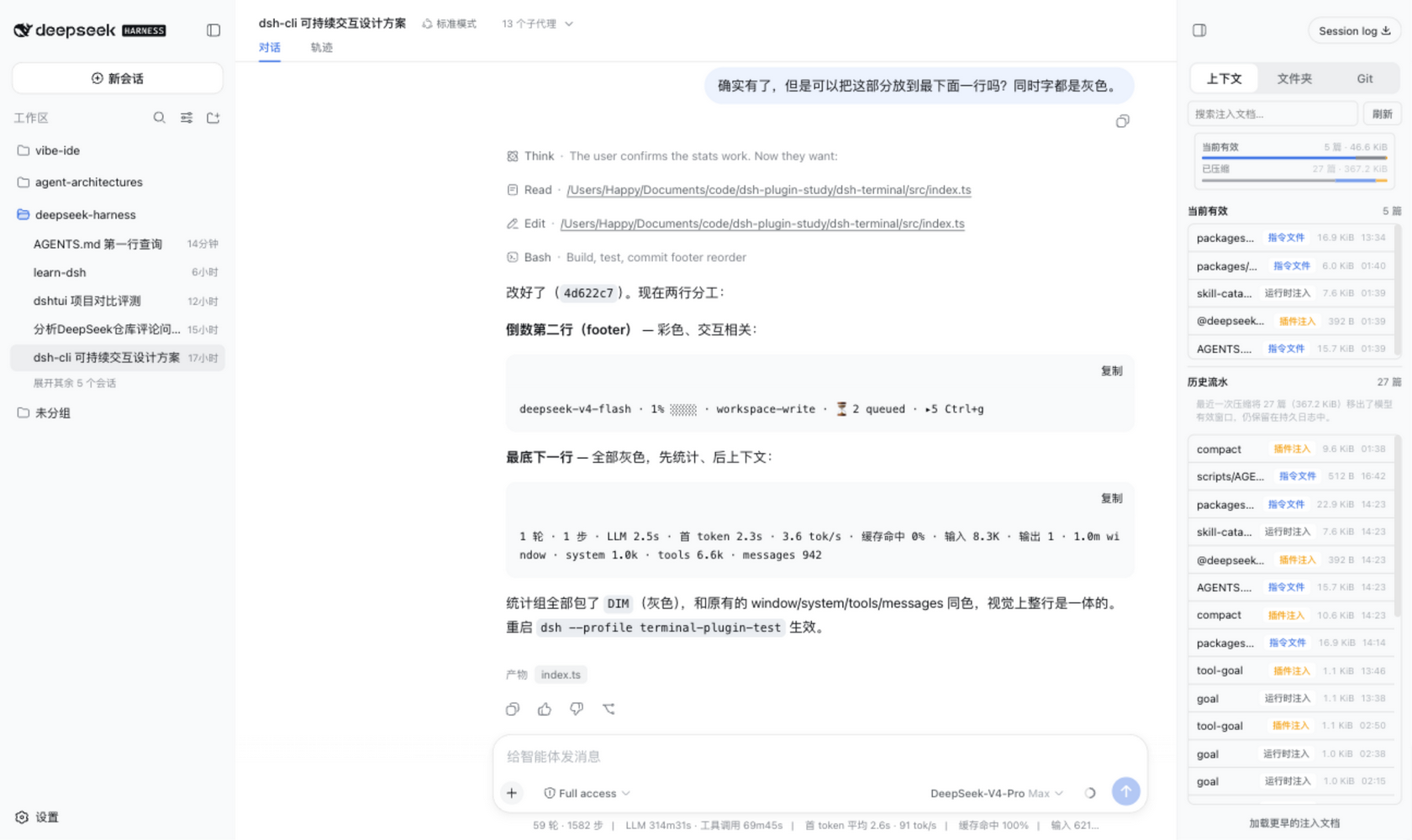
The core capabilities of this plugin lie in its deep integration and interactive features. It supports dragging files or directories directly into the chat, enabling the model to process content or images instantly. By injecting context documents and compressed history streams, it seamlessly integrates file system access into the conversation flow. The panel intelligently categorizes context sources (such as instruction files, skills, and plugins) with visual tags and size indicators, significantly boosting information retrieval efficiency.
This tool is essential for developers who need to quickly locate issues, perform code reviews, or handle local file operations within a complex repository. It prioritizes security with built-in safeguards like loopback routing restrictions, bounded file reading, and strict path validation, ensuring that convenient file handling does not come at the cost of system security.
Screenshots
Use Cases
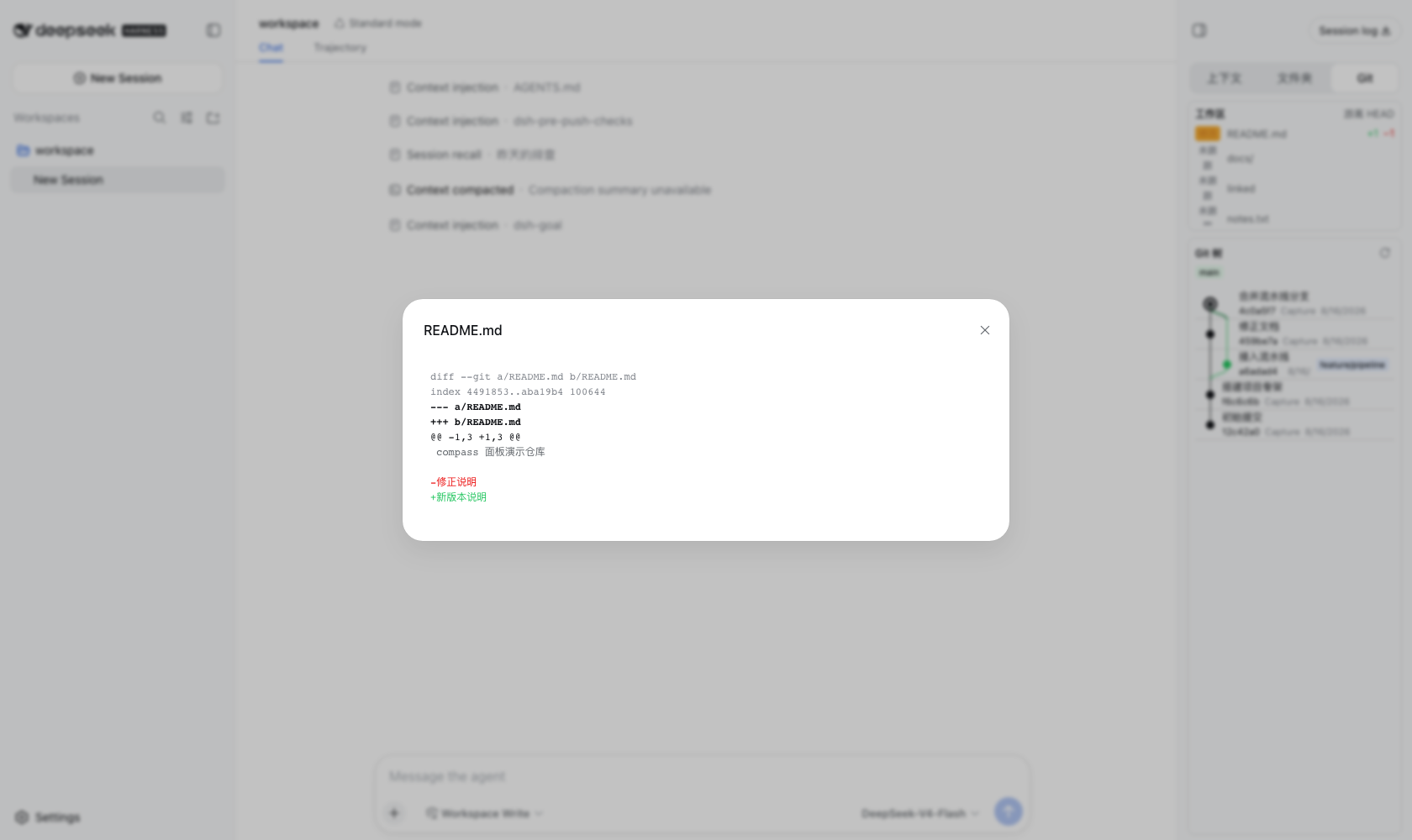
- Quickly view current workspace code changes
- Drag local files directly into the chat for analysis
- Monitor Git branches and commit history in real-time
Best For
- Developers needing local code context
- Users utilizing DeepSeek Harness for code review
- Engineers seeking to improve AI-assisted programming efficiency
Related Plugins
A service-oriented sidebar framework for DSH, offering a full workbench with file explorer, embedded browser, real terminal, Git panel, and extensible plugin services.

A beautiful, practical Claude Code-style TUI plugin with pixel whale top bar, flowing glow title, real-time status line, streaming thought expansion, time rewind, context progress bar and TPS gauge — zero core changes.

The plugin market for DeepSeek Harness: browse/search/one-click install community plugins and themes, with updates, backup/restore, hot disable, diagnostics, and AI fix.

A persistent whale widget on the DSH web UI that shows DeepSeek balance, today's usage, and per-turn cost, with drag-and-snap and sound effects.