dsh-desktop-launcher
Run the following command in DeepSeek Harness:
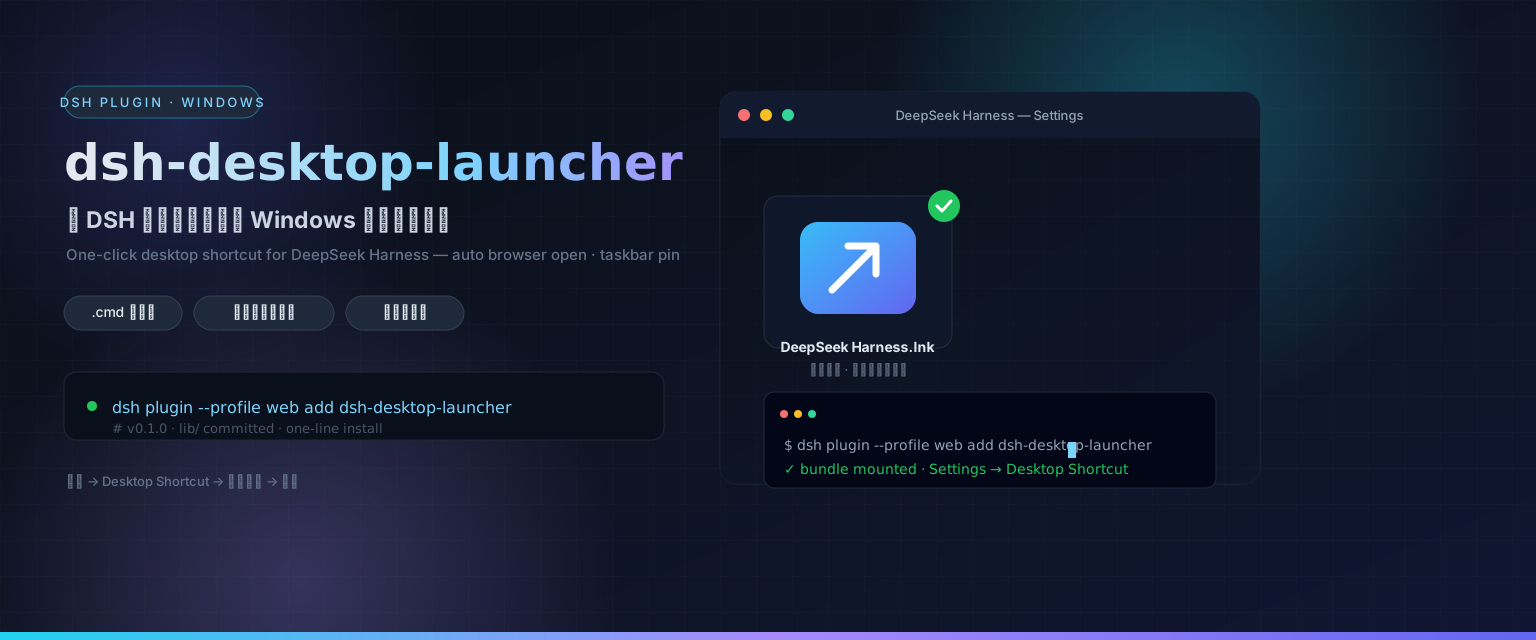
dsh plugin install Yvesgao/dsh-desktop-launcher
Paste the following prompt into your AI chat to install this plugin:
Please execute the command dsh plugin install Yvesgao/dsh-desktop-launcher in the DeepSeek Harness plugin management panel to install this plugin. Source: https://github.com/Yvesgao/dsh-desktop-launcher
About this plugin
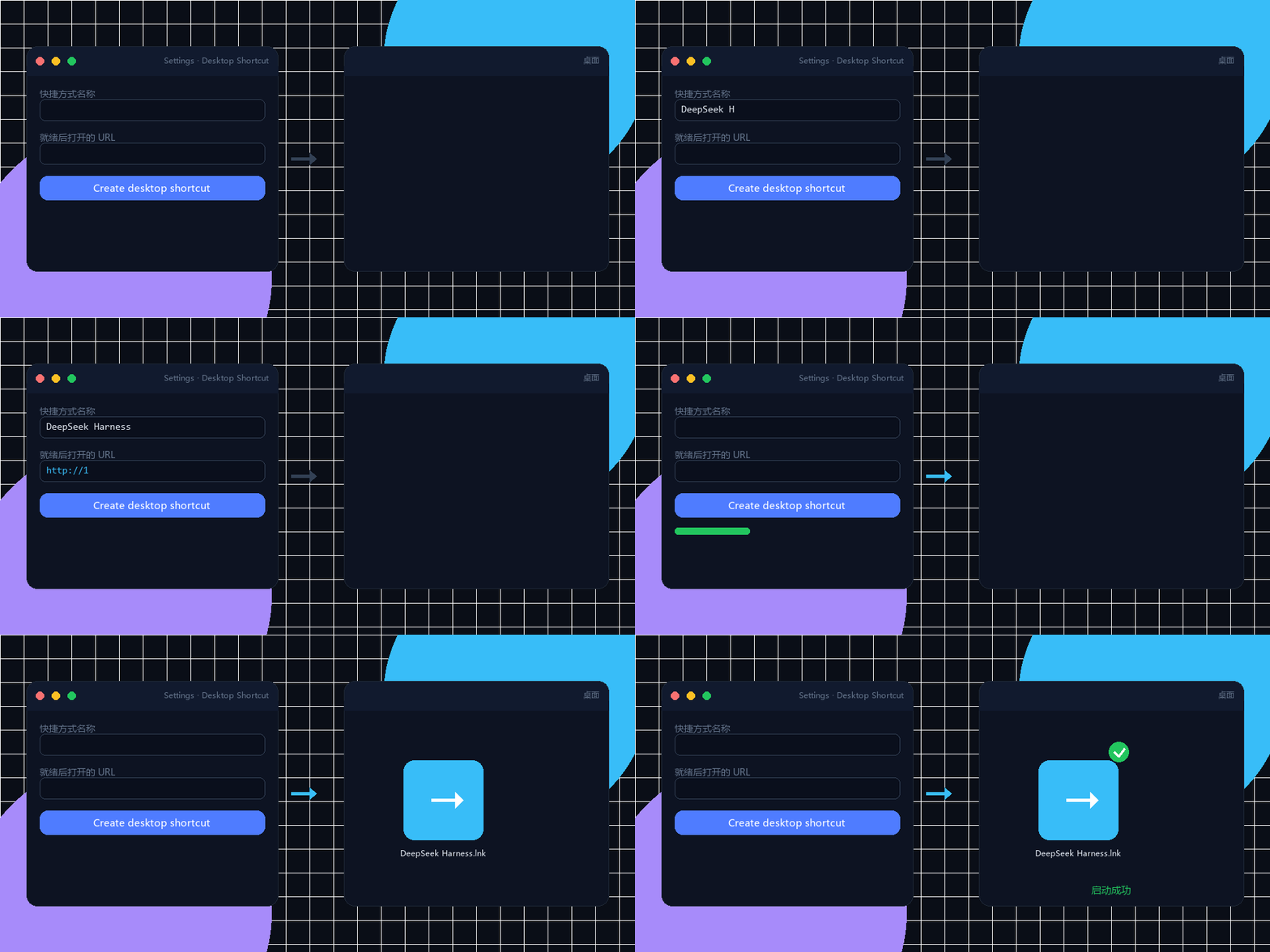
In daily development workflows, launching local services often involves tedious command-line operations: opening PowerShell, typing startup commands, and manually visiting the service URL in a browser. This repetitive task not only hampers efficiency but can also lead to missed steps during multitasking. The dsh-desktop-launcher plugin aims to revolutionize this experience by simplifying the entire process to a single click, transforming local services into easily accessible desktop icons.
The plugin's core strength lies in its intelligent automation logic. It allows you to configure services easily via a form in the settings page, automatically generating a robust .cmd launcher. This launcher features port detection to intelligently determine if a service is already running and automatically wakes up your default browser once the service is ready. Additionally, it creates a .lnk shortcut pointing to the launcher and attempts to pin it to the Windows taskbar, ensuring you can access services quickly without memorizing complex command paths.
This tool is particularly well-suited for developers who need to frequently debug local services, as well as Windows users who prefer graphical interfaces over command lines. Whether it is a DeepSeek Harness local service, various Node.js dev servers, or npx tools, they can all be seamlessly converted into desktop icons through this method. It significantly lowers the barrier to entry for tools, making the development environment more intuitive and efficient.
Screenshots
Use Cases
- Double-click to launch local dev services
- One-click generation of desktop shortcuts
- Auto-open browser and pin to taskbar
Best For
- Windows users preferring desktop icons over command line
- Developers needing frequent local service debugging
- Teams looking to simplify tool startup processes
Related Plugins
A service-oriented sidebar framework for DSH, offering a full workbench with file explorer, embedded browser, real terminal, Git panel, and extensible plugin services.

A beautiful, practical Claude Code-style TUI plugin with pixel whale top bar, flowing glow title, real-time status line, streaming thought expansion, time rewind, context progress bar and TPS gauge — zero core changes.

The plugin market for DeepSeek Harness: browse/search/one-click install community plugins and themes, with updates, backup/restore, hot disable, diagnostics, and AI fix.

A persistent whale widget on the DSH web UI that shows DeepSeek balance, today's usage, and per-turn cost, with drag-and-snap and sound effects.