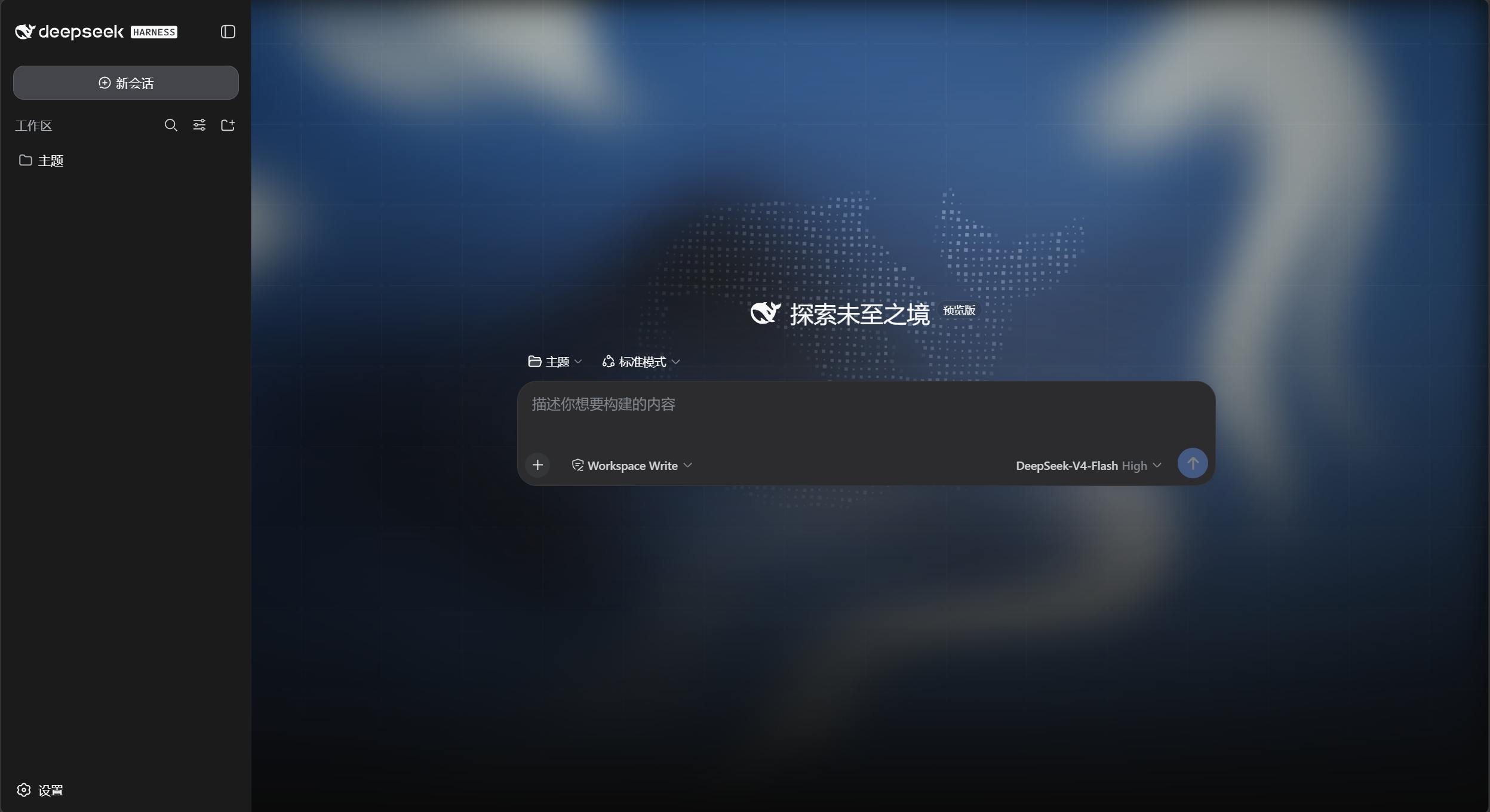
dsh-homepage-skin
Run the following command in DeepSeek Harness:
dsh plugin install yushi-xxh/dsh-homepage-skin
Paste the following prompt into your AI chat to install this plugin:
To install this plugin in DeepSeek Harness, please run the installation command dsh plugin install yushi-xxh/dsh-homepage-skin. Source: https://github.com/yushi-xxh/dsh-homepage-skin
About this plugin
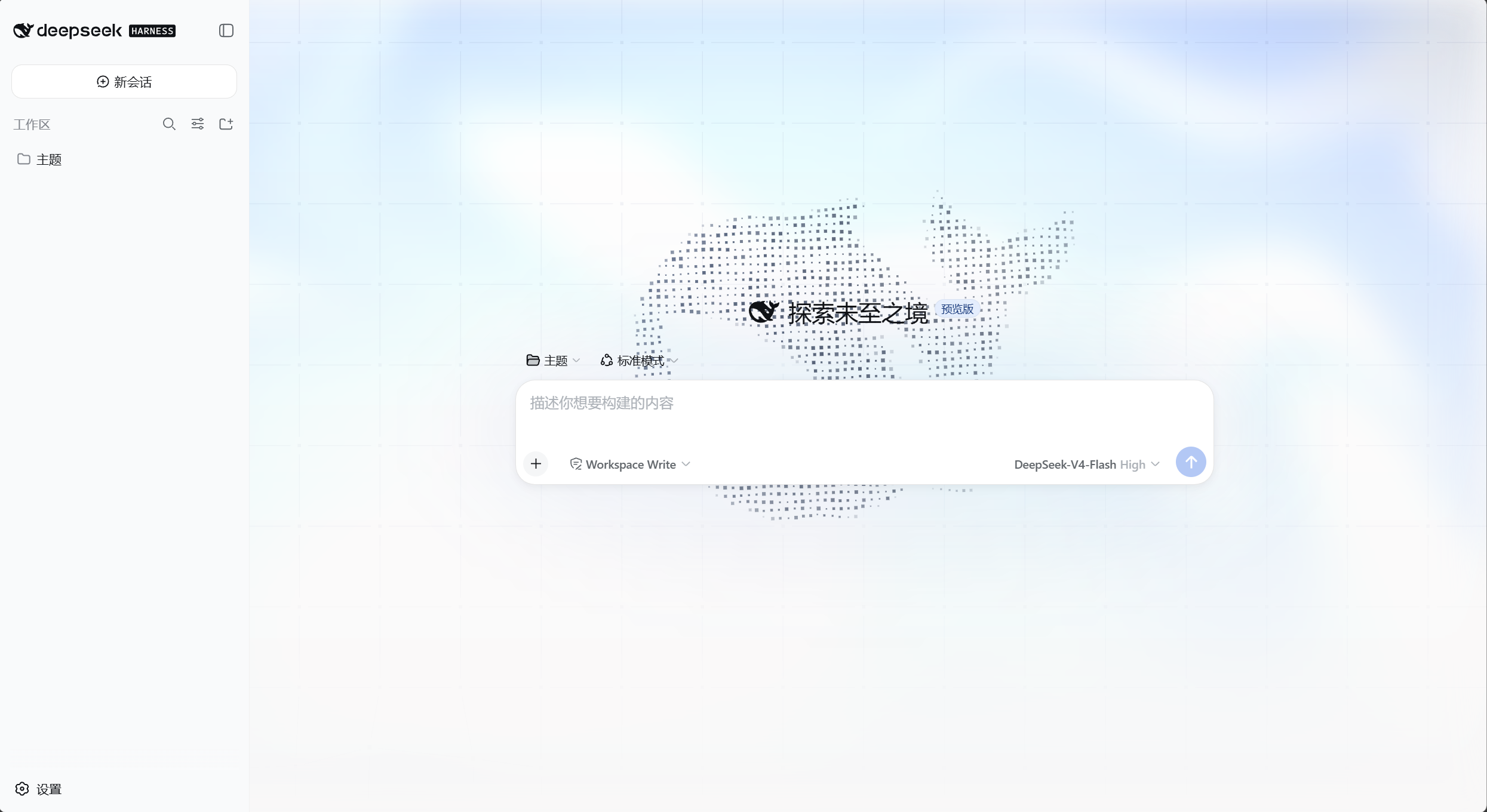
Are you tired of the plain solid background in DSH? This plugin instantly upgrades your interface by replicating the stunning visuals of the DeepSeek official homepage. Using WebGL technology, it renders a dynamic digital canvas behind your chat area, featuring flowing light effects, a precise dot-and-line grid, and a swimming digital whale, transforming a mundane dialogue window into a living artwork. Beyond visual fidelity, the plugin is thoughtfully adapted for both dark and light themes. It retains the homepage's deep ocean blue for dark mode and offers a crisp light fluid variant for light mode. The sidebar features a semi-transparent glass texture that enhances aesthetics without cluttering the view, maintaining the original layout logic to ensure readability. This tool is perfect for developers and users who seek an immersive Web experience or enjoy personalizing their digital workspace. It includes responsive design that automatically optimizes complex elements on mobile devices, ensuring everyone can enjoy a seamless visual feast without compromising performance.
Screenshots
Use Cases
- Want to give the DSH chat interface a more textured background.
- Like the fluid light effects and whale animations from the DeepSeek homepage.
- Want a more immersive deep ocean blue experience in dark mode.
Best For
- Web developers pursuing ultimate UI aesthetics.
- Heavy users of DeepSeek Harness.
- Geeks who enjoy customizing tool interfaces.
Related Plugins

whale-girl is a desktop pet in the DSH Web GUI (bottom-right for instant companionship) — draggable, feedable, playable; completed tasks, sessions and companionship time accrue into seniority levels, titles, and memories.

A WebGPU ocean skin for DeepSeek Harness with five-wave Gerstner waves, translucent theme, day/night cycle, and quick controls, installable as plugin or extension.

A Galgame-style conversation view and visual scene editor for DSH web sessions, with a real-time editing mode.

A native skinning plugin for DeepSeek Harness: 8 designer themes, wallpapers, accent colors, and shareable theme packs, built purely on design tokens.