dsh-notify-bell
Run the following command in DeepSeek Harness:
dsh plugin install ZYar-er/dsh-notify-bell
Paste the following prompt into your AI chat to install this plugin:
To install the dsh-notify-bell plugin in DeepSeek Harness, run the command: dsh plugin install ZYar-er/dsh-notify-bell, or visit https://github.com/ZYar-er/dsh-notify-bell to install from source.
About this plugin
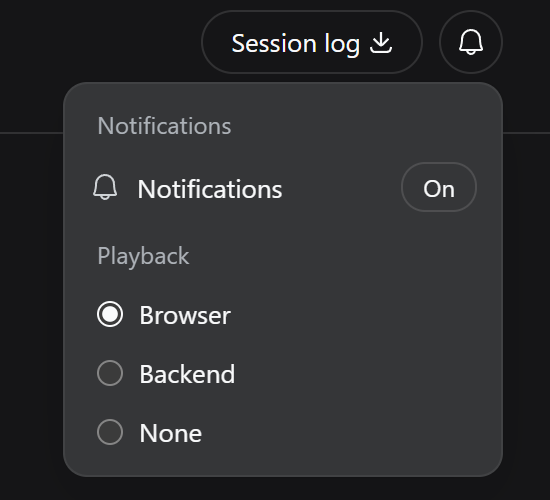
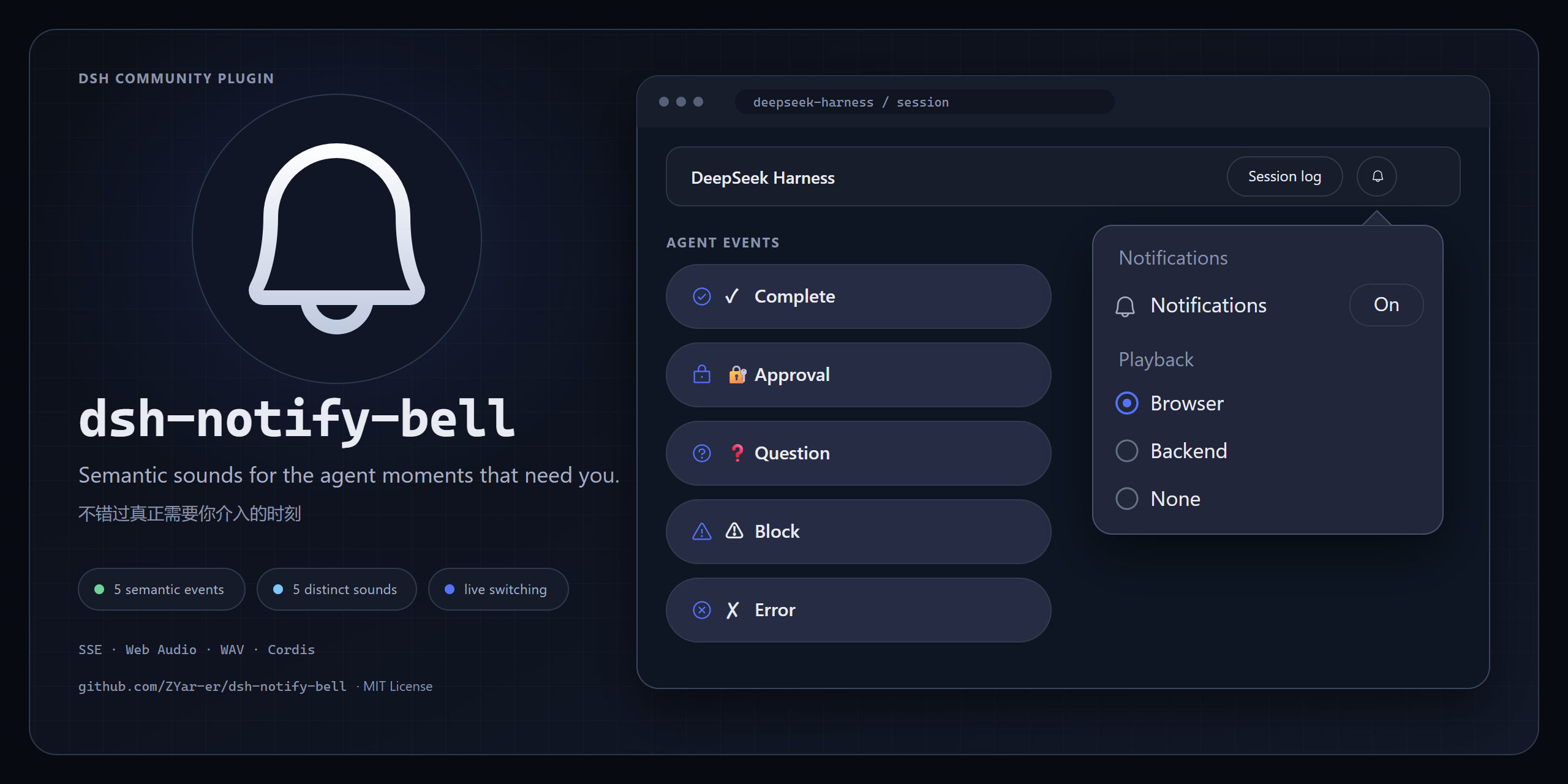
When using DeepSeek Harness (DSH) for multitasking, notifications often rely on monotonous beeps, making it difficult to distinguish whether an agent has completed a task, requires approval, or encountered an error. This can lead to distractions or missed critical status changes. The dsh-notify-bell plugin introduces semantic sounds, assigning unique audio identities to specific agent events. Whether it is a completion, approval request, question, blockage, or error, each state is signaled by a distinct sound, allowing users to accurately capture important moments without staring at the screen. This plugin is ideal for developers and researchers who need to run agent tasks for extended periods. Supporting both browser and backend playback modes, it offers immediate feedback within the Web UI while also alerting users via system speakers when running in the background, significantly enhancing multitasking efficiency.
Screenshots
Use Cases
- Hear a success chime when the agent completes a task.
- Get an urgent alert when a tool operation requires human confirmation.
- Stay aware of agent status changes while browsing other web pages.
Best For
- Heavy users of DeepSeek Harness.
- Developers needing to run agents for extended periods.
- Researchers conducting multi-task experiments.
Related Plugins
A service-oriented sidebar framework for DSH, offering a full workbench with file explorer, embedded browser, real terminal, Git panel, and extensible plugin services.

A beautiful, practical Claude Code-style TUI plugin with pixel whale top bar, flowing glow title, real-time status line, streaming thought expansion, time rewind, context progress bar and TPS gauge — zero core changes.

The plugin market for DeepSeek Harness: browse/search/one-click install community plugins and themes, with updates, backup/restore, hot disable, diagnostics, and AI fix.

A persistent whale widget on the DSH web UI that shows DeepSeek balance, today's usage, and per-turn cost, with drag-and-snap and sound effects.