dsh-permissions
Run the following command in DeepSeek Harness:
dsh plugin install 940842546/dsh-permissions
Paste the following prompt into your AI chat to install this plugin:
To install this plugin in DeepSeek Harness, execute `dsh plugin install 940842546/dsh-permissions` or visit the source repository at https://github.com/940842546/dsh-permissions.
About this plugin
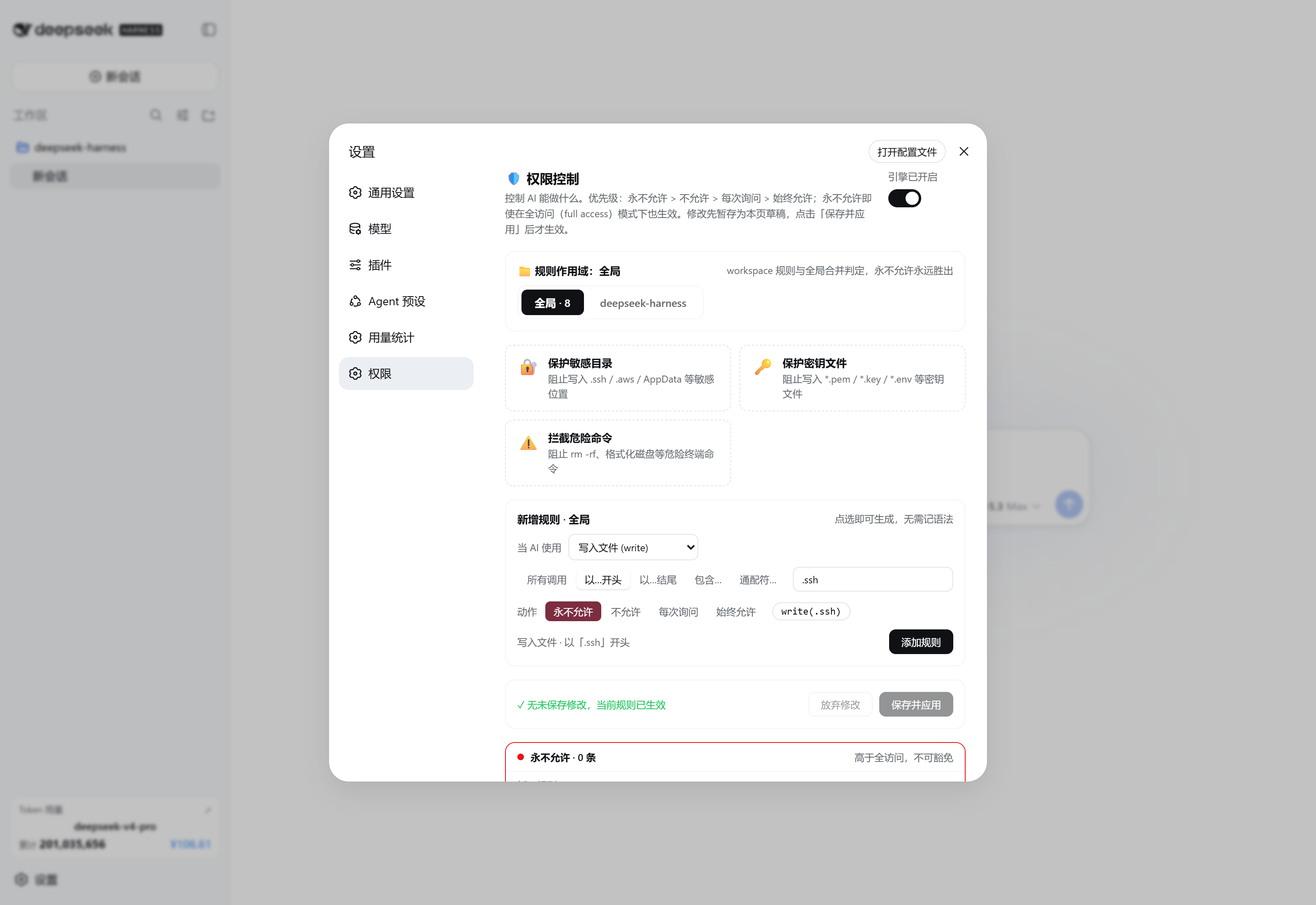
While DeepSeek Harness empowers developers with powerful tools, its default open policies can pose security risks when handling sensitive files or system commands. The lack of fine-grained access control mechanisms may lead to AI misoperations or accidental data leakage. dsh-permissions is a Claude Code-style permission rule engine designed specifically for DeepSeek Harness. It introduces a four-tier priority system and strict wildcard matching, supporting both global and workspace-specific rules. Whether protecting SSH keys, AWS credentials, or blocking dangerous commands, everything can be easily configured via an intuitive visual editor. This plugin is ideal for teams and individual developers who need to deploy AI assistants in production environments safely, using staged editing and real-time previews to ensure policies are applied securely.
Screenshots
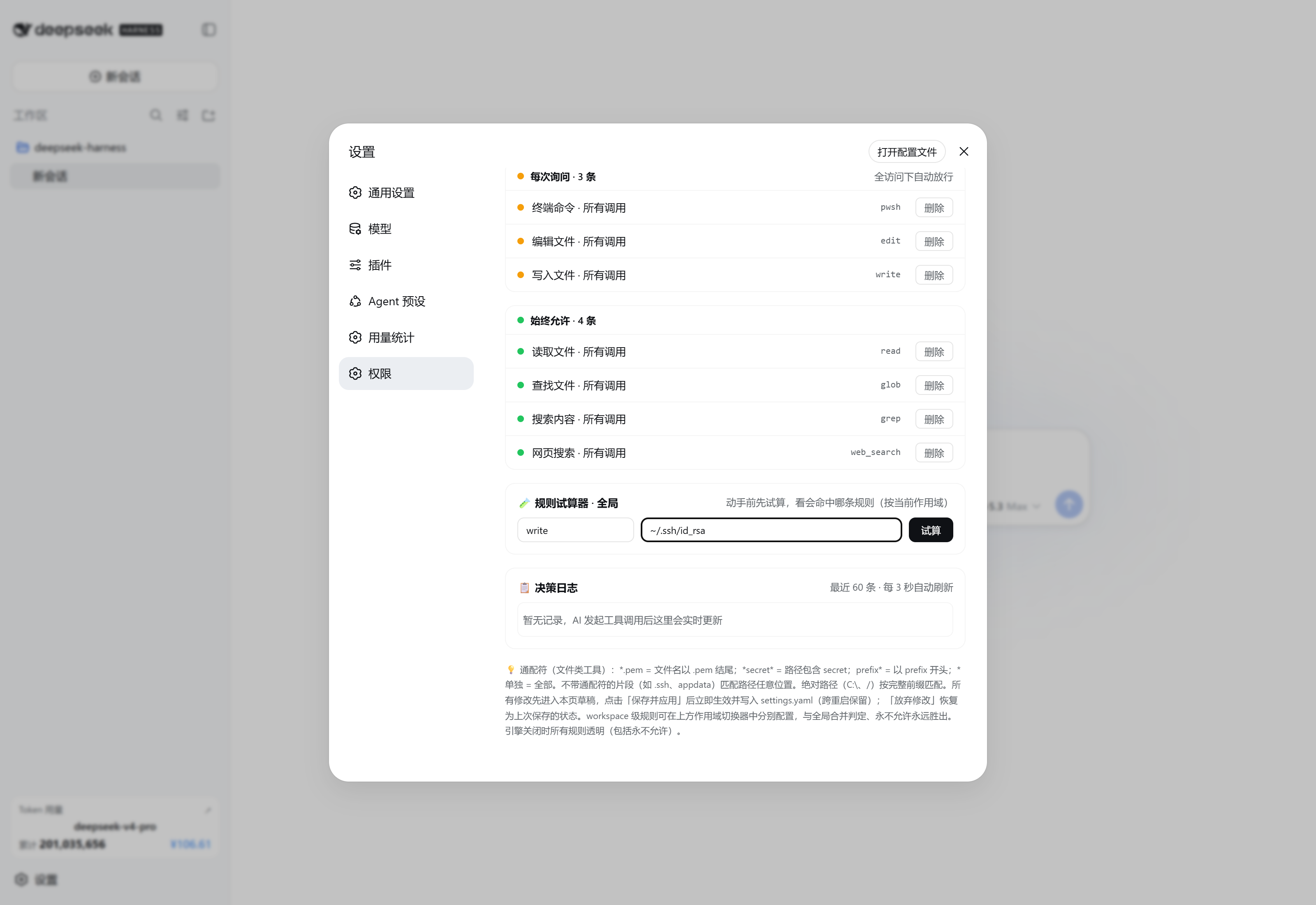
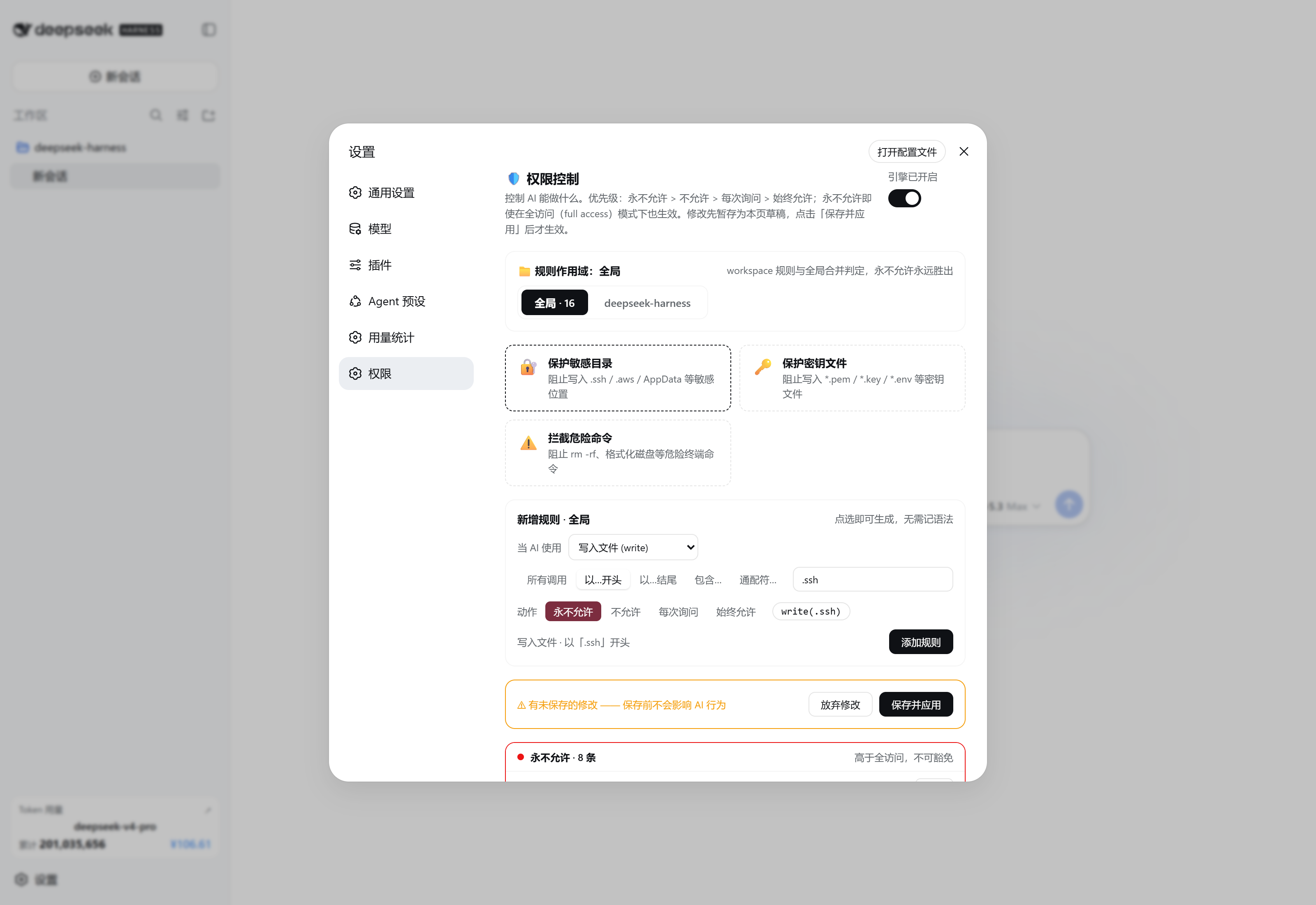
Use Cases
- Prevent AI from reading sensitive SSH private keys or API keys.
- Intercept destructive commands like rm -rf to protect the system.
- Set fine-grained file access permissions for different workspaces.
Best For
- Security-conscious developers and DevOps engineers.
- Enterprise AI assistant deployment administrators.
- Architects who need strict control over AI behavior.
Related Plugins
A service-oriented sidebar framework for DSH, offering a full workbench with file explorer, embedded browser, real terminal, Git panel, and extensible plugin services.

A beautiful, practical Claude Code-style TUI plugin with pixel whale top bar, flowing glow title, real-time status line, streaming thought expansion, time rewind, context progress bar and TPS gauge — zero core changes.

The plugin market for DeepSeek Harness: browse/search/one-click install community plugins and themes, with updates, backup/restore, hot disable, diagnostics, and AI fix.

A persistent whale widget on the DSH web UI that shows DeepSeek balance, today's usage, and per-turn cost, with drag-and-snap and sound effects.