dsh-image-skin
Run the following command in DeepSeek Harness:
dsh plugin install Jack-sun-learner/dsh-image-skin
Paste the following prompt into your AI chat to install this plugin:
In DeepSeek Harness, use the following command to install the plugin: dsh plugin install Jack-sun-learner/dsh-image-skin. Source: https://github.com/Jack-sun-learner/dsh-image-skin
About this plugin
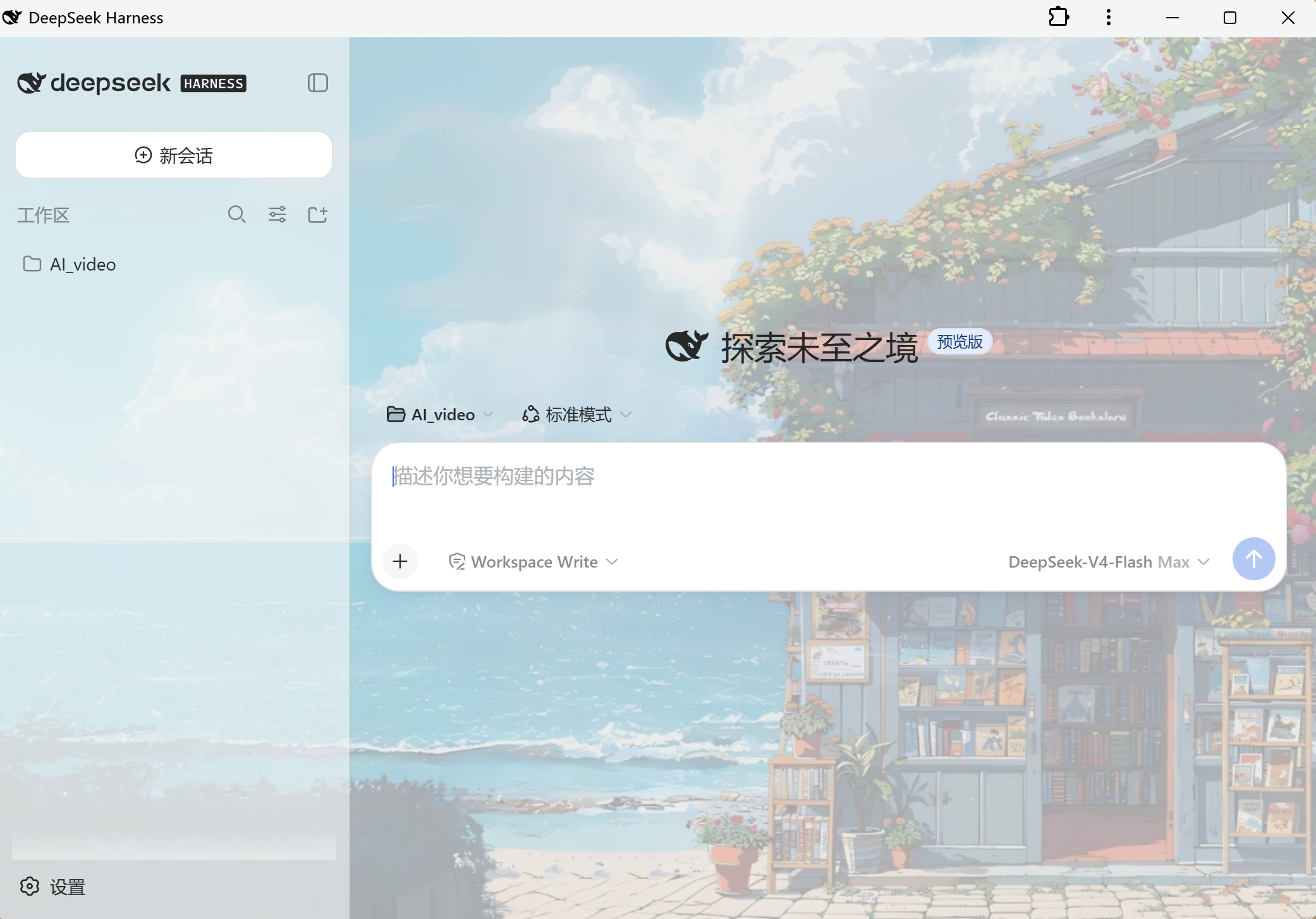
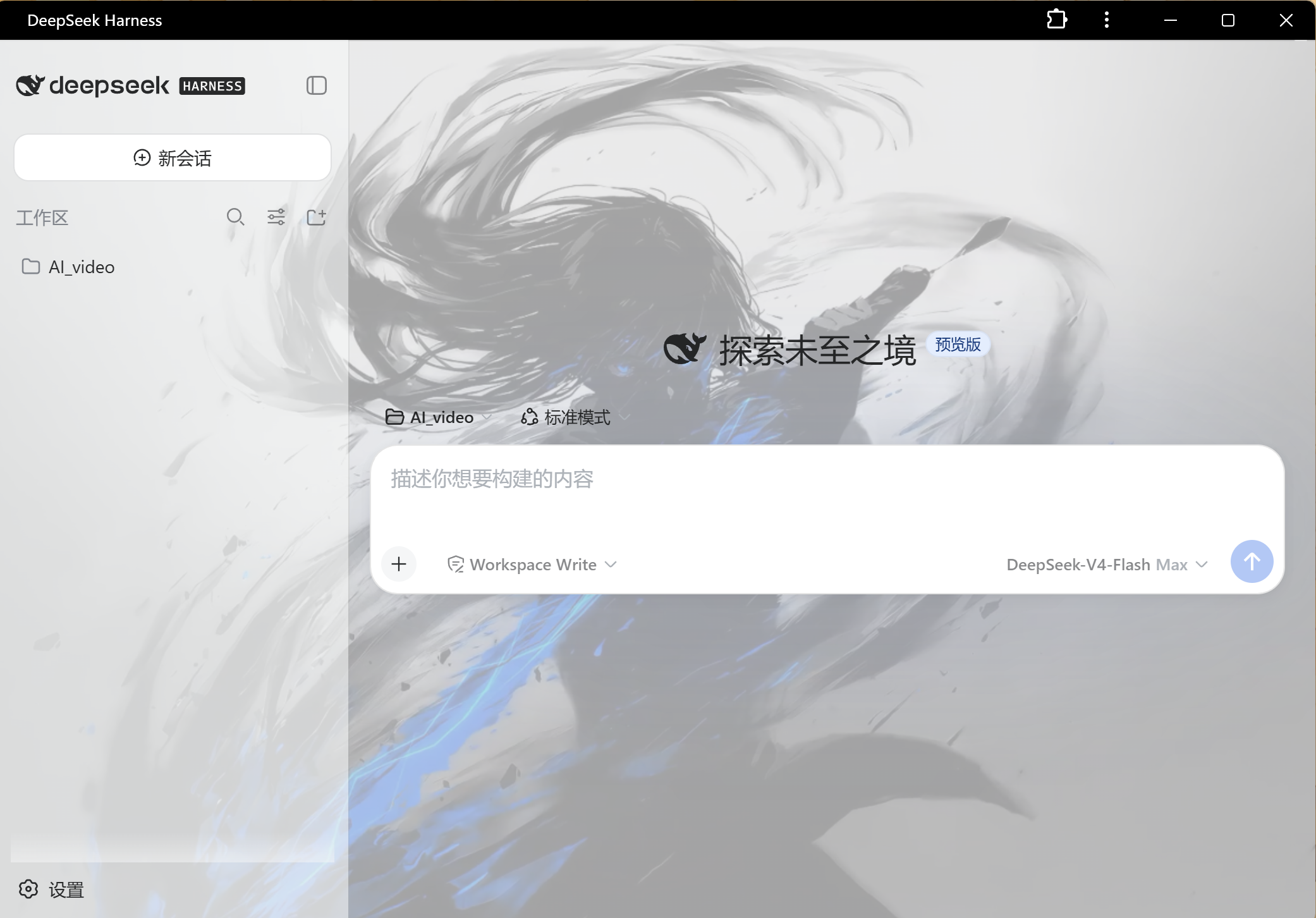
Tired of a plain browser interface? Wish you could personalize your workspace without digging into code? This plugin solves that with its "Image Skin" feature. Simply upload a photo, and the system uses k-means clustering to extract the dominant colors, instantly generating a complete UI theme that matches your image style perfectly. Beyond visual customization, it introduces a fun "Desktop Pet" that lives independently outside the browser. With 5 preset avatars like cats, rabbits, and whales, the pet greets you, hides when idle, and even enters a "thinking" state while you work. All graphics are generated in real-time via GDI+, requiring no extra downloads. Whether you are a customization enthusiast or someone who just loves cute companions, this tool is for you. The pet supports drag-and-drop positioning and remembers its location after restarts. With zero external dependencies, you can enjoy a personalized, immersive desktop environment without sacrificing performance or system stability.
Screenshots
Use Cases
- Want to create a unique browser workspace
- Love having a cute virtual companion
- Need to automatically generate UI colors from images
Best For
- Geeks and interface customization enthusiasts
- Casual users who love cute things
- Productivity workers seeking visual comfort
Related Plugins

whale-girl is a desktop pet in the DSH Web GUI (bottom-right for instant companionship) — draggable, feedable, playable; completed tasks, sessions and companionship time accrue into seniority levels, titles, and memories.

A WebGPU ocean skin for DeepSeek Harness with five-wave Gerstner waves, translucent theme, day/night cycle, and quick controls, installable as plugin or extension.

A Galgame-style conversation view and visual scene editor for DSH web sessions, with a real-time editing mode.

A native skinning plugin for DeepSeek Harness: 8 designer themes, wallpapers, accent colors, and shareable theme packs, built purely on design tokens.