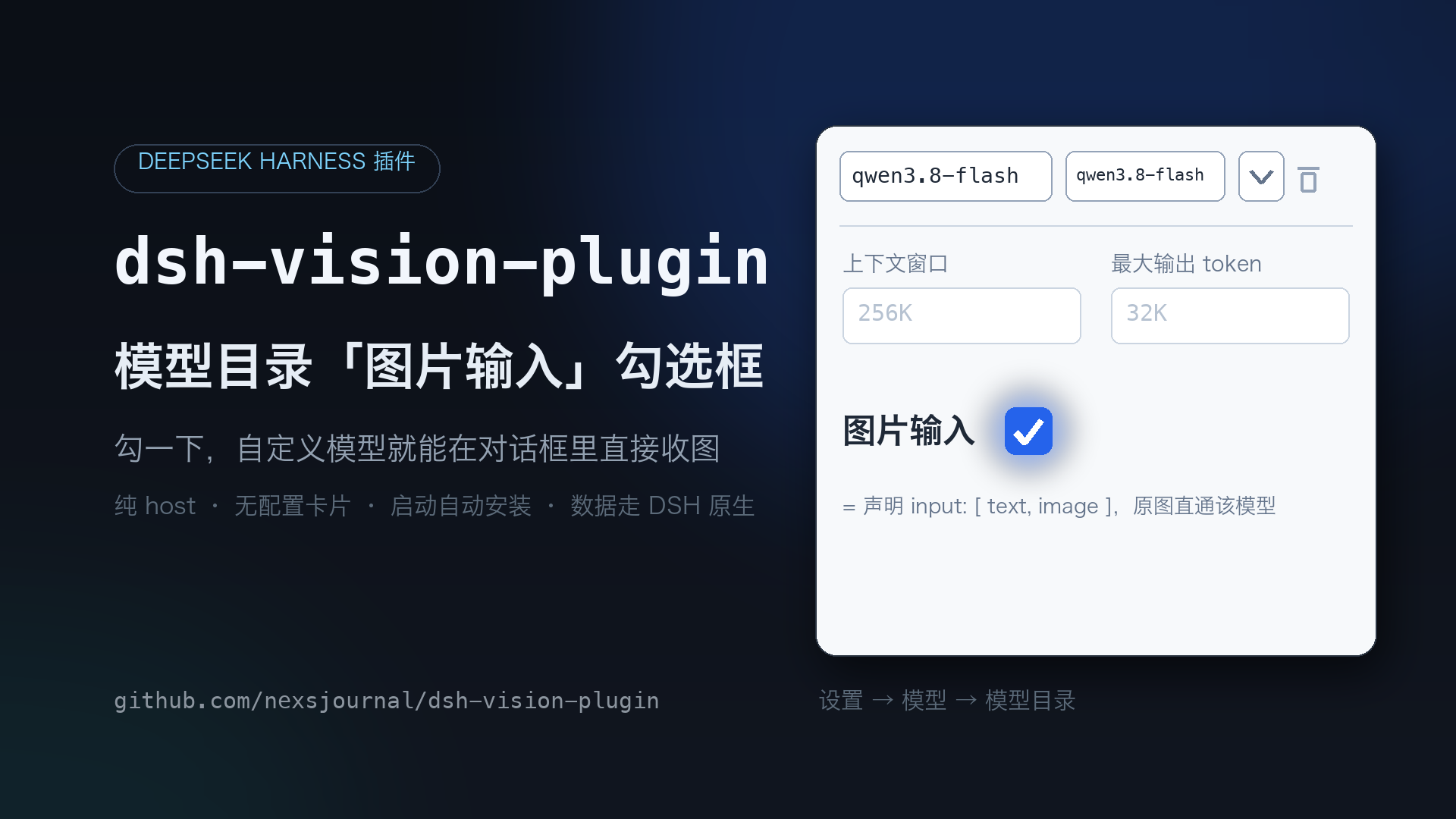
dsh-vision-plugin
Run the following command in DeepSeek Harness:
dsh plugin install nexsjournal/dsh-vision-plugin
Paste the following prompt into your AI chat to install this plugin:
在 DeepSeek Harness 中运行 `dsh plugin install nexsjournal/dsh-vision-plugin` 以安装此插件。. Source: https://github.com/nexsjournal/dsh-vision-plugin
About this plugin
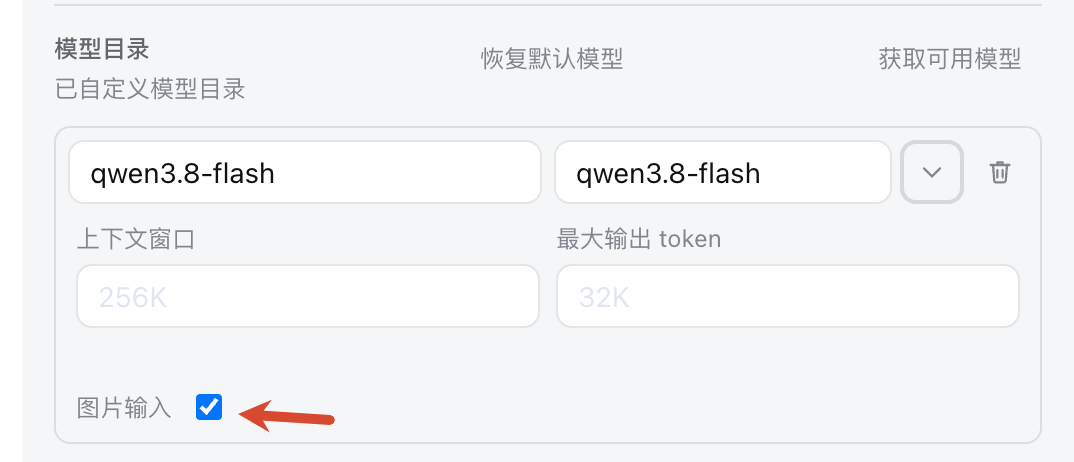
While DSH's backend natively supports declaring image inputs for custom models, the official UI lacks a way to expose this setting, forcing users to manually edit configuration files. The dsh-vision-plugin bridges this usability gap by injecting a "Image Input" checkbox directly into the Model Directory settings via a lightweight patch. This allows users to declare the necessary modalities without touching code, making visual capabilities easily accessible.
Built as a pure host plugin, it prioritizes stability and native integration. Your settings are saved directly into DSH's native configuration, ensuring that data remains persistent even after the plugin is disabled or uninstalled. The patching process is idempotent and safe; it will not corrupt files or break when DSH updates, providing a reliable way to manage model capabilities.
This tool is an essential companion for users configuring custom routes in DSH who want to leverage image generation or analysis. By removing the friction of manual configuration, it enables a seamless workflow where you can simply select your model and send images directly, unlocking visual capabilities for your custom endpoints effortlessly.
Screenshots
Use Cases
- Enable custom models to directly receive images.
- Declare visual modalities via checkboxes in model settings.
- Seamlessly use custom endpoints to process images in DSH chat.
Best For
- Users configuring custom routes who want to support image input.
- DSH administrators needing a more intuitive way to configure model visual capabilities.
- Developers deploying local custom models with specific visual functions.
Related Plugins
A service-oriented sidebar framework for DSH, offering a full workbench with file explorer, embedded browser, real terminal, Git panel, and extensible plugin services.

A beautiful, practical Claude Code-style TUI plugin with pixel whale top bar, flowing glow title, real-time status line, streaming thought expansion, time rewind, context progress bar and TPS gauge — zero core changes.

The plugin market for DeepSeek Harness: browse/search/one-click install community plugins and themes, with updates, backup/restore, hot disable, diagnostics, and AI fix.

A persistent whale widget on the DSH web UI that shows DeepSeek balance, today's usage, and per-turn cost, with drag-and-snap and sound effects.